Handheld Ordering Hardware for Tableside Service, Queue Busting, and Floor Coverage.
We provide handheld ordering devices, mobile POS terminals, pocket printers, and handheld PDAs for restaurant floors, cafes, bars, and quick-service counters. Order taking, kitchen transmission, tableside settlement, and floor coverage work with an existing POS or ordering platform — we match the hardware layer to the service style already in place.
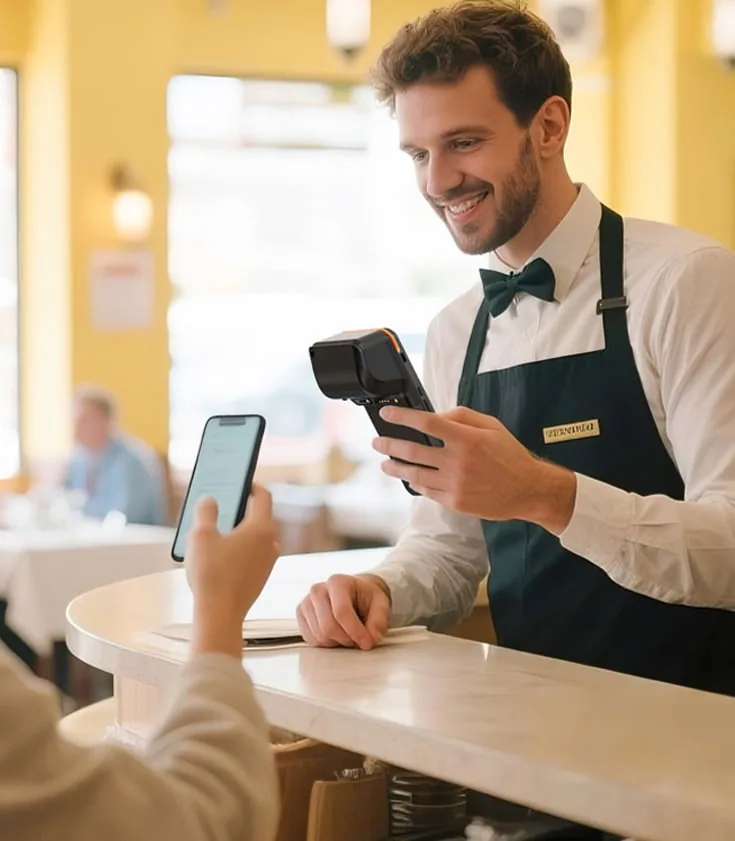
Handheld Ordering Fails at Peak Hour for Hardware Reasons.
Order taking is limited by the device, not by the software running on it. When the wrong format goes out, staff return to the counter to re-enter orders, tickets print twice, and table status stops matching the floor.
Walking Back to the Terminal
Staff write orders on paper and re-enter them at the counter when no device is available on the floor. Kitchen tickets arrive later than the table expects.
One Hand Not Free
Order taking happens while carrying plates, opening doors, or clearing tables. Staff set down a two-handed device and pick it up again at every table.
Wi-Fi Dead Spots on the Floor
Coverage planning stops at the counter, never reaching the terrace, the back room, or the second floor. Orders fail to send exactly where the floor is busiest.
Tickets Printed Twice
Staff enter order data on the handheld and again at the POS when the two are not connected. Duplicate tickets slow the kitchen and confuse the pass.
Devices That Do Not Survive a Shift
Consumer hardware is not built for drops, spills, greasy hands, or a full service. Replacement units become a monthly cost instead of a one-time purchase.
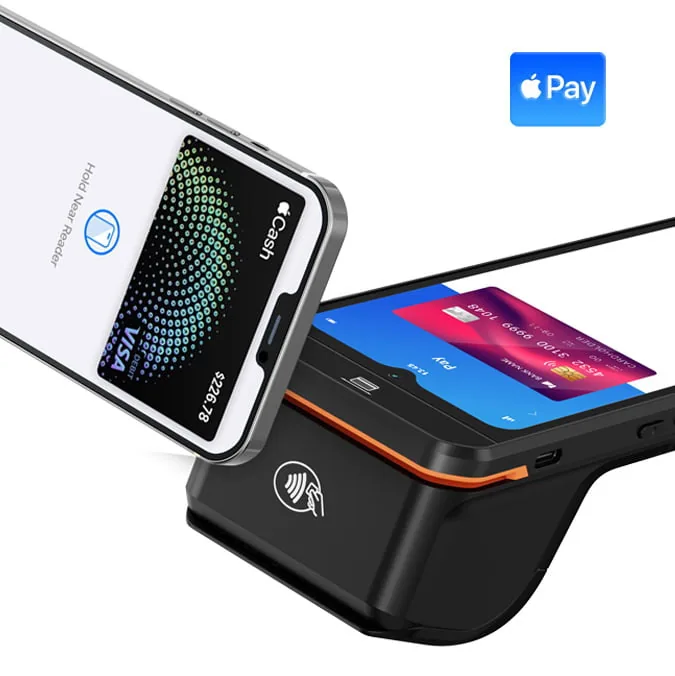
One Service Round Has Three Hardware Moments: Order, Send, and Settle.
Every handheld deployment on a restaurant floor passes through the same three points. Each point has a different hardware requirement, and a device chosen for one point is often wrong for the next.
The Order Moment
Staff capture items, modifiers, and table numbers right where the guest is standing. One-handed operation and a readable screen under dining-room light are the requirements.
View Hardware →The Send Moment
The order has to reach the kitchen, the bar, or the KDS without a stop at the counter. The wireless link and the printer or display already installed decide this.
View Hardware →The Settle Moment
Staff close the bill at the table the moment the guest is ready. This requires a terminal with a payment reader, or a handheld paired with a portable printer.
View Hardware →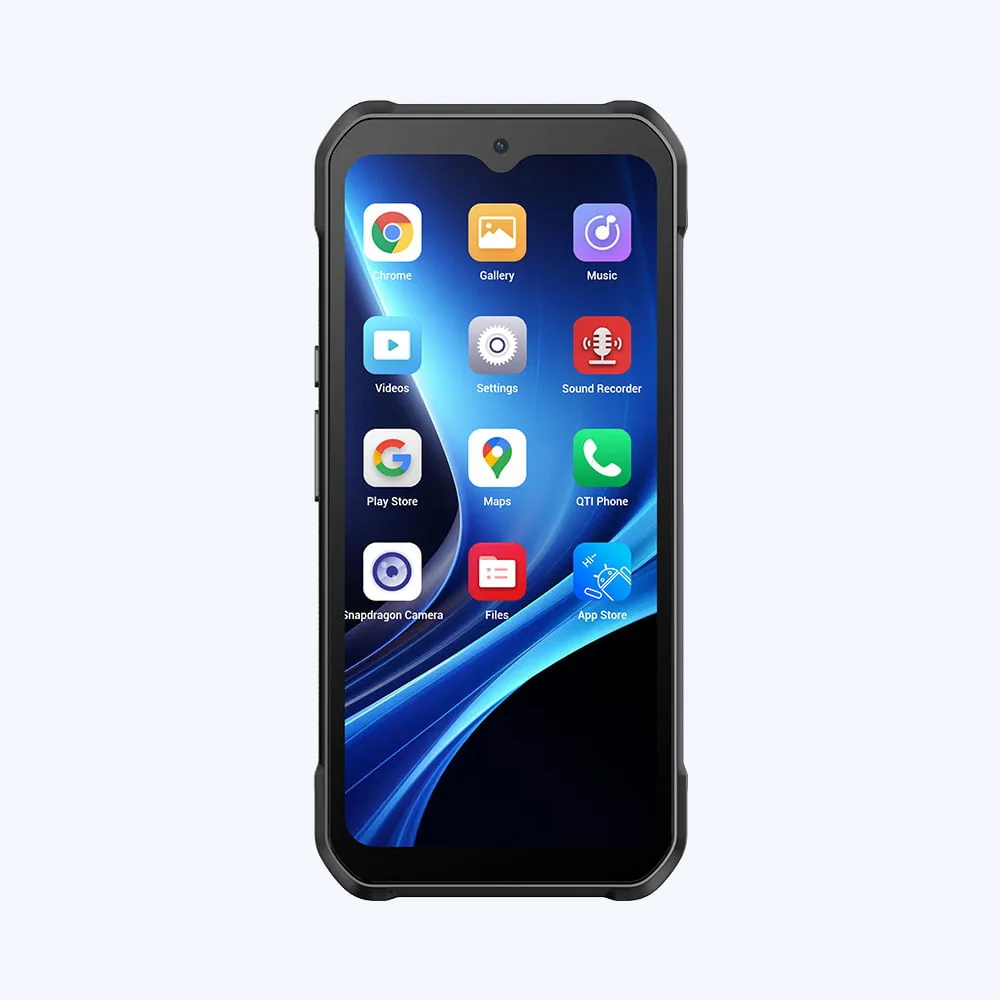
Order-Taking at the Table Needs One-Handed Operation.
A handheld ordering system for restaurants is only as fast as the device the server is holding, so we pick the ordering device around the way staff actually move through the room, not around screen size.
Pocket-Size Order Taking Devices
Staff hold compact handhelds in one hand and work them with the thumb, so nothing has to be put down between tables. A dedicated keypad wins where the floor is busy and staff check the screen in short glances.
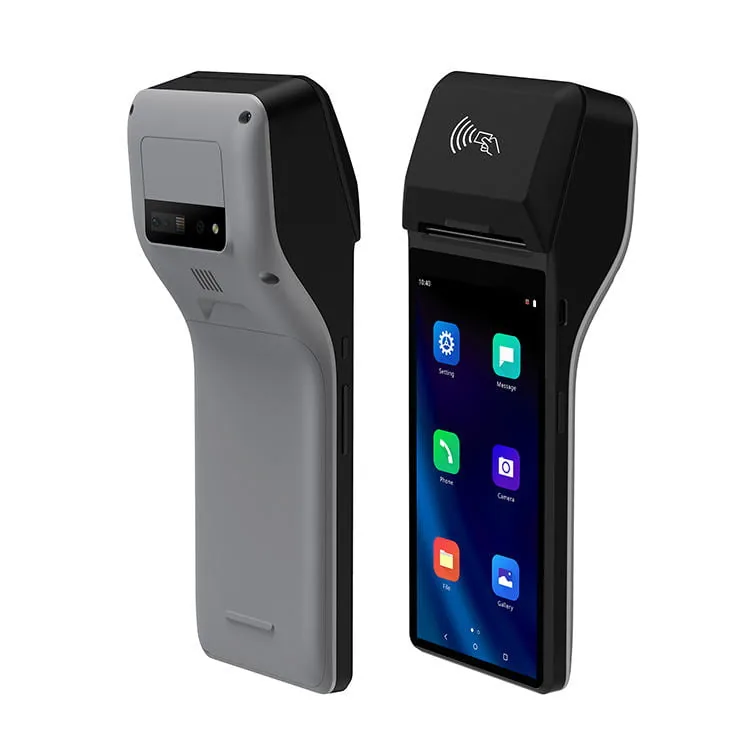
Handheld POS Terminals
We pick a full handheld POS terminal when one device has to take the order, show the menu, and accept the payment. It carries a larger screen and a wider feature set.
Protective Cases and Holsters
Staff carry these devices for a whole shift. We specify holsters, bumpers, and hand straps per service style so that the device survives a full roster rather than a single service.
Read our guide on how to compare handheld POS terminal formats.
Queue Busting Moves the Counter to the Guest.
Queue busting uses the same hardware as tableside ordering under worse conditions: standing guests, no surface to rest on, and a peak load that leaves no time for a second attempt. Battery and wireless behavior decide whether the line keeps moving.
Standing Operation
Staff take orders with the guest standing opposite. A device you can hold and confirm in one motion shortens each transaction in the line.
Battery That Covers the Peak
We specify swap-in batteries or dock charging so a full peak service runs without a device leaving the floor. We place charging docks where shifts change rather than at the counter.
Wireless Coverage Along the Queue
We check coverage along the queue path, at the door, and at the entrance area. A device that reconnects slowly turns a two-minute transaction into a four-minute one.
Hardware checks before a peak season rollout:
- — Battery runtime under continuous ordering
- — Coverage measured where the queue stands, not at the counter
- — Spare device available for swap during service
- — Printer reachable from the queue area
Order-to-Kitchen Transmission Depends on the Hardware Link.
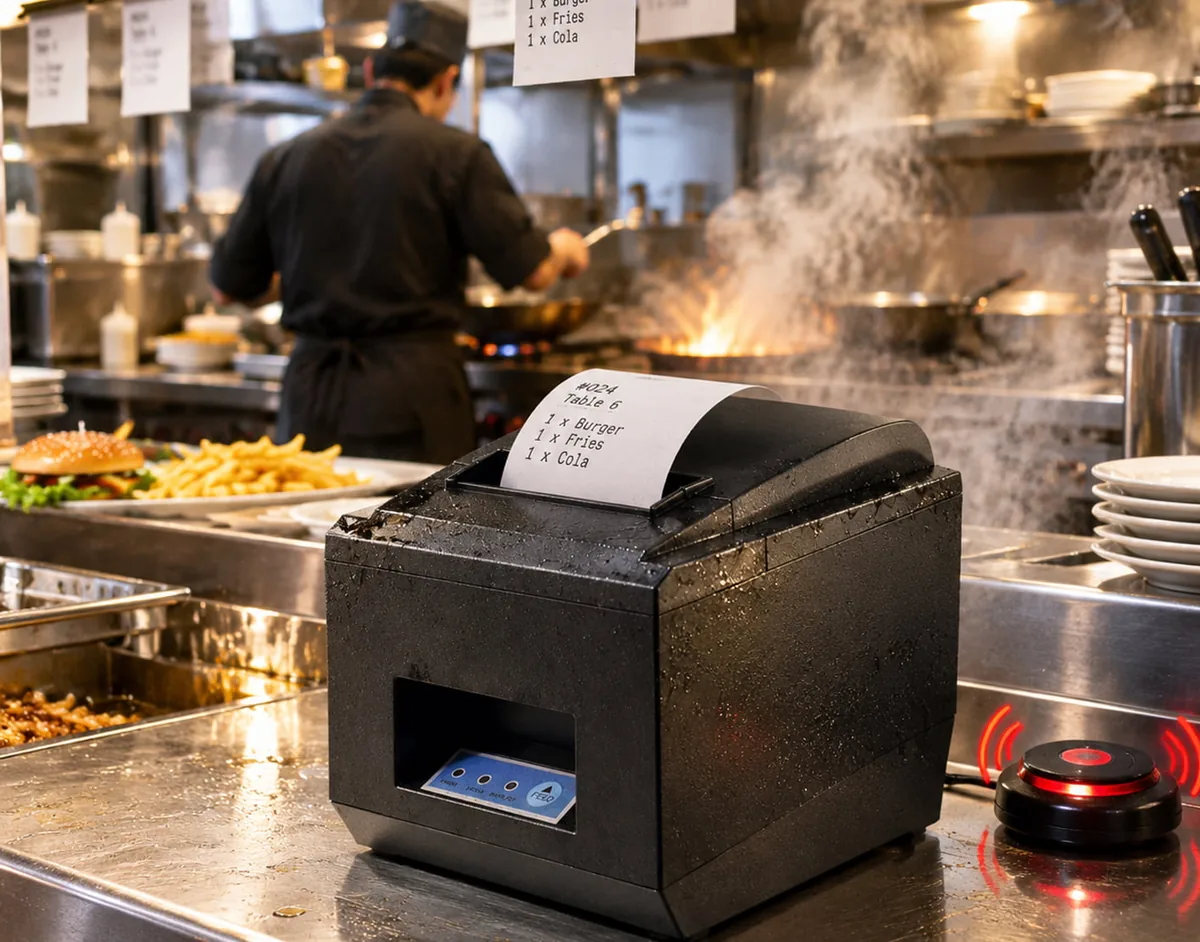
The software decides what the ticket says. The hardware decides whether it arrives. Wireless coverage, the printer interface, and the KDS connection are the three points where orders are lost.
Wireless Printers on the Floor
We place the receipt or ticket printer where the kitchen or bar needs it. We match paper width, interface, and mounting to the positions already installed.
KDS Connectivity
Where a kitchen display is used, we verify the handheld path to the display instead of assuming it. Order data reaches the screen without passing through the counter terminal.
Keeping the POS in the Loop
We connect existing POS and ordering platforms rather than replacing them. We configure handhelds to write into the platform already in use, so table status stays correct.
Integrates with restaurant POS hardware.
Tableside Settlement Requires a Terminal, Not Just a Screen.
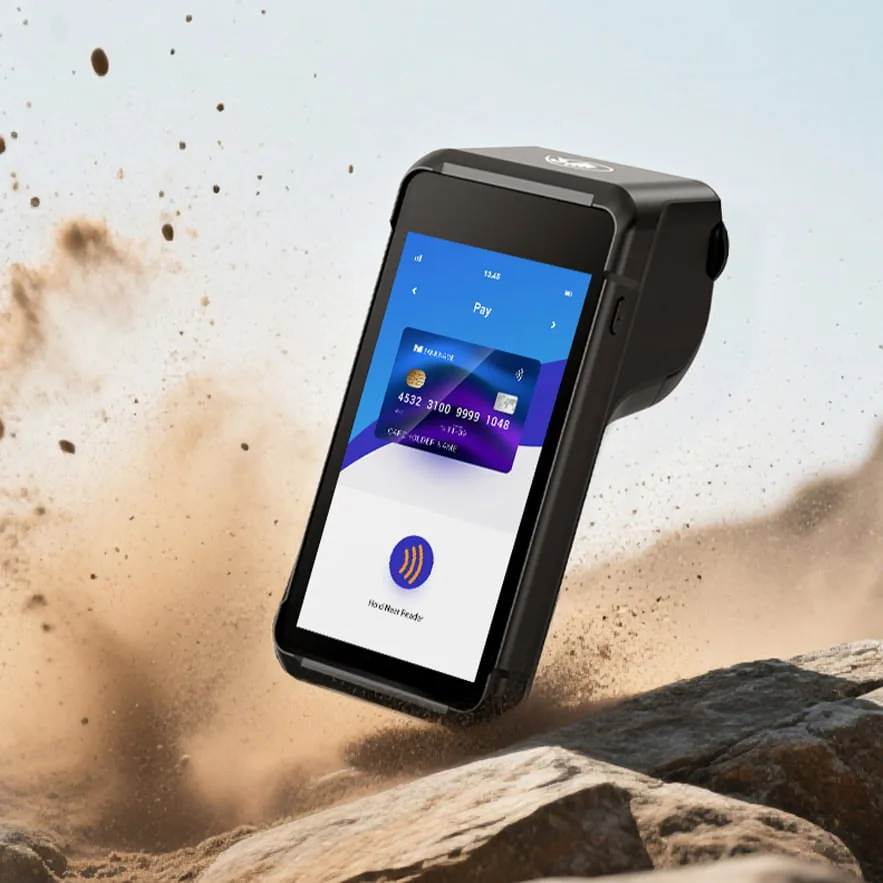
Closing the bill at the table needs hardware that can read a card and produce a receipt. Two configurations cover most floor layouts, and we pick both around the payment setup the venue already has.
Terminals with an Integrated Reader
We pick a handheld POS terminal with a built-in contactless reader when one device takes the order and closes the bill. The hardware interface sets how cards are entered, and the acquiring relationship stays with the venue's provider. View hardware quality documentation.
Handheld Plus Portable Printer
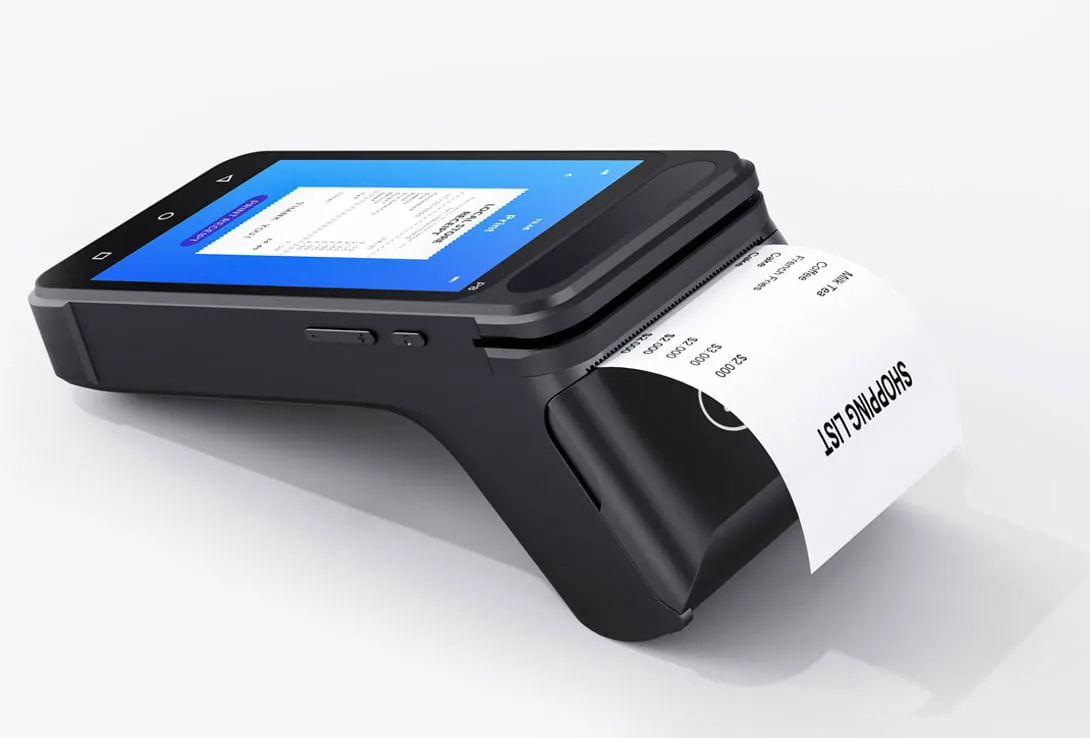
Where payment stays on a separate terminal, a handheld paired with a portable printer covers the order, the bill, and the receipt without a return to the counter.
Split Bills and Tips at the Table
Staff split bills, add tips, and reprint receipts on the device, so the table is released as soon as the guest is ready instead of after a walk to the counter.
Device Format Follows the Service Style, Not the Other Way Around.
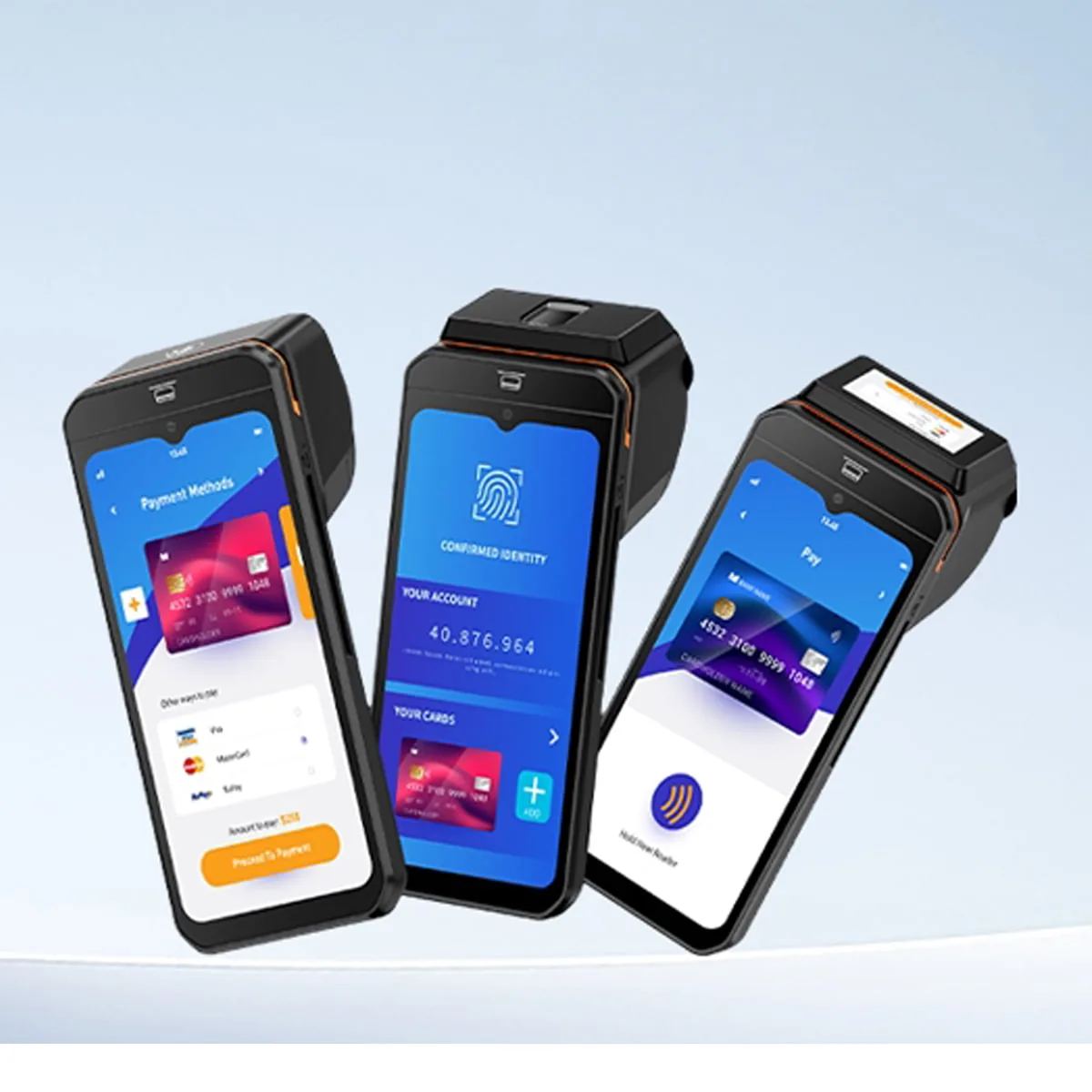
We supply handheld ordering devices for restaurants in four working formats. We choose the format from the service style and the operating environment, not from the specification sheet.
| Format | How It Is Used | Best For | Where It Stops Working |
|---|---|---|---|
| Pocket-Size Handheld | Held in one hand with thumb operation; order only | Café counters, bars, high-volume table service | Screens too small for menu browsing or payment |
| Handheld POS Terminal | Order, menu, payment on one device | Full-service restaurants, tableside settlement See Android mobile POS terminal models |
Larger and heavier than a pocket device |
| Handheld PDA | Inventory counts, receiving, stock checks | Back-of-house, stockroom, delivery intake See rugged handheld PDA and mobile computer line |
Not designed for guest-facing ordering |
| Handheld Plus Portable Printer | Order on the device, receipt from a paired printer | Venues that keep payment on a separate terminal | Two devices to charge and manage per shift |
Formats can be mixed across one venue. Venues often pair a pocket device with a handheld POS terminal for the manager, and add a PDA for stock work.
Test Handheld Fleets Before You Scale Them.
Anyone can make a single device work in a demo. A fleet has to work across coverage, shift changes, charging, and software updates. That is why we run pilots before full rollouts.
Floor Coverage Check
We measure coverage at the positions where orders are actually taken — terrace, upper floor, back room — before deciding device count.
Pilot Device Testing
You deploy one or two units for a full service cycle. We watch battery behavior, screen readability, and wireless handoff under real load.
Software Configuration
We prepare apps, language settings, network profiles, and the connection to the existing POS or ordering platform before shipment.
Fleet Rollout and Spares
We plan charging docks, holsters, batteries, and spare units per venue or per chain. We hold replacement parts as a project-based device configuration rather than ordered ad hoc.
Why Restaurant Handheld Projects Run on TillNode.
Restaurant handheld rollouts need a supplier who understands both the hardware and the software environment it has to live in. We supply, configure, and document units as a project rather than as a catalog line.
Handheld Hardware Range
We supply pocket handhelds, handheld POS terminals, PDAs, printers, and charging accessories from one product line, so a mixed-format floor comes from one source.
Existing Platform Friendly
We configure devices against the POS, ordering, or KDS platform already in use rather than requiring a replacement.
Rugged and Service-Ready
We specify housings, holsters, and batteries for full-shift service in food environments, where devices meet spills, heat, and drops.
OEM/ODM Customization
Logo branding, packaging, boot screen, system image, and accessory kits — we prepare it all for distributors and software partners.
Certifications and Quality Documentation
We produce units under ISO 9001:2015 quality management, with CE, FCC, and RoHS documentation prepared per project.
B2B Supply and Spares
We supply fleet quantities, spare units, and multi-venue rollouts as a project, with replacement parts planned alongside the initial deployment.
We build the handheld layer. Your platform keeps running the floor.
Frequently Asked Questions.
What is a handheld ordering device used for in a restaurant?
A handheld ordering device captures orders where the guest is seated or standing, and sends them to the kitchen or bar without a return to the counter. The same device is often used to check table status and close the bill.
Can handhelds work with the POS or ordering software we already use?
Yes. We configure devices against the platform already in use, whether that is a POS system, a dedicated ordering application, or a kitchen display. The handheld writes into the existing platform rather than replacing it.
Should we choose a pocket handheld or a handheld POS terminal?
We pick a pocket handheld where the device is used only for order taking and the bill is closed elsewhere. We pick a handheld POS terminal when one device handles the order, the menu, and the payment. Both formats can run in the same venue. Compare mobile POS terminal formats and specifications.
How many devices does a restaurant need?
Device count follows the service style, the number of covers served per shift, and whether queue busting is used. We run pilots with one or two units before fixing a count for the full floor.
What happens if the wireless connection drops mid-service?
This is addressed before rollout. We measure coverage at the positions where orders are taken, and test device behavior during handoff in the pilot. Where coverage is the constraint, we plan the number and placement of access points as part of the project.
Do you support OEM/ODM handheld projects for distributors and software partners?
Yes. We can prepare logo branding, packaging, boot screen, system image, accessory kits, and project-based device configuration. Units can also be pre-configured with your application before shipment.
Plan Your Handheld Floor with TillNode.
Tell us the service style and the platform you run. We will come back with the formats that fit, the coverage points to check, and a pilot plan.
Start with a pilot device. Scale to every venue.