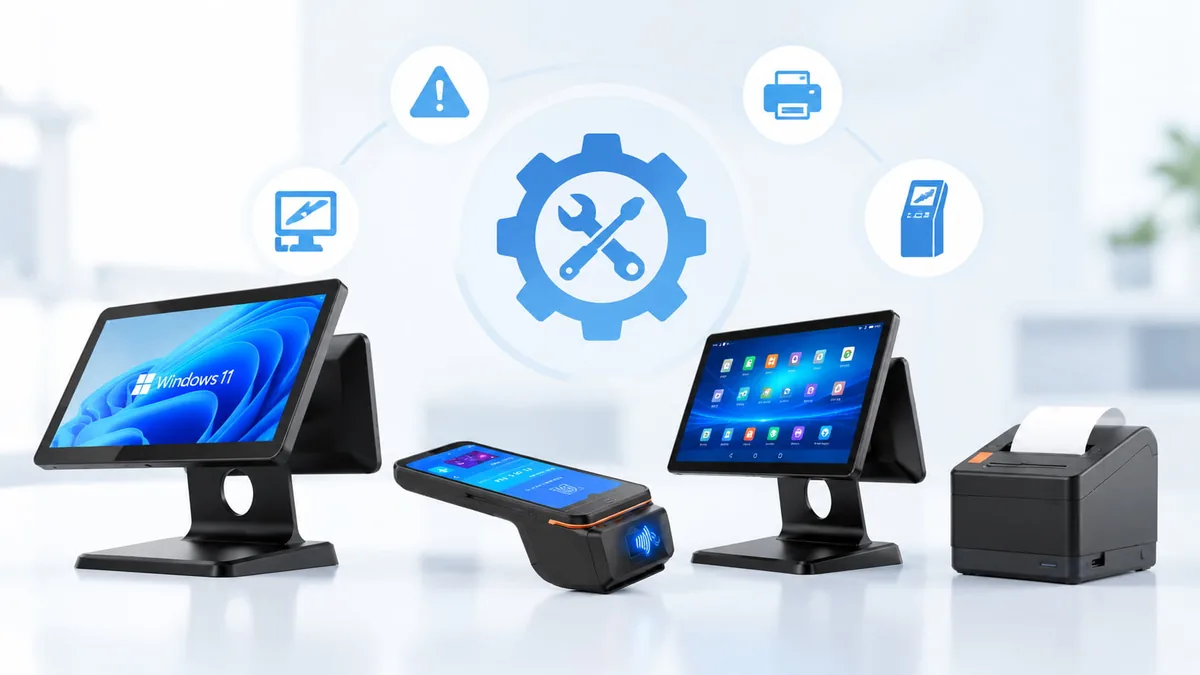
Troubleshooting Guides for Retail POS & Store Hardware.
Practical fault-finding guides are prepared by us for POS terminals, receipt printers, self-service kiosks, barcode scanners, Mini PCs and retail peripherals. Each guide starts from the symptom you can see, works through the layers in order, and tells you clearly when a fault can be fixed on site and when the unit should be replaced.
Covering Key Hardware
Find the Fix for the Fault You're Seeing.
Guides can be reviewed by the hardware that failed, the symptom on screen, or the stage of the diagnosis.
Featured Troubleshooting Guides.
The faults that stop a lane fastest are covered first — with a symptom table, a layered check sequence, and a clear point at which the hardware should be replaced rather than repaired.
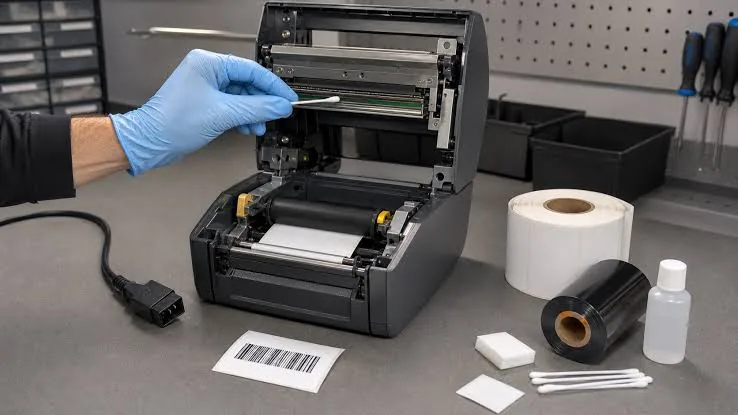
POS Printer Not Printing: Complete Fix Checklist
Power, paper, cable, driver or routing — most receipt printer faults sit in one of five layers. The checklist isolates which one in a few minutes.
Key Points Covered
Power / Paper / Cable / Driver / Routing
Read Guide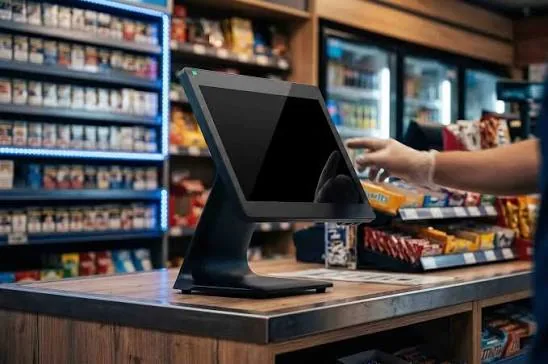
POS Screen Is Black But the Terminal Is On
A black screen with a live power LED is usually a display-path fault, not a dead unit. External-monitor testing separates panel faults from board faults.
Key Points Covered
Power LED / External Display / Reseat / Panel
Read Guide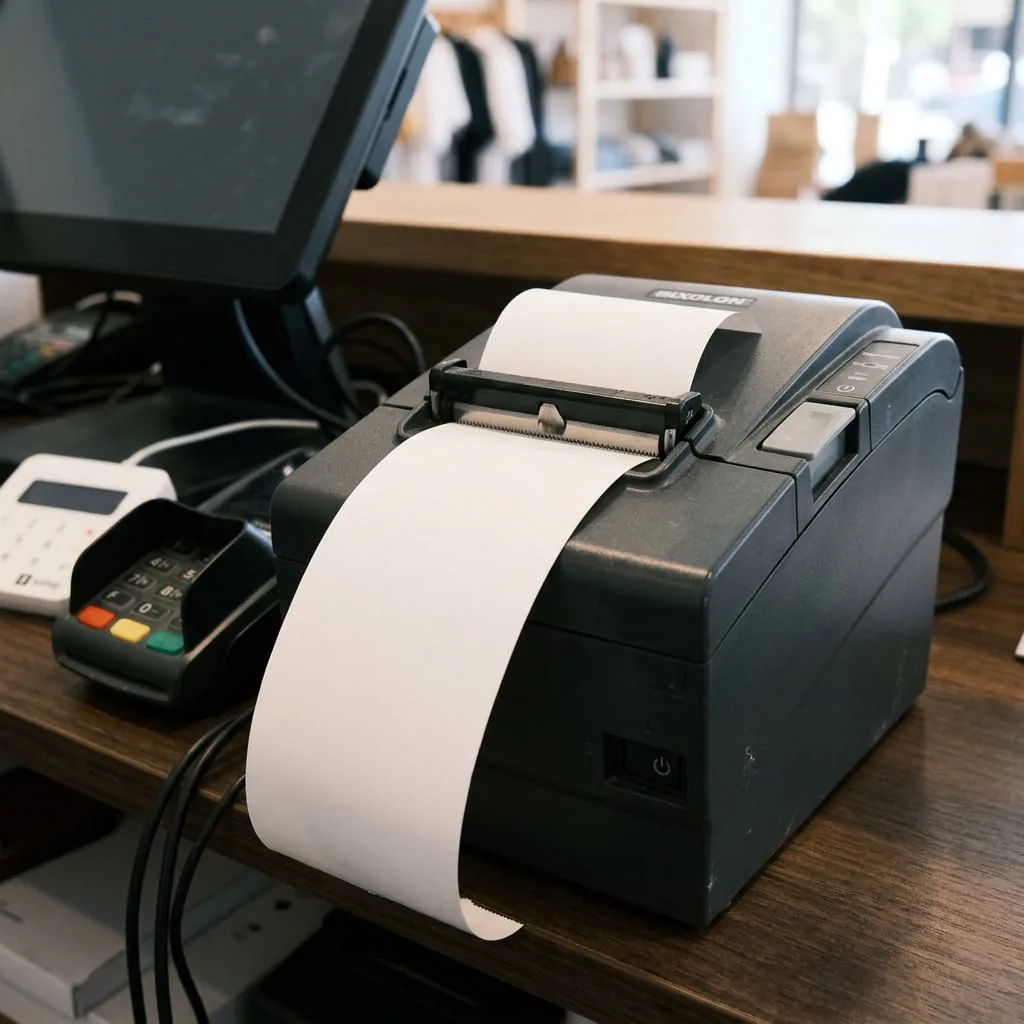
Receipt Printer Printing Blank Paper
Blank output from a thermal printer is almost always paper orientation or the wrong paper stock — not a failed printhead.
Key Points Covered
Thermal Side / Paper Stock / Roll Direction / Self-Test
Read Guide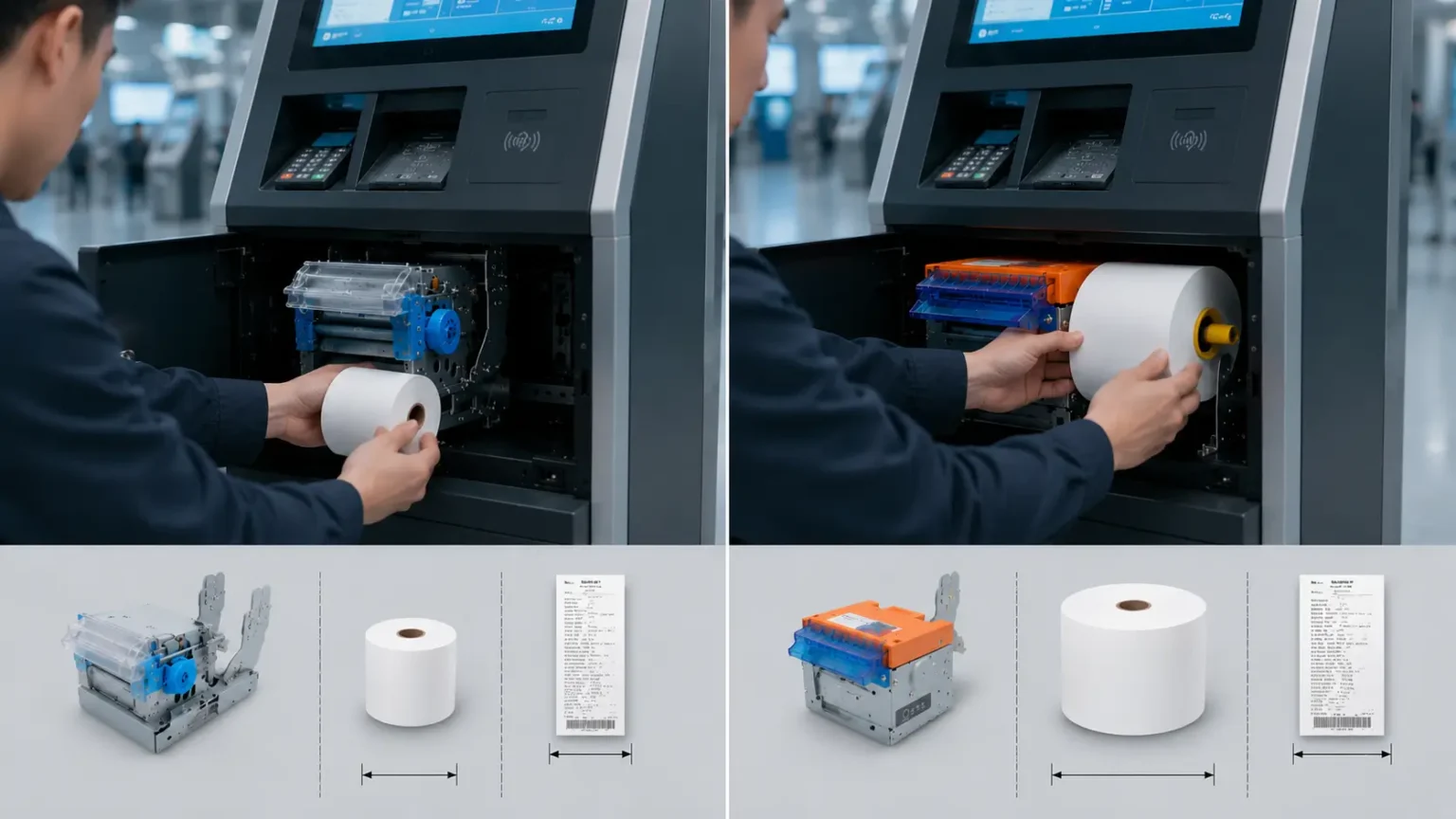
Replacing the Printer in a Self-Service Kiosk
Kiosk print modules are field-replaceable on most of our units. The sequence covers removal, cable routing, and post-fit calibration.
Key Points Covered
Module Type / Removal / Cabling / Calibration
Read GuideReceipt and Label Printer Troubleshooting.
Printers fail more often than any other counter device — and most failures are paper, cable or configuration, not the mechanism. Guides cover no-print, blank, faded, jammed and gibberish output across thermal receipt and label POS printers.
Complete POS Printer Diagnostic Guide
The master checklist for identifying whether your receipt or label printer fault is hardware, media, or connection-based.
POS Printer Not Printing
Resolving power, cable, driver, and routing issues when the printer stops responding entirely.
Receipt Printer Printing Blank Paper
How to check thermal side orientation and paper stock compatibility before replacing the printhead.
Faded or Incomplete Receipt Prints
Diagnose dirty printheads, worn platens, and incorrect print density settings.
Auto-Cutter Jams and Failures
Clear paper jams, reset the cutter blade safely, and know when the cutting mechanism needs replacement.
Printer Outputs Gibberish Characters
Fix baud rate mismatches, incorrect driver selection, and interface communication errors.
POS Terminal and Touch Panel Troubleshooting.
Terminal faults split cleanly into power, display, boot, storage and peripherals. Guides cover black screens, boot loops, no-power conditions, RAM and SSD replacement, touch panel calibration and operating system recovery for all-in-one POS terminals.
POS Screen Is Black But Terminal Is On
Step-by-step external monitor testing to isolate panel failure from motherboard failure.
POS Terminal Will Not Power On
Checking power adapters, wall outlets, internal power boards, and front panel buttons.
Touch Screen Unresponsive or Inaccurate
Resolve dead zones, phantom touches, and recalibrate capacitive or resistive touch panels.
Upgrading RAM and SSD in a POS Terminal
Hardware access guides for field upgrades without voiding the warranty.
Stuck on Boot Logo
Diagnose OS corruption, failed storage drives, and BIOS misconfigurations.
Windows OS Recovery on TillNode Terminals
How to reflash the factory Windows IoT image and restore terminal functionality.
Replacing the POS LCD Screen
Panel swap procedure for cracked or dead displays, including ribbon cable and backlight checks.
Replacing the POS Touch Screen
Touch digitizer replacement with post-fit calibration steps for capacitive and resistive panels.
Resealing a POS Terminal After Service
Restoring the dust and splash seal correctly once a housing has been opened in the field.
Self-Service Kiosk Troubleshooting.
Kiosks combine a screen, a print module, a payment path and a network link — so faults must be isolated by subsystem. Guides cover unresponsive touchscreens, printer module replacement, paper path problems, network loss and payment device checks for self-service kiosks.
Replacing the Printer in a Self-Service Kiosk
Field-replacement sequences for integrated kiosk print modules and post-fit calibration.
Kiosk Touchscreen Fails to Register Inputs
Checking internal USB hubs, cable routing, and panel driver states inside the enclosure.
Clearing Paper Jams in Kiosk Presenters
How to clear the internal paper path and reset presenter mechanisms safely.
Replacing the Scanner in a Self-Service Kiosk
Field-replacement steps for embedded kiosk scan engines and barcode reader modules.
Kiosk Screen Replacement
Assessing a fixed public installation, then replacing the bonded display assembly as a two-person job.
Barcode Scanner Troubleshooting.
Most scanner complaints are interface or configuration problems rather than failed hardware. Guides cover no-scan, beeps-but-no-data, wrong characters, wireless dropouts and symbology setup for our barcode scanners.
Scanner Beeps But Transmits No Data
Switching between USB-HID, Virtual COM, and SPP modes to match your POS software.
Scanner Outputs Wrong Characters
Correcting keyboard language mappings and prefix/suffix configurations.
Wireless Scanner Keeps Dropping Connection
Re-pairing 2.4GHz dongles, resetting Bluetooth links, and checking cradle contacts.
Industrial Mini PC Troubleshooting and Upgrades.
Fanless Mini PCs are the most serviceable part of a retail stack. Guides cover RAM and storage upgrades, boot failures, operating system installation, port diagnosis and thermal management for industrial Mini PCs.
Upgrading RAM and Storage in Fanless Mini PCs
Opening the chassis, identifying compatible DDR4/M.2 modules, and reassembly.
Mini PC Will Not Power On
Diagnosing external power bricks, motherboard faults, and CMOS battery resets.
COM / Serial Port Communication Errors
Troubleshooting legacy peripheral connections, BIOS port assignments, and driver conflicts.
Replacing the Fan or CMOS Battery
Clock resets, lost BIOS settings, or a fan that rattles or stops — both parts are field-replaceable.
Cash Drawer, Customer Display and Peripheral Troubleshooting.
Peripherals usually fail through the device they hang off. Guides cover drawer kick-out faults, customer display blanking, and a preventative maintenance schedule that keeps cash drawers and whole store hardware in service.
Cash Drawer Will Not Open Automatically
Tracing faults through the RJ11 cable, the printer kick-out settings, and the drawer solenoid.
Customer Display Shows No Signal
Diagnosing VGA/HDMI links, USB power, and extended display settings in Windows.
POS System Prints But Won't Open Drawer
How to verify the exact trigger path when the printer functions but the drawer stays locked.
How Every Troubleshooting Guide Is Structured.
One sequence is used across the whole library, so a fault found on a printer can be reasoned about the same way as a fault on a kiosk or a terminal.
Six layers are worked through in order. Each layer is proven good before the next one is examined — because a fault in an outer layer can imitate a fault deep inside the machine.
- Layer 1 — Power. Confirm the adapter, outlet and indicator state before anything else.
- Layer 2 — Cable. USB, Ethernet, RJ11 and serial links are reseated and, where possible, swapped.
- Layer 3 — Media. Paper stock, roll orientation, the paper path and cutter condition.
- Layer 4 — Driver. Driver version, port assignment, baud rate and duplicate offline queues.
- Layer 5 — Software. Printer selection, routing rules, receipt templates and application state.
- Layer 6 — Hardware. Printhead wear, panel failure, board faults and power module faults.
A fault that survives to Layer 6 is almost always a replacement decision rather than a repair one.
Symptom First
Every guide opens with the symptom you can actually see — not a component name.
Layer by Layer
One variable is changed at a time, so evidence is never destroyed.
Safe Boundaries
Live-power servicing is never advised. Burn, liquid and smoke conditions are handed to authorized service.
Repair or Replace
Each guide states where repair stops making commercial sense.
Preventative Maintenance Before the Next Failure.
Most counter hardware failures are predictable. A short routine keeps printers, scanners and terminals in service far longer than a repair cycle does.
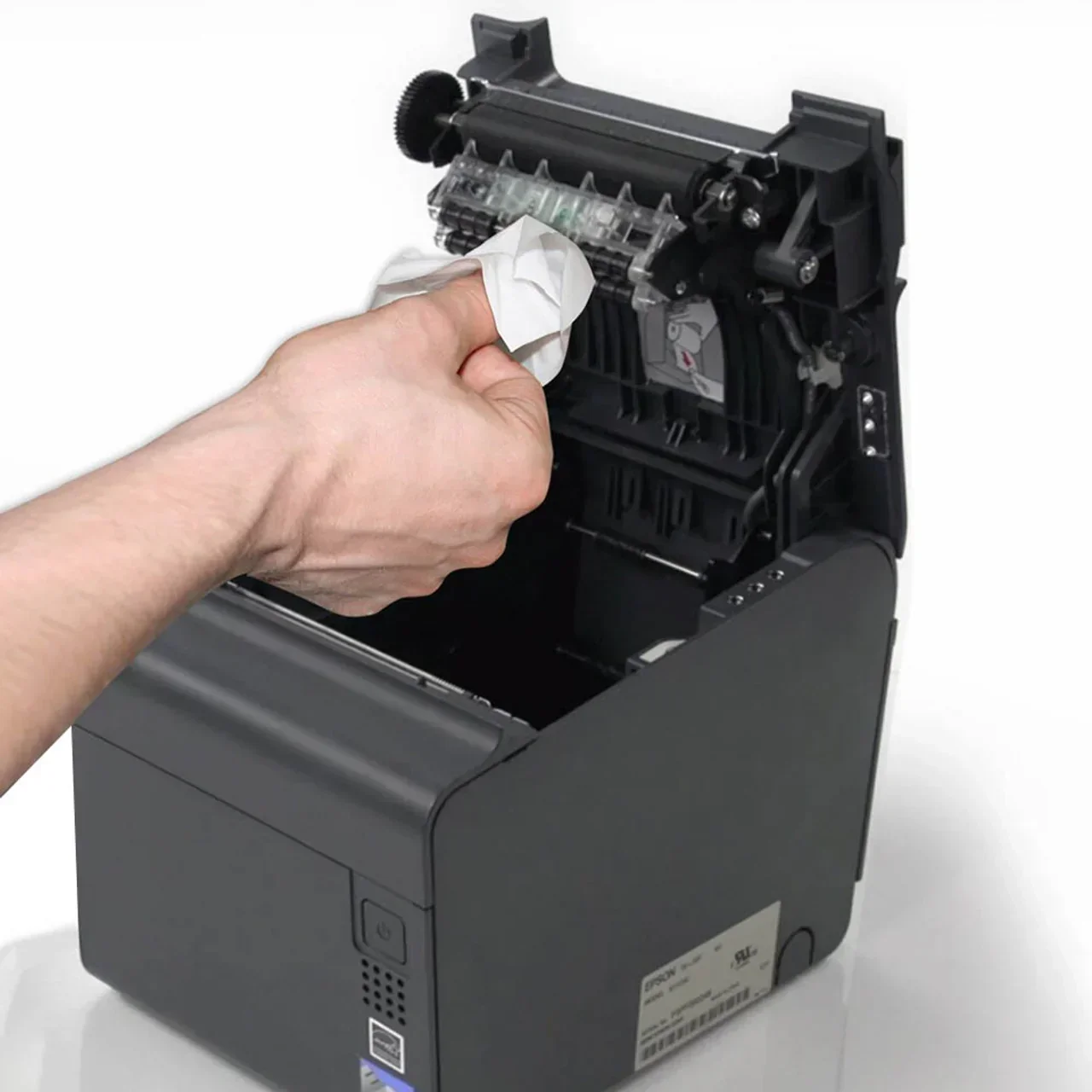
Keep the Paper Path Clean
Thermal dust and adhesive residue cause faded print and false sensor errors. A regular clean with the specified material prevents both.
Label Power and Network Cables
Unlabelled cabling is the single biggest cause of slow fault-finding. A reserved IP and a labeled adapter halve the diagnosis time.
Train Two People per Site
Self-test and paper loading should never depend on one member of staff being on shift.
Hold Spares Against Volume
Volume determines whether a site holds a spare printer, cable or adapter — or a spare terminal.
Need Help Diagnosing a Fault?
Tell us the model, the symptom and what has already been checked. Replacement parts, service guidance or a hardware recommendation can be prepared by our team.