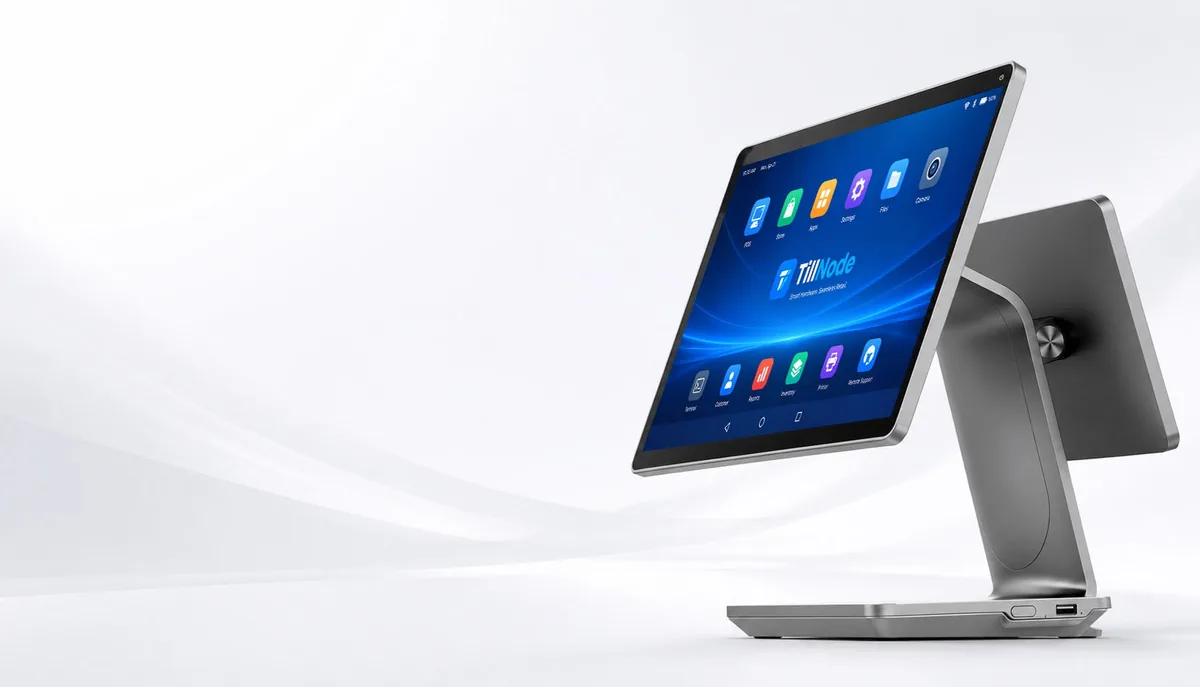
Enterprise-Grade
Android POS Architecture.
We build the foundation of your smart retail ecosystem here. TillNode engineers high-performance Android POS terminals for unparalleled speed, flexibility, and 24/7 operational stability. We eliminate consumer-grade fragility; we deliver industrial reliability.
What Is an Android POS System?
An Android POS system is a point-of-sale terminal that runs the Android operating system as its primary computing environment — instead of a locked-down proprietary firmware or Windows IoT. It is not a single device. It is a hardware category: countertop registers, handheld terminals, self-service kiosks, and tablet-based stations all belong to it.
What separates one Android POS from another is rarely the OS itself — it is the silicon, the memory configuration, and the peripheral interface design underneath it. That is the layer we manufacture and control at TillNode.
Browse the Android Hardware LineupThree Layers Make a Terminal "Smart"
The Compute Board
An industrial-grade SoC — typically Rockchip RK3566, RK3568, or RK3588 in commercial POS hardware — paired with sufficient RAM and eMMC storage. This determines how many apps can run side by side during a lunch rush without the UI stalling.
The OS Layer
Android 11, 13, or 14 with vendor-level customization: kiosk mode, boot animation, hidden navigation bar, and signed OTA update channels. A generic tablet Android is not the same as a retail-hardened Android image.
The Peripheral Bus
USB, serial, RJ11, and GPIO interfaces wired to real device drivers — receipt printers, cash drawers, barcode scanners, customer displays, and card readers. This is where most "Android POS" projects fail: the software works, the peripherals do not.
Why this matters for your project: when a software vendor confirms their app runs on "Android 11", they are confirming the OS layer only. The board and the peripheral bus are what you are actually procuring — and they are what determines support cost three years out.
Four Form Factors. One Android Foundation.
The word "Android POS" covers four physically different machines. Picking the right category before comparing specs saves more budget than any component upgrade.
Countertop Terminals
The fixed checkout lane. A 15.6" main touchscreen, often with a second customer-facing display, built-in 80mm printer, and a full peripheral stack on the counter. Chosen when throughput per lane matters more than mobility — supermarkets, QSR counters, high-volume retail.
Representative Models
Handheld & Mobile Terminals
Checkout that walks to the customer. A pocketable Android terminal with integrated 1D/2D scanning, 4G/Wi-Fi connectivity, and a battery sized for a full shift. Chosen for line-busting, table service, stockroom receiving, and any workflow where the queue should not be the bottleneck.
Representative Models
Self-Service Kiosks
The customer-operated lane. Larger touch panels in floor-standing or desktop enclosures, running kiosk-locked Android for 24/7 unattended operation. Chosen to absorb peak-hour volume without adding staff — self-checkout in supermarkets, self-ordering in QSR, ticketing, and queue management.
Android Tablet & Panel POS
The flexible middle ground. A commercial Android tablet or panel on a stand, magnetic mount, or wall bracket — reusing tablet-class hardware for lighter workflows. Chosen for pop-up stores, salons, service counters, and any deployment where a full terminal is over-specified.
Explore the Full Android POS Lineup.
We offer a complete range of Android terminals, from ultra-thin countertop registers to interactive self-service kiosks. We match the right form factor to your deployment.
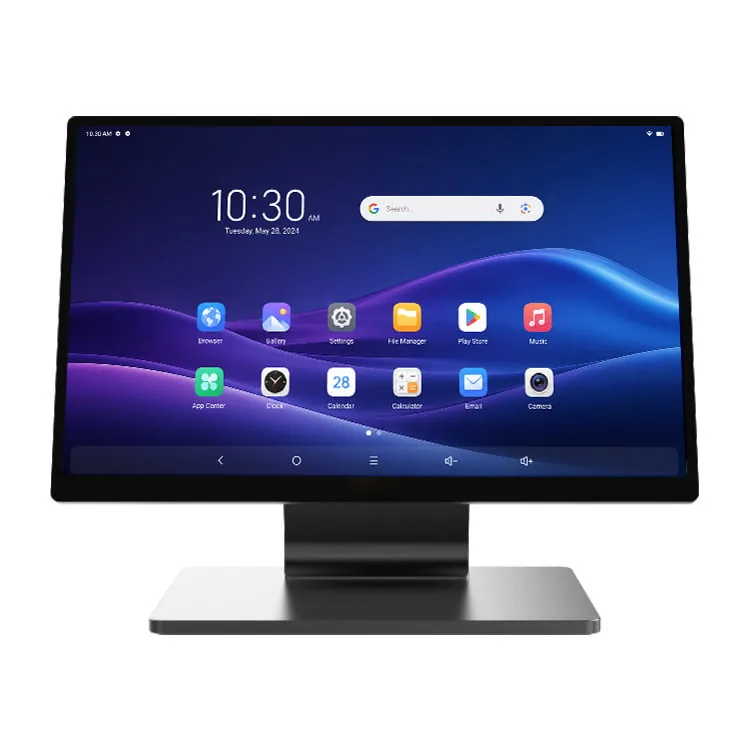
SN-P60 Ultra-Thin Android POS
- • 12mm Profile
- • Aerospace Aluminum Alloy
- • RK3568/RK3588 Processor
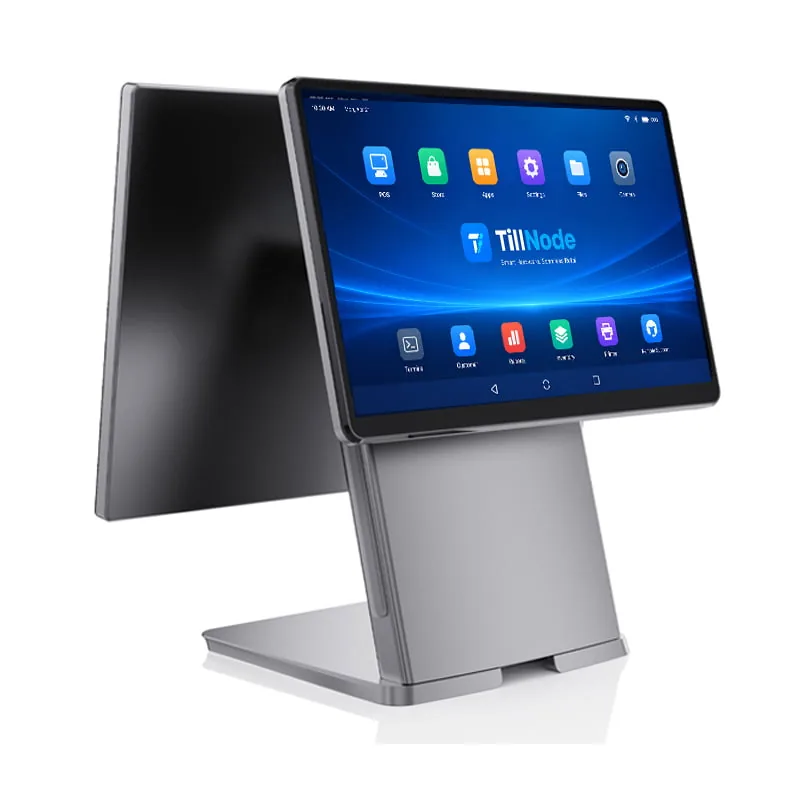
SN-P20 POS System
- • Modular Design
- • Hidden Cable Management
- • High Return on Investment
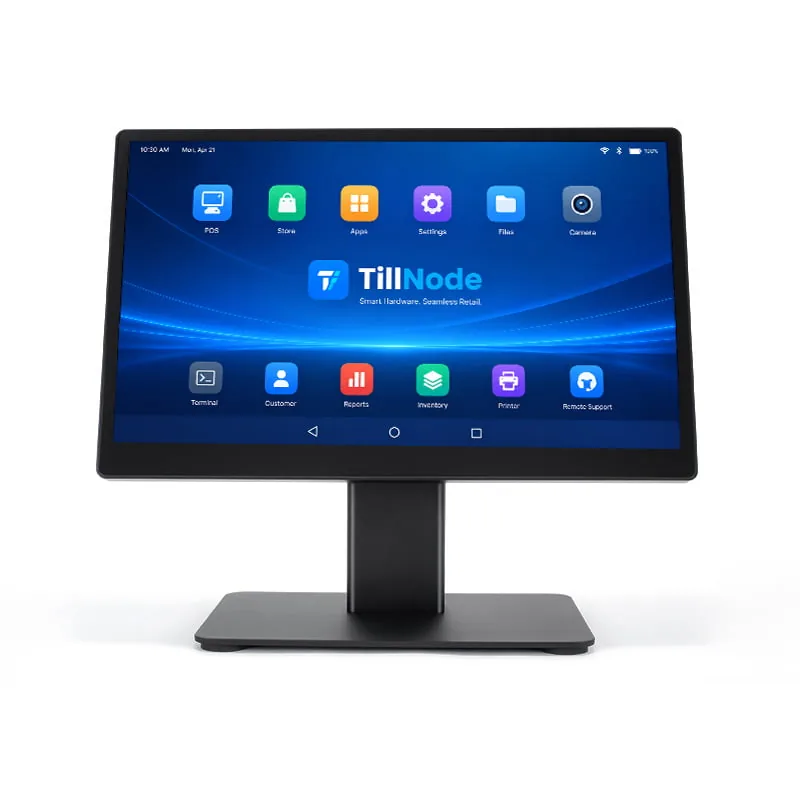
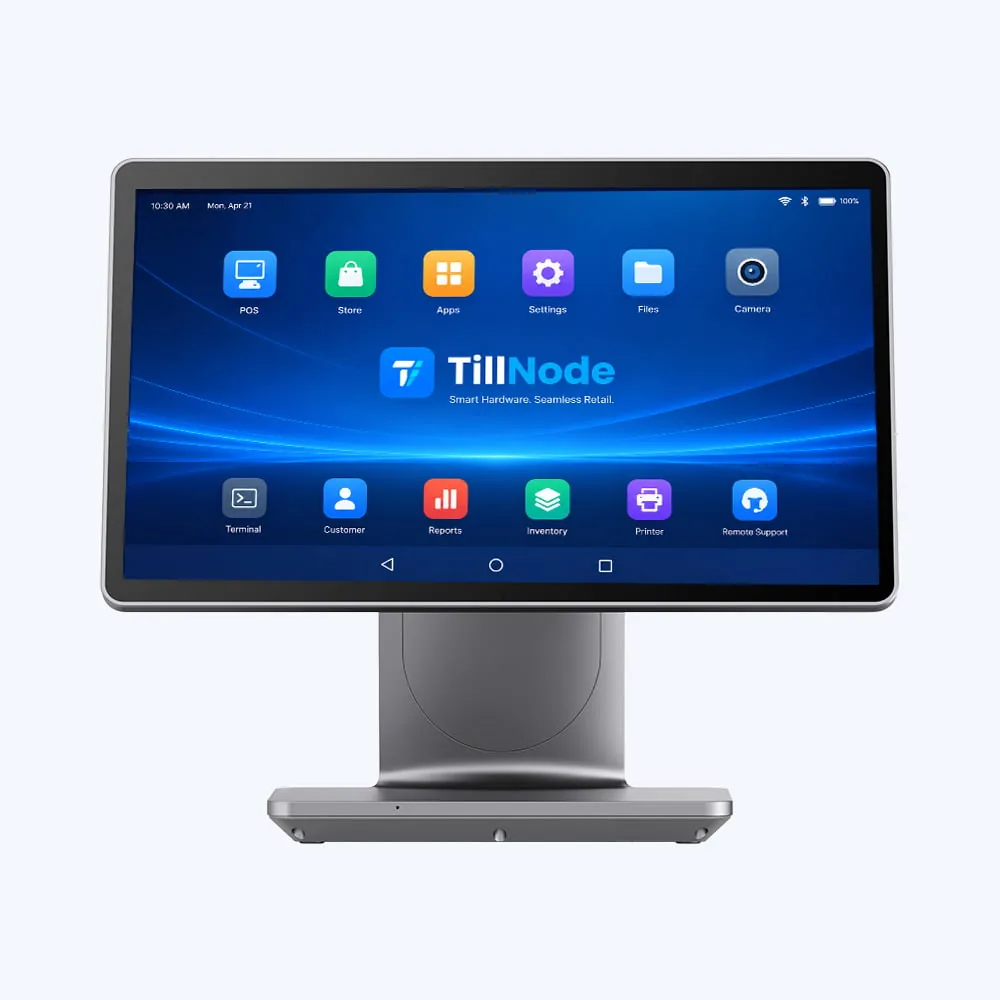
SN-A15 Classic Register
- • 15.6" Main Display
- • Integrated Peripheral Bus
- • High-Traffic Reliability
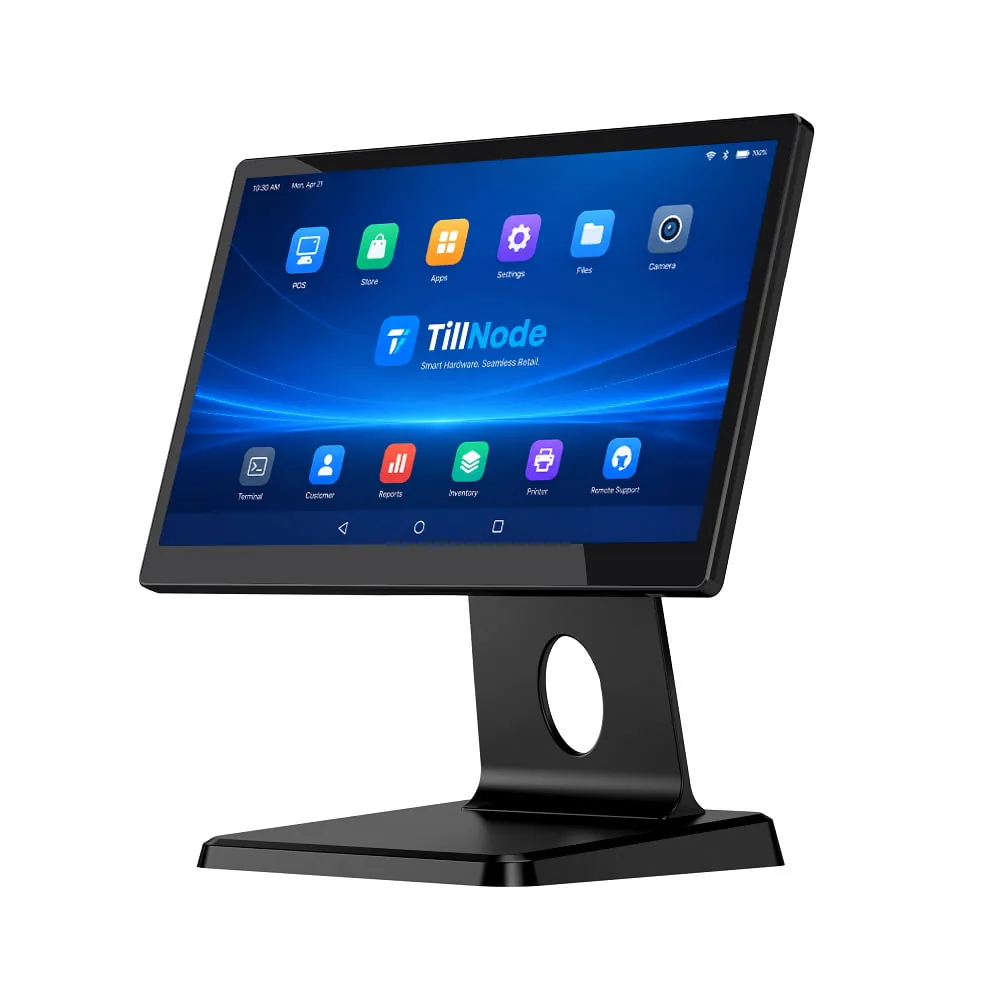
SN-A10 Compact Android POS
- • Space-Saving Design
- • 15.6" Touchscreen
- • RK3566 Processor
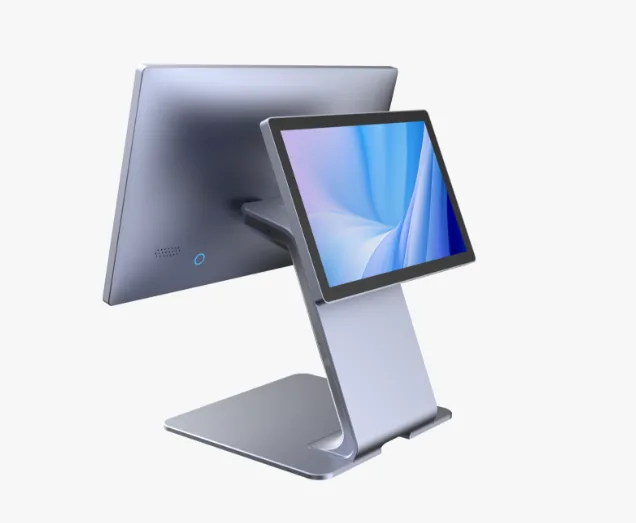
SN-P10 Dual-Screen Stand
- • Customer-Facing Display
- • 15.6" Main Screen
- • RK3568 Configuration
SN-P90 Handheld Mobile
- • Mobile Checkout Ready
- • Built-in Scanner
- • 4G/WiFi Connectivity
Engineered for Software Brilliance.
Your POS software is only as powerful as the hardware it runs on. We optimize our Android nodes for high-traffic environments.
Uncompromised Processing Power
We reject consumer processors. We utilize industrial-grade Rockchip architectures (RK3568, RK3588) to ensure smooth multi-tasking and instant UI response during peak hours.
Unrestricted Peripherals API
We simplify hardware integration. We provide comprehensive SDKs and open APIs, allowing your software to communicate with printers, scanners, and cash drawers.
Fleet Management Ready
We streamline global deployment. We support full compatibility with leading Mobile Device Management (MDM) platforms, enabling remote updates and terminal monitoring across thousands of stores.
What to Check Before You Specify.
Four hardware decisions determine whether an Android POS terminal still performs well in year three. Everything else is negotiable.
01 — SoC
The Processor Generation
RK3566 handles light countertop duty. RK3568 is the mainstream choice for dual-screen and peripheral-heavy lanes. RK3588 is for kiosks and multi-app terminals where headroom matters. Specifying an older SoC to save cost shortens the refresh cycle more than it saves.
02 — Memory
RAM & Storage
Storage is not about saving receipts — it is about holding the OS, the POS app, and cached product data. Under-provisioned RAM shows up as UI lag exactly when the store is busiest. Match the configuration to how many concurrent apps the workflow requires.
03 — OS
Android Version & Support Window
Ask two questions: which Android version ships, and how long the vendor will ship security patches for it. A terminal with a long patch commitment is worth more than one with a newer version and no maintenance roadmap.
04 — I/O
Peripheral Interfaces
Count the ports against the peripherals you actually plan to attach: printer, cash drawer, scanner, customer display, card reader. Confirm driver-level support, not just physical connector compatibility.
Configuration by Deployment Type
A starting reference — we quote every project to its actual workflow.
| Deployment | Form Factor | Priority Spec | Why |
|---|---|---|---|
| Single-lane boutique | Countertop | Compact footprint, single screen | Counterspace is the constraint, not throughput |
| Supermarket lane | Countertop + customer display | Dual screen, high I/O count | Scale, scanner, drawer and display all on one lane |
| Restaurant floor service | Handheld | Integrated scanner, battery life, 4G | Order taken at the table, printed at the pass |
| Self-checkout | Kiosk | Thermal headroom, kiosk-locked OS | Unattended operation requires stability over speed |
| Multi-site rollout | Any | MDM compatibility, OTA updates | Management cost scales faster than hardware cost |
Android, Windows, or iPad?
In short: Android wins on cost per lane, peripheral flexibility, and app development speed. Windows still holds specific legacy-integration cases. iPad POS trades hardware control for a closed ecosystem — which becomes a supply-chain problem when you need 500 identical units.
We wrote the full breakdown — architecture, three-year total cost of ownership, PCI DSS 4.x compliance, and the Windows 10 IoT end-of-life timeline — as a separate deep-dive.
Android
Best cost per lane · open peripheral integration · fastest app iteration
Windows
Legacy software dependency · higher per-unit cost · narrower hardware choice
iPad / iOS
Closed ecosystem · limited hardware control · enterprise fleet scaling faces constraints
Versatility Across Every Sector.
From boutique cafes to high-volume supermarkets, our diverse Android hardware portfolio matches specific operational workflows.
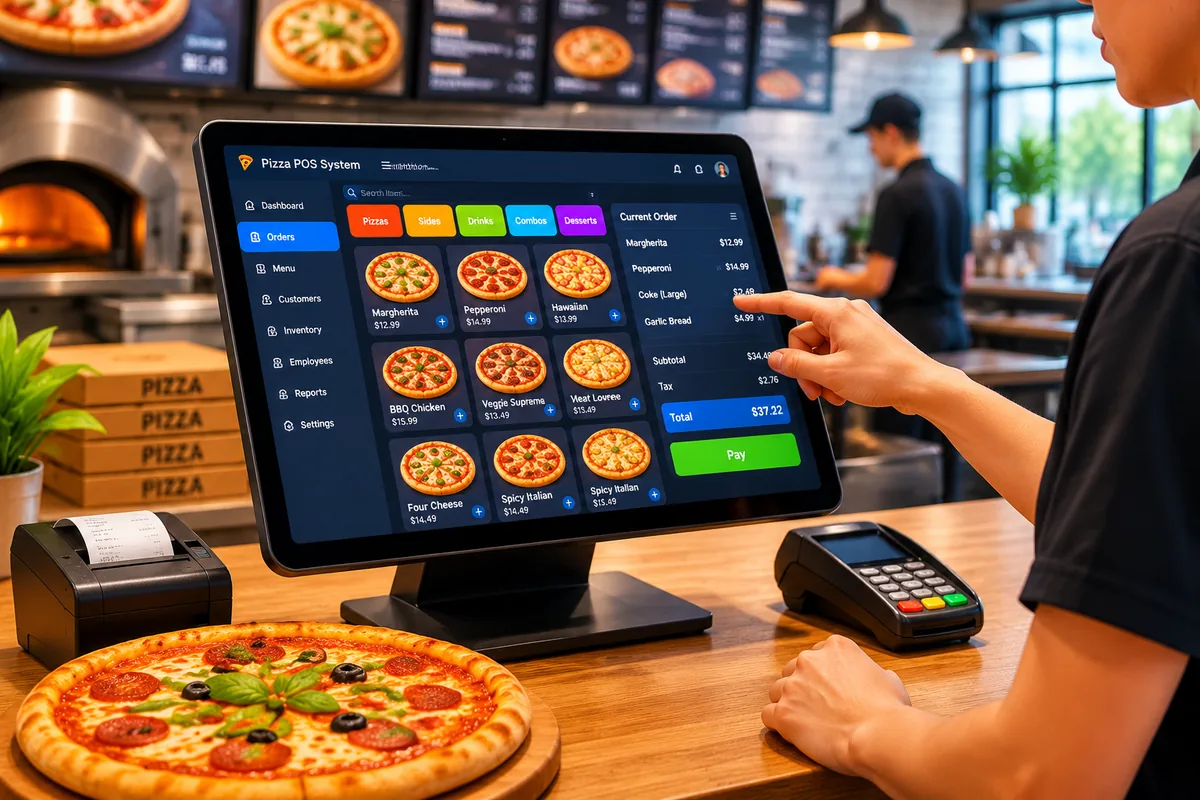
Hospitality & Dining
Fast order-to-kitchen workflows for restaurants, cafes, and QSR chains.
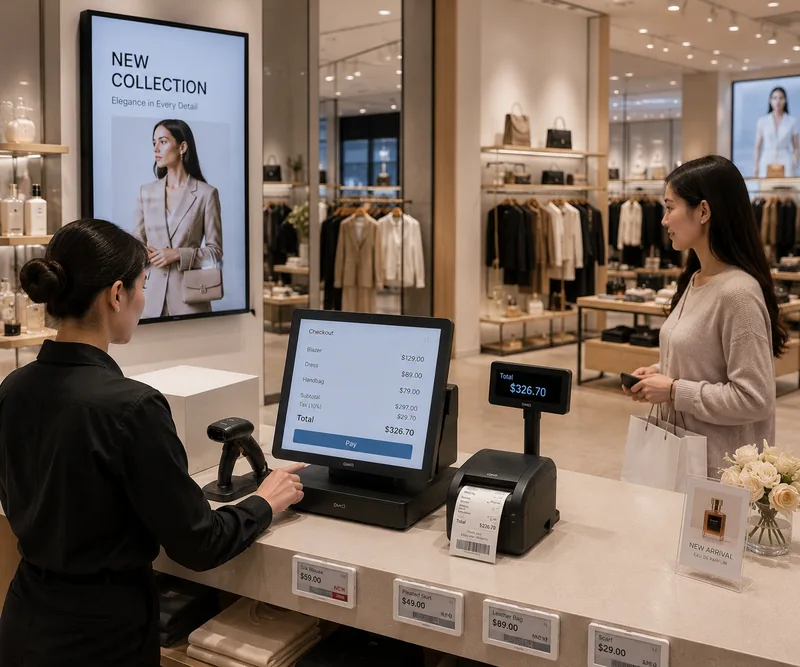
Boutique Retail
Elegant, compact terminals that elevate the premium in-store experience.

Supermarket & Self-Checkout
High-throughput self-service lanes built for continuous 24/7 operation.
One Terminal. Every Peripheral.
An Android POS terminal is only as useful as the devices it can drive. Because we manufacture the printers, scanners, and drawers ourselves, we validate integration before shipping rather than discovering it during installation.
Receipt Printers
Thermal receipt and label printing, in built-in and standalone form factors.
Explore printersBarcode Scanners
Handheld, desktop, and OEM scan engines for 1D and 2D symbologies.
Explore scannersCash Drawers
Flip-top and standard layouts, manual and intelligent variants.
Explore drawersCustomer Displays
Second-screen units for itemised order display and customer-facing prompts.
Explore displaysNeed a custom configuration or private label?
Enclosure design, component selection, driver development, and white-label manufacturing — all handled in-house from concept to mass production.
Frequently Asked Questions
The questions procurement teams ask us before a first order.
What is the minimum order quantity for an Android POS terminal?
It depends on whether you are ordering a stock model or a customized build. Stock configurations and customized builds carry different minimums because custom tooling, firmware, and packaging amortize across the order. Share your target quantity and configuration and we will quote the actual minimum — we do not publish a single number because it would be wrong for most projects.
Can you customize the Android OS or pre-install our application?
Yes. Custom OS images can include your boot animation, kiosk lockdown rules, hidden navigation bar, pre-installed APKs, and a signed OTA update channel. We burn your application in at the factory so units arrive deployment-ready rather than requiring a per-unit setup step.
Do you provide an SDK for integrating peripherals?
Yes — an SDK covering printer, scanner, cash drawer, customer display, and card reader control comes with documentation for the device APIs. The goal is that your development team writes against our interfaces instead of reverse-engineering them.
Which MDM platforms do you support for fleet deployment?
Our Android terminals are compatible with leading Mobile Device Management platforms, enabling remote configuration, application push, and terminal monitoring across sites. We also offer our own MDM capability for deployments that prefer a single-vendor support path.
Can you produce units under our own brand?
Yes. White-label and private-label manufacturing are core services — enclosure branding, packaging, documentation, and OS-level branding can all carry your identity rather than ours.
What certifications do your Android POS terminals carry?
Certifications are configuration- and market-dependent, and the applicable set (CE, FCC, RoHS, and others your market requires) is project-specific. Tell us the destination market and we will state exactly which certifications the build will carry in writing.
What is the typical lead time for a bulk order?
Lead time tracks the degree of customization: stock configurations ship much faster than builds requiring new tooling or custom firmware. Confirm the exact configuration with our team and we will commit to a production and shipping schedule rather than quoting a generic range.
Can you supply the peripherals as well as the terminal?
Yes. We manufacture receipt printers, barcode scanners, cash drawers, and customer displays in-house — which means a single supplier, a single warranty path, and peripherals that we test against the terminal rather than merely compatible on paper.
Scale Your Android Ecosystem Today.
Do you require customized molds, specific Android OS versions, or bulk hardware deployments for your next massive project? Our engineering and manufacturing facilities stand ready to serve your project.