SN-K2 Desktop Kiosk.
Build It to Your Spec.
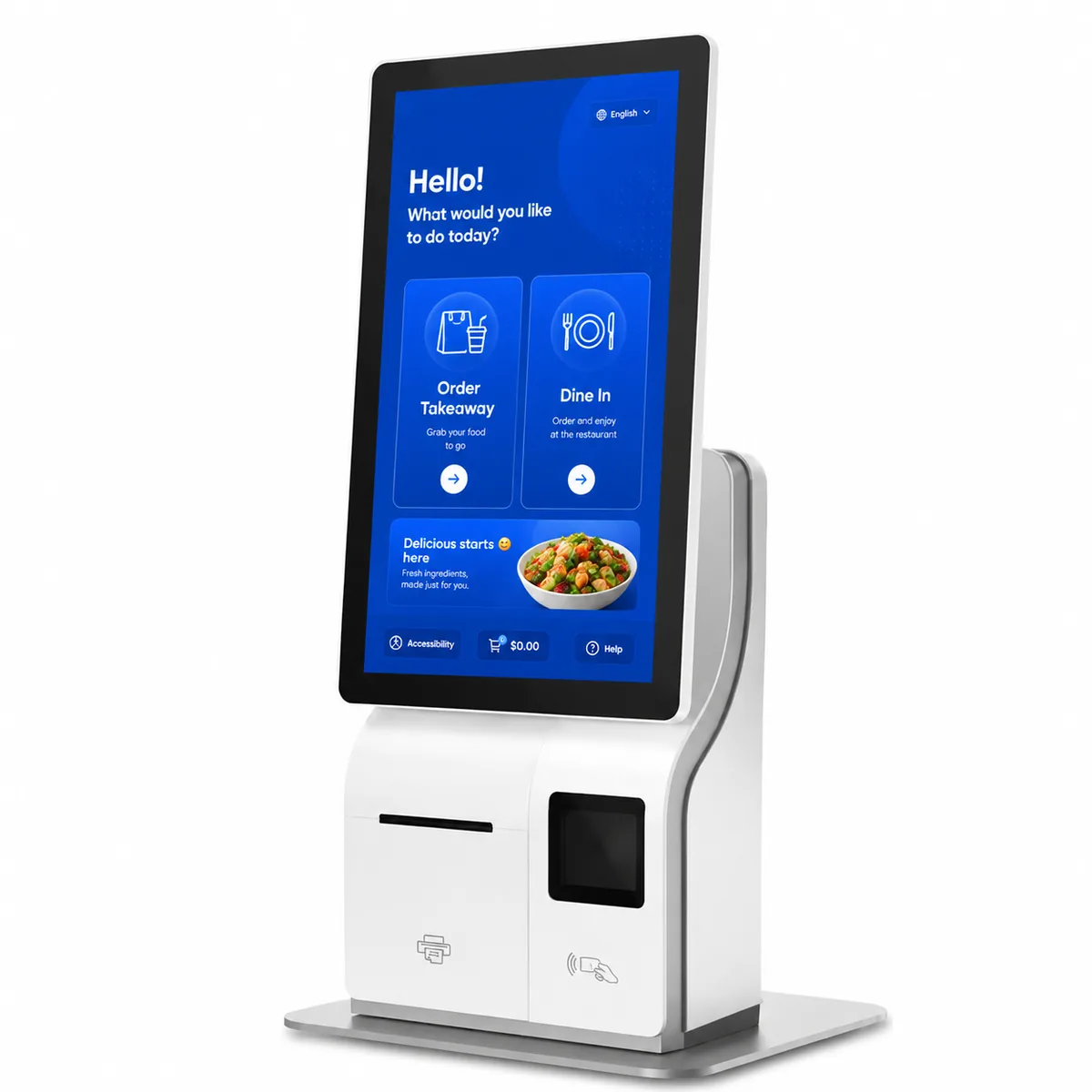
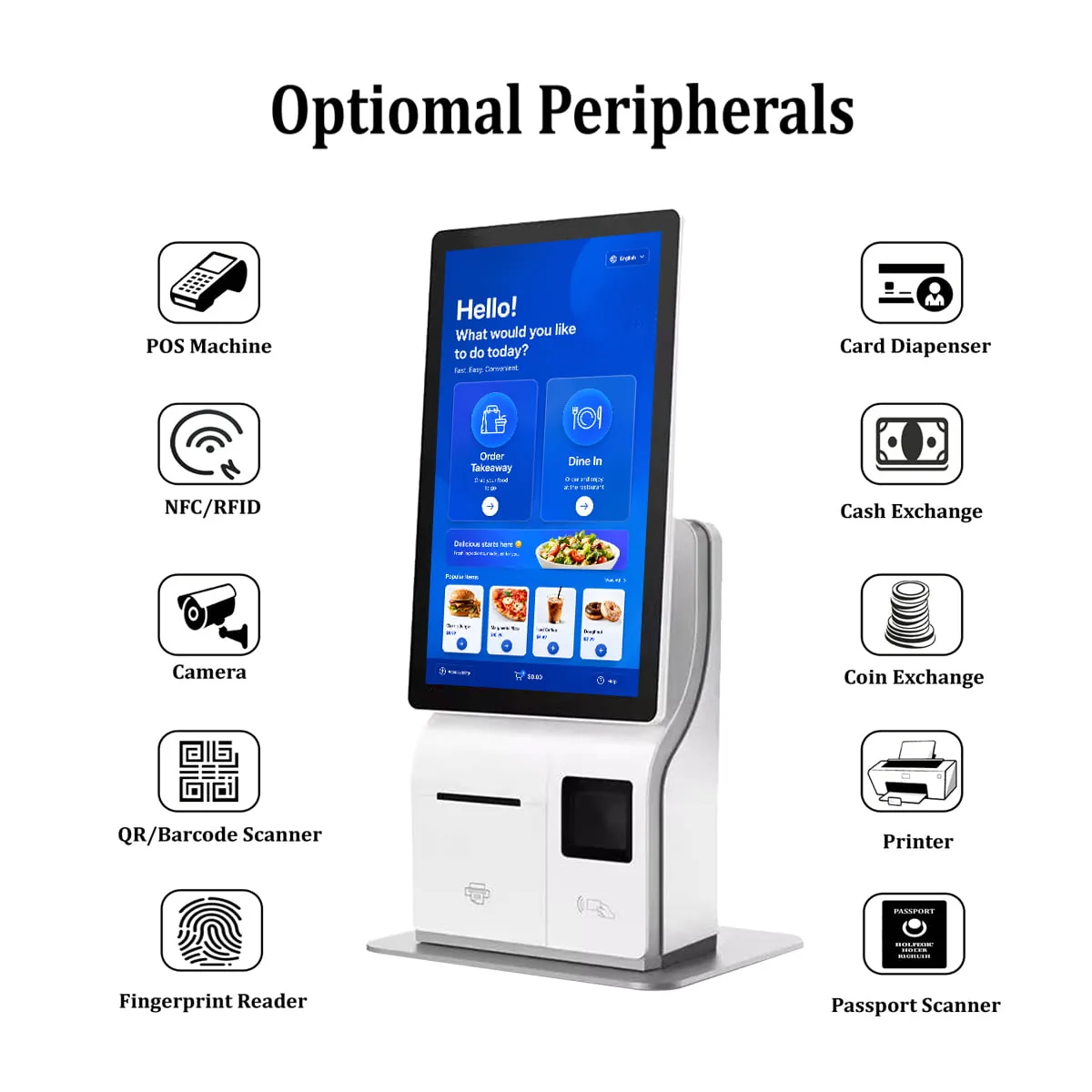
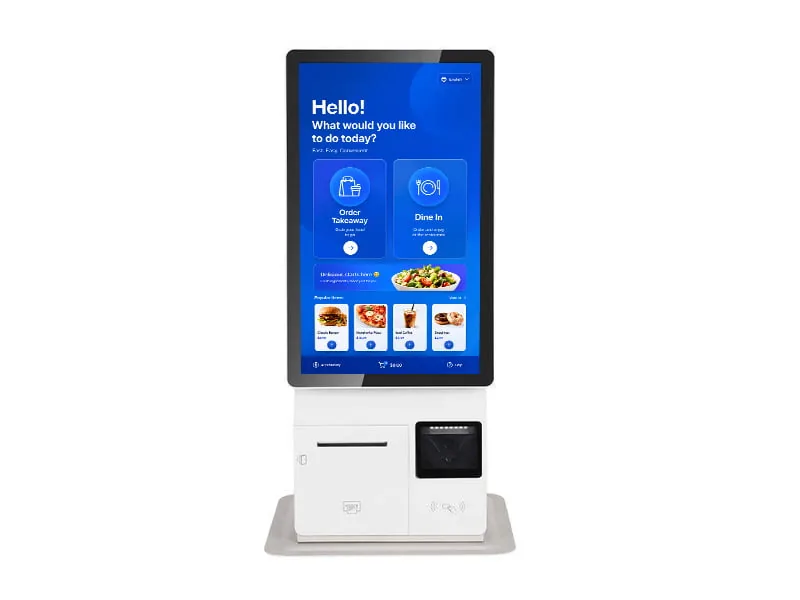
A kiosk is only as good as the peripherals it carries. The SN-K2 lets you pick the printer, the scanner, the card reader and the biometric module before the chassis is built, so the unit matches the queue it has to clear instead of the other way round.
A Customer at the Kiosk.
One screen runs the whole interaction: the customer scans, pays and collects the receipt without speaking to anyone.
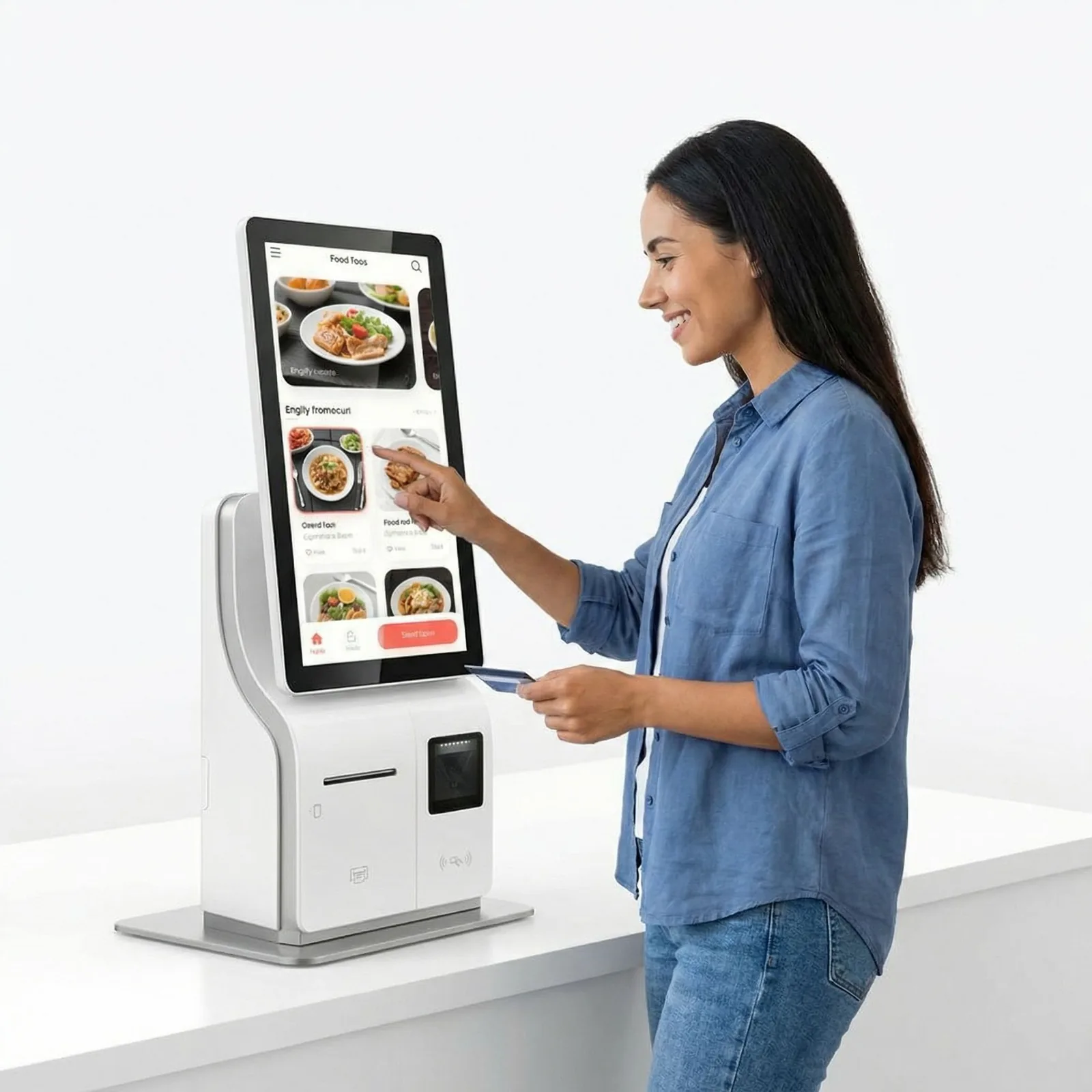
A scan registers in milliseconds, not seconds.
Three Peripheral Groups.
One Chassis.
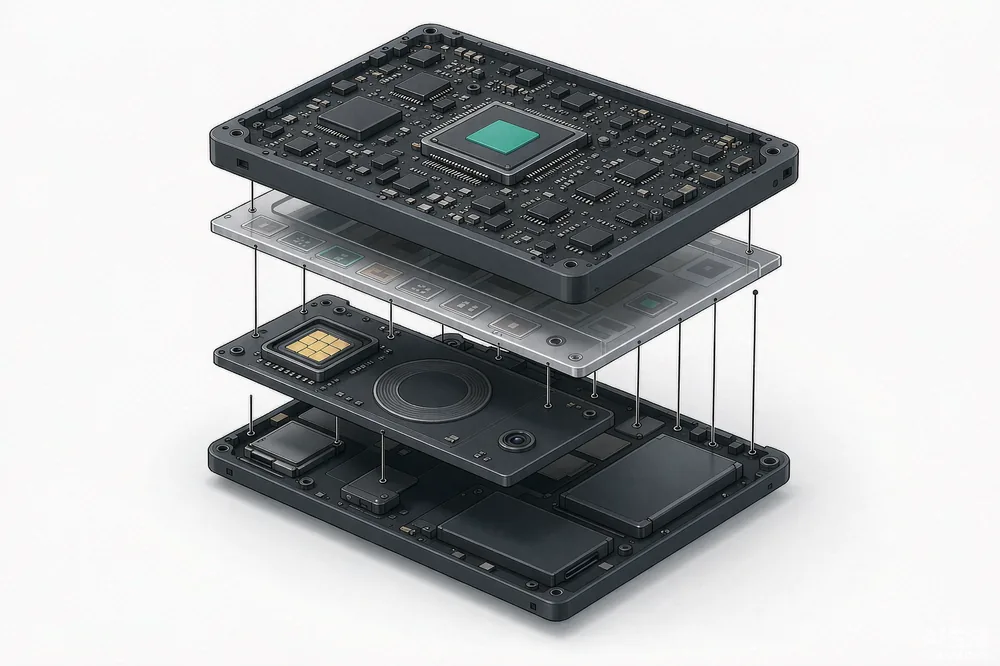
You do not buy a printer from one vendor and a scanner from another, then hope they fit. The SN-K2 is a modular frame: pick the modules, and we mount them in the same steel chassis before it ships.
Payment & Output
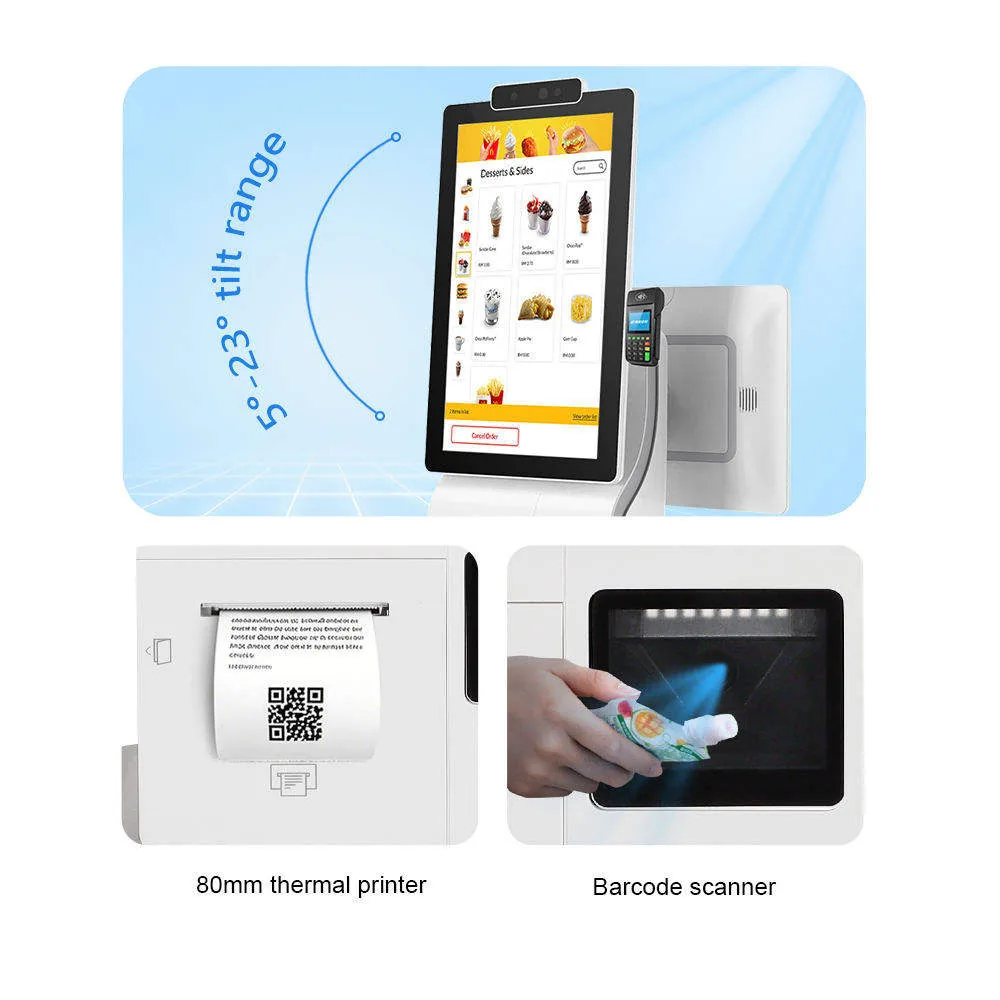
A 58 mm or 80 mm thermal printer with auto-cutter sits in the base, and a card dispenser can share the same bay. Both are factory-fitted, not bolted on afterwards.
Identification
A 2D QR and barcode reader, an NFC/RFID reader or a passport scanner go in the same module slot. Which one you need depends on who walks up to the kiosk.
Biometrics
A facial recognition camera or a fingerprint reader verifies identity at the kiosk, so staff do not have to check documents by hand.
Android or Windows.
Same Chassis, Same Modules.
The frame takes either an Android board (Rockchip RK3288, RK3568 or RK3399) or a Windows board (Intel Celeron J4125 up to Core i7). Both mounts and both peripheral bays are identical, so a Windows pilot and an Android rollout use the same spare parts.
Desk or Floor.
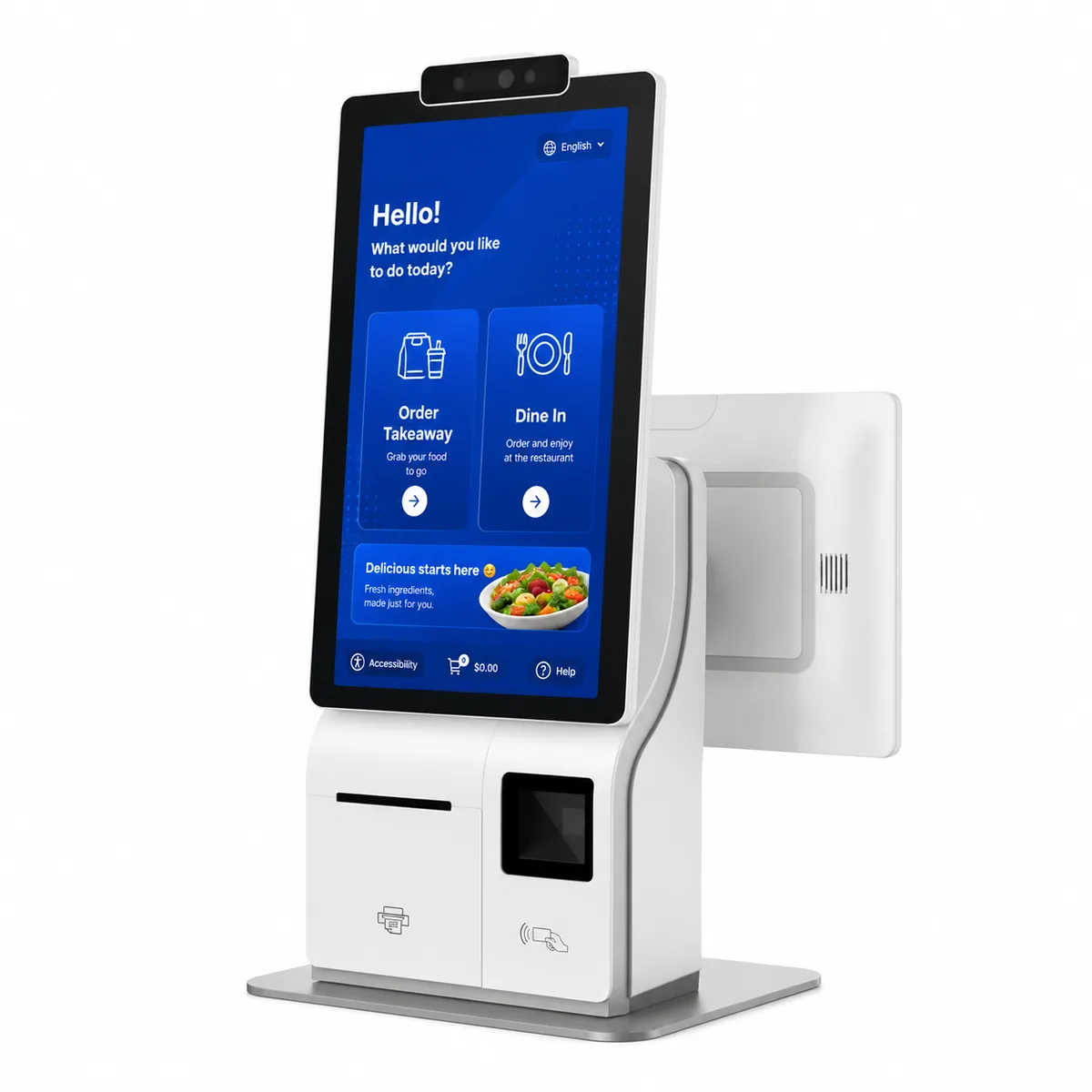
One or Two Screens.
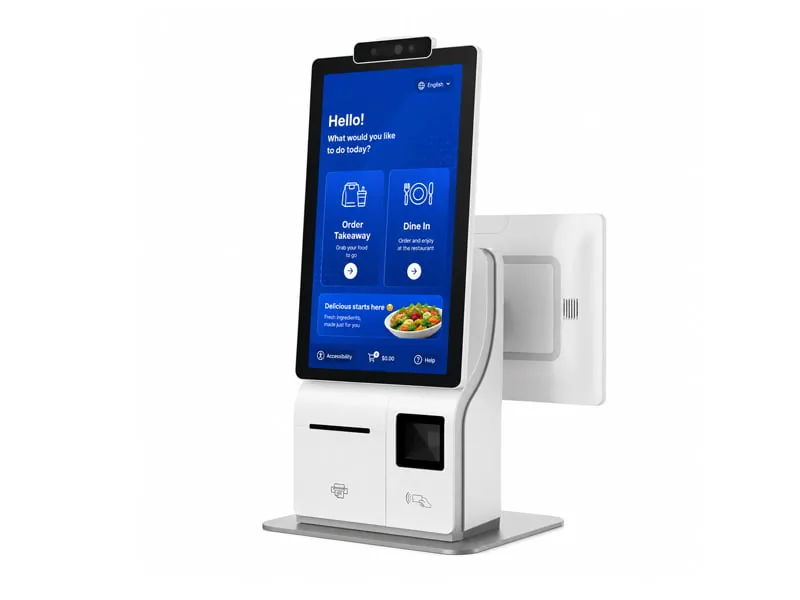
The same unit sits on a counter or on a floor pedestal, and it can carry a second screen for the customer. Which one you need usually comes down to how much counter you have and whether the customer should see the total.
Asymmetric Display Architecture.
A second screen facing the customer comes in 10.1-inch or 15.6-inch. Single-screen builds keep the same chassis. The second display shows the order as it is being built, which is the part customers usually ask about.
Versatile Deployment Modes.
Where there is no counter, an industrial floor pedestal takes the same head unit. It stands on its own base, so the kiosk can go in a lobby or at the end of a queue instead of on a till.
Steel, 7H Glass, Active Cooling.
The enclosure is cold-rolled steel and aluminum alloy with a powder-coated finish, not consumer plastic. The 10-point touch panel sits behind 7H glass, so keys and rings do not leave marks. Cooling is active, which is what keeps the board stable through a full trading day.
- Vandal-Resistant Enclosure
- 7H Hardness Touch Glass
- Active Heat Dissipation
Where It Actually Sits.
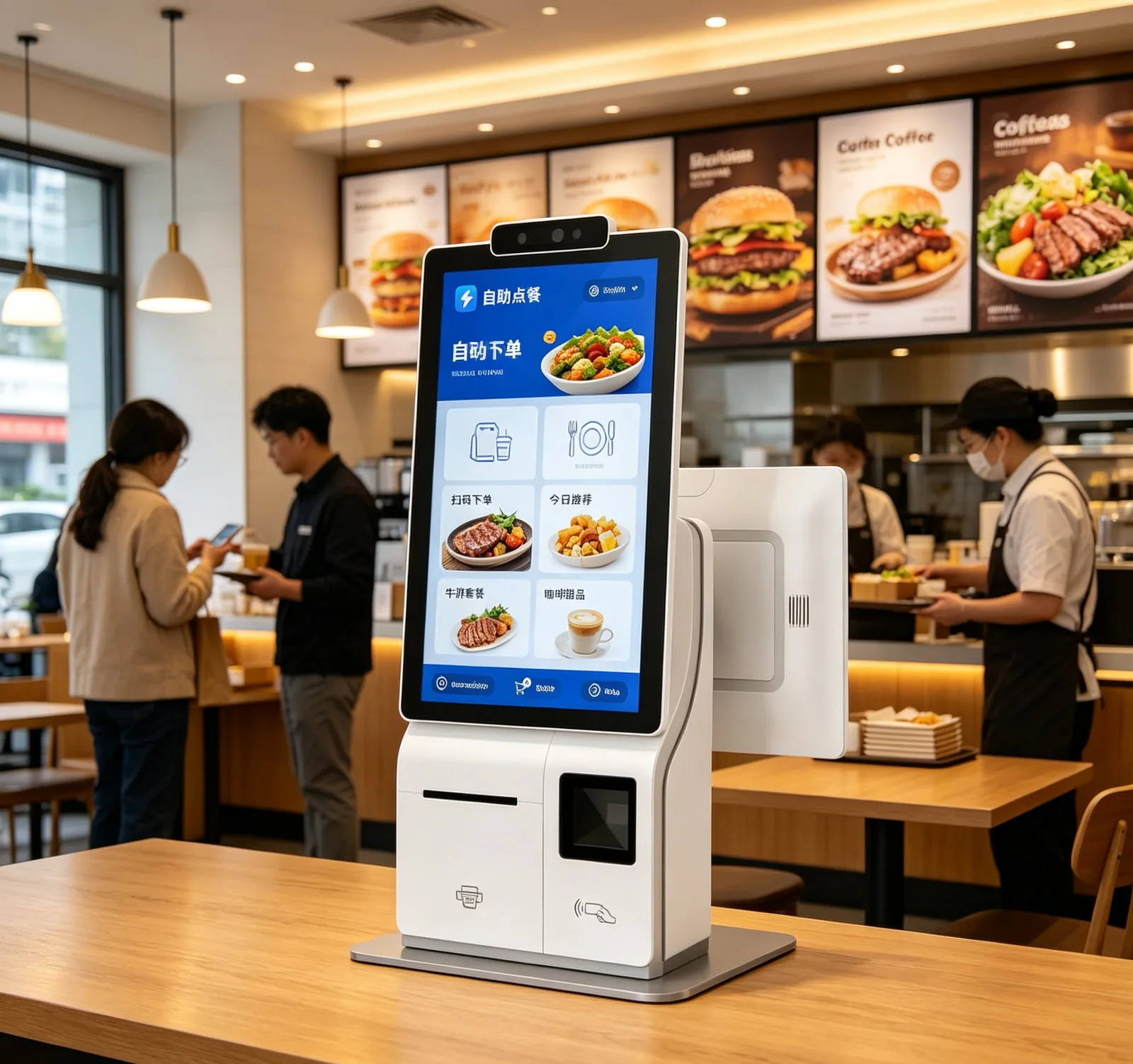
QSR & Restaurants
Customers order and pay at the kiosk; the ticket prints at the pass.
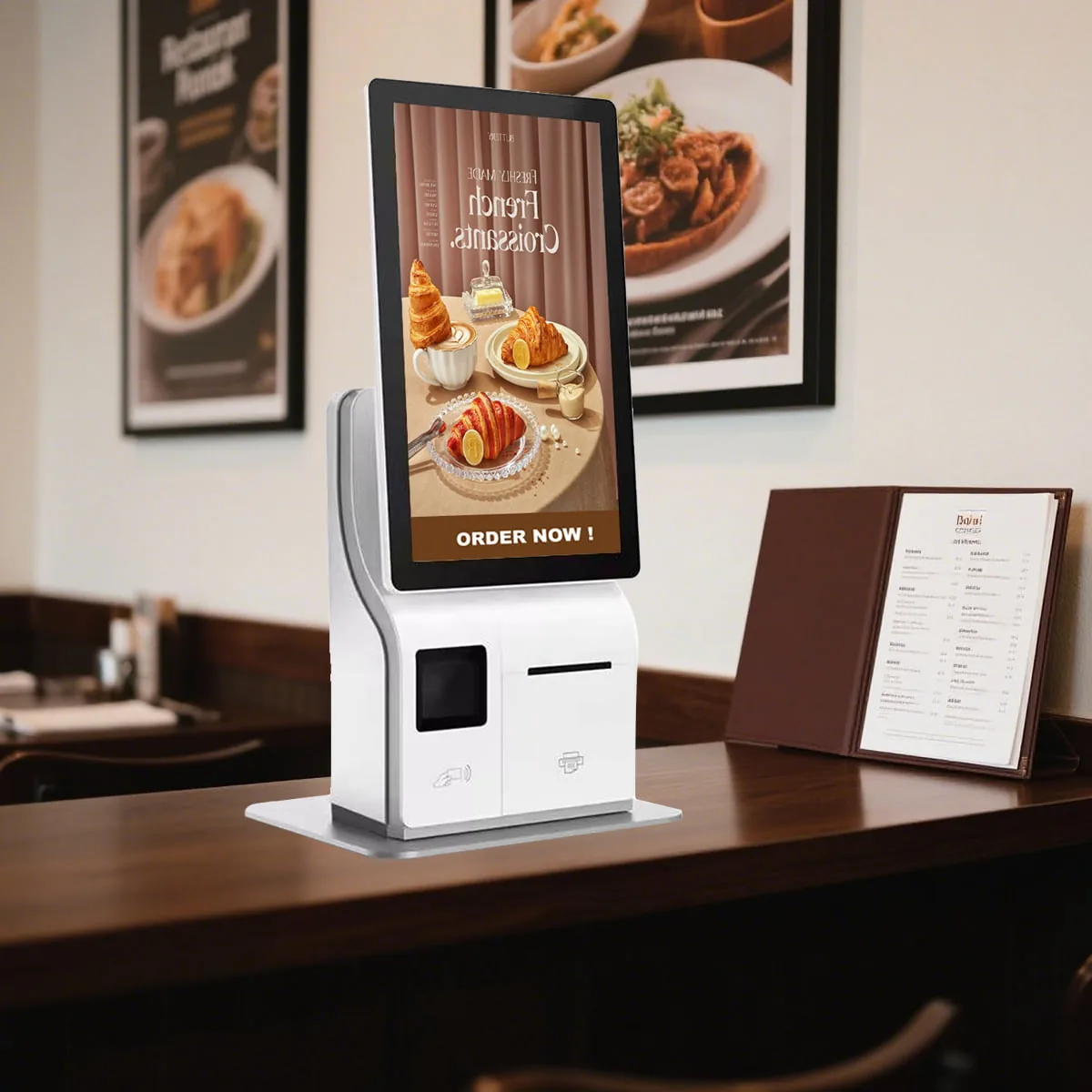
Hotel & Hospitality
Guests check in and collect a keycard without waiting at the desk.
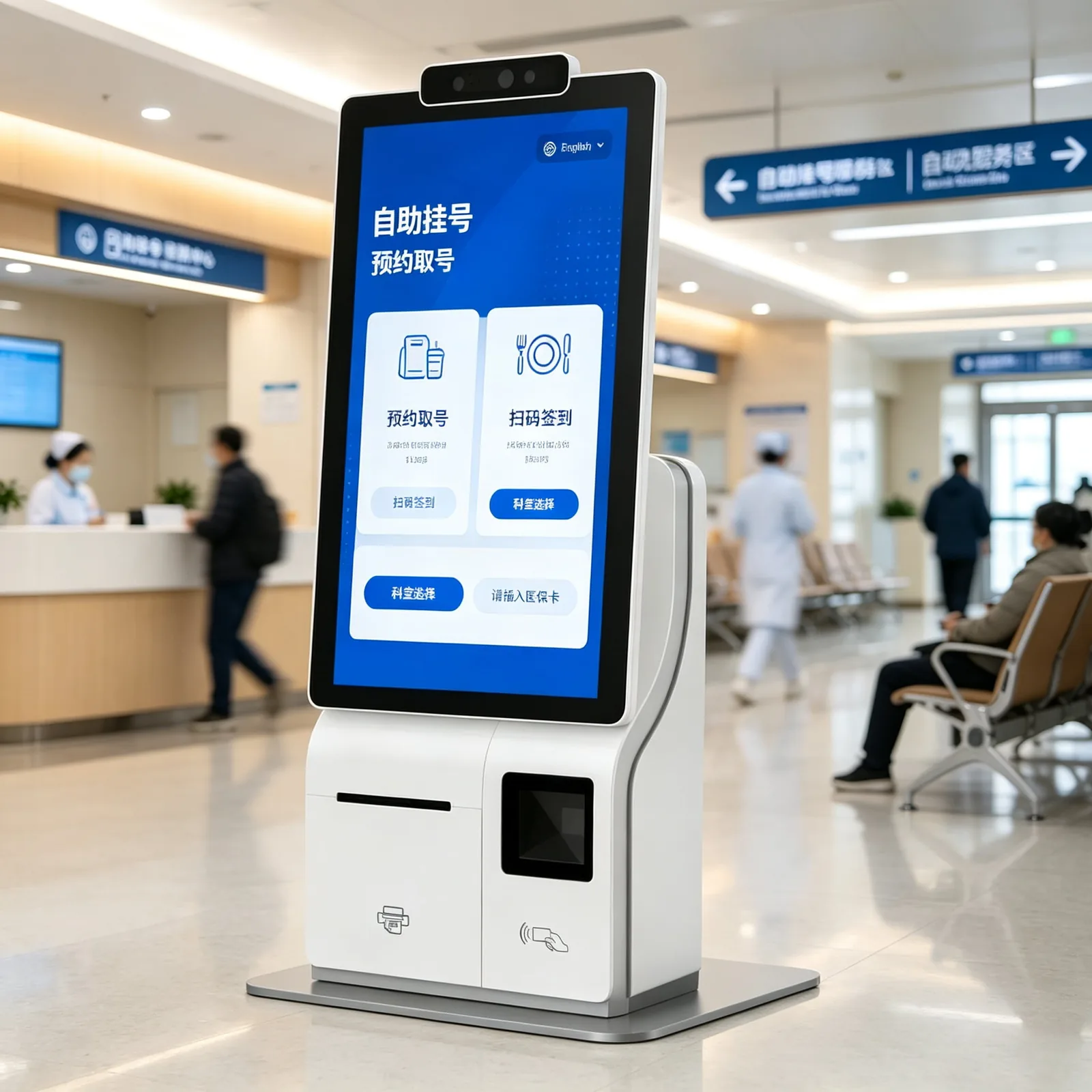
Healthcare & Clinics
Patients register and take a queue number before they reach reception.
Requirements, CAD, Prototype, Production.
Custom builds run through four stages: requirements, CAD design, prototype, then mass production. Sheet metal, peripheral mounting and branding all happen in the same plant, so a change to the enclosure does not restart the project somewhere else.
SN-K2 Specifications.
- Display Options
- 15.6" / 21.5" TFT LCD, 1920x1080 Resolution
10-Point PCAP (Projected Capacitive) Touch - OS & Processor (Android)
- Android 11/12
RK3288 / RK3399 / RK3568 Octa-Core Options - OS & Processor (Windows)
- Windows 10/11 Pro/IoT
Intel Celeron J4125 / Core i3 / i5 / i7 Options - Memory & Storage
- Android: 2GB/4GB RAM, 16GB/32GB ROM
Windows: 4GB/8GB/16GB RAM, 64GB/128GB/256GB SSD - Built-in Printer (Optional)
- 58mm or 80mm Thermal Receipt Printer with Auto-Cutter
- Scanner & NFC (Optional)
- 2D/QR Code & Barcode Scanner, High-speed decoding
ISO/IEC 14443A/B, MIFARE, Contactless Card Reader - Physical Enclosure
- Cold-Rolled Steel & Aluminum Alloy, Powder-Coated Finish
Quote the SN-K2.
Test a Sample First.
We supply software vendors and integrators, with SDK documentation, volume pricing and evaluation units. Send the peripheral list you need and the OS you are targeting, and the quote comes back with both confirmed.
Which kiosk fits the floor plan?
Three self-service platforms, split by duty cycle, screen size and how the site mounts them. The two closest alternatives to this page:
Planning the deployment? See how these units are used in the field, or read the buying and comparison material.
SN-K2 Kiosk FAQ.
What screen sizes are available?
+
15.6-inch or 21.5-inch TFT LCD, both at 1920 x 1080, with 10-point projected capacitive touch behind 7H glass. A second customer-facing display can be added in 10.1-inch or 15.6-inch.
What is the difference between the Android and Windows builds?
+
Android runs on Rockchip RK3288, RK3568 or RK3399 with 2 to 4 GB RAM and 16 to 32 GB storage. Windows runs Intel Celeron J4125 up to Core i7 with 4 to 16 GB RAM and a 64 to 256 GB SSD. The chassis, mounts and peripheral bays are the same on both.
Is the printer included?
+
It is optional. You can order the unit with a 58 mm or 80 mm thermal printer and auto-cutter fitted in the base, or without one if your workflow sends receipts elsewhere. Decide at order stage, because the bay is built to match.
Which identification modules can we fit?
+
A 2D QR and barcode reader, an NFC/RFID reader covering ISO/IEC 14443 A and B plus MIFARE, a passport scanner, a facial recognition camera or a fingerprint reader. They share the same module slot, so tell us which combination your workflow needs.
Can it stand on the floor instead of a counter?
+
Yes. The head unit is the same part; an industrial floor pedestal replaces the desktop foot. That is how the kiosk goes into a lobby or the end of a queue where there is no counter to clamp it to.
Can we change the enclosure or the branding?
+
Yes. Custom builds run through requirements, CAD design, prototype and mass production, with sheet metal fabrication and branding in the same plant. Send drawings or a reference unit and we quote the tooling before the design is frozen.