SN-K3 Desktop Kiosk.
Three Devices, One Footprint.
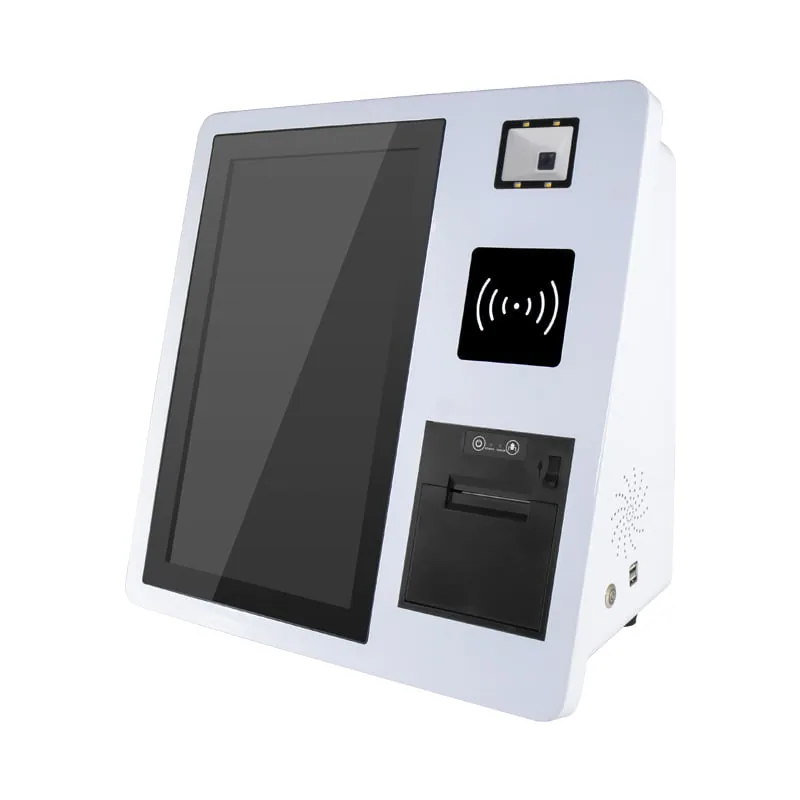
Three devices normally eat half a counter: a scanner, a card reader and a printer. The SN-K3 puts all three inside one 15.6-inch chassis that takes about the space of a monitor, so the counter stays usable.
Watch It Take an Order.
Every step of the transaction happens on the 15.6-inch screen, in the order the customer already expects: scan, pay, collect.
Scanner, Card Reader, Printer.
All in One Chassis.
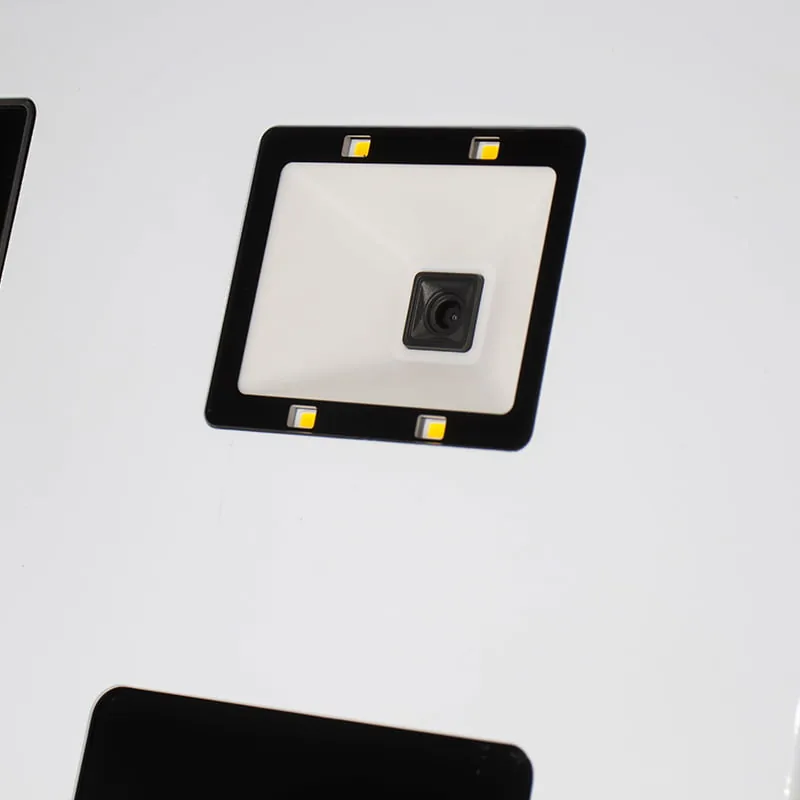
High-Speed 1D/2D Scanning
A wide-angle 1D/2D reader sits under the glass. It takes a phone QR code or a loyalty card, reads in low light, and the wide angle means the customer does not have to line it up.
Tap-to-Pay Zone (NFC Optional)
A marked zone on the glass takes NFC and RFID where the module is fitted. It handles ISO/IEC 14443 Type A and B plus MIFARE, so most bank cards and staff badges work without a second terminal.
Built-in Receipt Printing
A 58 mm or 80 mm thermal printer sits inside the chassis with an auto-cutter, so the receipt comes out of the same unit that took the order, at 150 mm per second.
Cold-Rolled Steel.
Convection-Cooled.
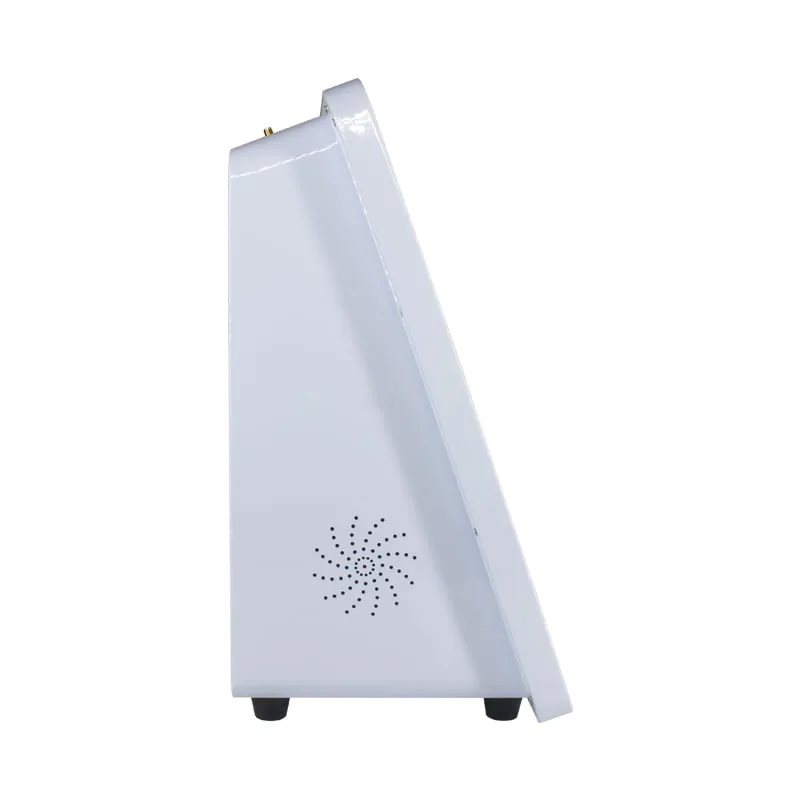
The enclosure is high-strength cold-rolled steel with aluminum trim, not consumer plastic. It takes the knocks a counter unit gets without cracking at the corners.
Cooling is convection-based, with vents cut into the side panels. That keeps dust out of the chassis and leaves fewer moving parts than a fan-cooled design, which matters on a unit that runs all day.
Android or Windows.
Same Chassis, Same Ports.
The same chassis ships with either an Android board (Rockchip RK3288 to RK3399) or a Windows board (Intel Celeron J4125 up to Core i7). Both expose the same ports, 4 USB, 1 RJ45, 1 HDMI, audio and 1 COM, so whichever you pick wires into the same peripherals.
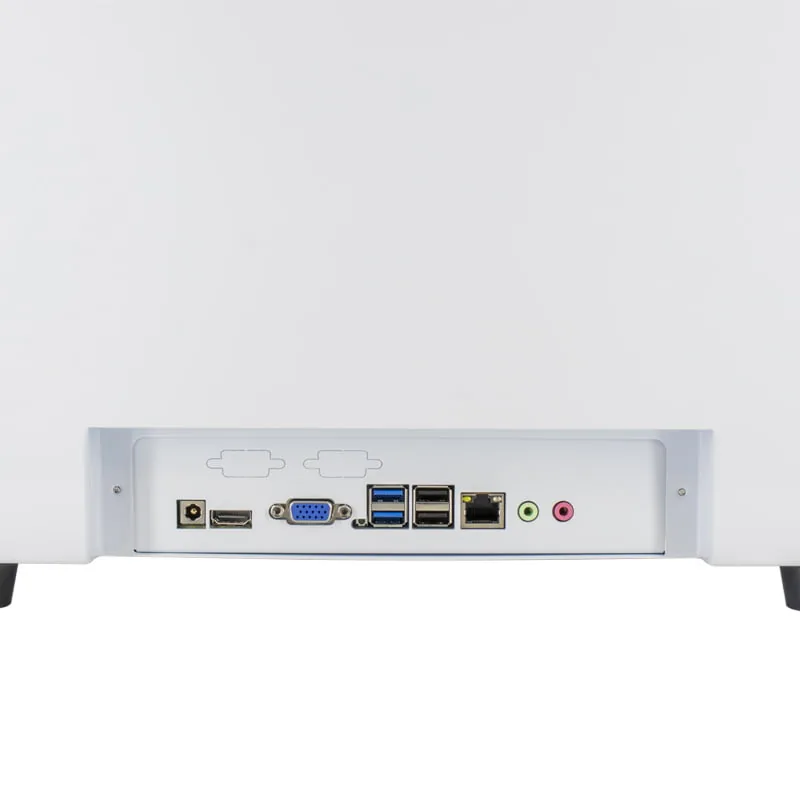
Android Architecture
Rockchip ARM boards from RK3288 to RK3399 run Android 11 or 12, which suits SaaS POS apps that do not need a desktop OS. Root access is available if your team wants it.
Windows Architecture
Intel Celeron J4125 up to Core i7 run Windows 10, 11 Pro or IoT Enterprise, which is what legacy ERP clients and heavier local software expect.
SN-K3 Specifications.
| Component | Android Configuration | Windows Configuration |
|---|---|---|
| Operating System | Android 11 / 12 (Root Access Available) | Windows 10 / 11 Pro / IoT Enterprise |
| Processor (CPU) | RK3288 / RK3566 / RK3568 / RK3399 | Intel Celeron J4125 / Core i3 / i5 / i7 |
| Memory (RAM) | 2GB / 4GB / 8GB | 4GB / 8GB / 16GB |
| Storage (ROM) | 16GB / 32GB / 64GB eMMC | 64GB / 128GB / 256GB SSD |
| Display Panel | 15.6" TFT LCD, 1920x1080 (FHD), 10-Point Touch | 15.6" TFT LCD, 1920x1080 (FHD), 10-Point Touch |
| Integrated Printer | 58/80mm Thermal, Auto-cutter, 150mm/s | 58/80mm Thermal, Auto-cutter, 150mm/s |
| Integrated Scanner | High-speed 1D/2D Barcode & QR Code Reader | High-speed 1D/2D Barcode & QR Code Reader |
| NFC/RFID (Optional) | ISO/IEC 14443 Type A/B, MIFARE | ISO/IEC 14443 Type A/B, MIFARE |
| Connectivity | Wi-Fi (2.4G/5G), Bluetooth 4.0/5.0, Gigabit LAN | Wi-Fi (2.4G/5G), Bluetooth 4.0/5.0, Gigabit LAN |
| I/O Interfaces | 4x USB, 1x RJ45, 1x HDMI, Audio I/O, 1x COM | 4x USB, 1x RJ45, 1x HDMI, Audio I/O, 1x COM |
| Enclosure Material | High-strength Cold-rolled Steel & Aluminum | High-strength Cold-rolled Steel & Aluminum |
Where It Actually Sits.
Four deployments cover most of the orders we ship: quick service restaurants, convenience stores, bakeries and cafes, and event ticketing. In each one the unit takes the order and prints the receipt at the counter, so staff only step in for age checks, refunds and exceptions.
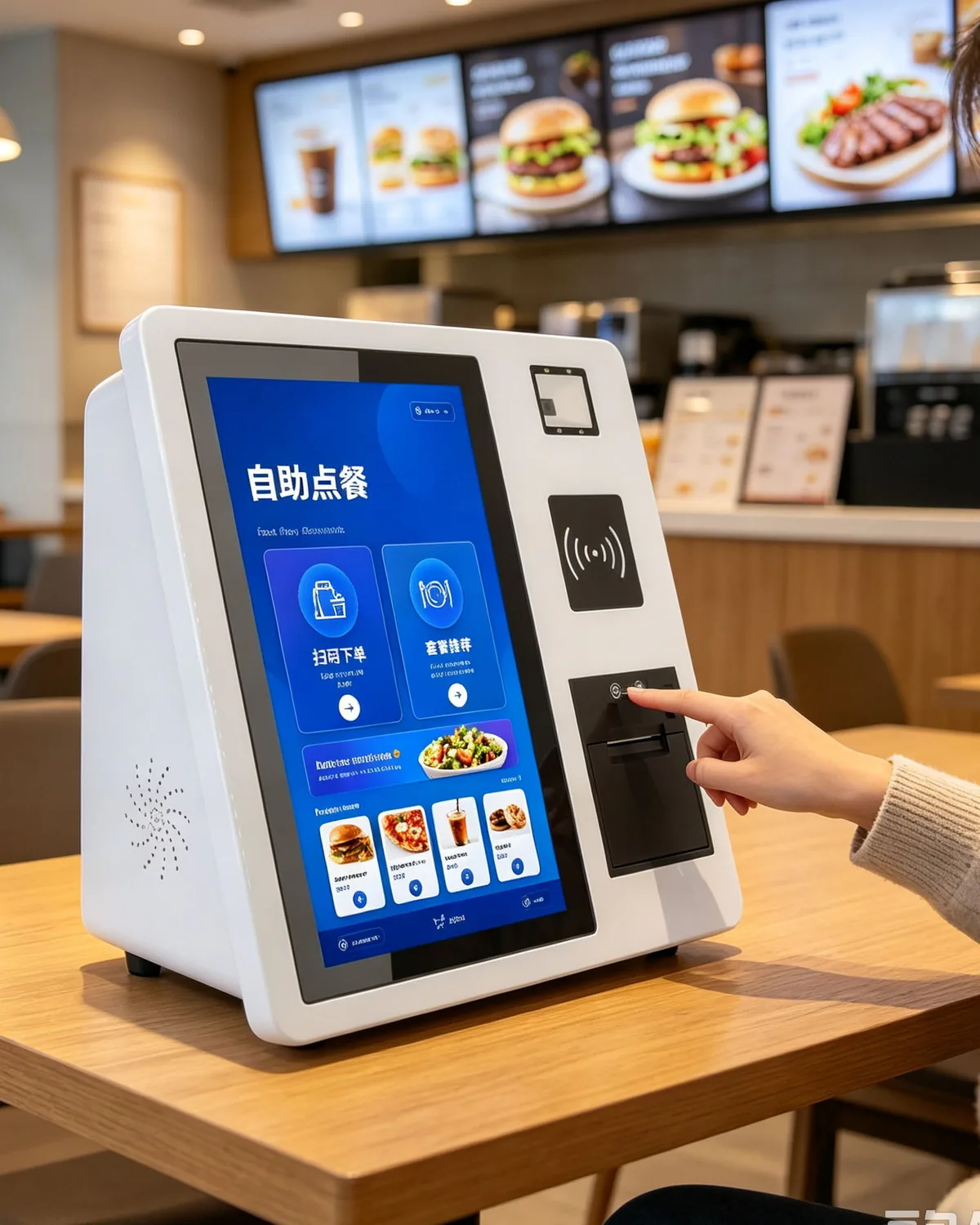
Quick Service Restaurants
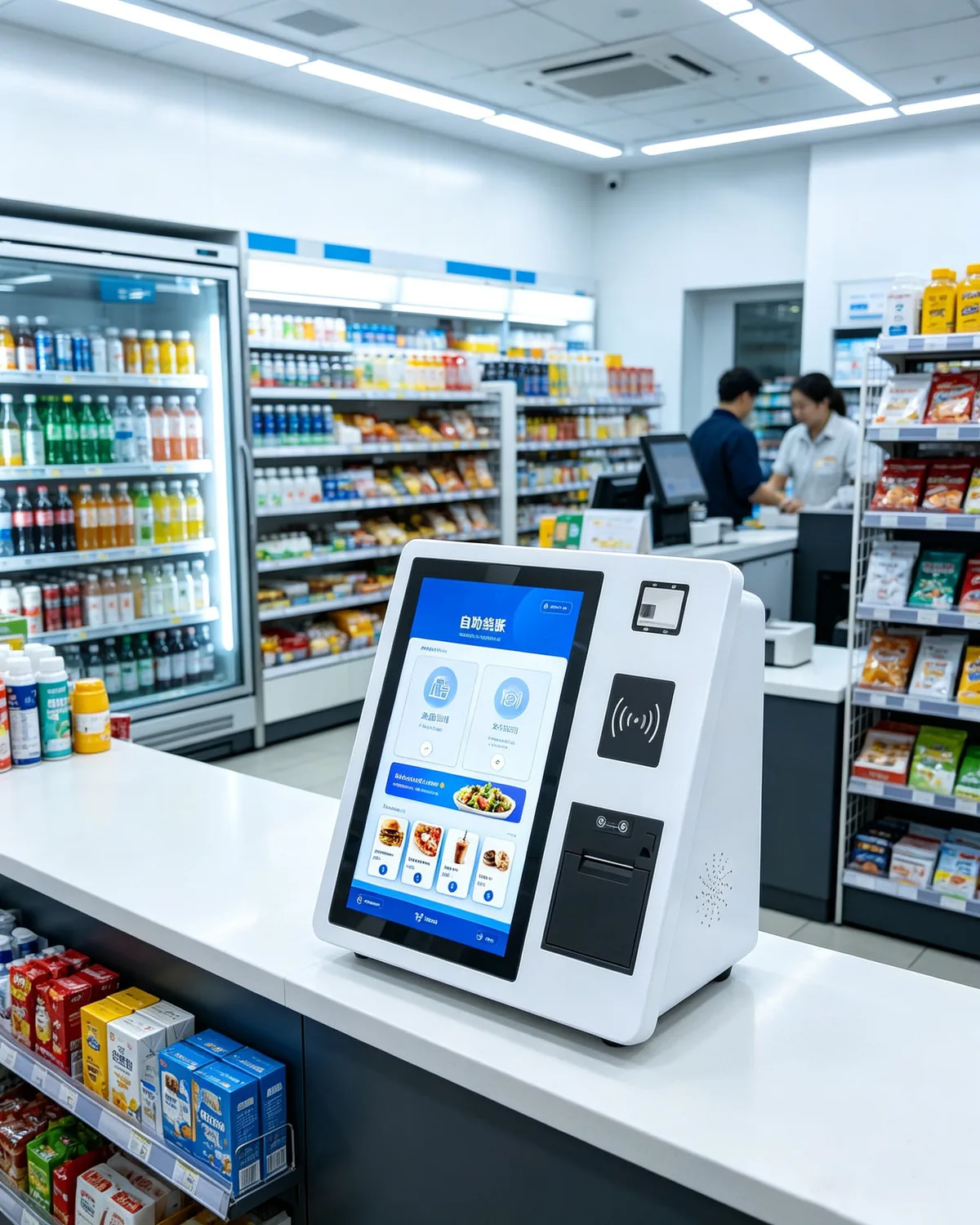
Convenience Stores
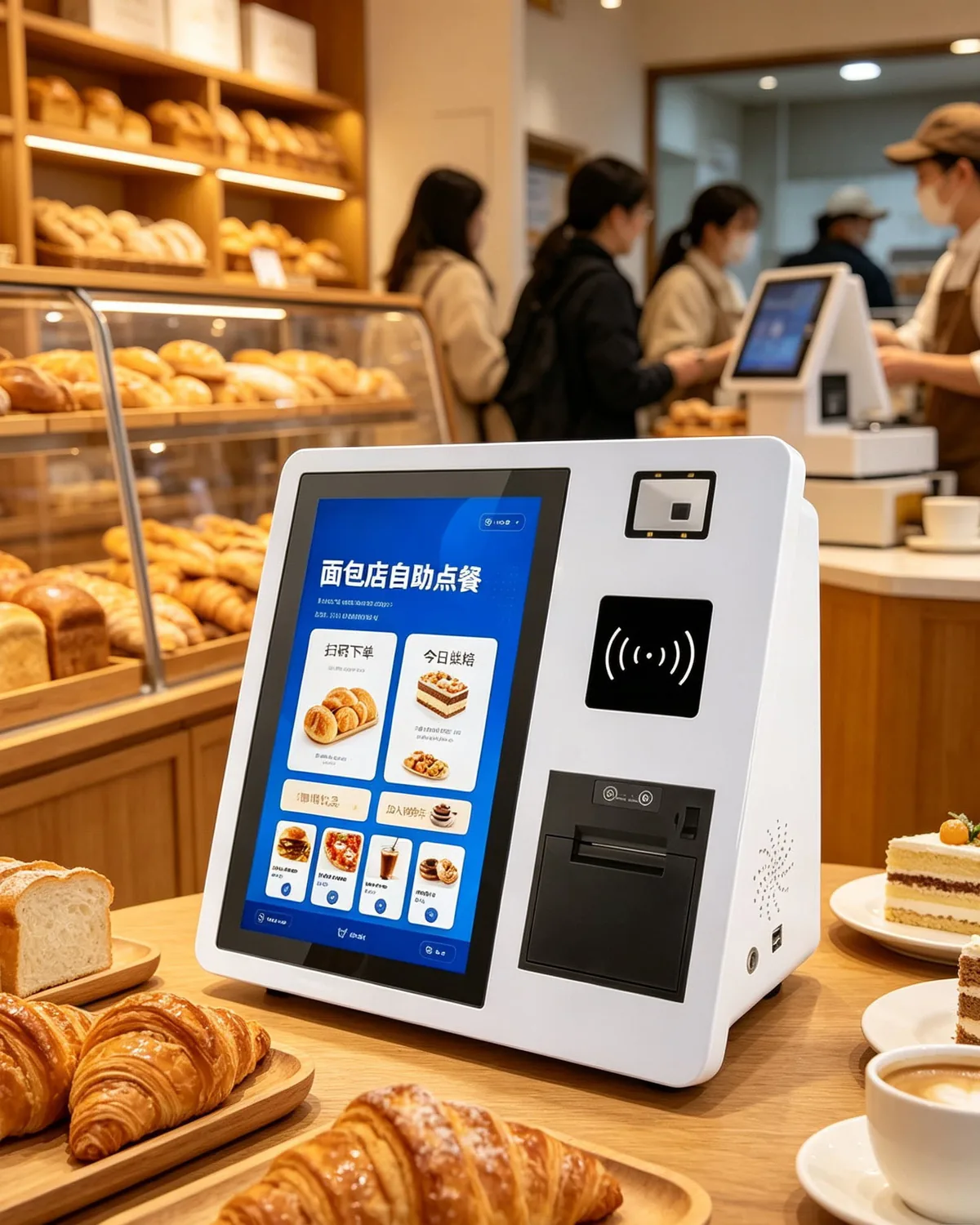
Bakeries & Cafes
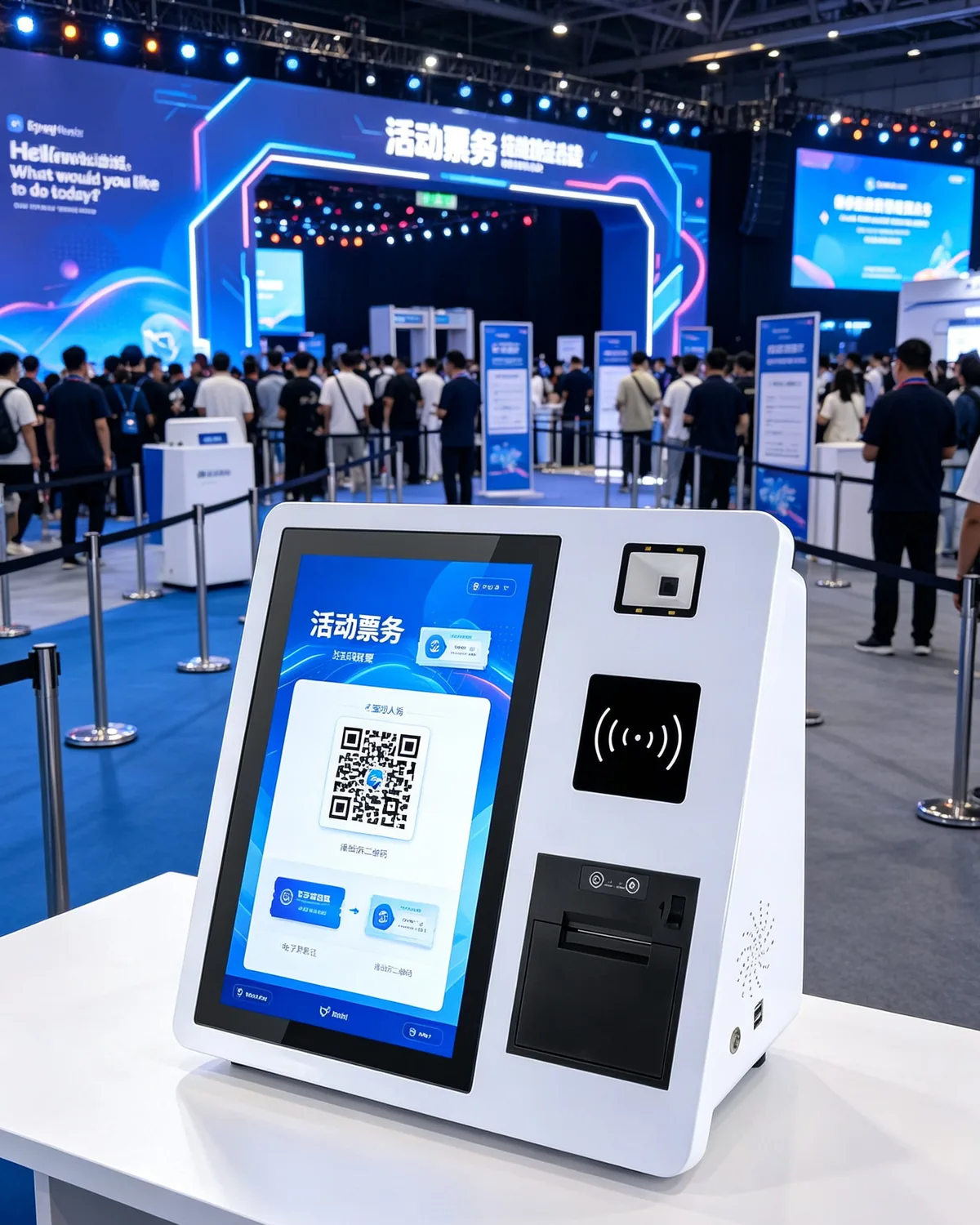
Event Ticketing
Quote the SN-K3.
Test a Sample First.
We build kiosks for retail chains and POS software vendors, including OEM housings, SDK access and volume pricing. Tell us the OS, the printer width and whether you need NFC, and the quote comes back with those three choices locked in.
Which kiosk fits the floor plan?
Three self-service platforms, split by duty cycle, screen size and how the site mounts them. The two closest alternatives to this page:
Planning the deployment? See how these units are used in the field, or read the buying and comparison material.
SN-K3 Kiosk FAQ.
Which build should we order, Android or Windows?
+
Depends on your app. Android runs on Rockchip RK3288, RK3566, RK3568 or RK3399 with 2 to 8 GB RAM and 16 to 64 GB eMMC, which is enough for a SaaS ordering app. Windows runs Intel Celeron J4125 up to Core i7 with 4 to 16 GB RAM and a 64 to 256 GB SSD, which is what legacy ERP clients usually need.
Does the printer take 58 mm or 80 mm rolls?
+
Both. The same bay accepts either width with an auto-cutter, at 150 mm per second. Tell us which width you standardize on and the unit ships configured for it.
Is NFC standard or optional?
+
Optional, and it is a factory-fitted module, so decide before production rather than after. With the module in, the reader handles ISO/IEC 14443 Type A and B plus MIFARE.
What is the screen and does it differ between builds?
+
A 15.6-inch TFT LCD at 1920 x 1080 with 10-point touch. The panel is identical on the Android and Windows builds, so a customer would not notice which one is running.
Which ports and wireless options does it have?
+
Four USB, one RJ45 Gigabit LAN, one HDMI, audio in and out, and one COM. Wi-Fi covers 2.4 GHz and 5 GHz, and Bluetooth is 4.0 or 5.0 depending on the board you pick.
Can we put our brand on it and load our own software?
+
Yes on both. OEM housing and branding come out of the same factory, and you get SDK access for the Android and Windows builds. Send the logo files with the order so artwork is approved before production starts.