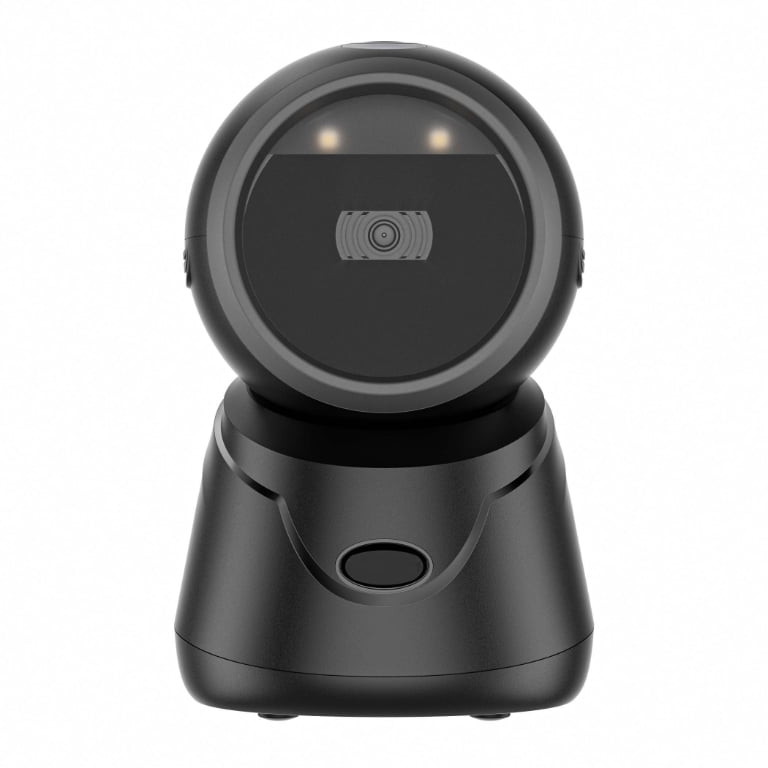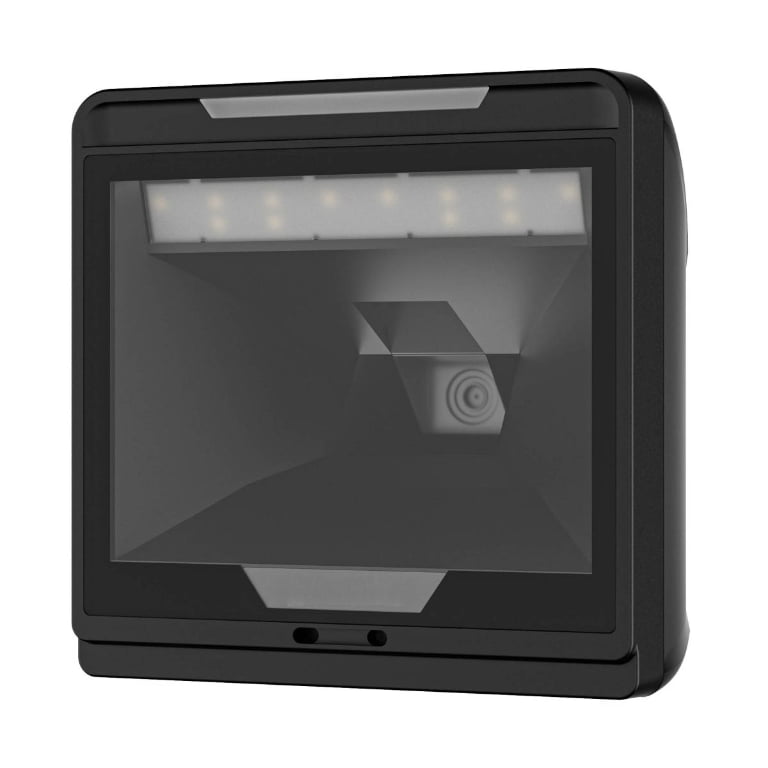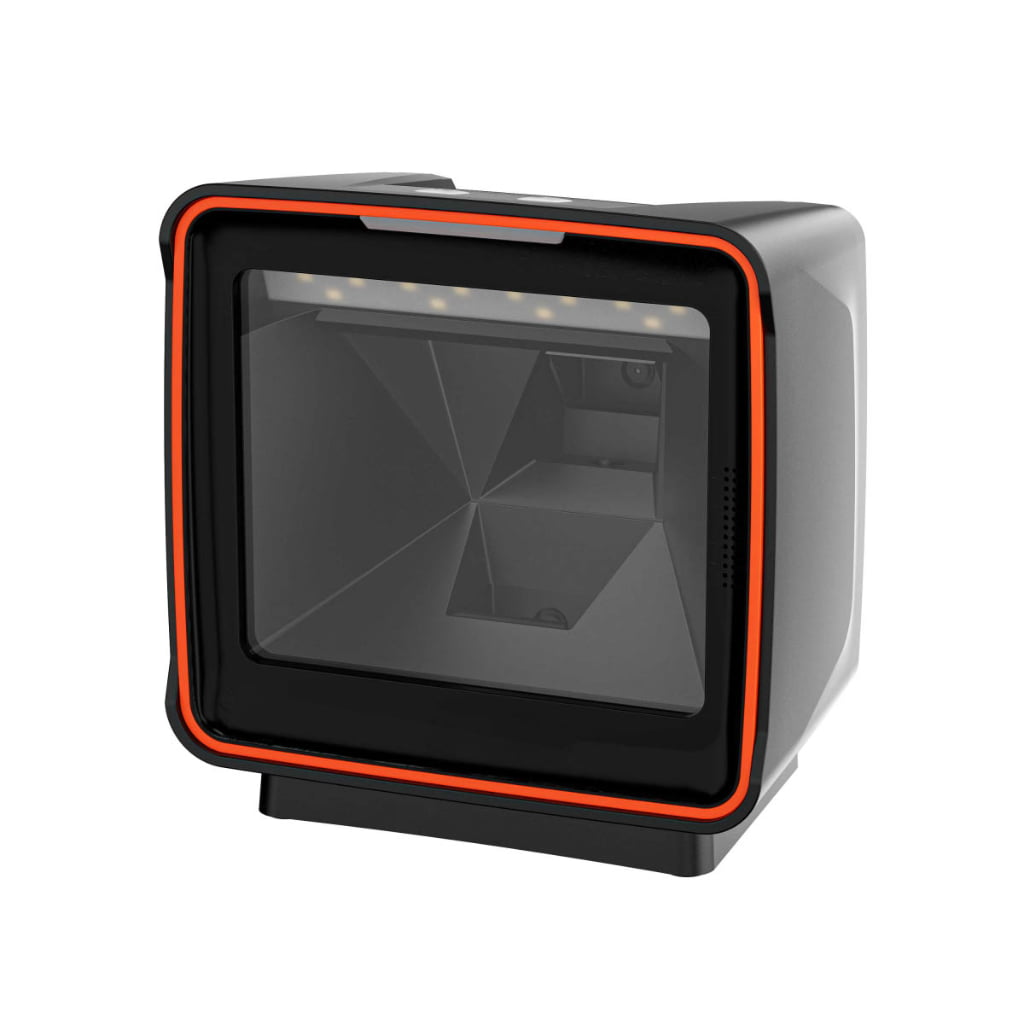
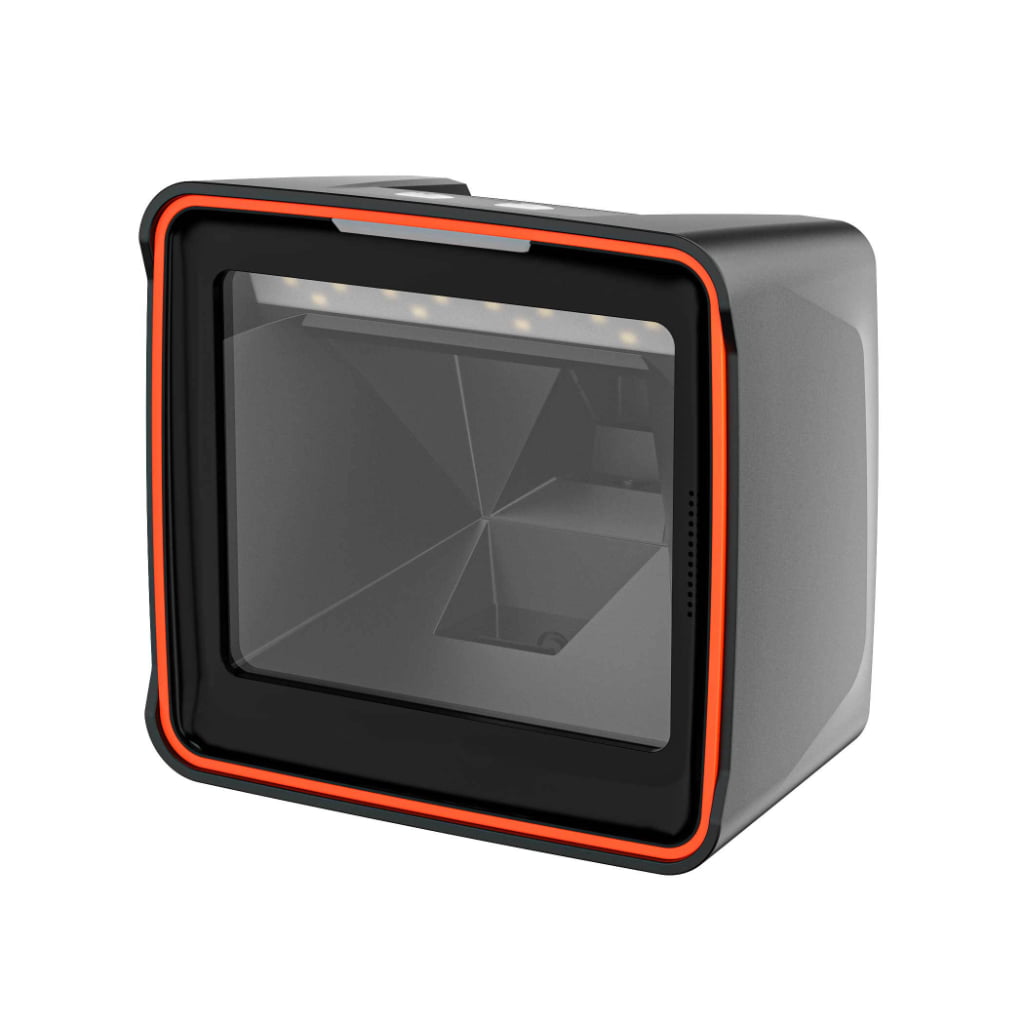
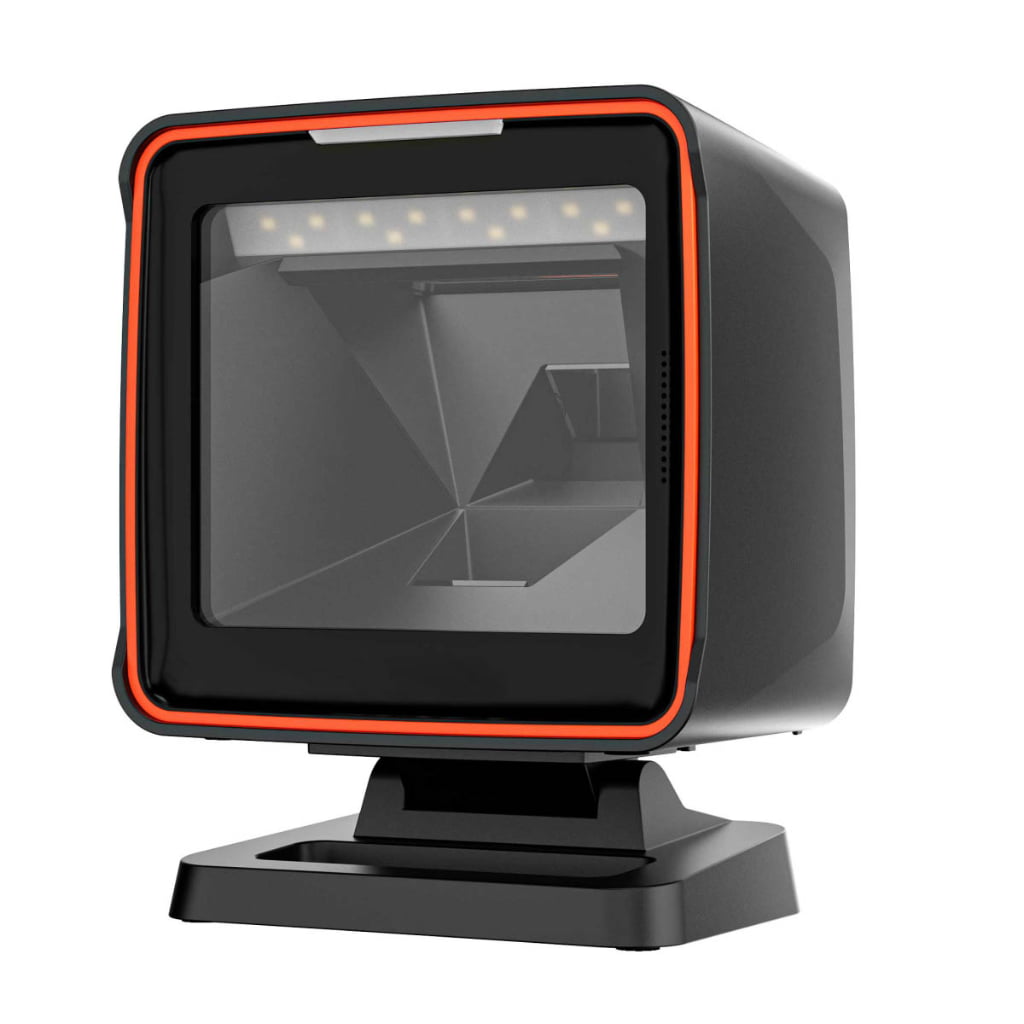
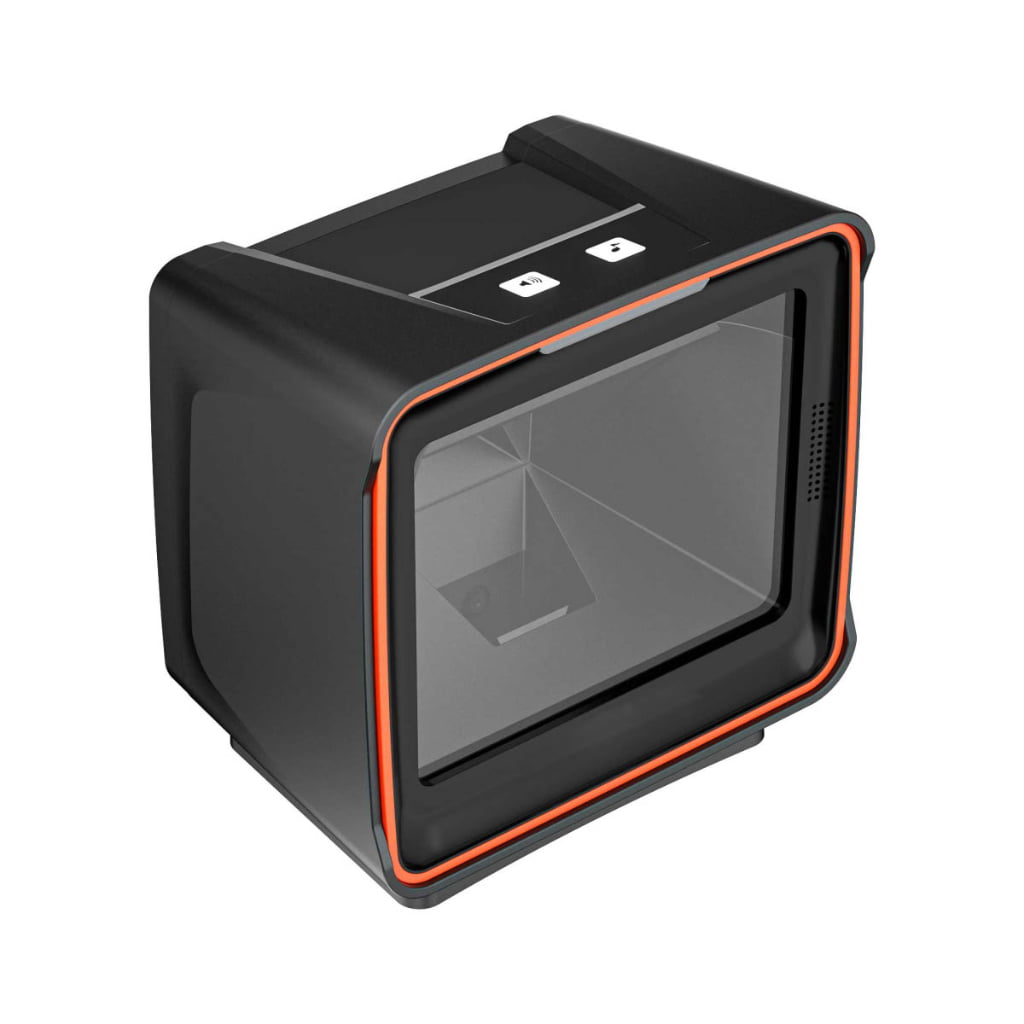
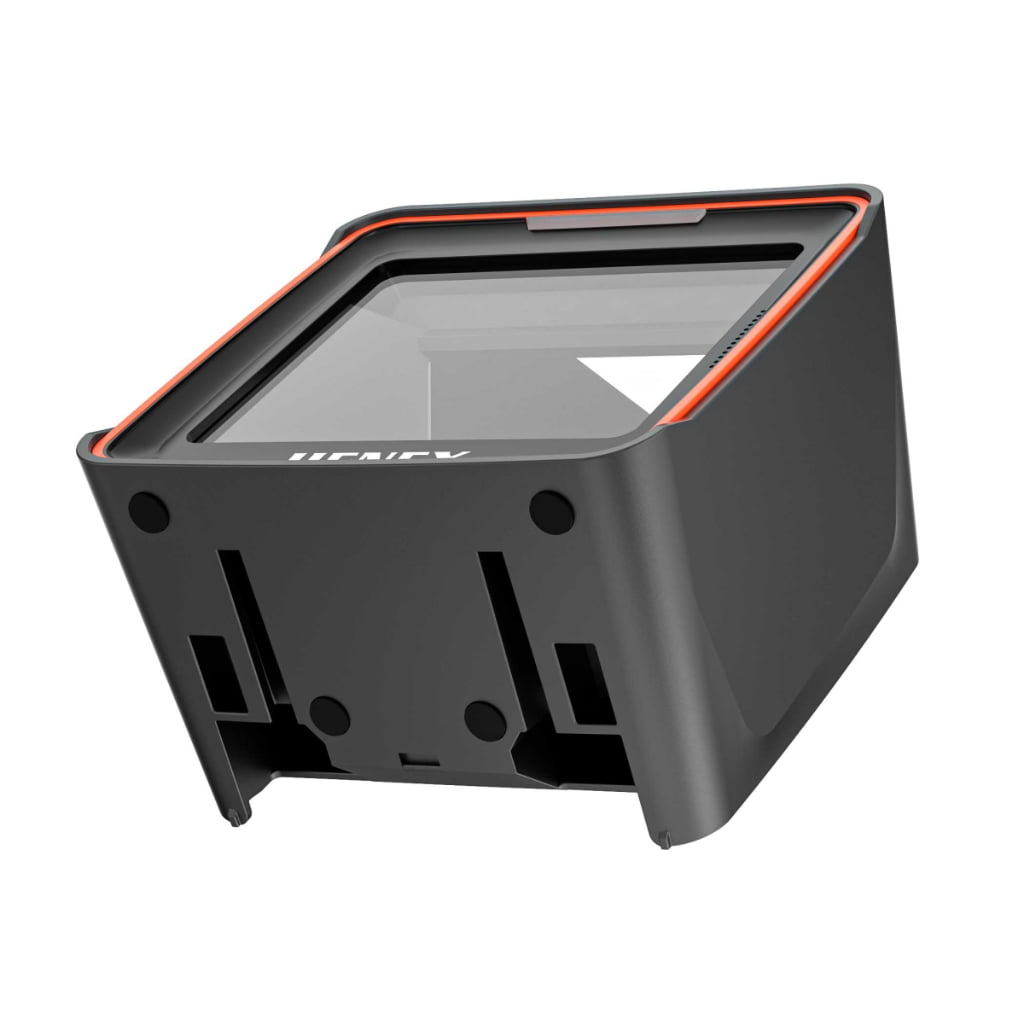
SN-H8000 2D Desktop Omnidirectional Barcode Scanner
Retail hardware specified for the work it actually does.
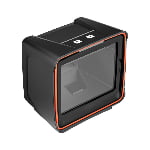
A fixed-mount 2D imager built for the checkout lane. 1.3-megapixel sensor running at 60 frames per second, omnidirectional reads of printed labels and phone-screen codes in the same pass, and USB or RS232 on a single 1.8 m cable.
- MOQ 1 with 10–15 day lead time on stock models
- Spec sheets and SDK released before the order
- 12-month warranty, OEM branding available on volume orders
- SKU
- SQN-SN-H8000-2D-
- Availability
- In Stock
- Lead Time
- 10-15 business days
- Warranty
- 12 months standard
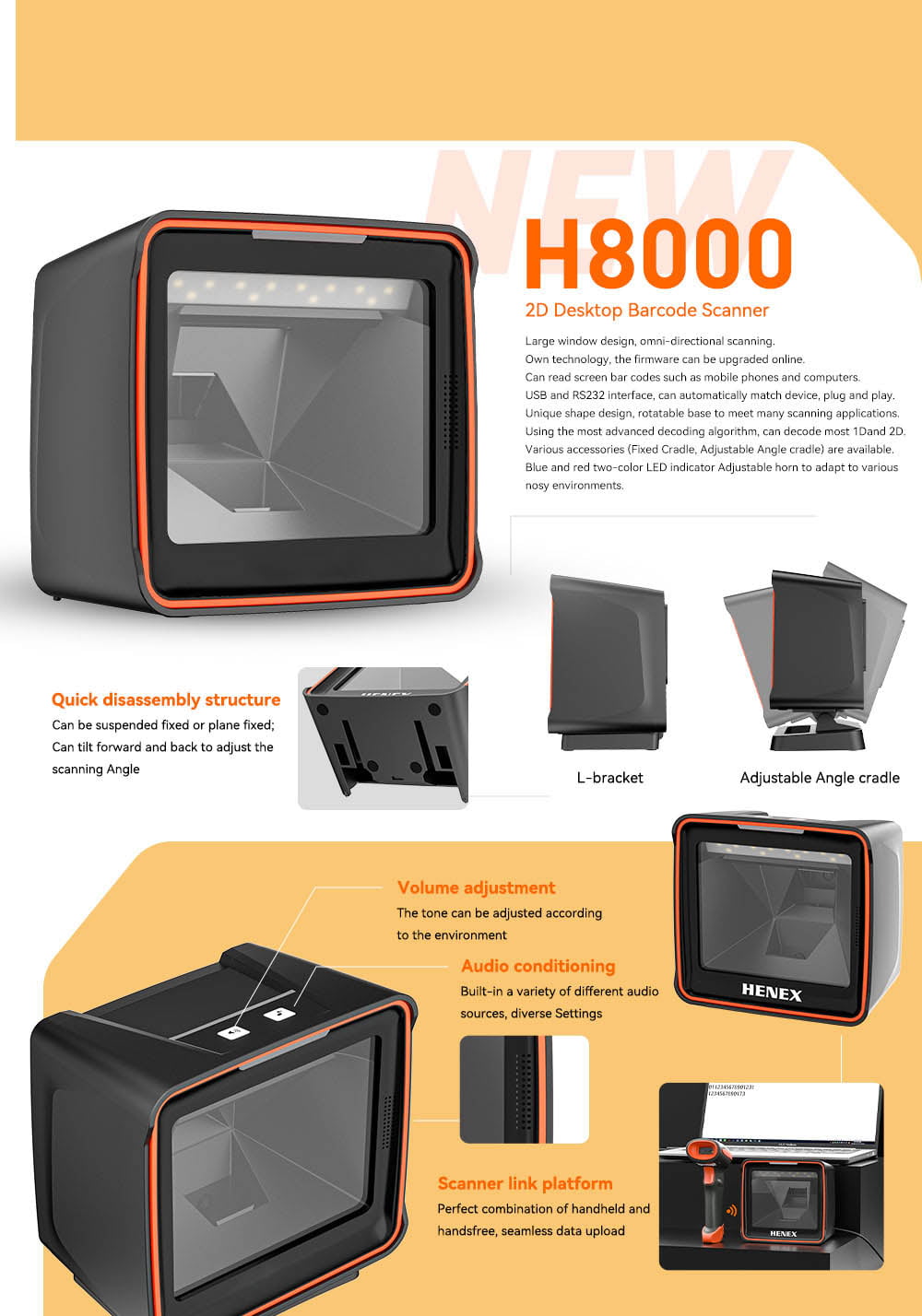
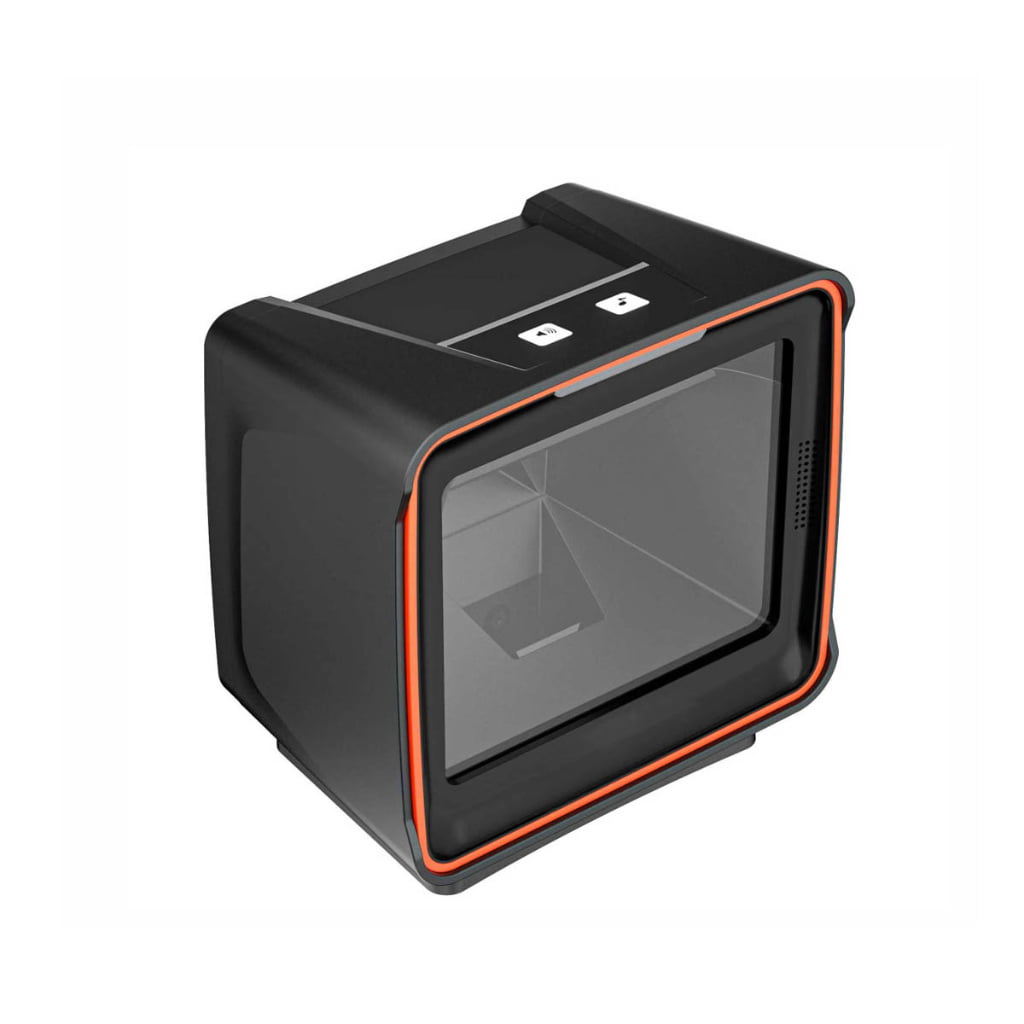
The SN-H8000 is a fixed-mount 2D imager for counters that scan all day. It sits on a bracket, stays powered, and reads whatever the operator pushes under the window — a printed label, a loyalty card, or a QR code on a phone screen — without anyone lining it up. The 1.3-megapixel sensor runs at 60 frames per second, so a code is captured on the way past rather than after it stops.
Why a fixed imager beats a handheld at the lane
A handheld scanner costs the operator two hands and one decision: trigger, aim, wait for the beep, put it down. At 400 transactions a day that decision is repeated 400 times, and it is where queue time comes from. A presentation scanner removes the decision — the item passes the window and the read has already happened. The trade is that a fixed unit only works if it reads at any orientation, which is why the H8000 uses an omnidirectional optical path rather than a single scan line.
What 60 fps and 2.5 m/s actually change
Frame rate sets how long a code has to sit still in front of the sensor. At 60 fps the window between frames is under 17 ms, so a barcode sweeping past is sampled many times before it leaves the field of view. The 2.5 m/s motion tolerance is the practical consequence: an operator can push an item through at normal handling speed and still get a first-read decode. In a lane that is the difference between a smooth pass and the second attempt that customers notice.
Phone screens are the hard case
Reflective LCD and OLED screens defeat a lot of laser scanners, and they defeat weak imagers too — the code is emissive, low-contrast, and often moving. The H8000 reads screen-rendered codes directly, which covers digital wallets, loyalty apps, and e-tickets that a customer pulls up on a phone. Print contrast tolerance is 25%, so thermal labels that have faded in a hot back office still decode.
Three ways to mount it
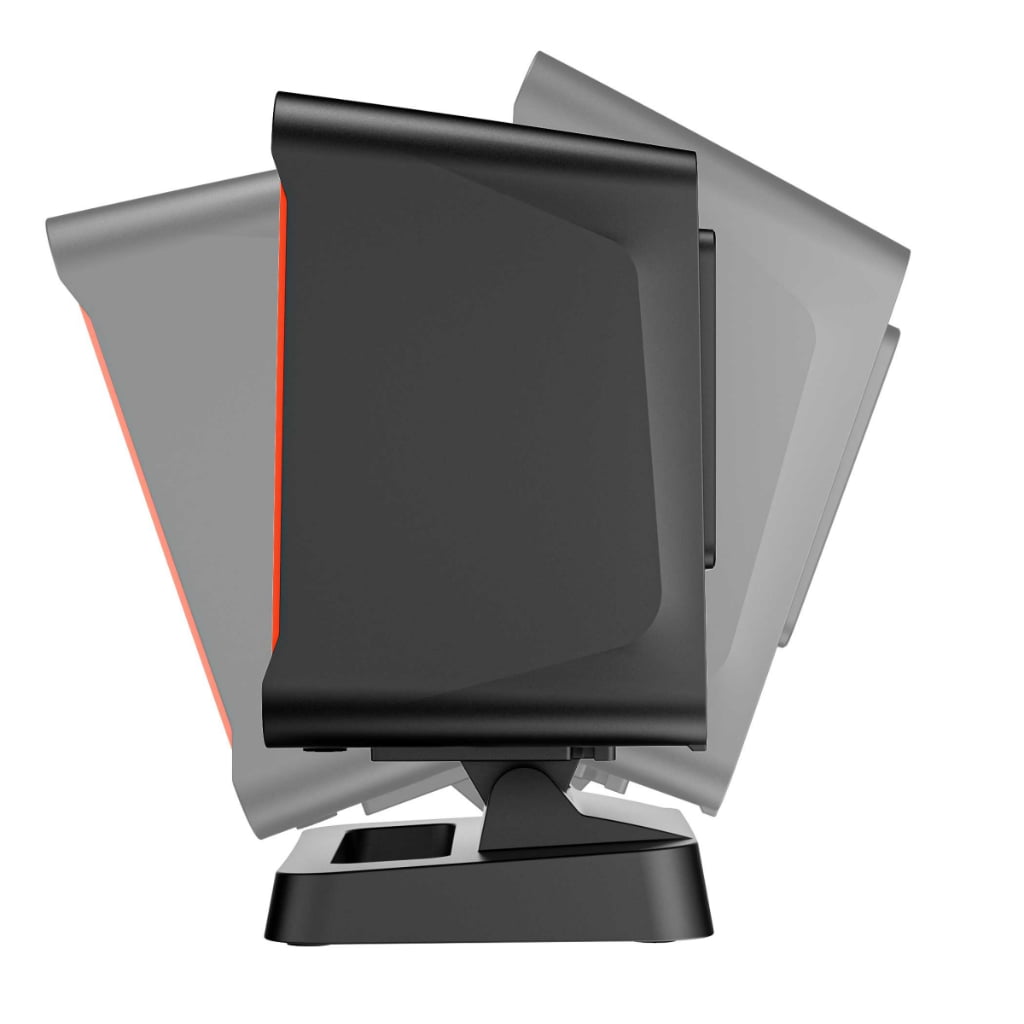
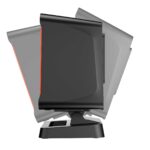
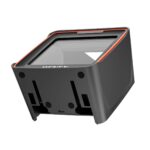
The chassis uses a quick-release base, so the head detaches from the bracket without tools. It can be fixed flat to the counter or suspended from above, and the head tilts forward and back to set the scan plane at the angle the counter actually needs. For counters where the presentation angle changes with the operator, the optional adjustable-angle cradle adds a second axis. An L-bracket is available for recessed or under-shelf mounting.
Feedback the operator can hear
A checkout floor is loud, and a scanner that cannot be heard produces double scans. The H8000 carries a horn with a dedicated volume control on the housing, plus a selectable set of audio profiles for different environments. The dual-color blue/red LED gives a silent confirmation channel for staff who work with headphones or in quiet pharmacy counters.
One platform for handheld and hands-free
An auxiliary port accepts a handheld scanner docked alongside the H8000, so bulky or awkward items can be scanned by hand while the fixed head handles the flow — both feed the same data path to the POS. You do not need two USB ports on the terminal or two drivers loaded.
Technical specifications
| Parameter | Specification |
|---|---|
| Model | SN-H8000 |
| Scanner type | Fixed-mount 2D presentation scanner, hands-free |
| Image sensor | CMOS, global shutter |
| Resolution | 1280 × 1024 pixels (1.3 MP) |
| Frame rate | 60 fps |
| Motion tolerance | Up to 2.5 m/s |
| Light source | White LED illumination, 617 nm red LED aimer |
| Scan angle | ±60° left/right, ±54° front/rear, 360° rotation |
| Field of view | 42° horizontal × 32° vertical |
| Minimum element | ≥ 4 mil (Code 39) |
| Print contrast | ≥ 25% |
| Symbologies | Standard 1D and 2D, including QR Code, Data Matrix and PDF417; screen-rendered codes supported |
| Working range | 3–50 cm, typical |
| Indicators | Dual-color blue/red LED, adjustable-volume horn |
| Operator controls | Volume button, audio profile button |
| Input voltage | 5 VDC ±5% |
| Operating current | 400 mA |
| Dimensions | 149 × 95 × 140 mm (L × W × H) |
| Net weight | 493 g |
| Mounting | Flat or suspended mount, tilt-adjustable head; L-bracket and adjustable-angle cradle optional |
| Firmware | Field-upgradable over USB |
| Host software | No driver required in HID keyboard mode |
Interfaces and I/O
Two cable variants are available, and the interface mode is set by configuration barcode rather than by a separate driver install.
| Interface | Mode | Typical use |
|---|---|---|
| USB | HID keyboard emulation | Plug-and-play into any POS terminal or PC; keystrokes land in the focused field |
| USB | Virtual COM port | Software that expects a serial device, without needing a physical serial port |
| RS232 | DB9 serial | Legacy terminals, industrial controllers, kiosk PCs with a fixed COM port |
| Auxiliary scanner port | Handheld pass-through | Docking a handheld scanner alongside the fixed head on the same data path |
Supplied cable is 1.8 m straight. Tell us the host interface at order time and the unit ships configured for it.
In the box
- SN-H8000 2D presentation scanner
- 1.8 m interface cable — USB or RS232, per order
- Quick start guide and configuration barcode sheet
Optional: L-bracket for recessed mounting, adjustable-angle cradle for counters that need a second tilt axis, and a handheld scanner for the auxiliary port.
Where it fits
- Supermarket and convenience checkout — presentation scanning at the lane, no trigger discipline needed
- Pharmacy counter — silent LED confirmation for quiet environments, screen codes for prescription apps
- Self-service and self-checkout kiosks — fixed mount, always-on, no operator present
- Receiving and packing desks — trolley and carton labels read at handling speed
- Ticket and access control desks — phone-held QR and PDF417
Common questions
Does it read QR codes shown on a phone?
Yes. The imager reads emissive screen codes as well as printed labels, which is the main reason to choose a 2D imager over a laser scanner.
Can I use it with software that only talks to a serial port?
Yes. Set the unit to USB virtual COM, or order the RS232 variant. No driver is needed in HID mode.
Do I need to install anything?
No. In HID keyboard mode the scanner presents as a keyboard and works on any host that accepts USB input.
How is this different from a handheld scanner?
A handheld frees the operator from the counter but costs a trigger pull on every item. A fixed presentation scanner removes that step entirely and is the better fit wherever volume, not mobility, is the constraint. Many counters run both — the H8000 accepts a handheld on its auxiliary port.
Documentation
Full datasheet, SDK and driver package are available on request — ask our engineering team and we will send the current revision with the quotation.
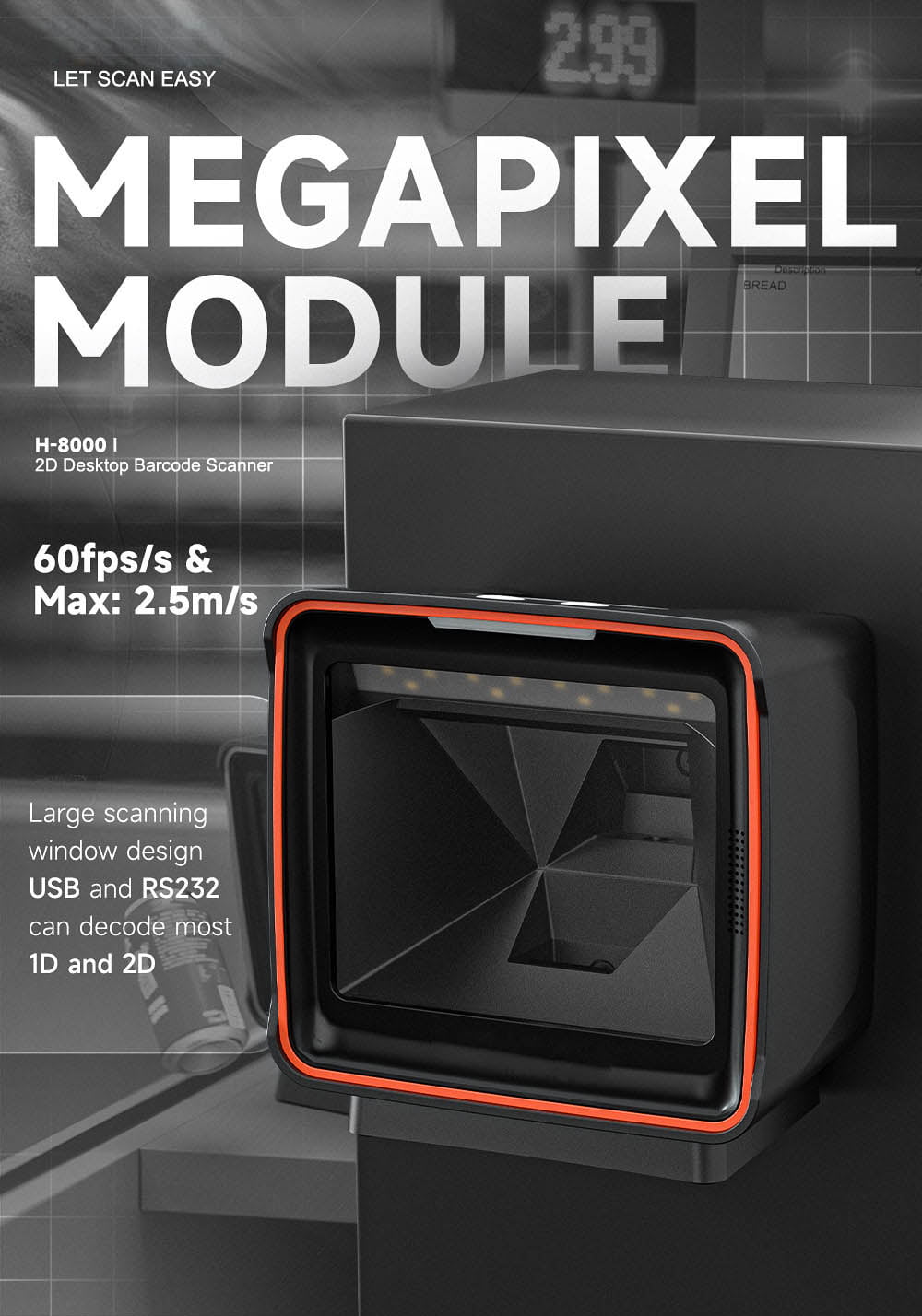
1.3 MP sensor at 60 fps with 2.5 m/s motion tolerance
A 1.3 MP imager at 60 fps refreshes the frame every 16 ms, and motion tolerance is rated to 2.5 m/s — fast enough that the operator sweeps a basket past the window rather than presenting each item. The extra resolution over a 640 × 480 engine is what buys the minimum element: 4 mil on Code 39, so small and densely printed codes resolve in one pass. Tight codes are the ones that force a second scan, and the second scan is where a queue forms at a fixed lane.
Reads printed labels and phone-screen codes in the same pass
The imager reads emissive screens as well as print, so a wallet QR or a loyalty barcode on a phone decodes without the customer hunting for an angle that dodges a reflection. One sensor handles both families — 1D for shelf and carton labels, 2D for QR, Data Matrix and PDF417 — which is the reason a 2D imager replaces a laser scanner outright in a store where payment happens on a phone. There is no mode to switch between the two.
Fixed mount with quick-release base; USB or RS232, one cable
This is a unit built to stay in one place: the base lifts off for cleaning or a lane change instead of being unbolted. Three host options run over the same 1.8 m cable — USB HID keyboard, USB virtual COM, or RS232 on a DB9 — and HID needs no driver on any host that accepts a keyboard. The auxiliary port also takes a handheld scanner, so a lane can mix hand-held scans and fixed presentation through one data path.
Technical Details
Full specifications, documentation, and customization options for engineering evaluation.
| Dimensions | 149 × 95 × 140 mm (L × W × H) |
|---|---|
| Barcode Scanner | 1D and 2D, including QR Code, Data Matrix and PDF417; screen-rendered codes supported; ≥ 4 mil minimum element (Code 39) |
| Power Supply | 5 VDC ±5%, 400 mA |
Frequently Asked Questions
Common inquiries from retailers, system integrators, and procurement teams.
Does it read QR codes shown on a phone?
Yes. The imager reads emissive screen codes as well as printed labels, which is the main reason to choose a 2D imager over a laser scanner.
Can I use it with software that only talks to a serial port?
Yes. Set the unit to USB virtual COM, or order the RS232 variant. No driver is needed in HID mode.
Do I need to install anything?
No. In HID keyboard mode the scanner presents as a keyboard and works on any host that accepts USB input.
How is this different from a handheld scanner?
A handheld costs a trigger pull on every item. A fixed presentation scanner removes that step and is the better fit wherever volume, not mobility, is the constraint. The SN-H8000 also accepts a handheld scanner on its auxiliary port, so both can share one data path.
Request a Quote for
SN-H8000 2D Desktop Omnidirectional Barcode Scanner
Our engineering team comes back with volume pricing, OEM options and lead time within one business day.
- Response within 24 hours
- NDA available for enterprise projects
- Free developer sample for qualified integrators
Synchronize Your Retail Ecosystem
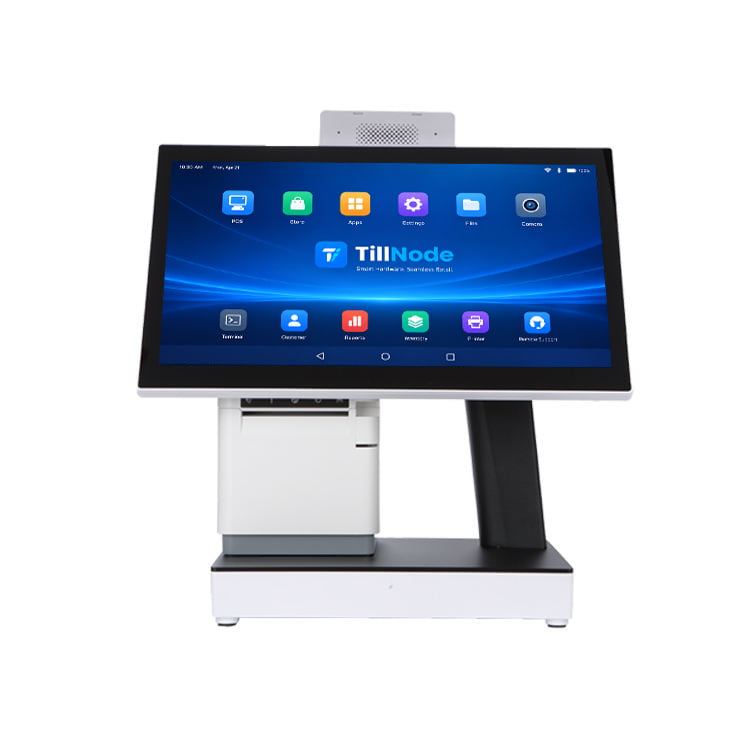
Pair this terminal with dedicated peripherals for a fully integrated, single-vendor smart store deployment.