Barcode Scanning Solutions for Checkout, Inventory, and Warehouse Workflows.
Scanning is the moment physical stock becomes digital data. Handheld scanners, presentation scanners, fixed-mount readers, wireless scanners, and Android-based handheld terminals can be configured to support checkout lanes, sales-floor price checks, stocktaking, receiving, picking, and shipping verification — as barcode scanning solutions that fit the workflow already in place.
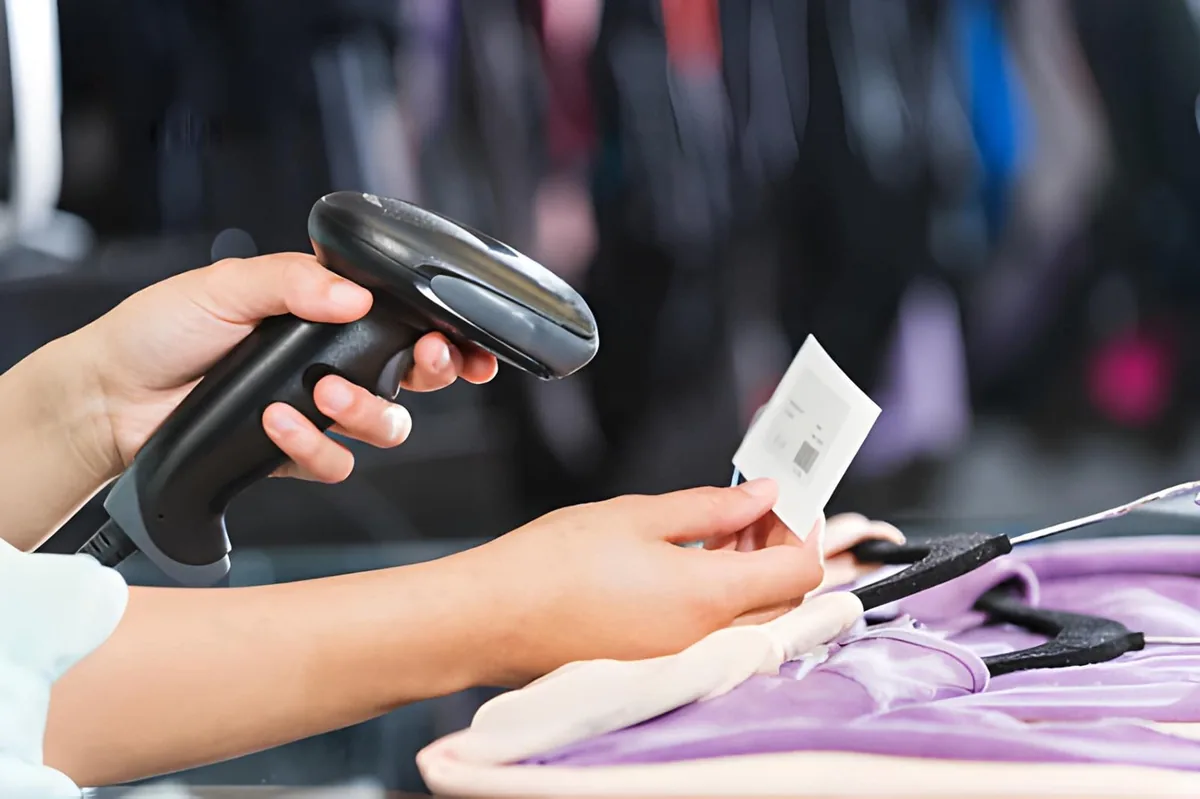
A Barcode Only Creates Value When the Scan Happens at the Right Moment.
A barcode proves nothing on its own. Value is created at the second the scan happens — at the lane, on the aisle, at the receiving dock. When scanning is treated as a device purchase instead of a workflow decision, the cost shows up later as queue time, count variance, and re-keyed data. Understand how scanners function →
Checkout Time Scales with Devices, Not Staffing
Every extra second per item multiplies across a peak hour. Queue time is a hardware and placement problem before it is a staffing problem.
Count Variance Comes from Missing Scan Moments
Inventory is only as accurate as the last time each location was actually scanned. Gaps between counts become variance that no report can explain.
Paper Still Sits Between the Scan and the System
Scanning that ends in a printed list or a handwritten tally re-creates the manual step that barcode data was supposed to remove.
Devices That Do Not Talk to the Software
A scanner that cannot reach the POS, WMS, or ERP cleanly becomes a keyboard and a source of exceptions rather than an automated data path.
Three Scan Moments Decide Inventory Accuracy: Checkout, Counting, and Goods Movement.
Almost every scanning requirement in retail and warehousing falls into three moments. Hardware can be planned around them instead of being bought device by device.
Checkout Lanes and Sales Floors Need Different Scanning Devices.
A retail scanner is chosen by where it stands, not by how it looks. Devices at a lane are judged on throughput and hands-free operation. Devices carried onto the sales floor are judged on wireless range and battery life. The same supermarket or convenience store often needs both.
Checkout Lanes: Hands-Free Beats Handheld at Volume
Presentation and counter-mounted readers can be selected for lanes where cashiers pass items through a scan window. Item handling is reduced and one hand stays free — the difference shows during peak hours. 2D models are required when reading digital screens.
Bulk Items and Full Carts: A Handheld Still Earns Its Place
A gun-style reader is required when the item stays in the cart or a basket. Corded models suit fixed lanes; wireless models are used when the till moves. Explore handhelds.
Sales Floor: Price Checks and Replenishment Without a Return Trip
Wireless scanners can be matched with a back-of-store system so staff confirm price, stock, or a shelf position on the spot. Fewer trips to a fixed terminal means more floor time.
Wired or wireless belongs to the workflow, not to the budget.
Read the comparison →
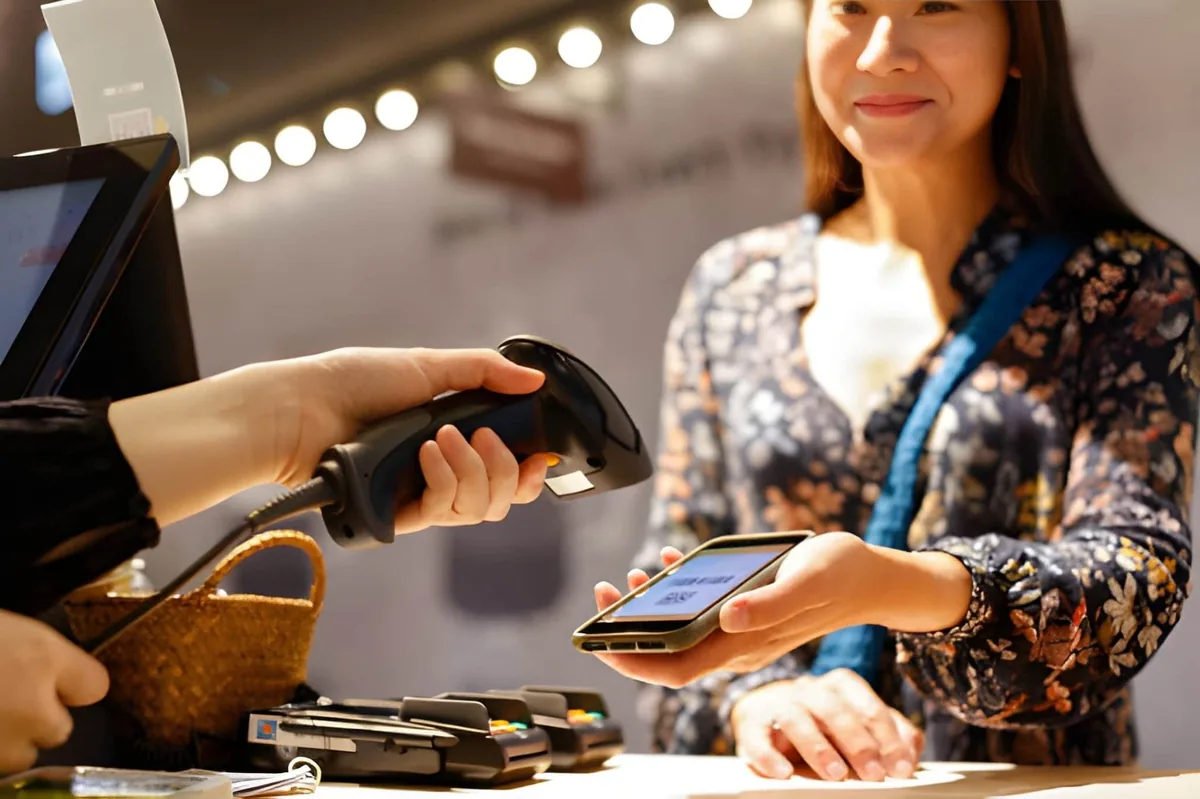
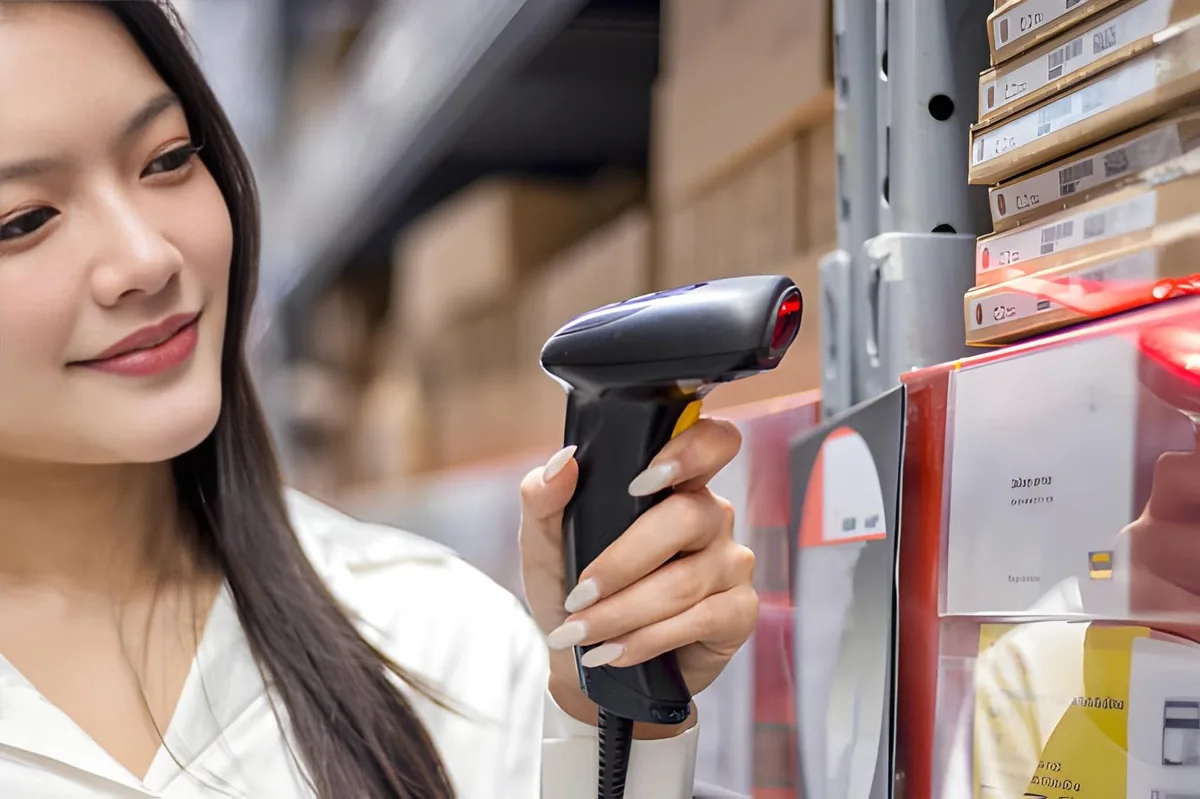
Stocktaking Becomes a Data Task Instead of a Paper Task.
A scanner for inventory work is selected around three constraints: how much of the store or warehouse is covered, how often counts run, and how quickly the numbers must reach the system. Handheld and wireless scanners are used to capture barcodes, location codes, and quantities, so count data is written once and read by everyone.
Full Counts and Cycle Counts Pull in Different Directions
Full counts favor long battery life, fast decode, and simple pairing. Cycle counts favor mobility and a stable wireless link so the count continues while staff walk.
Shelf, Bin, and Location Codes Double the Scan Volume
Counting product barcodes is only half the job. Shelf labels, bin locations, and pallet IDs can be scanned in the same pass so quantities stay attached to a place, not just to an item.
The Count Is Only Finished When It Reaches the System
Scanning that ends offline is not counted until it is uploaded. Bluetooth and wireless options and interface selection determine whether stock records update during the count or after it.
Receiving, Picking, and Shipping Are Verified by Scanning.
A scanner for warehouse work is selected by the process step it verifies. Receiving confirms what arrived. Picking confirms what was taken. Shipping confirms what left. Each step sits in a different environment — a low-lit dock, a forklift aisle, a packing bench — and the scanner earns its cost by removing one manual check per movement.
Receiving: Match the Delivery to the Order Before Stock Moves
Incoming cartons and pallet labels are scanned against the purchase order. Discrepancies are raised while the truck is still at the dock, where they can still be resolved. Wired models fit well at fixed receiving desks.
Picking and Put-Away: Scan the Location, Then the Item
Two scans per line — location and product — keep the movement traceable. Wireless and hands-free options are used when the operator should not stop to put a device down.
Packing and Shipping Verification: One Last Scan
A verification scan confirms the order is complete before the parcel leaves. This is where a fixed-mount reader is often matched with the packing bench for hands-free reads.
Fixed-Mount Reading on Conveyors and Docks
Where goods move past a point continuously, a stationary reader can capture codes without an operator holding anything. Alignment and lighting become the design parameters.
Need a screen while picking? Compare PDAs vs. Scanners →
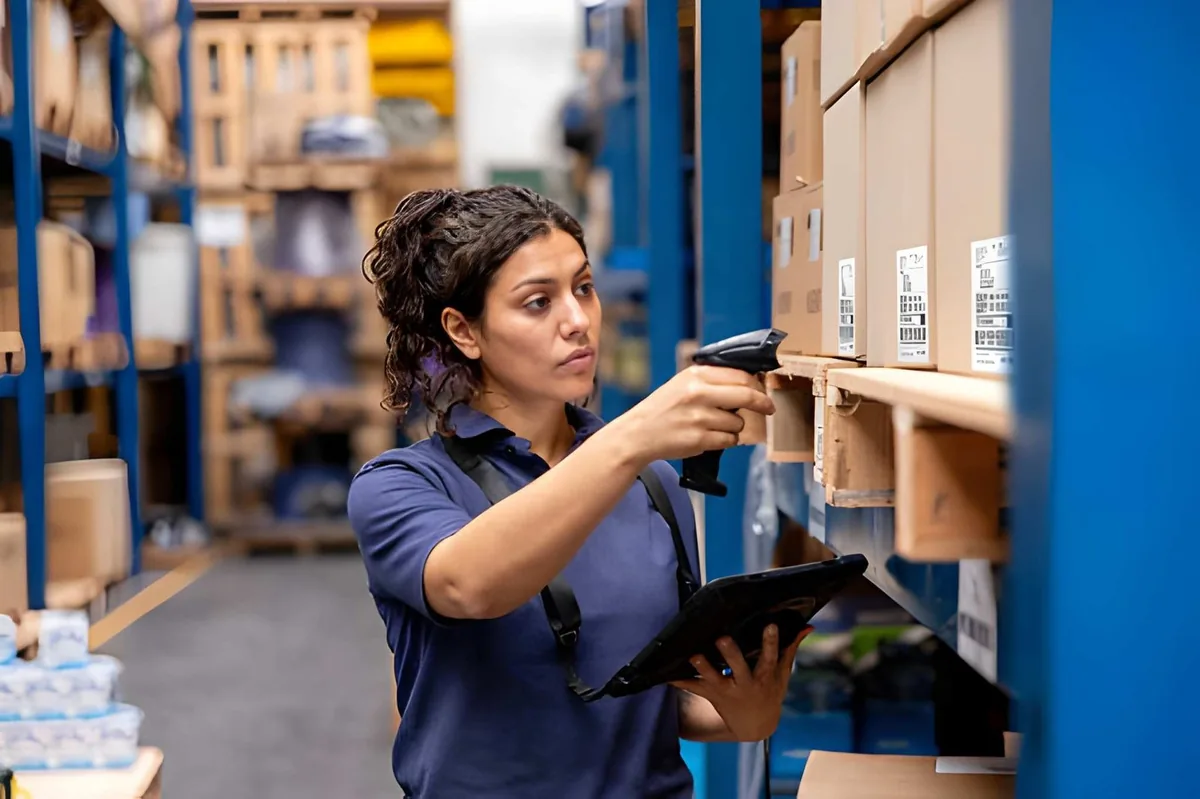
Fixed-mount reading removes one handling step for every carton on the line.
Grocery Scanners: Checkout, Produce, and Shelf-Edge.
A grocery scanner is specified by the codes it has to read, not only by how fast it reads them. The device class is the same as any other bar code scanner — what changes is the configuration around it. A single lane handles UPC and EAN product codes on packaged goods, weighed produce and bulk items, loyalty cards and mobile coupons, and QR codes presented on a phone screen, sometimes all in the same basket. The reader, the mounting, and the sealing are planned per work step, while the data path and the POS integration stay the same across the store.
Packaged Goods: UPC and EAN at the Lane
A packaged grocery item carries a UPC-A or EAN-13 code, and the lane is judged on items per minute rather than on decode technology. Presentation and counter-mounted readers keep the operator's hands free, so the item passes through the scan window instead of being aimed at. What matters in selection is the second-scan rate — how quickly the reader is ready for the next item — and how it handles a code that is curved, creased, or partly covered by a promotion label.
Produce, Deli, and Bulk: Where Scanning Meets Weighing
Weighed items change the front end more than any other grocery requirement. Where produce, deli, or bulk goods are priced by weight, the scan and the weigh happen in one station, and the reader is specified to fit that station rather than to replace it. A hands-free reader that triggers on presentation suits a counter where the item is put down; a sealed handheld is used where the same staff also work the aisle or a cold room. Produce labels and PLU codes are read on the same pass as packaged goods, so code density and low-contrast reading are the parameters to check.
Loyalty, Coupons, and Phone-Screen Codes
Loyalty cards, digital coupons, and e-receipts have moved a growing share of front-end scanning from paper to a phone screen. A screen code is a different optical problem from a printed label — brightness, refresh, and reflectivity all change what the imager sees — so a 2D imager is the safer base wherever screen codes are in scope. The same imager covers QR and Data Matrix codes on packaging, and the wider move toward 2D codes at retail point of sale; the trade-off against 1D is compared in 1D vs 2D barcode scanners.
Shelf-Edge, Price Checks, and the Aisle
Not every grocery scan happens at a lane. Price verification on the aisle, replenishment checks, and cycle counts all happen away from a fixed terminal, which is where a wireless handheld earns its place. Where the store also runs electronic shelf labels, price changes and shelf-edge confirmation move to a different system — the reader is then used to verify the physical label against the record rather than to carry the price.
| Grocery work step | Format that usually fits | Connection | What to check |
|---|---|---|---|
| Lane · packaged goods and promotions | Presentation / counter-mounted 2D | USB | Second-scan rate, handling of curved or covered codes |
| Lane · weighed produce and bulk | Reader integrated with the weighing station | USB / Serial | Placement on the counter, trigger mode |
| Self-checkout · customer-operated | Presentation 2D with auto-sense | USB | Hands-off triggering, misread handling |
| Loyalty desk · cards and coupons | Presentation or handheld 2D | USB / wireless | Phone-screen reading, first-read rate |
| Aisle · price checks and replenishment | Wireless handheld 2D | Bluetooth / wireless | Screen-code reading, battery per shift |
| Cold room and fresh counter | Sealed handheld | Wireless | Sealing, condensation, cold tolerance |
Grocery scanning sits inside a wider store view.
See the supermarket and grocery solution →
What Shapes the Cost of a Scanning Rollout.
A scanning project is quoted as a configuration, not as a unit price. Two projects with the same number of lanes can land far apart because the specification around the reader changes — the scan engine, the sealing, the interface, the accessories, and how the order is staged before shipment. Because the specification drives the total, the budget is built from the workflow rather than from a catalog. The table below lists what actually moves the number.
| Cost driver | What changes it |
|---|---|
| Scan engine and code support | A 1D laser or a 2D imager, and whether screen codes, QR codes, and 2D codes at point of sale are in scope. |
| Decode and speed class | Lane speed measured in items per minute, against the occasional read needed for an aisle check. |
| Housing, sealing, and durability | A countertop unit for a covered lane, against a sealed handheld for cold rooms, fresh counters, and dock areas. |
| Interface and power | USB, serial, Ethernet, or wireless with a cradle — and whether spare batteries and a charging routine are included. |
| Per-unit accessories | Stand, cradle, cable, mount, spare battery, and trigger configuration. These are part of the unit specification, not an after-sales extra. |
| Order configuration | Pre-configuration to a single profile, serial registration, branded housings, and order quantity. |
Two variables sit outside the device itself, and both are usually where a rollout budget drifts:
- How many scan points are fixed (lanes, weighing stations, desks) against how many staff need a unit in hand at the same time.
- The spares and battery-replacement ratio, planned at order time rather than after the first failure.
A pilot with live labels is the least expensive way to fix a specification. See how hardware is tested before a bulk order, or compare against the wider lane cost picture.
Request a hardware quote →
Scanning Data Has to Reach Your POS, WMS, or ERP Without a Detour.
A scan is only useful when it lands in the system that owns the record. Interface selection is therefore part of scanner selection, not an afterthought. See how to match hardware to software.
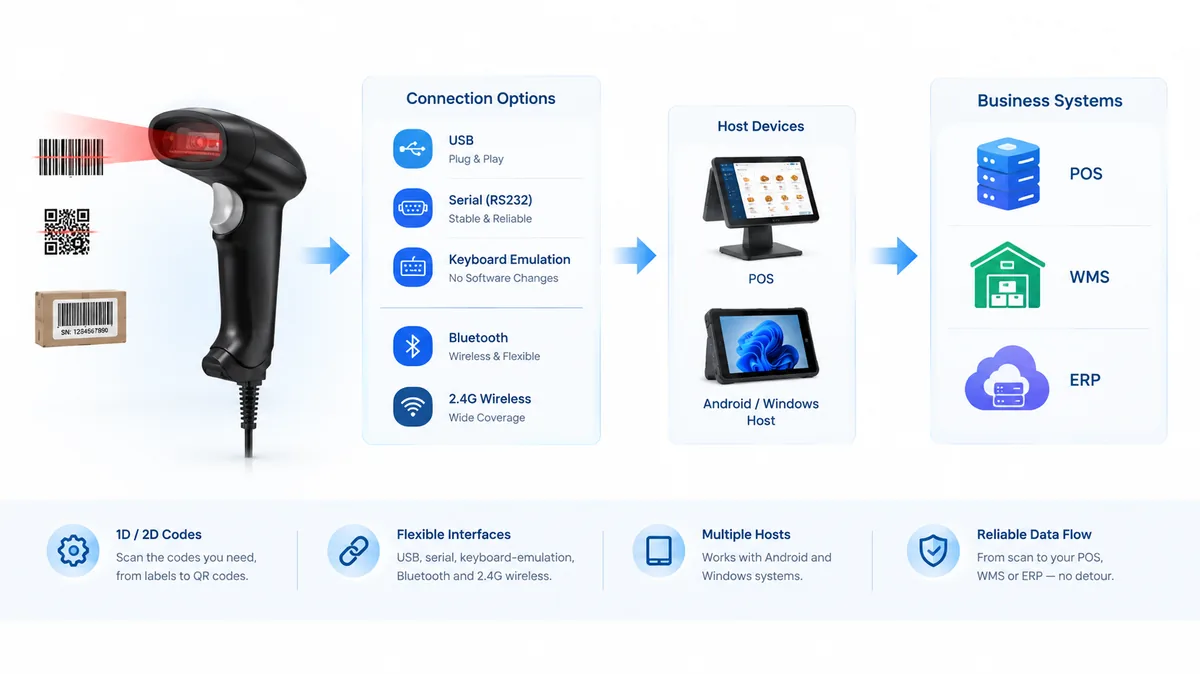
USB, Serial, and Keyboard-Emulation
Where the host is a fixed till or workstation, a cabled connection is usually enough. Data can be delivered as keystrokes so existing software needs no modification.
Bluetooth and Wireless: Pairing Decides Reliability
Wireless scanning depends on stable pairing and coverage more than headline range. Reconnection behavior and battery handling matter more in daily use than the spec sheet.
Android and Windows Hosts
A bar scanner for Android-based terminals and a Windows till are configured differently at the hardware level — pairing profile, keyboard mode, and power behavior. Selecting the right configuration up front avoids per-device fixes during rollout.
Batch Configuration and SDK Options
In multi-lane or multi-site rollouts, scanners can be pre-configured to one profile so every unit behaves the same on arrival. Where a system needs deeper control, SDK access can be discussed with the project.
Scanner Format Follows the Workflow, Not the Other Way Around.
The table below maps common work steps to the format that usually fits them. Final selection still depends on the codes you print, the distance you scan from, and the software that receives the data.
| Work step | Format that usually fits | Connection | What to check |
|---|---|---|---|
| Checkout lane · hands-free pass | Presentation / counter-mounted | USB | Auto-sense behavior, scan window height |
| Checkout lane · bulky items and carts | Handheld, gun-style | USB or wireless | Weight balance, trigger feel, drop rating |
| Sales floor · price and stock checks | Wireless handheld | Bluetooth / wireless | Pairing stability, battery per shift |
| Stocktaking · full count | Wireless handheld | Bluetooth / wireless | Battery life, batch or live upload |
| Stocktaking · shelf and bin codes | Wireless handheld or 2D imager | Bluetooth / wireless | Code density, low-contrast reading |
| Receiving dock · cartons and pallets | Rugged handheld or 2D imager | Wireless | Scan distance, dust and light conditions |
| Picking and put-away · hands free | Wearable or mobile handheld | Wireless | One-hand operation, screen on device or not |
| Conveyor and packing bench | Fixed-mount reader | USB / Serial / ETH | Alignment, trigger mode, throughput |
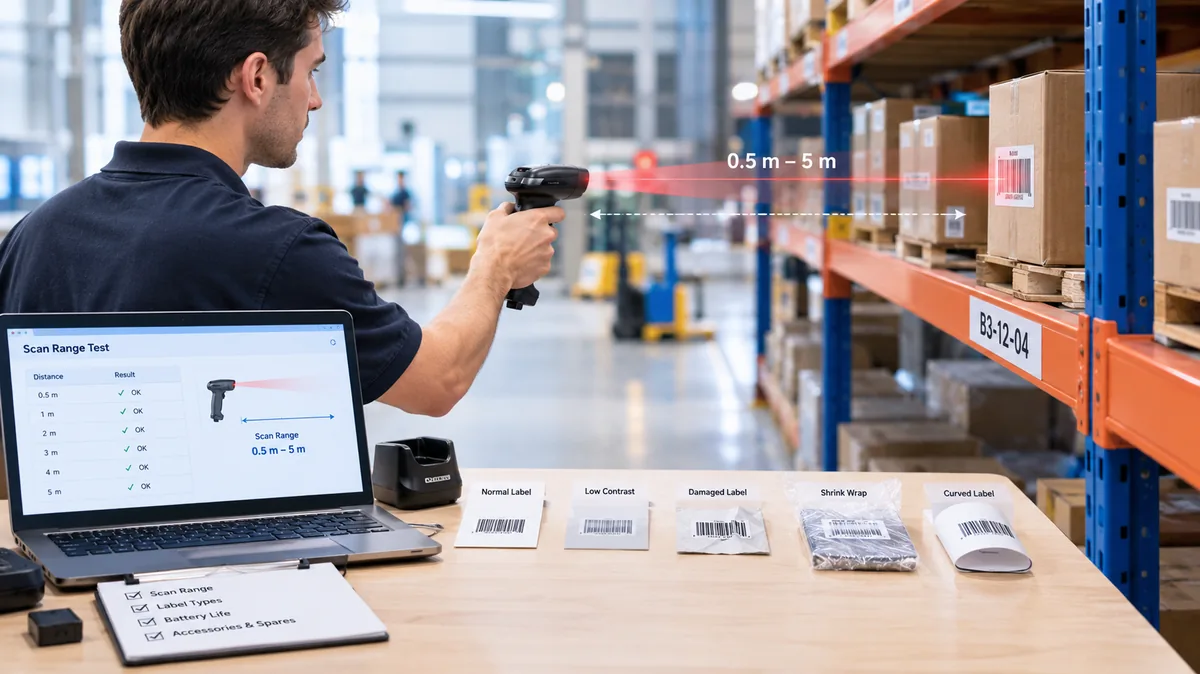
Scanning Rollouts Are Tested Before They Are Scaled.
Most scanning problems that appear after a large order are visible during a small test. These are the checks that keep a pilot from becoming a rework project. Learn how to run a hardware pilot.
Test With the Real Labels
Damaged, low-contrast, shrink-wrapped, and curved labels read differently from a clean test code. The pilot should use labels taken from live stock.
Measure the Real Distance
Shelf, rack, and pallet scanning often happens further away than a counter scan. Working range should be measured in the actual aisle or lane.
Confirm Battery Against a Full Shift
A shift is longer than a demo. Battery behavior, charging routine, and spare handling can be checked before the fleet is ordered.
Plan Spares, Cradles, and Consumables Up Front
Cables, cradles, mounts, and spare units are part of the deployment, not part of after-sales surprises.
Pre-Configure Before Shipping
For multi-lane and multi-site projects, units can be configured to one profile and registered by serial number so installation is a plug-in step rather than a setup step. Read rollout planning guide.
Why Scanning Projects Are Built with TillNode.
Scanning hardware works best when it is planned together with the terminals, peripherals, and software it feeds.
Scanning Hardware Within a Wider Device Line
Scanners can be supplied together with POS terminals, printers, cash drawers, and self-service hardware, so one project has one hardware source.
Multiple Formats from One Supplier
Handheld, presentation, fixed-mount, wireless, and 2D options can be compared within a single configuration discussion.
POS, Kiosk, and WMS Friendly
Interface and keyboard-emulation options are selected to match the software already in place, including Android and Windows hosts.
Pilot to Rollout Support
Configuration, batch pre-setup, and serial registration can be handled before shipment for multi-site projects.
OEM / ODM Configuration
Housing, branding, packaging, and configuration can be adapted for channel and private-label projects. Learn about OEM services →
Global B2B Supply
Volume supply, documentation, and export handling are managed for retail chains, integrators, and distributors.
Barcode Scanning Solutions FAQ
Which scanner is right for a retail checkout lane?
What is the difference between a scanner for inventory work and a scanner for warehouse work?
Can a bar scanner be used with Android terminals and Windows tills?
Do we need 1D or 2D scanners?
How many scanners does a store or warehouse need?
Can scanning be integrated with our existing POS, WMS, or ERP software?
What is a grocery scanner, and how is it different from a general-purpose scanner?
How many scanners does a supermarket checkout lane need?
Do we need 2D scanning for produce and fresh items?
What determines the cost of a scanning rollout?
Can self-checkout stations use the same scanner hardware?
Build a Scanning Layer That Matches Your Workflow.
Tell us where the scans happen — lane, aisle, dock, or line — and what the data has to reach. We will map the format, connection, and configuration to that flow, and can pre-configure units before shipment for multi-site projects.
- Format and connection matched to each work step
- Batch configuration and serial registration before shipment
- Volume supply with OEM/ODM options
Configure Your Fleet
Direct factory supply for ISVs and Integrators.