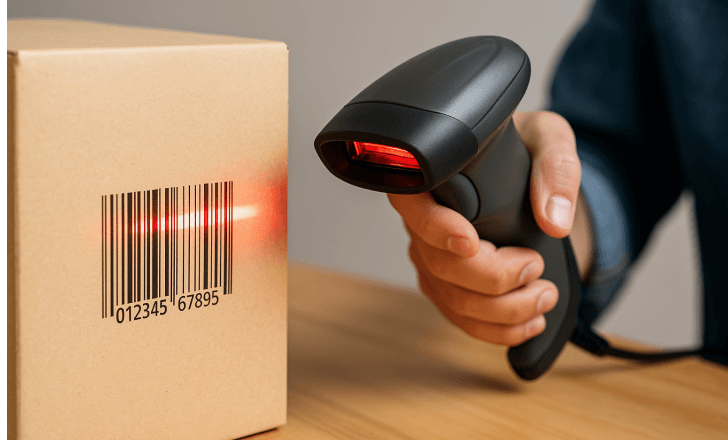
What Is a Barcode Scanner?
A barcode scanner (also called a barcode reader, bar scanner, or item scanner) is the device that reads the printed codes on products, labels, and documents — and converts them into data your system can use. At retail it's what makes checkout take seconds instead of minutes. In a warehouse it's what keeps inventory counts accurate. In a kiosk it's what lets customers scan a QR code to pay or check in.
All scanners do the same job — decode a symbol and pass the data to a host system — but they do it with different engines, in different bodies, at different price points. Those three axes (engine, form factor, rating) are what this guide walks through, ending with a practical checklist and a look at the brand landscape, including why so many buyers search for a "Symbol scanner" and what that name actually means today.
Readers arriving from industrial or logistics documentation may use the term
barcode readers rather than scanners — they are the same hardware family, and this guide uses the two interchangeably. What matters is not the label on the box but the three axes below: engine, form factor, and rating.
Scan Engine Technology: Laser, CCD, CMOS, and What "Digital" Really Means
Buyers searching for a "digital scanner" are usually asking a different question than they realize. The word
digital is not a category — every commercial scanner decodes to digital data. What the search actually points at is the sensor technology inside the imager, and that choice decides how well the scanner handles the labels your operation really has.
There are three sensor generations in commercial scanning, and knowing them explains most of the price spread in a scanner quote:
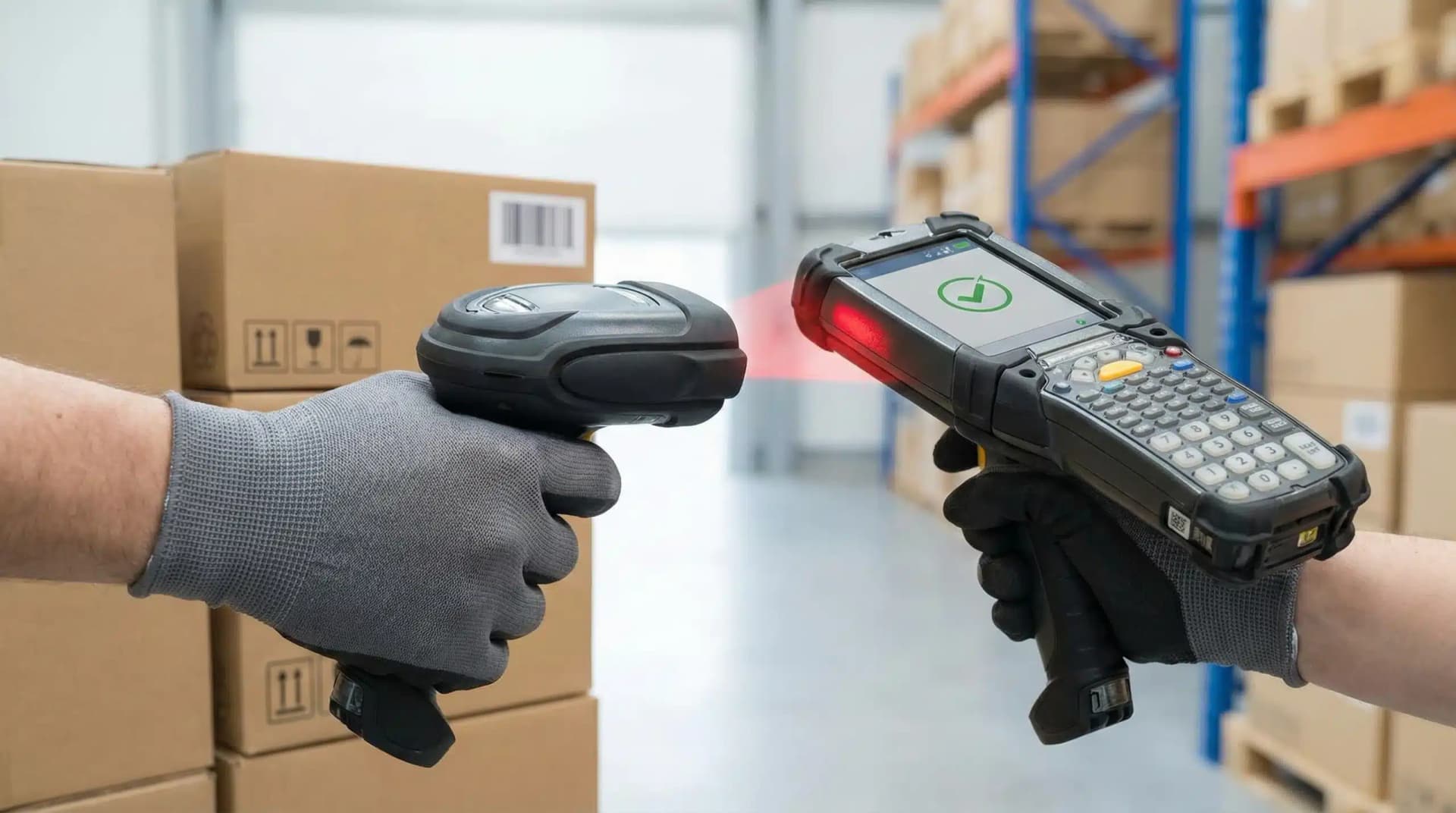
- Laser (moving-beam). A diode and a rotating mirror sweep a beam across the code; a photodiode measures reflected light. No image is captured. Fast on clean 1D labels at long range, but the mirror is a wear point and the sensor cannot see a screen or a 2D code at all.
- CCD (charge-coupled device). A line of light sensors captures one horizontal slice of the code. No moving parts, so it outlasts a laser — but CCD arrays have low sensitivity, need strong ambient or built-in illumination, and must sit close to the label. CCD is the older imager generation, still found in budget fixed-position scanners.
- CMOS (complementary metal-oxide-semiconductor). The modern sensor, and what a 2D area imager runs on. It captures a full 2D image at once, so it reads in any orientation, off screens and curved surfaces, and is far more power-efficient than CCD — which is why cordless scanners became practical at all.
The practical rule:
if a vendor says "image scanner" without naming the sensor, assume you need to ask. CCD-vs-CMOS is invisible on a spec sheet headline but decides screen-reading, power draw, and low-light performance. For any new deployment, CMOS is the safe default and the practical technology that covers 2D.
Depth of Field: The Spec That Decides Operator Speed
Depth of field is the distance range over which a scanner can successfully decode a code — and it is the most under-specified number in a scanner quote, despite being the one operators feel every hour.
A short-depth-of-field scanner must be brought to a precise distance from the label. On a fast lane that means the operator adjusts position on every item, which adds up to queue time. A wide-depth-of-field imager reads from a range of distances without repositioning, so the operator scans by feel rather than by aim.
How the numbers typically fall by class (indicative, varies by engine and code density):
| Scanner class |
Typical depth of field |
What it means on the floor |
| Standard handheld imager |
A few inches to ~40 cm |
Fine for counter scanning of small items |
| Extended-range handheld |
Up to ~1 m |
Reaching bulky goods or scanning without leaving the till |
| Long-range / industrial |
Several meters |
Pallet labels at dock doors and high-bay racking |
Depth of field shrinks as code density rises — a dense Data Matrix needs closer scanning than a large 1D label on the same engine. When you request samples, specify your densest and your largest label, not a test card.
| Engine |
Reads |
Orientation |
Reads from screens |
Moving parts |
Indicative price |
| Laser |
1D only |
Line up the code |
No |
Yes (mirror) |
$20 – $120 |
| Linear imager (CCD / CMOS 1D) |
1D only |
Line up the code |
Yes |
No |
$25 – $150 |
| 2D area imager (CMOS) |
1D + 2D (QR, DataMatrix, PDF417) |
Any angle |
Yes |
No |
$40 – $500 |
The practical guidance: if you're buying today and the price gap is manageable, buy the 2D imager. The exceptions are long-range outdoor 1D scanning (specialized lasers still win there) and high-volume simple 1D workflows where every dollar per unit counts.
1D vs 2D Codes: Why QR Code Scanners Became the Default
A 1D barcode stores a short number — a SKU or product code — read horizontally only. A 2D code (QR, Data Matrix) stores up to a few thousand characters in both dimensions: URLs, serial numbers, batch data, payment tokens.
That data capacity is why 2D has taken over the customer-facing world: mobile payments, e-tickets, loyalty apps, digital coupons, and product traceability all ride on QR codes. Regulated industries (pharmaceutical serialization, aerospace parts tracking) mandate 2D data-matrix codes outright. And on the operations side, 2D codes let one label carry item + lot + expiry instead of three separate barcodes.
A "qrcode scanner" is simply a 2D imager — and since every 2D imager also reads 1D codes, deploying them costs you nothing in compatibility.
GS1 Sunrise 2027: The 2D Mandate and What It Means for Your Fleet
The shift from 1D to 2D is not only a technology trend — it is a scheduled industry migration, and it has a date.
GS1, the standards body that governs retail barcodes worldwide, has set a target for retail point-of-sale systems to be capable of reading 2D codes at checkout — commonly referenced as the GS1 Sunrise 2027 initiative. The direction of travel is unambiguous: the linear UPC/EAN label that has anchored retail checkout for decades is being superseded by 2D codes that carry the same product identifier plus batch, expiry, and serial data in a single symbol.
For a buyer, this changes the weighting of one question in the checklist. "Do I need 2D?" is no longer a capability question about today's workflow — it is a readiness question about the label format arriving on your shelves.
What this means in practice:
- A 1D-only scanner is a dated purchase, not a cheaper one. The price gap between a laser and an entry 2D imager is small; the capability gap is permanent and points the wrong way against the migration.
- Presentation and in-counter scanners are the critical path. In a supermarket or convenience store, the checkout lane scanner is where 2D readiness has to land first, because a cashier cannot re-aim a fixed scanner.
- Plan the fleet, not the unit. If you operate many lanes, the migration is a hardware refresh cycle — which is clearest scheduled deliberately rather than forced by a supplier dropping 1D stock.
We do not set or interpret compliance timelines for your business; confirm current requirements and dates with GS1 and your retail systems provider. What we can do is make sure the engines you specify are on the right side of the transition.
The Six Types of Scanner Form Factors
Engines read the code; the form factor decides where and how it fits your workflow. Six types cover commercial use:
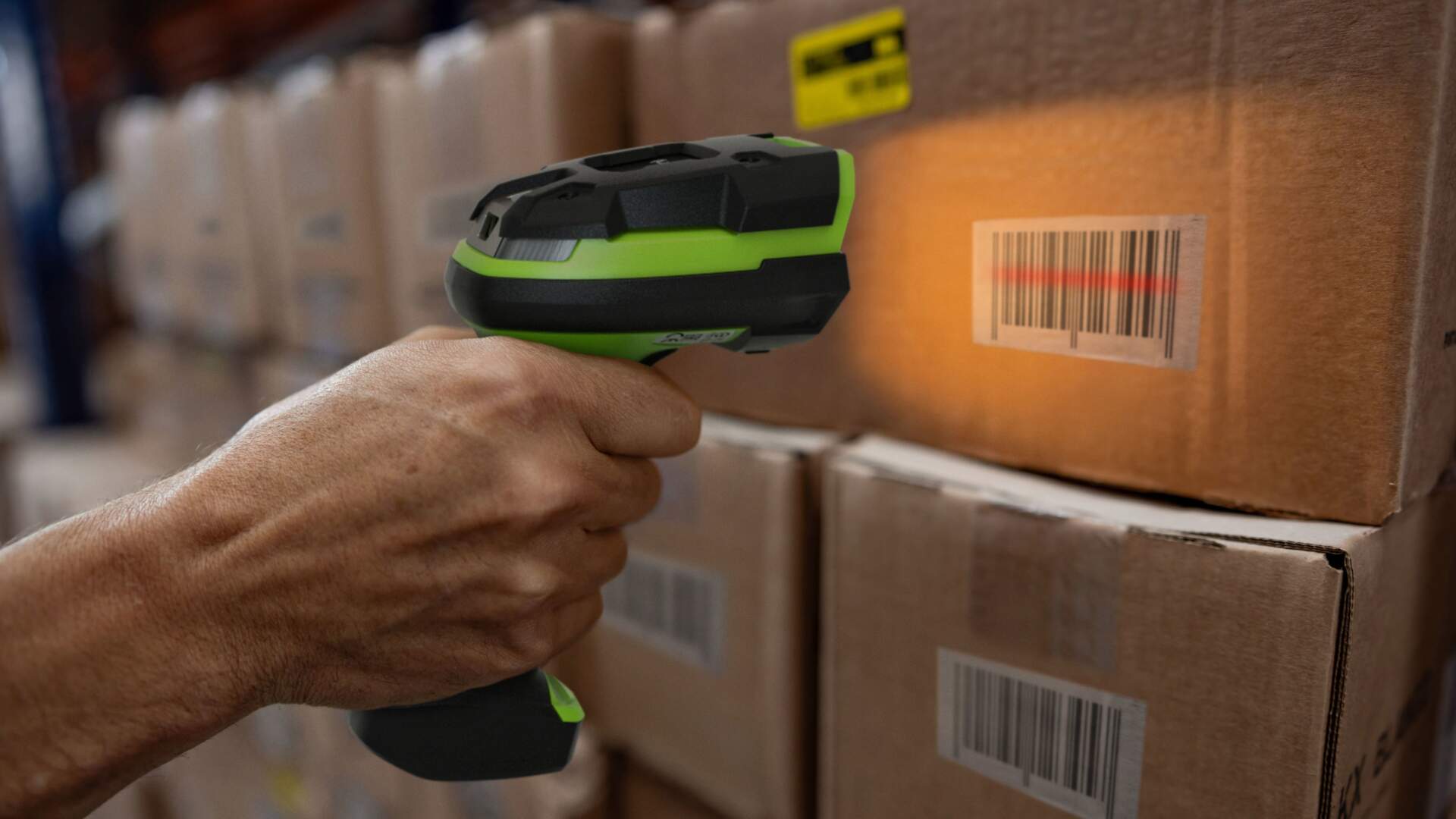
- Handheld barcode scanners — the classic pistol-grip "scan gun." Aim, pull the trigger, done. The universal choice for retail counters and general purpose scanning.
- Wireless and mobile barcode scanners — handheld scanners that connect by Bluetooth or a 2.4GHz dongle instead of a cable, with a battery rated for a full shift. For anything beyond a fixed counter: aisles, stockrooms, receiving docks, delivery routes.
- Desktop and presentation scanners — sit on (or in) the counter and scan hands-free in any orientation. Grocery in-counter scanners are this type, often with an integrated scale. Ideal for high-throughput checkout lanes.
- Fixed-mount scanner modules — compact engines embedded into kiosks, vending machines, diagnostic equipment, and production lines. OEMs design these into products; TillNode builds them into kiosk and POS hardware. See our OEM/ODM capabilities.
- 2D QR code scanners — imagers optimized for customer-facing QR workflows: payments, ticketing, check-in, loyalty. Anywhere the code lives on a phone screen, you need one of these.
- Industrial and warehouse scanners — ruggedized (IP54–IP65, 2m+ drop spec, sometimes freezer-rated) long-range scanners built for dock doors, forklifts, and high-bay racking.
Most real deployments mix several: a supermarket runs presentation scanners at staffed lanes, fixed modules at self-checkout, and wireless handhelds on the floor.
Omnidirectional Scanning: Why Presentation Scanners Read at Any Angle
"Omnidirectional" is the spec that explains why a supermarket lane moves faster than a manual checkout — and it is worth understanding because it is often confused with "2D."
The two are related but distinct.
Omnidirectional describes how a scanner presents its reading pattern; 2D describes what symbologies it can decode. A presentation scanner earns the omnidirectional label by projecting multiple scan lines — or by imaging the whole field — so a code is decoded regardless of which way the operator holds it. There is no "sweet spot" to find, which is precisely the point on a high-volume lane.
Three scanner behaviors fall out of this:
- Single-line scanning requires the code to be aligned with the beam. This is the classic handheld laser experience, and it is why operators rotate items to find the line.
- Raster / multi-line scanning sweeps several parallel lines so a misaligned 1D code is still caught — a middle ground found on some handhelds and most presentation units.
- Area imaging (true omnidirectional) captures the whole field at once, so orientation is irrelevant for both 1D and 2D codes. Every 2D presentation scanner works this way, and most 2D handhelds are effectively omnidirectional too.
The buyer's takeaway:
omnidirectional scanning is an operator-throughput feature, not a code-type feature. If your bottleneck is queue time rather than code compatibility, the omnidirectional presentation class is what you are actually shopping for — and it is available in both 1D multi-line and 2D area-imaging form. For a busy lane, hands-free omnidirectional scanning removes the aiming step entirely, and that is where the seconds per transaction are won.
Mobile Scanning: Bluetooth Scanner vs Phone Camera vs Mobile Computer
"Scanner mobile scanner" searches usually mean one of three things, and they're genuinely different products:
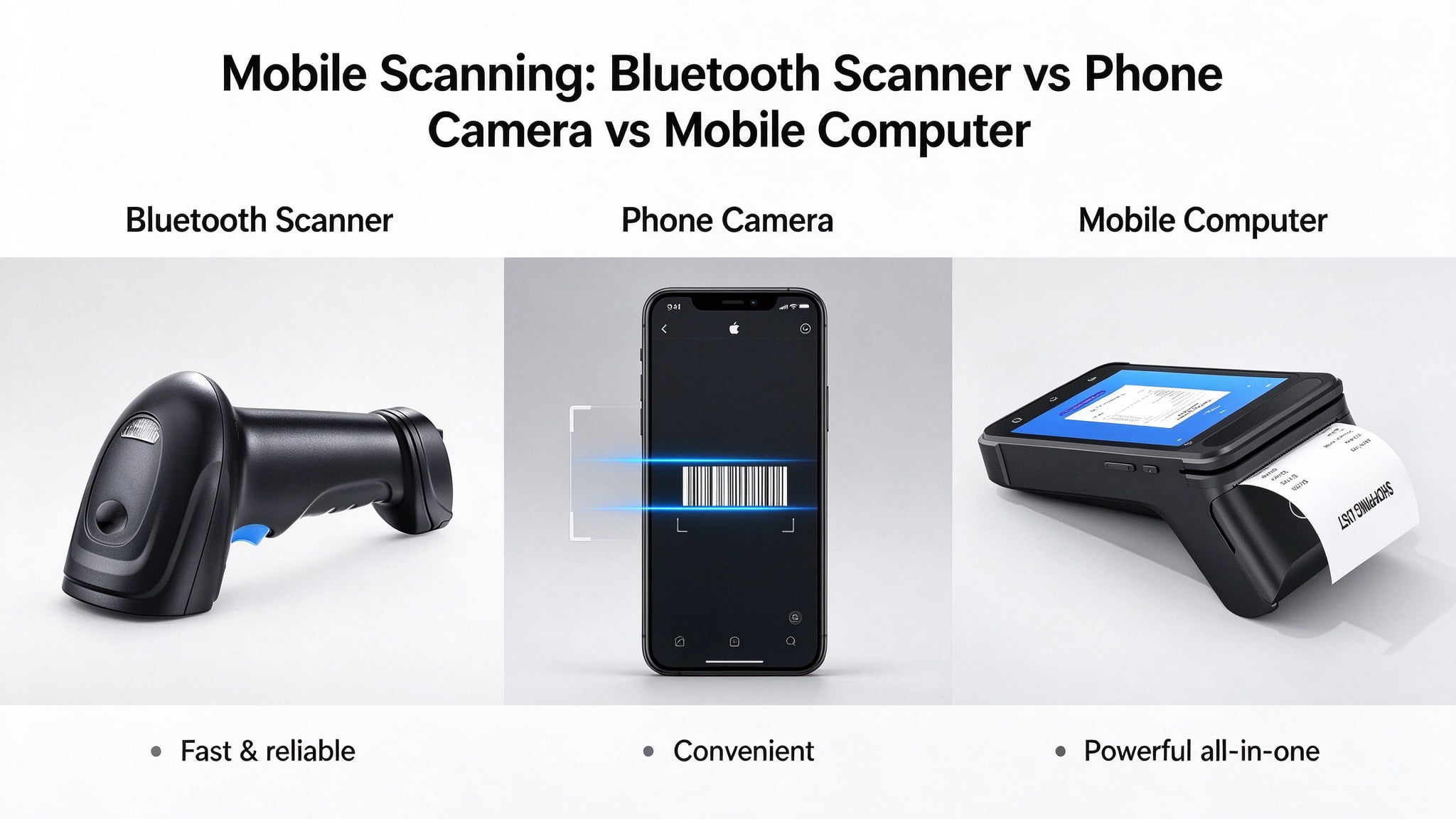
- A Bluetooth barcode scanner — a real scan engine that pairs to a phone, tablet, or PC. It works with the apps you already run, keeps the scanning fast and reliable, and costs $40–$200. The right answer for anyone doing serious volume on a tablet-based POS.
- A phone camera with a scanning app — free, and fine for occasional one-off scans. Not deployable for operations: no trigger, slow aiming, no feedback, and it ties up the employee's phone.
- A mobile computer — an Android device with an integrated industrial scan engine, running your inventory or WMS app directly. This is the warehouse workhorse for picking, receiving, and cycle counting. It's a computer first, scanner second — different budget tier ($400–$2,000), different job.
The rule of thumb: phone camera for one-off reads, Bluetooth scanner for daily scanning on existing devices, mobile computer when the scanning
is the job.
Inventory Scanners: Matching the Scanner to Stock Management
The "inventory scanner" cluster is the most commercial of all — these searchers are building or fixing a stock-management workflow. What matters there, beyond the engine and form factor:
- Ruggedness matched to environment. A clean stockroom tolerates a standard scanner; a loading dock needs IP54+; a freezer needs a freezer-rated unit, because standard housings turn brittle below −10°C.
- Connectivity into your system. Scanned data has to land in your inventory or WMS software — by USB keyboard emulation, Bluetooth HID/SPP, or an SDK-level integration. Confirm this before buying, not after. Our hardware-software integration guide covers the patterns.
- First-pass read rate on your actual labels. Test on your real labels — including shrink-wrapped, faded, and curved ones. A 99% first-read scanner at a busy receiving dock beats a 92% one many times over, because every failed scan becomes a manual entry.
- Battery and shift coverage. A scanner that dies mid-cycle-count forces a restart. Look for 12+ hours or hot-swappable batteries for multi-shift operations.
For label printing that pairs with scanning — shelf labels, asset tags, shipping codes — a
thermal printer completes the loop.
Ruggedized Scanning: IP Ratings, Drop Specs, and DPM
Industrial scanning comes down to three specifications that separate warehouse-grade hardware from counter hardware — and a fourth topic, DPM, that catches buyers out most often.
IP rating (ingress protection). Two digits: the first for solids, the second for liquids. IP54 keeps out dust and splashing water — the floor for a loading dock. IP65 is dust-tight and withstands water jets — the level for food processing and wash-down areas. Sealing matters as much as rating: a gasket system that degrades in a freezer loses its rating long before the electronics fail.
Drop specification. Quoted as a height onto a stated surface, and often with a higher "tumble" figure that reflects repeated mechanical knock-about rather than a single drop. A 1.5 m drop spec is standard commercial duty; 2 m+ indicates a genuinely ruggedised housing. Look at whether the figure is quoted for the whole device or a bare unit without the cable and trigger assembly attached.
Operating temperature range. Seldom in the headline specs and frequently the reason a deployment gets returned. Cold-store and freezer scanning needs a stated low-temperature rating — and batteries, not just housings, behave differently below freezing.
DPM (Direct Part Marking) deserves its own note because it is the requirement buyers most often discover late. DPM codes are etched, dot-peened, or laser-marked directly onto metal, glass, or plastic parts rather than printed on a label. They are low-contrast and often on curved or reflective surfaces, which defeats a standard scanner. If your operation tracks manufactured parts, tooling, or high-value assets at the item level, you need a DPM-capable imager — and that is a different engine specification from a standard 2D imager, not a firmware upgrade.
The practical screening test: match the IP rating and drop spec to the harshest point in the workflow, not the average. A scanner specified for the cleanest area of a warehouse will be the one that fails at the dock door.
"Symbol Scanner" and the Scanner Brand Landscape
Search "symbol scanner" and you'll find the Zebra Symbol LS2208 — one of the best-selling scanners ever made. The name is a brand story worth knowing: Symbol Technologies pioneered much of modern barcode scanning, was acquired by Motorola in 2007, and Motorola's enterprise business was acquired by Zebra in 2014. So a "Symbol scanner," a "Motorola scanner," and many "Zebra scanners" are the same product lineage.
The broader landscape sorts into four tiers:
| Tier |
Examples |
Character |
| Enterprise brands (West) |
Zebra (Symbol), Honeywell, Datalogic |
Deep catalogs, device management tools, premium pricing |
| Value brands (Asia) |
Newland, CipherLab, itron |
2D imaging at aggressive prices, strong in emerging markets |
| ODM manufacturers |
Shenzhen-area factories |
Build the engines and scanners the above brands and integrators sell; source for custom and embedded scanning |
| Consumer gadgets |
Marketplace $15–$30 units |
Fine for home use; not rated for commercial duty cycles |
For B2B buyers, the tier decision is really a support decision: fleet management, warranty logistics, and custom firmware are what enterprise pricing buys. For software vendors and integrators embedding scanning into their own products, the ODM tier is where
custom scan engines get specified — engine selection, trigger logic, and interface design are all configurable.
How to Choose a Barcode Scanner: A Six-Question Checklist
- What codes will you scan — today and in two years? 1D-only workflows can use any engine; anything customer-facing or preparing for the GS1 2D transition needs a 2D imager.
- Where does the operator work? Fixed counter → corded or presentation. Moving around → wireless. Embedded in a product → fixed-mount module.
- How harsh is the environment? Drops, dust, moisture, and cold each add a ruggedness requirement (IP rating, drop spec, temperature rating). Freezer and DPM workflows add their own specification.
- What does the scanner connect to? POS terminal, tablet, kiosk, warehouse mobile computer — confirm the interface (USB-HID, Bluetooth, SDK) before buying.
- How many scans per day, per operator? Duty cycle separates commercial from consumer hardware. A scanner rated for retail counters will not survive dock-door abuse.
- What happens when it fails? Warranty terms, spare availability, and whether the vendor can ship replacements fast. Scanners are cheap; checkout downtime is not.
What Do Barcode Scanners Cost?
Indicative factory-side pricing for B2B buyers:
| Scanner class |
Typical unit price (B2B, factory side) |
| 1D handheld (laser or linear imager) |
$20 – $80 |
| 2D handheld imager |
$40 – $200 |
| Wireless / Bluetooth 2D scanner |
$60 – $300 |
| Presentation / desktop scanner |
$80 – $350 |
| Industrial rugged scanner |
$200 – $800 |
| Fixed-mount scan module (OEM) |
$30 – $150 |
Enterprise-brand equivalents of the same classes typically list 2–5× higher — that premium buys fleet management and brand-service infrastructure rather than raw scan performance.
FAQ
What is a barcode reader?
A barcode reader and a barcode scanner are the same device — "reader" is the more common term in industrial and logistics documentation because the job is reading encoded data rather than capturing an image. Every commercial barcode reader is a dedicated scan engine plus a decoder; a general-purpose document scanner is not a substitute, because it has neither the optics nor the decoding firmware for machine-readable codes.
What is a bar scanner or item scanner?
Everyday names for a barcode scanner — the device that reads the code on an item. "Bar scanner," "item scanner," and "scan gun" all refer to the same hardware family; the distinctions that matter are engine (laser vs imager) and form factor (handheld, wireless, presentation, fixed, industrial).
What's the difference between a laser scanner and a digital scanner?
A laser scanner sweeps a beam and reads reflected light — 1D codes only. A "digital scanner" (imager) photographs the code and decodes the image — typically 1D+2D, reads from screens, no moving parts. Imagers are the current default for new deployments. Within imagers, CMOS sensors are the modern generation and CCD is the older one.
What does omnidirectional mean on a scanner?
It means the scanner reads a code regardless of the angle it is presented at, so the operator does not have to align the label with a scan line. Presentation scanners are the class where this matters most, since a cashier passing items across the counter cannot re-aim the device. Omnidirectional scanning is separate from 2D support — a 1D scanner can be omnidirectional, and a 2D imager almost always is.
Can a barcode scanner read QR codes?
Only a 2D imager can. 1D-only scanners (laser, linear imager) cannot read QR, DataMatrix, or other 2D symbologies. If QR codes, mobile payments, e-tickets, or the GS1 2D migration are anywhere in your plan, specify a 2D imager.
Can I use my phone as an inventory scanner?
Occasionally, yes — camera apps work for one-off reads. For operations, no: no trigger ergonomics, slow aiming, poor feedback, and it occupies the phone. A Bluetooth scanner paired to your app, or an Android mobile computer, is the deployable answer.
What is a "Symbol scanner"?
A scanner from Symbol Technologies — now part of Zebra Technologies (via Motorola's enterprise division, acquired 2014). The Symbol LS2208 remains one of the most common retail scanners in the world. Zebra's current DS-series are its successors.
Do I need a special scanner for DPM codes?
Yes. DPM (Direct Part Marking) codes are etched or dot-peened directly onto parts, producing low-contrast marks on curved or reflective surfaces. A standard 2D imager will read them inconsistently or not at all. Look for an explicitly DPM-capable imager — it is a different engine and illumination specification, not a configuration setting.
How do I connect a scanner to my POS system?
Most commercial scanners present as a USB keyboard (HID): plug in, scan, characters appear wherever the cursor is. Bluetooth models pair the same way to tablets. For kiosks and embedded products, fixed-mount modules integrate at the SDK level — covered in our
integration guide. Once the hardware is chosen, see our
POS installation guide for getting it live.
Browse the full TillNode barcode scanner catalog — handheld, wireless, presentation, fixed-mount, 2D QR, and industrial classes. Specifying scanners for a POS, kiosk, or inventory deployment? Tell TillNode your requirements — we'll match the engine and form factor and quote factory pricing.