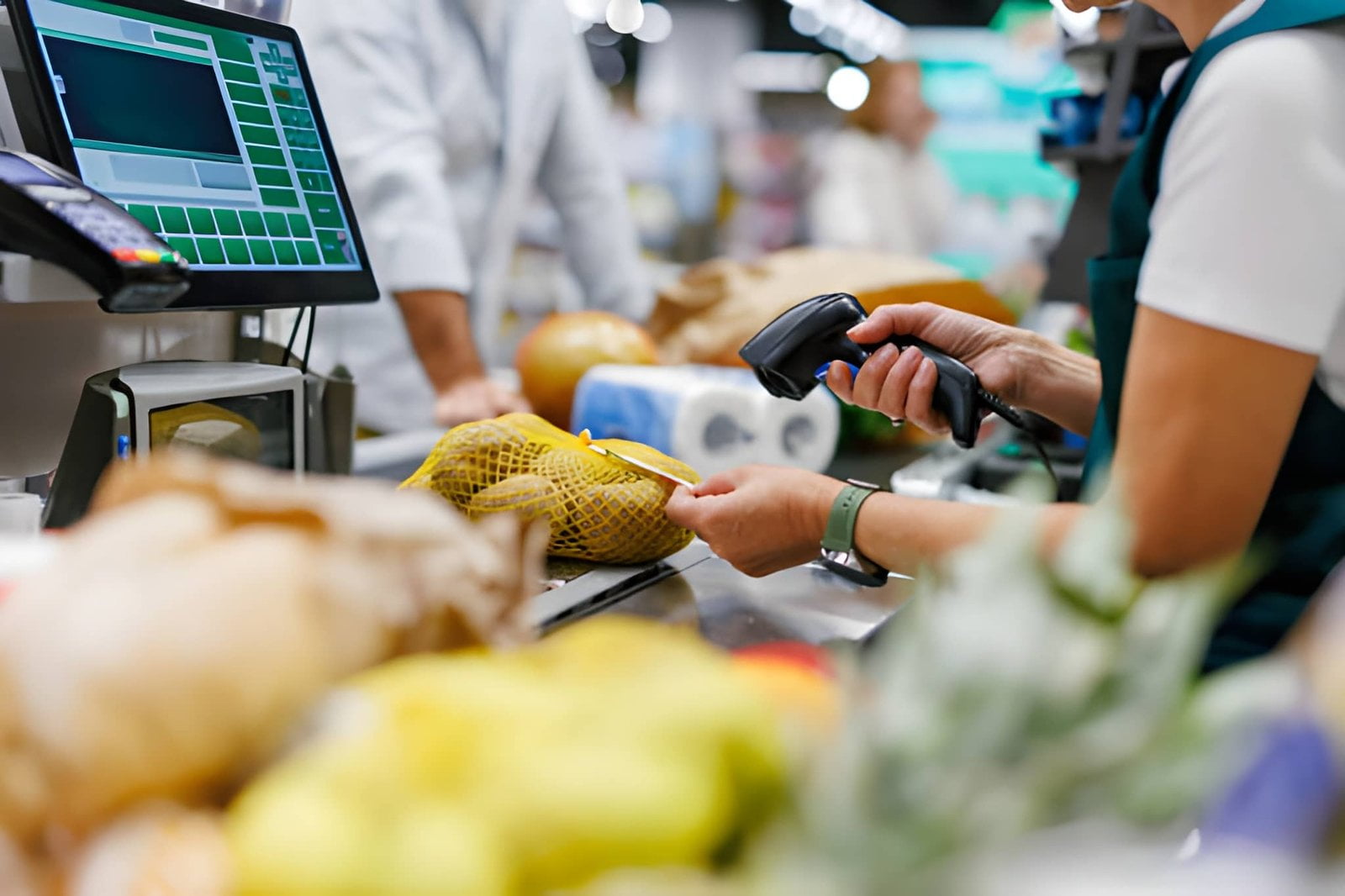
If you operate or source for a convenience store, the term POS machine covers a wider range of equipment than it does in almost any other retail format. A c-store checkout has to ring up a candy bar, scan a lottery ticket, weigh a hot food item, apply age verification to a tobacco sale, and hand back change — often inside ninety seconds, often by a cashier who started this week. That combination is why so many generic point-of-sale buying guides read well but specify badly.
This guide is written from the hardware side of the counter. It covers what a POS terminal for a c-store actually has to do, which pieces of POS equipment carry the most weight in a convenience format, the specifications worth paying for versus the ones that are marketing, and a printable checklist you can hand to a distributor. If you are comparing software features, our convenience store POS solution overview covers the software and workflow layer separately.
One boundary statement up front, because it saves time on both sides: TillNode builds the front-counter hardware layer — terminals, scanners, printers, cash drawers, customer displays. We do not supply fuel-pump card readers, which sit inside the NACS-certified petroleum ecosystem. For the roughly four out of five c-stores that sell fuel, this guide addresses the store side of the forecourt, not the pump side.
Table of Contents
- Why C-Store POS Hardware Is Not Just Retail POS Hardware
- The Five Hardware Modules That Decide Your Rollout
- Module 1: The POS Terminal Itself
- Module 2: Barcode Scanning at C-Store Speed
- Module 3: Receipt Printing When the Queue Is Ten Deep
- Module 4: Cash Drawer and Cash Handling
- Module 5: Customer-Facing Display
- Full Specification Checklist
- When to Replace vs. When to Expand
- Counter Space: The Constraint Nobody Specifies For
- Buying for Multiple Stores: Standardization Rules
- Sourcing: Distributor, Integrator or Factory
- Seven Specification Mistakes to Avoid
- FAQ
1. Why C-Store POS Hardware Is Not Just Retail POS Hardware
A general retail POS environment is predictable. Items are barcoded, prices are stable, transactions are counted in minutes, and the store closes at night. A convenience store inverts nearly every one of those assumptions. Transactions are counted in seconds. The product mix spans frozen goods, hot food, age-restricted items, lottery, prepaid cards and fuel — each with different handling rules. Staff turnover is among the highest of any retail format, which means the interface has to be learnable inside one shift.
The consequence for hardware specification is that a c-store counter is a density problem rather than a capability problem. You rarely need a more powerful processor. You need more peripheral ports, a faster scanner, a printer that does not jam at 7 a.m., and a drawer that survives being slammed shut four hundred times a day. Specifications that matter in a specialty boutique — large high-resolution displays, integrated payment terminals, elegant industrial design — matter far less here. If you are budgeting a lane from scratch, the honest framing is that most of the POS equipment cost sits in the peripherals rather than in the terminal.
There is also a regulatory dimension that shapes hardware choices. Age-restricted sales require a verified prompt at the point of sale. Lottery and bottle-deposit handling require line items that reconcile against a separate state or provincial report. Prepaid and money-order transactions need clean receipt trails. None of these are hardware features in the strict sense, but each one determines which ports, which printer and which drawer you need — which is why a c-store rollout should never be specified from a generic retail parts list.
2. The Five Hardware Modules That Decide Your Rollout
Treat the counter as five modules rather than one product. Each module has its own failure mode, its own replacement cycle and its own spec sheet. If you evaluate a POS machine as a single bundled item, you inherit whatever trade-offs the bundler made — and those trade-offs are almost always invisible until the store is busy. Evaluating the modules separately is also how you avoid paying for a fully integrated unit at a site that only needed two of its four built-in components.
| Module | What It Does | Typical Failure Mode | Replacement Cycle |
|---|---|---|---|
| POS terminal | Runs the software, drives every peripheral | Port exhaustion; fan failure in greasy air | 4 – 6 years |
| Barcode scanner | Reads product, loyalty and ID barcodes | Slow read on damaged or curved packaging | 3 – 5 years |
| Receipt printer | Prints customer receipts and shift reports | Paper jam at peak; cutter wear | 2 – 4 years |
| Cash drawer | Holds cash, opens on command from POS | Latch failure; till wear | 3 – 5 years |
| Customer display | Shows line items, totals, promotions | Blank screen; mounting breakage | 4 – 6 years |
Notice that only one of the five has a realistic replacement cycle beyond five years, and that the printer — the lowest-cost module — will be replaced twice before the terminal is replaced once. That asymmetry should drive your spare-parts strategy more than any other single fact in this guide.
3. Module 1: The POS Terminal Itself
The terminal is the least likely component to fail and the most likely component to be over-specified. For a c-store counter, the deciding factors are almost never processor generation or screen resolution. They are port count, thermal behavior and mounting.
Ports, not megahertz
Count the peripherals a single c-store lane requires in practice: scanner, receipt printer, cash drawer, customer display, card reader, and often a scale for bulk or produce, plus a second printer for a deli or food-service counter. That is six to eight connections before you add a keyboard, a mouse for back-office work, or a USB backup drive. A terminal with four USB ports and no serial or RJ11 output will force a hub on day one — and an unpowered hub in a busy counter is a support ticket waiting to happen.
Specify a minimum of six external ports with a mix of USB, RJ11 for the drawer, and at least one serial or RJ45 peripheral port. Hidden cable routing matters as much as the count: a cable caught on a passing trolley will eventually rip a connector off the board.
Fanless where food is prepared
C-stores increasingly run hot food programs, which means airborne grease. A fan-cooled terminal in that environment draws grease onto the heatsink and mainboard and will fail earlier than its rated life. Fanless, passively cooled enclosures are the correct default for any counter within a few meters of a fryer, roller grill or coffee station. If the deployment is a pure front-of-store tobacco and beverage counter with no food preparation, a fan-cooled unit is acceptable but still adds a moving part you will eventually replace.
Screen size follows the workflow, not the budget
There is a persistent belief that bigger touchscreens are better. On a c-store counter the opposite is often true. A 15-inch display occupies counter length that could hold product, and a cashier working a two-foot-wide transaction zone does not benefit from a 21-inch panel. A 15 to 15.6-inch capacitive touchscreen is the practical sweet spot for a single-lane c-store counter. Where a large display does earn its space is at a supermarket-style multi-lane checkout or an assisted-service counter where staff look up products and review reports on the same screen.
4. Module 2: Barcode Scanning at C-Store Speed
Scanner specification is where most c-store rollouts quietly lose their throughput. The failure is rarely a dead scanner — it is a scanner that reads a flat label but requires two or three attempts on a curved can, a crumpled snack bag, a loyalty card behind a wallet window, or a faded promotional label. At four seconds per retry and three hundred transactions a day, that difference is measurable.
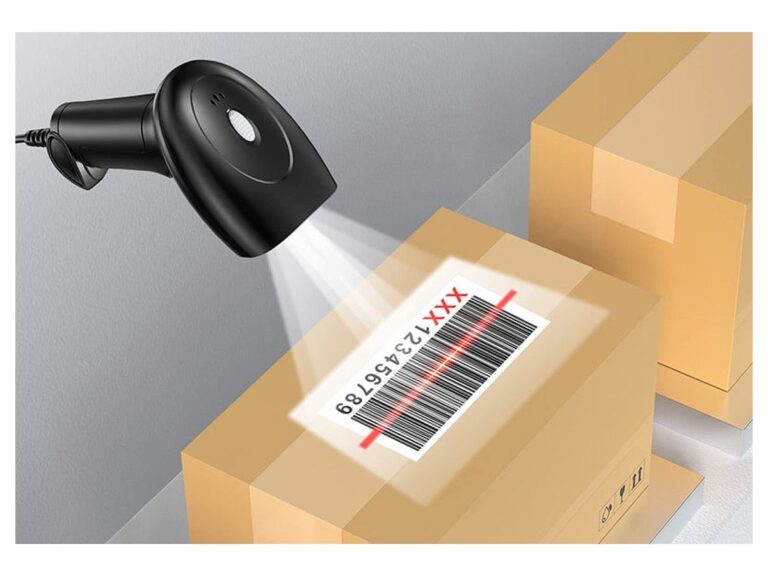
Two capabilities separate a scanner that works at a c-store counter from one that merely works in a demo. First, 2D imaging with omnidirectional capture: a 2D imager reads a barcode from any orientation, which removes the "present the barcode to the window" instruction that new staff forget. Second, screen-reading capability: loyalty programs, prepaid top-ups and mobile coupons increasingly present barcodes on a phone screen, and a laser-based scanner will fail on those while a 2D imager will not.
For counter mounting, choose a hands-free presentation stand with a wired connection unless the counter layout makes cabling genuinely impossible. Cordless scanners are a real advantage for a clerk scanning large or heavy items on a shelf, but they introduce battery management into a shift pattern that has no room for it. If you do specify cordless, specify a charging cradle per lane and make cradle discipline part of the closing checklist.
5. Module 3: Receipt Printing When the Queue Is Ten Deep
The receipt printer is the component most likely to be the reason a queue stops moving. Direct thermal printing at 80mm width with an auto-cutter is the standard for good reason: no ribbons, no ink, minimal operator attention. Within that standard, three specifications do real work.
- Print speed of at least 200mm/s. Below that, a long receipt — and c-store receipts are long, between line items, lottery numbers and loyalty messaging — visibly delays the transaction.
- Front-loading paper path. Staff change rolls dozens of times a week, often during a rush. A front-loading design removes the "lift the whole unit" step and drastically reduces mis-loaded rolls.
- Drop-in cutter with a stated service life. Auto-cutters are the highest-wear part in the entire counter. Ask for the rated cut count and treat it as a consumable in your maintenance budget.
One more decision that gets made badly: whether to print duplicate receipts. Lottery, prepaid and money-order sales frequently require a customer copy plus a store copy. Printing two full-length receipts doubles printer wear. Where the software supports it, print a compact second copy rather than a full duplicate, or move store copies to periodic batch reporting.
6. Module 4: Cash Drawer and Cash Handling
Cash remains a substantial share of c-store tender in every market, and the drawer is the component with the most direct exposure to loss. Three design details matter more than material thickness.
Countable compartments. A drawer with clearly defined bill and coin compartments that match your count procedure speeds up shift reconciliation and makes discrepancies visible sooner. Drawers with adjustable or removable inserts give you the freedom to define a compartment layout that fits how your staff actually count.
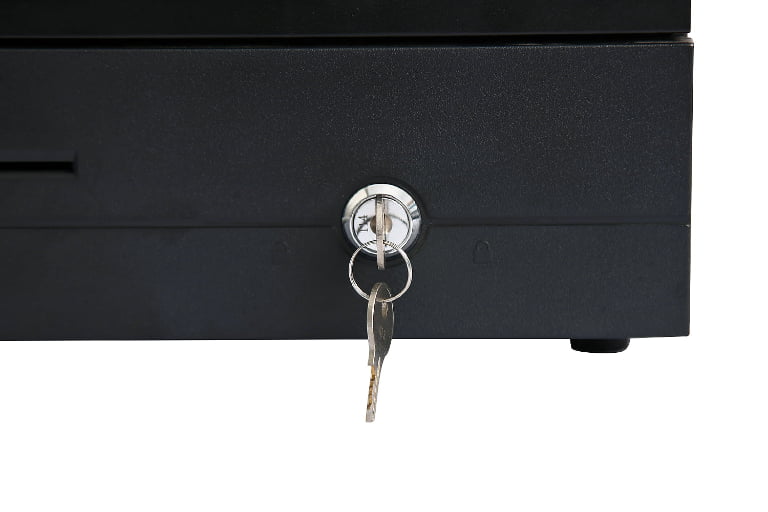
Printer-driven or POS-driven opening. The drawer should open on command from the point of sale, recording which transaction triggered the open. A drawer with only a manual key cannot be reconciled against transaction data, which removes your single best control against shrinkage.
A lock that is not the only control. A three-position keyed lock is standard. It is a physical deterrent, not a control system. Treat the electronic open log as the actual control and the lock as the last line.
For higher-volume sites, a second drawer on the same lane — one for the primary lane cashier, one for a food-service or lottery till — reduces the frequency of mid-shift drops and keeps reconciliation separate by function. That is worth considering where lottery or money-order volume is significant.
7. Module 5: Customer-Facing Display
The customer-facing display is the module most often skipped in a c-store rollout, and in most cases that is a defensible decision. At a c-store counter, transactions are short, the customer is standing directly beside the terminal, and the cashier is usually naming the total aloud anyway. A display adds cost and a mounting point without a large behavioral change.
There are two situations where it does earn its place. First, where regulated price disclosure applies and the customer must be shown the itemised total before payment. Second, where the store runs a loyalty or promotional program and the display is the surface that shows points accrued or the next reward threshold. Both are real, and both are specific. If neither applies, a customer display is optional rather than required — and a well-specified single-screen terminal is the better purchase. Our customer display options cover the mounting and connectivity variants when you do need one.
8. Full Specification Checklist
Use this table as a specification sheet when you request quotes. The middle column is the practical floor for a single-lane c-store counter; the right column is where you would go for a high-volume or food-service-enabled site.
| Component | Standard C-Store Lane | High-Volume / Food Service |
|---|---|---|
| Terminal display | 15 – 15.6" capacitive touch | 15.6 – 21.5" capacitive touch |
| Cooling | Fanless preferred | Fanless required |
| External ports | 6 minimum (USB + RJ11 + serial) | 8+ with hidden cable routing |
| Processor / memory | Quad-core class, 4GB RAM, 64GB storage | Six-core class, 8GB+ RAM, 128GB+ storage |
| Scanner | 2D imager, omnidirectional, hands-free stand | 2D imager, cordless with cradle per lane |
| Printer | 80mm thermal, auto-cutter, 200mm/s+ | 80mm thermal, front-loading, 250mm/s+ |
| Cash drawer | POS-driven open, countable compartments, keyed lock | Dual drawer, removable till per function |
| Customer display | Optional — only if regulated or loyalty-driven | Recommended for loyalty and price disclosure |
| Connectivity | Ethernet + dual-band WiFi | Ethernet + WiFi + optional 4G failover |
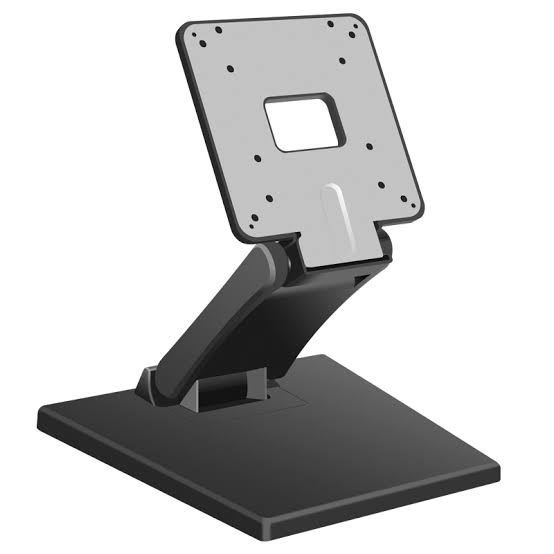
| Mounting | Weighted base or counter bracket | VESA mount, cable management channel |
9. When to Replace vs. When to Expand
Most c-store operators confront this decision at the wrong moment — after a lane has already failed during a peak period. The clearer approach is to separate the counter into two classes of components and set an explicit policy for each.
Consumable-class components — printers and scanners — should be held in spares. Keeping one spare printer and one spare scanner per store, or one per three stores for a small chain, converts a multi-hour outage into a fifteen-minute swap. The cost is a fraction of the lost-sales exposure of a single closed lane during a morning rush.
Capital-class components — terminals and drawers — should be replaced on a schedule rather than on failure. A four-to-six-year terminal cycle keeps you inside driver and security support windows and avoids the situation where a failed unit forces an emergency purchase at whatever specification the local distributor happens to have on the shelf. Emergency purchases are how mismatched fleets get built.
10. Counter Space: The Constraint Nobody Specifies For
Ask a hundred c-store rollout specifications what they overlooked and counter space will appear near the top of the list. A c-store checkout is the most contested surface in the store: it holds the terminal, scanner, printer, drawer, card reader, possibly a scale and a lottery ticket display, plus space for bagging and for the customer to sign or tap. Every component you add takes counter length that would otherwise hold product — and product at the register is among the highest-margin space in the store.
This is the strongest argument for an integrated terminal with a built-in scanner and printer. Combining those three components into one chassis typically frees a meaningful strip of counter length compared with three separate devices on three separate stands. It also removes two power bricks and two cable runs from the counter, which reduces both clutter and the number of things that can be pulled loose.
If you keep the modules separate, plan the layout before you buy. Measure the counter, mark out footprints with tape, and confirm that the cashier can reach the scanner, the printer output and the drawer without turning away from the customer. Layout problems surface as throughput problems, and throughput problems at a c-store counter are measured in abandoned purchases.
11. Buying for Multiple Stores: Standardization Rules
Once you are specifying for more than one site, the calculus changes. A per-store decision becomes a fleet decision, and fleet decisions have their own failure modes — the most common being gradual divergence, where each new store gets whatever was available at the time and within three years you are managing four incompatible configurations.
Three rules prevent that. First, standardize on one terminal platform across the chain and treat the spec as frozen for the duration of the replacement cycle; variations should be approved exceptions, not defaults. Second, require that spares are interchangeable — a printer from store A must fit store B's bracket and communicate with store B's terminal. Third, keep the peripheral ecosystem consistent: the same scanner model, the same printer model, the same drawer interface. This is the difference between a spare-parts inventory you can manage and one you cannot.
Where sites genuinely differ — a highway forecourt with a large beverage program versus a small urban store — differentiate on mounting, display size and drawer count, not on the underlying platform. Differentiation at the platform level is what makes a chain expensive to support.
12. Sourcing: Distributor, Integrator or Factory
Where you buy from shapes the specification you can actually get. A local distributor gives you fast delivery and local service but a fixed catalog; if your requirement falls outside it, you compromise. An integrator will assemble a counter to your specification and take responsibility for compatibility, at a margin. A factory-direct relationship gives you the widest specification latitude, custom interfaces and OEM/ODM options, at the cost of managing logistics and spare-parts sourcing yourself.
The right answer depends on scale. For a single store, a distributor is usually correct. For a chain standardizing across sites, factory-direct becomes worth the operational overhead, particularly where you need a specific port configuration, a custom enclosure, or your own branding on the unit. Our OEM and ODM hardware program covers what is involved in the latter route, including interface customization and packaging.
13. Seven Specification Mistakes to Avoid
- Specifying from a generic retail bundle. Convenience retail has specific port, speed and regulatory requirements that a general-purpose bundle will not satisfy.
- Buying the largest screen available. Counter length is more valuable than display diagonal in a single-lane c-store.
- Choosing a laser scanner to save cost. It will fail on phone-screen loyalty barcodes and on curved or damaged packaging — the two cases that dominate a c-store counter.
- Leaving the drawer manual. A drawer that cannot be reconciled against transaction data removes your primary shrinkage control.
- Ignoring thermal environment. A fan-cooled terminal near a fryer will fail early, and the failure will be attributed to the vendor rather than the specification.
- No spare printer. The printer is the most likely component to stop a queue and the cheapest to keep in reserve.
- Not measuring the counter before ordering. Layout problems become throughput problems, and throughput problems become lost sales.
14. FAQ
What hardware does a convenience store POS need at minimum?
A working c-store lane needs four components as a practical minimum: a POS terminal with at least six external ports, a 2D omnidirectional barcode scanner on a hands-free stand, an 80mm thermal receipt printer with an auto-cutter, and a cash drawer that opens on command from the point of sale. A customer display is optional for most single-lane sites and becomes worthwhile where regulated price disclosure or a loyalty program applies. Together these form the core POS equipment a convenience store needs before software enters the picture.
How is a c-store POS terminal different from a standard retail POS?
The differences are concentrated in throughput and product mix rather than computing power. C-store transactions are shorter and more varied, the product range includes age-restricted, lottery and prepaid categories with their own handling rules, and staff turnover is high enough that the interface must be learnable within a single shift. In hardware terms this translates into more peripheral ports, a faster and more capable scanner, a printer with a front-loading paper path, and a fanless terminal if any food preparation happens nearby.
Do I need a customer-facing display at a c-store counter?
For most single-lane convenience stores, no. Transactions are short and the customer stands beside the terminal, so the behavioral benefit is limited. A customer display becomes the right purchase in two specific cases: where local regulation requires the itemised total to be shown before payment, and where the store runs a loyalty or promotional program and the display is where points and rewards are surfaced.
Should the POS terminal be fanless?
If the counter shares air with a fryer, roller grill or coffee station, yes. Airborne grease drawn through a fan accumulates on the heatsink and mainboard and shortens service life considerably. A fanless passively cooled enclosure removes that failure path entirely. For a front-of-store counter with no food preparation, a fan-cooled unit is workable, though it still introduces a moving part with a finite life.
How many POS terminals does a convenience store need?
One lane per checkout position, plus a spare terminal held in reserve for a multi-store operation. The more useful second purchase for most c-stores is not a second terminal but a second printer: it is the component most likely to interrupt a queue and the least expensive to keep in reserve. Where lottery, money-order or food-service volume is high, a second cash drawer on the same lane is often more valuable than a second full terminal.
Can c-store POS hardware be sourced directly from a manufacturer?
Yes, and for chains standardizing across multiple sites it is often the better route. Factory-direct sourcing gives wider latitude on port configuration, enclosure design, mounting and branding than a fixed local catalog. The trade-off is that you take on logistics and spare-parts planning yourself. For a single store, a local distributor is usually the simpler and faster choice.
TillNode builds the front-counter hardware layer for convenience and fuel retail checkouts — fanless all-in-one POS terminals, 2D barcode scanners, front-loading thermal receipt printers, POS-driven cash drawers and customer displays, with the port configuration and mounting specified per lane.
See the convenience store POS hardware overview or request a lane-spec quote.
Related reading: POS cash register options, barcode scanners for retail checkout, thermal receipt printers, cash drawers, and OEM and ODM hardware manufacturing.