The most-used printer in modern commerce contains no ink, no toner, and no ribbon. The receipt that just slid across your checkout counter, the shipping label on yesterday's parcel, and the ticket stub in your pocket were all printed by a thermal printer — a machine whose only consumable is heat.
If you run a retail store, a restaurant, or a warehouse, thermal printers are quietly one of your most business-critical devices — and one of the most misunderstood. Buy the wrong type and your receipts fade in a sunlit window in two weeks. Buy the wrong spec and your printhead dies at month 14, right after the warranty expires. This guide explains what thermal printers are, how inkless printing actually works, the two types you must choose between, what a receipt really costs over three years, and the specs that separate a workhorse from a write-off.
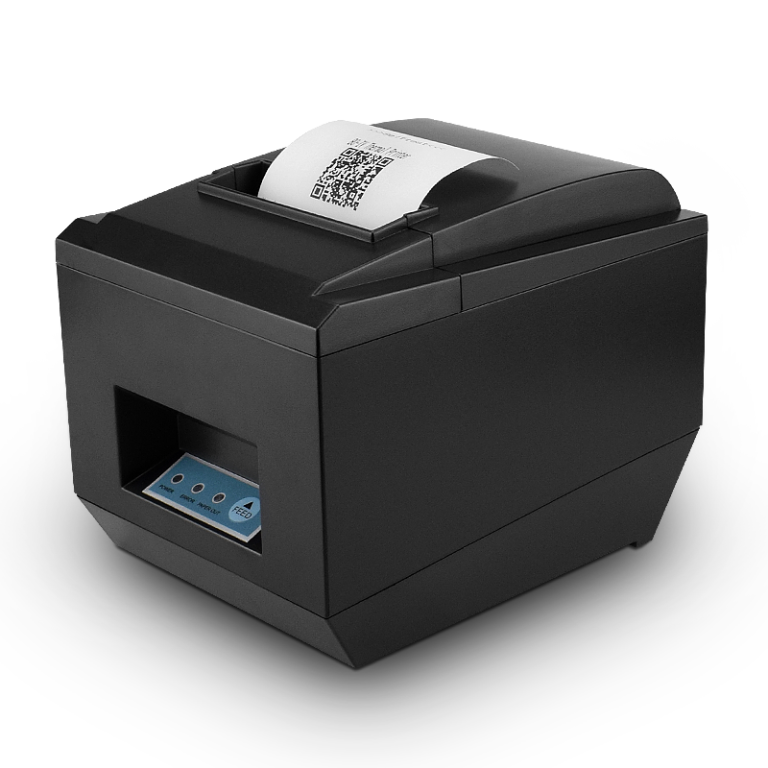
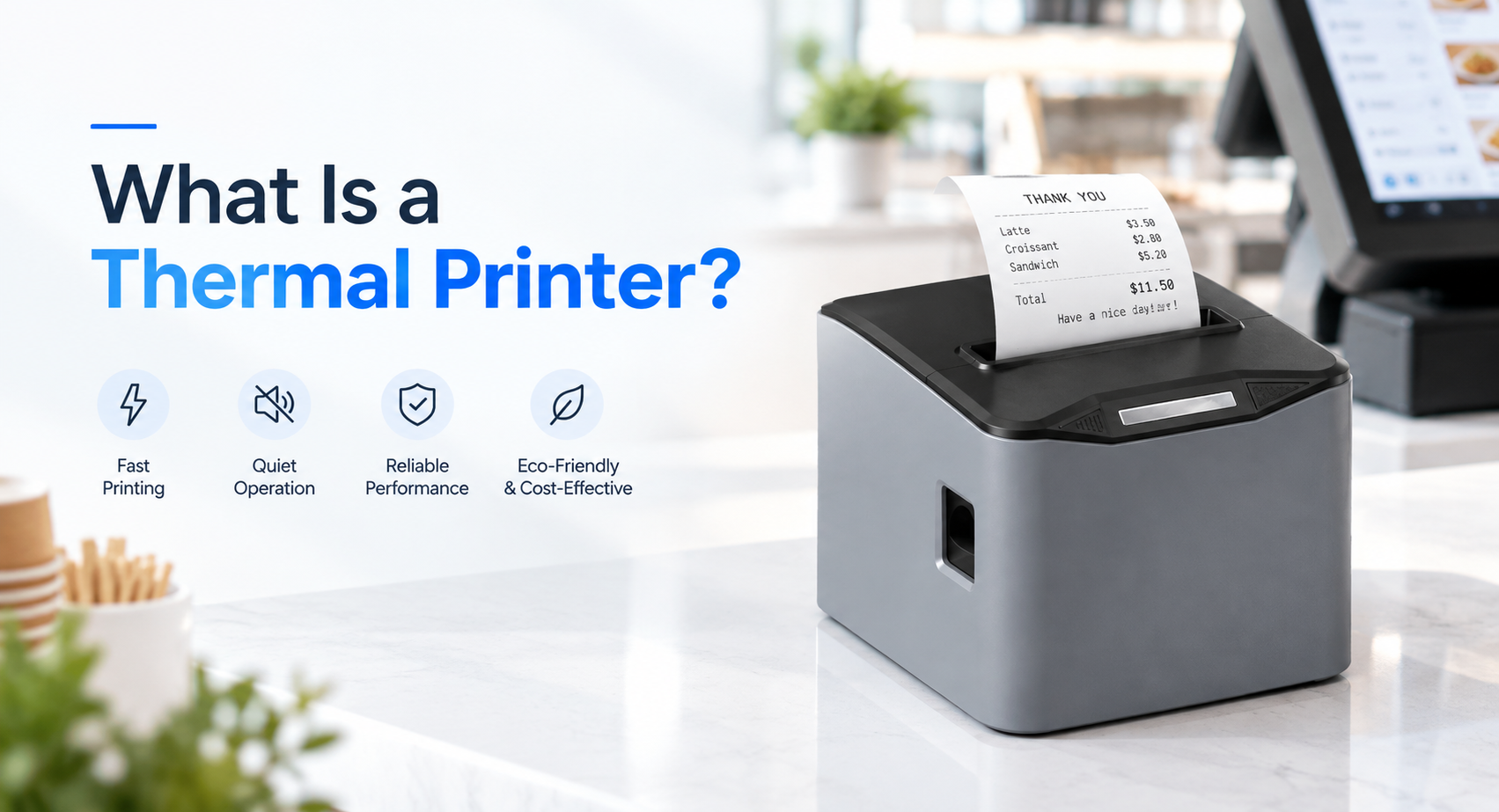
What are thermal printers? A thermal printer is a device that produces an image by selectively heating heat-sensitive paper or an inked ribbon, instead of striking ink onto paper the way an inkjet or laser printer does. A printhead with hundreds of tiny heating elements activates the coating on thermal paper (or melts ink off a ribbon), forming text, barcodes, and graphics in milliseconds. There are two types: direct thermal (paper only) and thermal transfer (uses a ribbon).
Table of Contents
- What Is a Thermal Printer?
- How Do Thermal Printers Work? Heat, Chemistry, and Inkless Printing
- The Two Types: Direct Thermal vs. Thermal Transfer Printing
- Thermal vs. Impact vs. Inkjet: The Retail Reality
- Where Thermal Printers Earn Their Keep
- The Real Cost Model: What One Receipt Costs
- What Actually Breaks: 4 Failure Modes
- Buying Specs That Matter: The 9-Point Thermal Printer Checklist
- ESC/POS: The Invisible Standard That Runs Your Checkout
- Choosing a Thermal Printer for Your Deployment: A Scenario Table
- Frequently Asked Questions
1. What Is a Thermal Printer?
A thermal printer is an electrothermal printing device that creates an image by applying controlled heat to a specially coated paper (direct thermal) or by melting ink from a coated ribbon onto a receiving surface (thermal transfer). First commercialized in the late 1960s and adopted by retail in the 1970s, thermal printing became the default technology wherever speed, reliability, and low running cost matter more than photo-quality color — which is exactly why it dominates point of sale. Put simply, thermal printing is the process of forming an image with heat instead of ink.
The category matters commercially because of what it eliminates. An inkjet receipt printer needs cartridges that dry out, clog, and cost more per page than the paper itself. A laser printer needs toner, a fuser, and a warm-up cycle. A thermal printer needs neither: the printhead is a fixed line of microscopic heating elements, and the "ink" is already embedded in the paper or ribbon. Fewer consumables, fewer moving parts, fewer failure points — that is the entire thesis of the technology.
For a retailer, this translates into three numbers that inkjet cannot match: 200–300 mm/s print speed at the checkout, ~50–100 million receipts of printhead life when properly maintained, and a running cost measured in fractions of a cent per receipt. That is why an estimated 90%+ of receipt printing worldwide is thermal — and why every POS terminal TillNode builds pairs with a thermal engine. If you are outfitting a full checkout, our thermal receipt printer collection covers the standard 80mm and compact 58mm formats. If you are still deciding which width to standardize on, the 58mm vs 80mm comparison works through characters per line, roll length and cutter life.
2. How Do Thermal Printers Work? Heat, Chemistry, and Inkless Printing
How do thermal printers work? Strip away the housing and a direct thermal printer has four components: a thermal printhead (a fixed line of resistive heating elements, typically 384 dots across 58mm or 576 dots across 80mm), a platen roller that feeds the paper, a spring mechanism that presses paper against the head, and a controller board that translates data into heat pulses. No ink train, no carriage, no gears cycling a cartridge.
The chemistry happens in the paper. Thermal paper is standard base stock coated with a solid-state mixture of a leuco dye and an acid developer held in a dormant state inside a matrix. When a heating element briefly raises the local temperature to roughly 70–200°C, the matrix melts, the dye reacts with the acid, and it flips to its colored — almost always black — form. The matrix then re-solidifies, freezing the image in place. The reaction is temperature-dependent in the extreme: at room temperature the coating stays stable for years; at 200°C it develops in microseconds.
Print proceeds one line at a time:
- Data arrives — the POS software sends ESC/POS commands over USB, serial, Ethernet, or Bluetooth (more on ESC/POS in chapter 9).
- The controller rasterizes — text, barcodes, and logos are converted into a dot pattern for the printhead's fixed line of elements.
- Heat pulses fire — selected elements heat for microseconds as the paper advances, activating the coating line by line.
- The image develops — no drying time, no smudging, no bleed. The autocutter (if fitted) slices the receipt, rated for 1–2 million cuts.
Because the printhead is a fixed line rather than a moving carriage, thermal printers are the only print technology that reliably hits 250 mm/s and above at a counter price — one reason high-throughput retailers pair them with dual-lane scanning. (See how printers slot into a complete checkout in our dual screen POS system teardown.)
Inkless Printing: How a Printer Works Without Ink
How does an inkless printer work? An inkless printer forms an image by heating a medium that already carries its own color, instead of spraying or fusing a separate ink supply. In the direct thermal branch the "color" is a leuco dye and acid developer sitting dormant in the paper coating: the printhead's heat melts the matrix, the dye develops, and the mark locks in as the coating re-solidifies. Nothing is transferred onto the page from outside it — which is exactly why the only consumable is the roll itself.
It also helps to treat "inkless" as a family rather than one technology. Three mechanisms carry the name today.
- Direct thermal (heat plus a coating). The mainstream route for receipts, kitchen tickets and short-life labels. Monochrome, no ribbon, and the lowest cost per print.
- Thermal transfer (heat plus a ribbon). Strictly speaking the ribbon is a consumable, so the receiving medium is not what reacts. It is grouped here because nothing liquid is involved and the output survives years outdoors.
- Zero-ink dye crystals (heat plus embedded layers). Full-color, cartridge-free printing used in photo kiosks and instant printers. Cyan, magenta and yellow crystals sit in separate layers of the media and develop at different heat thresholds, so one printhead can build a color image.
| Inkless method | What the heat acts on | Color | Typical use |
|---|---|---|---|
| Direct thermal | Heat-sensitive coating in the paper | Black (some two-color stock) | Receipts, kitchen tickets, short-life labels |
| Thermal transfer | Wax or resin ribbon | Black, red, other single colors | Shipping labels, asset tags, freezer labels |
| Zero-ink crystals | Embedded dye-crystal layers | Full color | Photo kiosks, instant photo printers |
For a checkout the practical question is not whether inkless printing is clever — it is whether the unit you buy still prints in year three. Direct thermal wins on unit economics because the only recurring cost is paper; thermal transfer wins wherever the print has to outlive the transaction. If your labels ride a truck through a wet summer, the configuration you want is direct thermal on premium long-life stock or a 4x6 shipping label printer running ribbon-backed transfer. Both branches are compared in our POS printer buying guide.
3. The Two Types: Direct Thermal vs. Thermal Transfer Printing
Every thermal printer on the market is one of two types, and confusing them is the single most expensive mistake in this category. Both use the same printhead technology; the difference is what receives the heat.
Direct thermal prints on chemically coated paper — no ribbon, ever. It is cheap to run and mechanically simple, but the image is part of the paper's chemistry, so heat and UV light will eventually darken or fade it. That famous receipt left on a car dashboard in August? It turns gray-black within hours — the same chemistry that printed it, running in reverse.
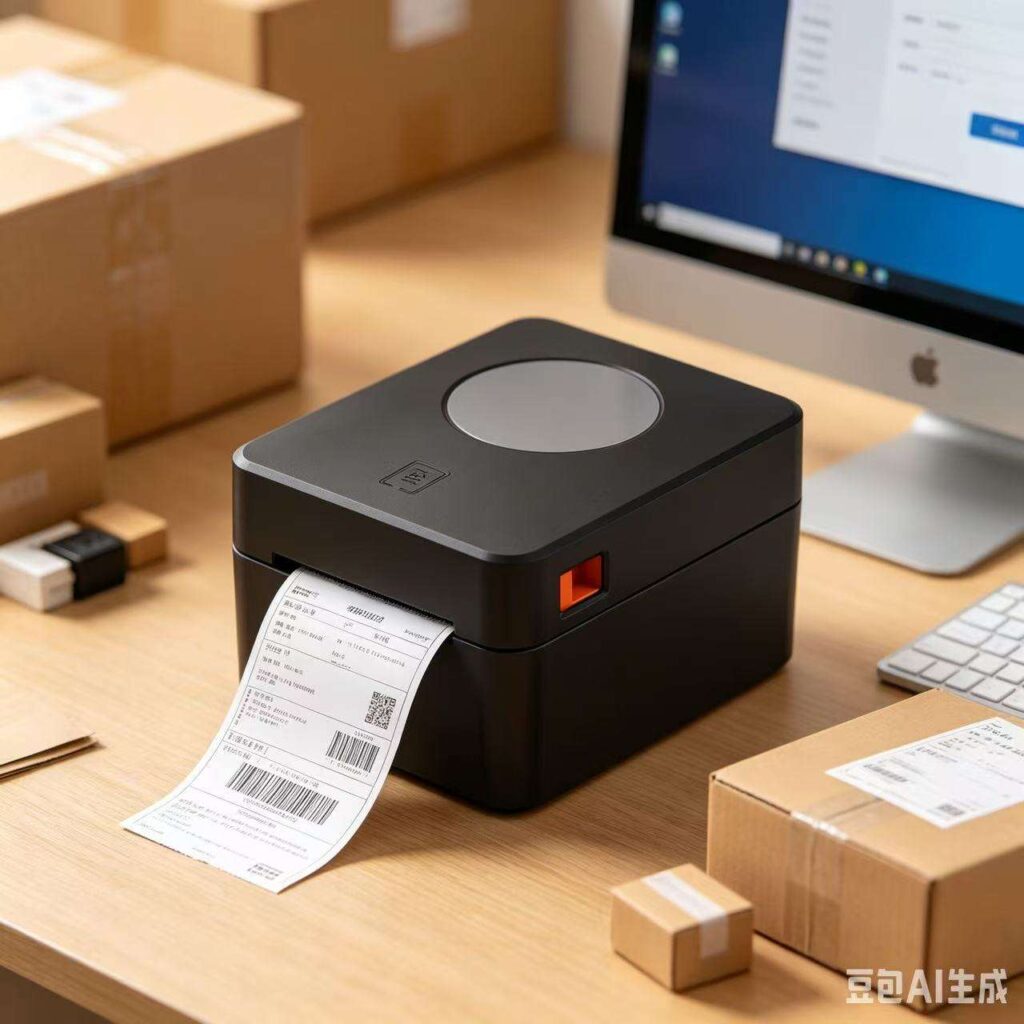
What is thermal transfer printing? It is the branch that melts wax or resin ink off a ribbon onto plain paper, polypropylene, polyester, or other label stock. The result tolerates sunlight, moisture, abrasion, freezer temperatures, and chemicals — for years. The tradeoffs: ribbons are a recurring consumable, and the mechanism is slightly more complex.
| Criterion | Direct Thermal | Thermal Transfer |
|---|---|---|
| Consumables | Paper only | Paper/labels + ribbon |
| Print longevity | Weeks–years (heat/light sensitive) | 2–10+ years outdoors/industrial |
| Typical uses | Receipts, kitchen tickets, short-life labels | Shipping labels, asset tags, wristbands, freezer labels |
| Cost per print | Lowest | Low (ribbon adds ~10–30%) |
| Media flexibility | Thermal paper only | Paper, PP, PET, vinyl, fabric |
| Mechanical simplicity | Highest | Medium (ribbon path) |
The rule of thumb: if the print needs to survive days, go direct thermal; if it needs to survive the supply chain, go thermal transfer. Receipts: direct. Kitchen tickets: direct (they're read within the hour). Courier labels that ride a truck through summer: transfer — or a certified direct thermal printer using premium long-life paper. Our 4×6 shipping label printers and barcode label printers cover both branches, and we break the receipt-vs-label decision down further in Receipt Thermal Printer vs. Label Printer.
4. Thermal vs. Impact vs. Inkjet: The Retail Reality
Thermal's main rivals at a business counter are the legacy impact (dot-matrix) printer and the office inkjet. Retailers still running dot-matrix receipt printers usually cite one real advantage — impact printing can print on carbon-copy multi-part forms, which thermal cannot. Everything else favors thermal: noise, speed, size, and power draw.
| Criterion | Thermal | Impact (Dot-Matrix) | Inkjet |
|---|---|---|---|
| Speed | 200–300+ mm/s | Slow, line by line | Moderate |
| Noise | Near-silent | Loud (striking pins) | Quiet |
| Consumables | Paper only | Ribbon cartridge | Ink cartridges (dry out) |
| Multi-part forms | No | Yes (carbon copies) | No |
| Moving parts | Minimal | Many | Carriage + pump |
| Barcode quality | Crisp, scannable | Marginal | Bleeds on plain paper |
| Downtime risk | Lowest | Medium | High (clogs) |
The dot-matrix exception aside, inkjet loses in retail on economics alone: ink cost per page runs 5–20× thermal paper cost per receipt, and cartridges that sit unused between shifts are a clogging liability. Inkjet survives where one device must print both color marketing material and the occasional receipt — a niche requirement, not a checkout requirement.
5. Where Thermal Printers Earn Their Keep
Thermal printing is invisible until it stops working. Here is where it actually runs the world:
Retail & POS checkout
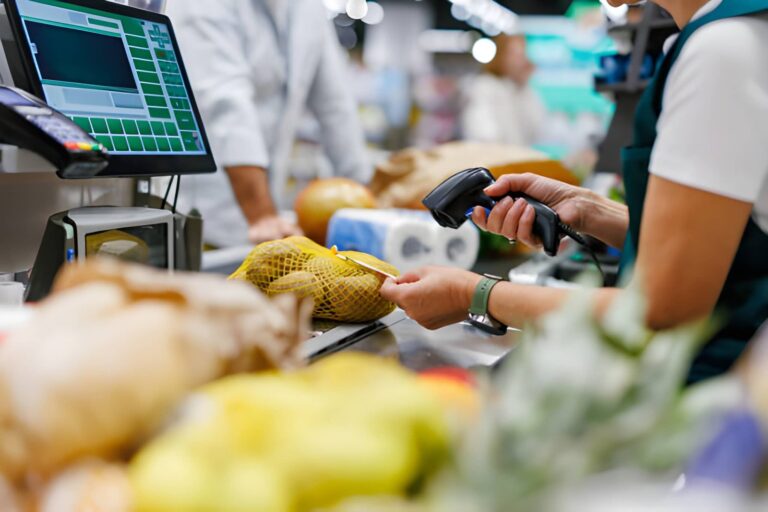
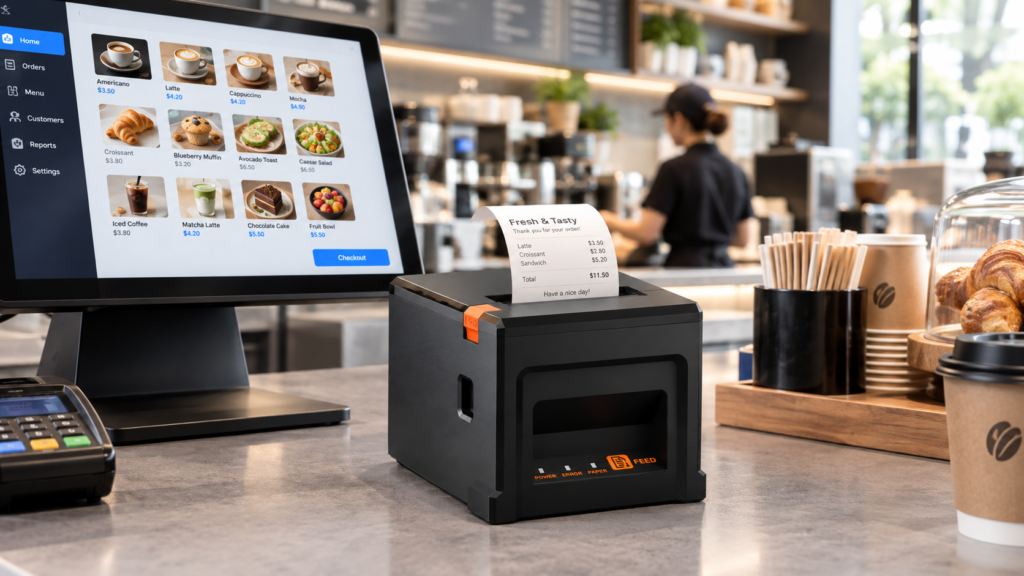
Receipts, at 200–300 mm/s, printed on 80mm paper — the highest-volume printing task in commerce. Receipt printers are typically integrated into the POS terminal itself (as in our Android terminals with built-in 58mm printers) or sit standalone at the counter.
Kitchen & restaurant operations
Order tickets fired from the POS to kitchen printers — heat-tolerant direct thermal paper survives near ovens where inkjet output would smear. (See Kitchen Printer vs. Receipt Printer for why these are different buys, and our restaurant POS category for the wider stack.)
Logistics, e-commerce & warehousing
4×6 shipping labels at pack stations, warehouse bin labels, returns labels. High-volume parcel operations print thousands of labels daily per lane — speed and printhead life directly gate throughput. Our thermal printer for shipping labels page covers the format requirements.
Healthcare, parking, ticketing & ID
Patient wristbands (thermal transfer polyester survives hand-washing), parking receipts, event tickets, visitor badges — anywhere a printout must be instant, durable, and unattended.
6. The Real Cost Model: What One Receipt Costs
Thermal printers are bought on price and punished on running cost — or bought on specs and forgotten for a decade. Here is the three-year math for a typical single-lane retail deployment, using conservative industry figures:
| Cost Element | Thermal (80mm receipt) | Inkjet Receipt |
|---|---|---|
| Printer hardware | $90–$180 | $150–$300 |
| Media cost per receipt | ~$0.004–0.008 (thermal paper roll) | ~$0.03–0.10 (paper + ink) |
| Consumable stock-outs | Paper only — one SKU to manage | 2–4 cartridge SKUs, expiry/clog risk |
| Printhead replacement (3 yr) | 0–1× ($40–$70) if maintained | Unpredictable (head replaced with cartridge) |
| Downtime exposure | Minutes (drop-in roll) | Hours (clog cleaning, cartridge runs) |
| 3-year total, 300 receipts/day | ≈ $1,200–1,700 | ≈ $3,500–11,000 |
The unit economics compound: at 300 receipts a day, every thousandth of a dollar per receipt is $3,285 over three years. This is why spec-driven buyers ignore the printer sticker price and negotiate paper cost per roll and printhead life in kilometers instead. It is also why "cheap" off-brand thermal paper is false economy — see the next chapter.
7. What Actually Breaks: 4 Failure Modes
Thermal printers fail in predictable ways, and almost all of them are preventable operating decisions, not bad luck:
1. Printhead wear (the odometer you can't see)
Printheads are rated in kilometers of paper — typically 30–150 km depending on grade. A busy checkout prints 2–5 km per month. Every thermal printhead also has a fixed line of heating elements; one permanently dead element produces a blank stripe through every barcode. When a scanner starts misreading receipts, the head is usually the culprit — not the scanner.
2. Cheap paper: the silent killer
Low-grade thermal paper runs abrasive and under-coated. Abrasive stock physically grinds the head (cutting its km rating sharply), and thin coating forces higher darkness settings — more heat, faster element burnout, higher power draw. The $0.30 saved per roll is repaid with a $60 printhead and a dead lane at Saturday peak.
3. Dust and debris
Kitchen and warehouse environments are hostile. Grease-laden air and label dust embed in the platen and under the head path, causing streaks and jams. A monthly head cleaning with isopropyl alcohol and a lint-free swab is the entire maintenance schedule — the least expensive insurance in retail hardware.
4. Autocutter fatigue
Cutter assemblies are rated in cuts — 1–2 million on commercial units. A grocery lane doing 1,500 receipts/day reaches 1M cuts in under two years. Budget cutters fail early and jam, which is why cutter rating, not print speed, is the spec veteran buyers check first on high-volume lanes. If a printer has already stopped mid-shift, our field walkthrough on why a POS printer stops printing covers the recovery sequence.
8. Buying Specs That Matter: The 9-Point Thermal Printer Checklist
Spec sheets are written to confuse. This is the short list that actually predicts three-year performance:
| # | Spec | What to demand |
|---|---|---|
| 1 | Resolution | 203 dpi (8 dots/mm) for receipts; 300 dpi for fine logistics barcodes and small labels |
| 2 | Speed | ≥200 mm/s retail; ≥300 mm/s for high-volume lanes and label stations |
| 3 | Printhead life | Rated ≥100 km (commercial grade), replaceable by a technician in the field |
| 4 | Autocutter | Rated ≥1.5M cuts, with easily purchasable spare parts |
| 5 | Interfaces | USB standard; add LAN for multi-terminal networks, BLE for tablet POS, serial for legacy |
| 6 | Paper width | 80mm receipts (58mm for compact/kiosk); 4-inch (112mm) for shipping labels |
| 7 | Command set | ESC/POS compatible (chapter 9) — non-negotiable for POS |
| 8 | Duty cycle | MTBF hours and daily-output rating appropriate to your receipts/day |
| 9 | Spare parts | Confirm head + cutter + rollers are catalog parts, not "replace the unit" items |
For multi-lane rollouts, add one more filter: buy from a vendor that publishes its printer integrations and OEM specifications, because the printer is only as good as its wiring into your POS stack — see How to Choose the Right POS Terminal for the wider hardware framework, and our POS printer lineup for receipt + label variants. For the wider purchase process — media grades, ribbon types, and warranty terms — work through the POS printer buying guide.
9. ESC/POS: The Invisible Standard That Runs Your Checkout
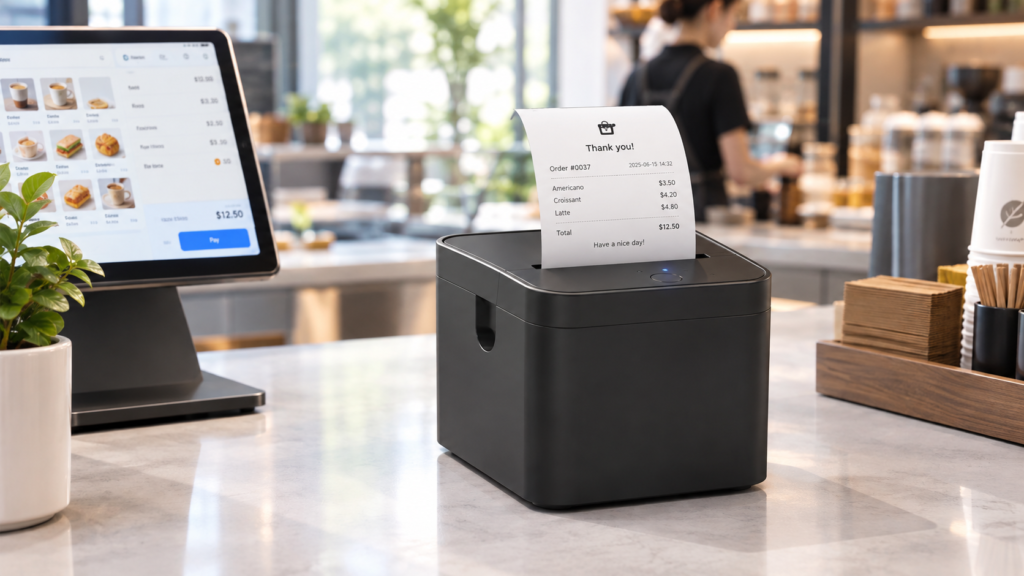
Ask a printer vendor one integration question: "Is it ESC/POS compatible?" ESC/POS is the de facto command language for receipt printers — originally defined by Epson in the 1980s and now spoken by effectively every POS application on earth: square-sized cloud POS, Windows POS suites, Android POS apps, kitchen display systems. A printer that understands ESC/POS prints text, cut commands, barcode formats, logos, and QR codes with zero driver development.
This is why compatibility, not features, decides replacement freedom. A checkout running ESC/POS-compliant hardware can swap in any compliant printer when one dies — a same-hour swap instead of a software project. Our terminals and standalone printers follow ESC/POS precisely so our resellers and integrators are never locked in. If you supply POS software or deploy at fleet scale, this single standard is what keeps printer refresh a line item, not a migration. (Distributors: our POS reseller guide covers the hardware-side economics.)
10. Choosing a Thermal Printer for Your Deployment: A Scenario Table
| Your deployment | Recommended type | Key spec to hold |
|---|---|---|
| Retail checkout, 1–3 lanes | Direct thermal receipt, 80mm | 200+ mm/s, autocutter ≥1M cuts |
| Grocery / high-volume peak lanes | Direct thermal, heavy-duty | 300 mm/s, 150 km head, 2M-cut cutter |
| Restaurant kitchen tickets | Direct thermal, grease-tolerant housing | Sealed head path, LAN printing, drop-in front loading |
| Compact counter / food truck / kiosk | Direct thermal, 58mm | Small footprint, BLE + USB-C, low power draw |
| E-commerce pack station | Thermal transfer (or premium direct), 4-inch | 300 dpi, 5 ips+, label sensor calibration |
| Healthcare wristbands / asset tags | Thermal transfer, resin ribbon | 300 dpi, durable synthetic media |
Frequently Asked Questions
Do thermal printers use ink?
No. Direct thermal printers use heat-sensitive paper and no consumable except the paper itself; thermal transfer printers melt ink from a wax or resin ribbon, so the ribbon is the only "ink" — no cartridges, no toner, no liquid ink that can dry or clog.
What are thermal printers and how do they differ from regular printers?
Thermal printers are output devices that create an image with heat rather than by depositing ink or toner. A regular inkjet sprays liquid ink through nozzles and a laser fuses powder toner with a heated roller; both consume a cartridge you have to replace. A thermal printer has no cartridge at all — the "ink" is already inside the paper coating or the ribbon — so it has fewer moving parts, no nozzles to clog, and no drying time.
How does an inkless printer work without an ink cartridge?
It relies on chemistry already built into the media. Thermal paper is coated with a colorless leuco dye and an acid developer held dormant in a solid matrix. When a heating element raises the local temperature, the matrix melts, dye and developer react, and the spot turns dark; as it cools the coating re-solidifies and the mark is fixed. Because the reacting material ships inside the roll, the printer's only job is to deliver precise heat and advance the paper — nothing is sprayed, fused, or replaced between rolls. That is the whole reason an inkless printer can run with no cartridge, no toner and no ribbon.
How long does thermal printing last?
It depends on which inkless method you are asking about. Direct thermal receipts stored in cool, dark, dry conditions (a wallet, a file box) typically last 3–7 years. Exposure to heat, sunlight, or plasticizers can fade them in days. Thermal transfer prints on synthetic stock last 2–10+ years even outdoors. For archiving, scan important receipts or request digital copies.
Can thermal printers print in color?
Standard thermal printing is monochrome. A few direct thermal papers support two-color output — black plus a red or blue "highlight" zone — by varying the dwell temperature, but that is the ceiling for receipt stock. So the honest answer to "are there any thermal printers that print color?" is: not on the direct thermal side. Full-color inkless output exists only in zero-ink dye-crystal and dye-sublimation photo printers, a different technology built for photographs rather than receipts. For receipts and labels, assume black-only.
Do I need 203 dpi or 300 dpi?
203 dpi is the retail standard and fully scannable for receipts and normal-size shipping barcodes. Choose 300 dpi when printing small 2D codes, dense logistics labels, fine text on wristbands, or artwork-heavy branding.
How long does a thermal printhead last?
Commercial-grade printheads are rated 30–150 km of printed media. At a busy retail lane (~3 km/month), that is roughly 1–4 years. Dust, cheap abrasive paper, and excessive darkness settings are the main life-shorteners; monthly cleaning and quality paper can double head life.
Is thermal paper safe? What about BPA?
BPA-based coatings have been phased out in most markets; today's mainstream receipts use BPS or phenol-free coatings, and many vendors offer explicit BPA-free paper. As with any printed slip, hands-only handling and normal disposal are fine for retail use.
Thermal printer vs. inkjet for shipping labels — which is better?
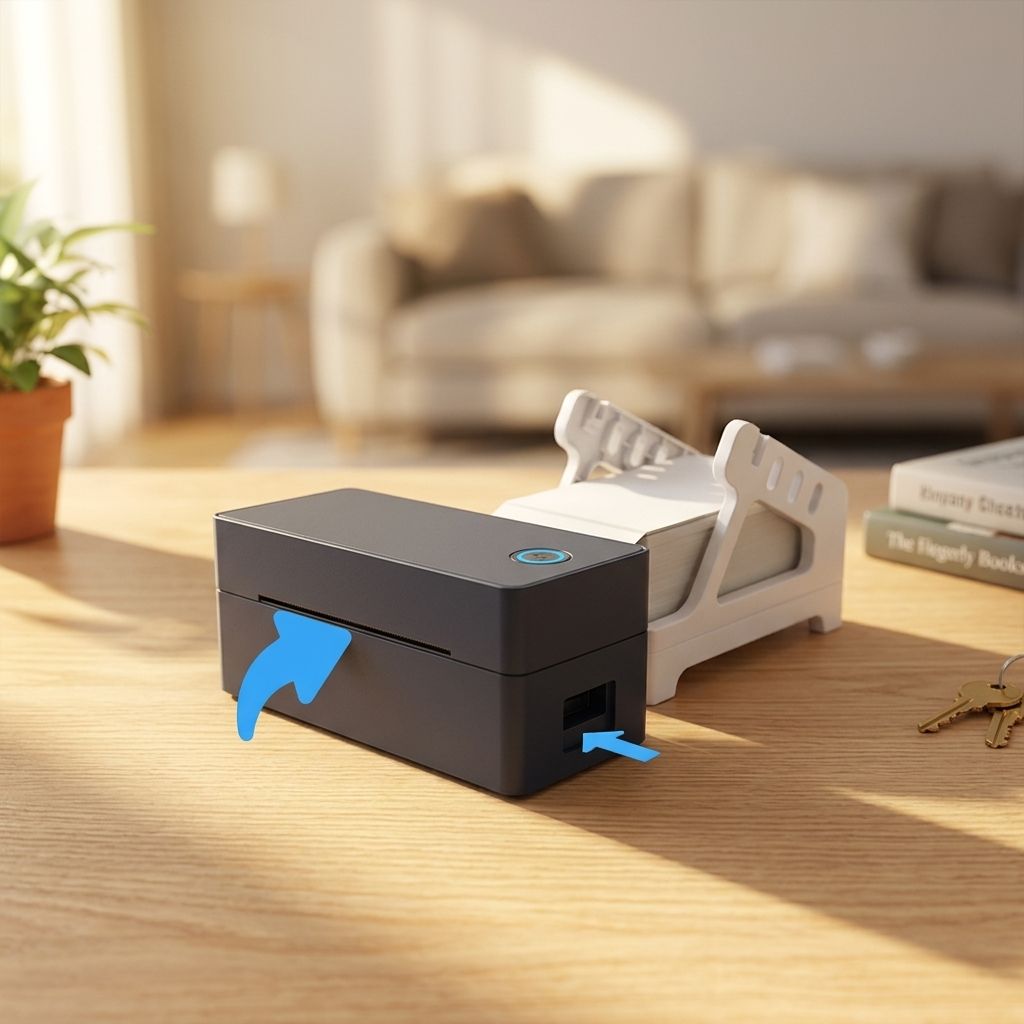
Thermal, decisively. 4×6 thermal label printers cost less per label, print in about one second, never smear in wet transit conditions, and have no cartridges to dry out. Inkjet labels cost several times more per label and can fail in humidity. This is why every serious pack station runs thermal.
Ready to equip your checkout with printers that don't fight back?
TillNode manufactures ESC/POS-compatible thermal receipt printers, label printers, and all-in-one POS terminals with built-in print engines — factory-direct, spec-published, and certified for retail, hospitality, and logistics deployment. Tell us your receipts-per-day and lane count, and our hardware team will spec the right print configuration.Request a Quote