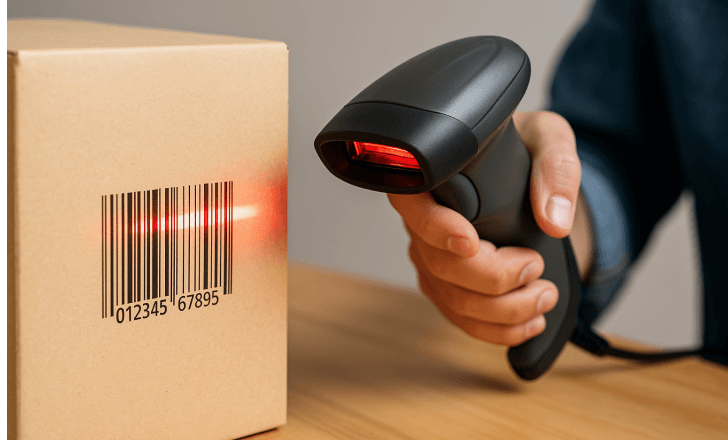
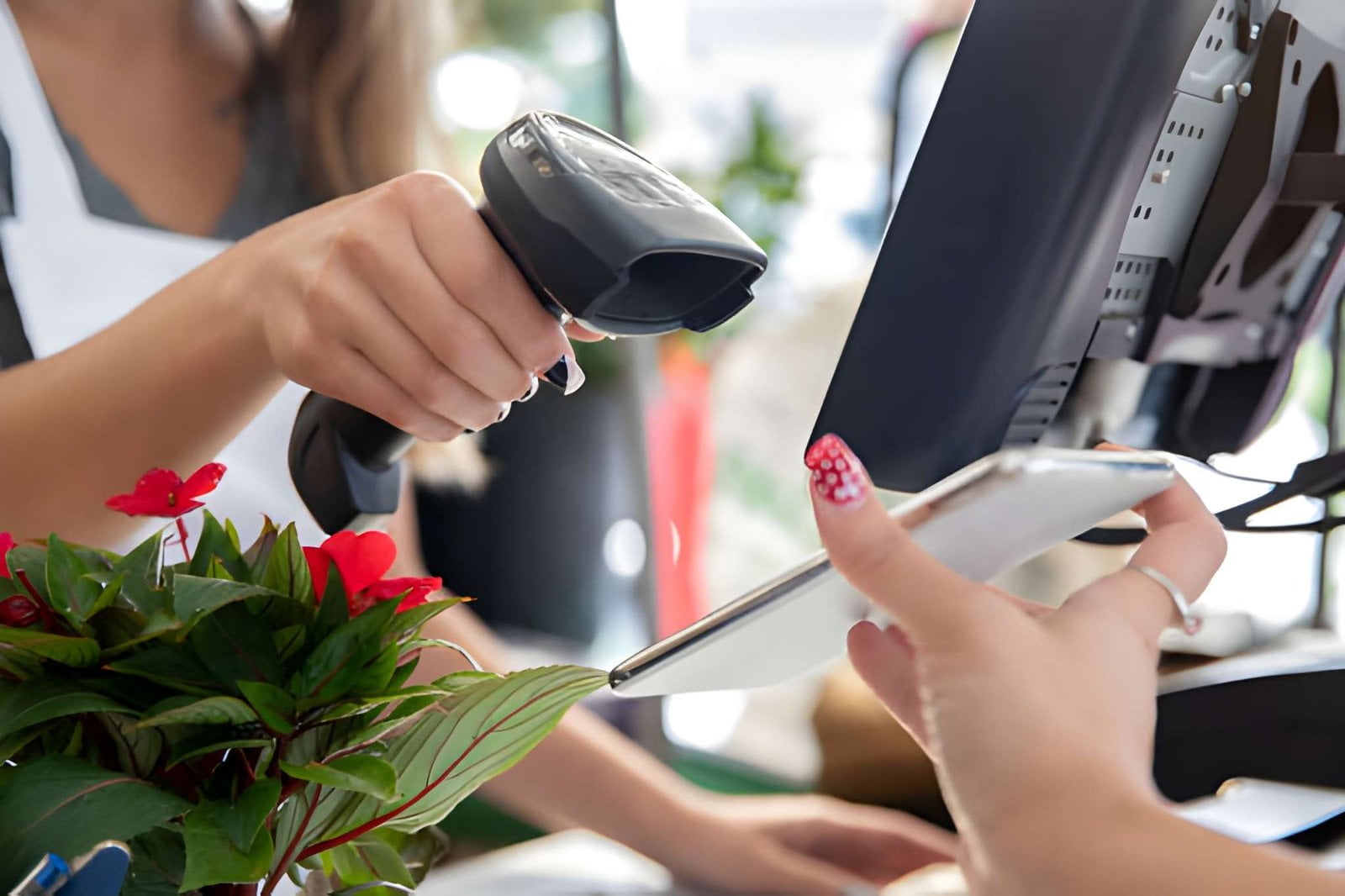
You scan a barcode dozens of times a week without thinking about it. A cashier runs a pack of gum across a glass plate, there is a beep, and a price appears. What actually happened in that half-second is a small piece of physics and a lot of standards work — and understanding it is what separates a scan that works first time from one that forces a manual key-in.
This guide explains how a barcode works from the printed symbol up: how black bars become binary, how a scanner turns reflected light into a number, how to read a barcode's own structure, and how to scan a code correctly on a phone or with commercial hardware. It ends with the reasons barcodes fail to scan, which is where most of the practical value sits.
How a Barcode Works: The Core Idea in Three Steps
A barcode works by encoding a number as a pattern of high-contrast stripes, then letting a machine measure the pattern with light. That is the entire concept. Everything else is detail. The three steps are:
- Light hits the symbol. A scanner aims a light source — a laser beam or an LED — at the printed code.
- Dark absorbs, light reflects. The black bars absorb most of the light; the white spaces reflect it back. A photosensor inside the scanner measures that reflected light and produces a varying electrical signal.
- The signal becomes a number, then a lookup. The scanner converts the light/dark pattern into binary, decodes it against the rules of that symbology, and sends the resulting number to a computer, which looks up what the number means.
A barcode itself is only an identifier. The bars do not contain the price, the product name, or the expiry date. They contain a number, and the number is a key into a database. That is why the same barcode on a chocolate bar shows one price in one shop and a different price in another — pricing lives in the retailer's system, not in the ink.
This is also the answer to a question that trips people up: the human-readable numbers printed underneath a barcode are not what the scanner reads. Scanners read only the bars. The digits exist so a person can key in the number manually when the symbol is damaged.
What a Barcode Is Made Of: The Parts That Decide Whether It Scans
"Reading" a barcode is not just pattern-matching. Every barcode follows a defined structure, and each part exists for a reason. If you want to understand why a barcode fails to scan, learn these parts. Here is the anatomy, using the EAN-13 code on a typical retail product:
| Part | What it is | Why it matters |
|---|---|---|
| Quiet zone | The blank margin to the left and right of the bars | Tells the scanner where the code starts and ends. Print or a shelf edge intruding into the quiet zone is one of the most common causes of a scan failure. |
| Start character | A fixed bar pattern at the beginning | Signals the start of data and calibrates the scanner to the module width. |
| Module | The width of the narrowest bar or space | The unit of measurement for the whole symbol. A larger module is readable from farther away; a smaller one fits more data in less space. |
| Data characters | The actual encoded information | For UPC/EAN: number system, manufacturer code, and item number. |
| Separator | A center pattern (in EAN-13) | Separates the left half from the right half so the scanner can tell direction. |
| Check digit | One final calculated digit | A mathematical guard. If the scanner misreads a bar, the check digit will almost always fail to validate and the system rejects the scan instead of ringing up the wrong item. |
| End character | A fixed bar pattern at the end | Marks the end of the symbol. |
Two consequences follow from this structure. First, contrast is not a design preference — it is a technical requirement. A barcode printed in low contrast (dark blue on black, light gray on white, a colored brand background) may look fine to a human and still fail every scan, because the sensor cannot separate a bar from a space. Second, the check digit is why barcodes are trustworthy. Barcodes are not error-free reading; they are error-detecting reading. The code is built so that a misread is far more likely to be rejected than silently accepted.
Barcode Lookup: Turning a Scanned Code into a Product
Decoding a symbol produces a number. That is where the scanner's job ends and the more interesting half of how barcode works begins. Everything a shopper or a warehouse operator thinks of as "the barcode" — the price, the product name, the stock level, the batch number — is resolved on the far side of that number, by a lookup. Separating the symbol from the lookup explains most of the odd behavior barcodes show in the field, and it is the part of the chain that operations teams can actually control.
Different symbologies reach that number in different ways — barcodes work by varying the width of bars and spaces along one axis, while 2D symbols vary the pattern of cells across two — but the destination is identical. A number comes out, and something has to answer for it.
How Do You Read a Barcode? The Digits Printed Under the Bars
Ask how do you read a barcode and there are two honest answers. The first is that you do not: you present the symbol to a scanner or a phone and a machine performs the decoding. The second is that the digits printed underneath the bars are readable by eye, and they follow a fixed grammar worth knowing — because on the day a label is damaged, those digits are what an operator keys in by hand.
Take a UPC-A symbol, the 12-digit code on most retail goods sold in North America. Read left to right, it is a single number-system digit, a five-digit manufacturer prefix, a five-digit item reference, and a final check digit. An EAN-13 symbol, the 13-digit code used almost everywhere else, follows the same construction with one extra digit at the front. That opening run belongs to the GS1 prefix — it identifies the GS1 member organization that issued the number, not the country the product was manufactured in, so a product assembled in one country for a brand registered in another carries the prefix of the brand's own registration.
The check digit is the element people misread most often. It is not assigned by the manufacturer; it is calculated from the digits that precede it, using a weighting rule defined by the symbology. That is why a single mistyped digit usually produces a number the till rejects outright rather than one that silently matches the wrong product.
After the Decode: Barcode Lookup and the Price File
The number a scanner extracts is only a key. A barcode lookup is the step that turns that key into something a business can act on, and it happens in one of two places.
In a shop the lookup is local. The till holds an item file — sometimes called the price file or item master — that maps each code to a description, a price, a tax class, and a stock record. Nothing about the price is in the bars, which is why the same chocolate bar can ring up at one price in one branch and a different price in the next, and why a barcode search against that file returns the retailer's own record rather than the manufacturer's.
For goods a retailer has never stocked, or for a consumer trying to identify a product from its packaging, the lookup moves off the till. A upc barcode finder app or website queries a public product database and returns whatever record exists for that number — frequently a crowd-sourced name and image rather than an authoritative one, which is why results differ between services. In B2B procurement a barcode locator is usually the opposite exercise: given a code already sitting on a purchase order or a delivery note, establish which supplier and which catalog line it belongs to. That is the same question a distributor or a wholesale buyer answers every time a line arrives without its paperwork.
Two failure modes live here rather than in the hardware. The first is a genuine miss: the symbol decoded cleanly, but the number is not in the file — a new listing not yet set up, a branch running an old version of the item file, or a supplier code presented against a retailer's item master. The second is a collision, where a short internal code has been reused for a different product at a different site. Both look identical at the counter: a clean beep and no result. That is why operators blame the scanner for what is really a data problem, and why a first-pass read rate tells you nothing about whether the lookup succeeded.
The same split shows up wherever a scan has to update inventory. One movement of a pack produces a scan, the scan performs a lookup, and the lookup writes a stock transaction — but only if the code is present in the system that owns that stock. In a modern retail deployment the item file is rarely a single table; it is a chain of systems, and the scan is only as useful as the weakest link in that chain.
From the Barcode Symbol to the Right Record: GTIN and SSCC
A bar code lookup is only as good as the number it is handed, and retail and logistics deliberately use two different families of numbers to answer two different questions.
At item level the identifier is a GTIN — a Global Trade Item Number. GTIN-12 is the UPC-A found on a North American pack, GTIN-13 is the EAN-13 used elsewhere, and both can be expressed in a 14-digit GTIN form for cartons. A GTIN identifies a product type, and every genuine variant — a different size, flavour, or pack count — carries its own, which is why two visually similar packs are not interchangeable at the till.
At logistics level the identifier changes entirely. An SSCC, the 18-digit Serial Shipping Container Code, identifies a physical pallet or carton as an individual object rather than a product type. That distinction is the whole point of a receiving scan in a smart warehouse workflow: the operator is not asking "what is this," they are asking "is this the exact consignment that was dispatched to us." Scanning barcodes at a dock without that layer tells you a pallet contains shampoo; with it, you know which pallet.
GS1 administers both families and the standards around them, which is why a compliant barcode symbol is never a free design decision — the quiet zones, the module size, and the check digit are specified rather than chosen by whoever prints the label. When those specifications are ignored, the failure surfaces at the scanner even though the fault was introduced at the printer. The print end of that chain is where the barcode label printing range sits: contrast, module size and quiet zones are all variables the label printer controls, and all three are read as scan failures when they are wrong.
| Symbology | What it can encode | Typical use | How errors are caught |
|---|---|---|---|
| UPC-A | 12 digits, numeric only | Retail items sold in North America | Modulo-10 check digit |
| EAN-13 | 13 digits, numeric only | Retail items worldwide, carried as a GTIN-13 | Modulo-10 check digit |
| EAN-8 | 8 digits, numeric only | Small packs with no room for a full symbol | Modulo-10 check digit |
| Code 39 | Digits, upper-case letters and a few symbols | Internal asset tags, ID badges, legacy warehouse labels | Optional modulo-43 check character |
| Code 128 | Full ASCII, variable length | Logistics labels, serial numbers, GS1-128 data | Modulo-103 check character |
| QR Code | A few kilobytes of text or binary | Mobile-facing codes, payments, e-tickets, product pages | Reed–Solomon error correction |
| Data Matrix | Compact binary, variable length | Small parts, electronics, pharmaceutical unit doses | Reed–Solomon error correction |
Two notes on that table. EAN-8 is not a separate family — it is a shortened EAN-13 for packs too small to carry a full symbol, and it resolves through the same lookup as any other GTIN. And the check character in Code 128 and Code 39 serves the same purpose as the check digit in UPC and EAN: it does not prevent a misread, it makes one far more likely to be caught than to be accepted silently.
If you are specifying the hardware side of this chain, the industrial bar code reader range covers the 1D and 2D engines that sit in front of the lookup, and the long-range wireless reader series covers the battery and radio side for operations that cannot be tethered to a lane.
How to Scan a Barcode With Your Phone
If your question is "how do I scan a barcode with my phone," the honest answer is that modern phones already do it with no app at all — and that this is a convenience feature, not an operations tool.
On iPhone or iPad. Open the built-in Camera app and point it at the barcode. iOS recognizes 1D and 2D codes natively and shows a notification banner you can tap. No app required; make sure the device is on a reasonably current version. On Android. Most Android phones handle barcodes in the stock Camera app, and Google Lens recognizes them reliably. Some manufacturers bury it in a scanner mode, so if the Camera app does nothing, install a scanning app from the Play Store. On Windows or Mac. Both need extra steps. On Windows, the Camera app exposes a "code" mode that reads codes through a webcam — you need decent lighting and a steady hand. On Mac there is no built-in reader, so a third-party app is required.Three practical tips apply to every platform:
- Center the code and hold still. The camera needs a sharp frame; motion blur is the number one cause of phone scan failure.
- Give it light, but avoid glare. Reflections off glossy packaging overwhelm the sensor.
- Fill the frame. A barcode occupying more of the frame resolves more reliably than one at a distance.
The limitation worth stating plainly: a phone camera is fine for scanning one item to look up a price or a product. It is the wrong tool for scanning a hundred items. There is no trigger, aiming is slow, feedback is weak, and the person's personal phone is tied up doing company work. For anything at volume — a shop counter, a stockroom, a receiving dock — you need a real scan engine. Our barcode scanner guide covers engine and form-factor selection in depth.
How to Barcode Scan With a Commercial Scanner
Using commercial hardware is a short procedure, but the details are what produce a high first-pass read rate.
- Get the distance right. Laser and short-range imager scanners have an optimal working range — typically a few centimeters to roughly 25 cm, depending on the model and the module size. Too close and the code falls outside the depth of field; too far and there is not enough resolution.
- Angle matters more than people expect. Hold a handheld scanner at a slight angle rather than dead-on perpendicular to the label. A square angle can bounce the light straight back into the sensor and wash out the signal, especially on glossy or laminated labels.
- Cross the bars, not the length. For a 1D code, the scan line must pass across the bars — that is, perpendicular to the direction the bars run. Aiming a laser line along the length of the barcode reads nothing. (A 2D imager is omnidirectional and does not care about orientation, which is a large part of why 2D has become the default.)
- Trigger, then verify. Pull the trigger, and confirm the read the way the hardware tells you: the beep, the LED confirmation, and the character string appearing in your software. Never accept "it beeped" as proof the right data landed — a beep means a decode, not a correct decode.
- Watch the first-pass read rate. At a busy counter, a scanner with a 99% first-read rate and one with 92% behave completely differently over a shift, because every failed read turns into a manual key-in that stalls the queue.
How to Scan Barcodes in Volume: Continuous and Batch Scanning
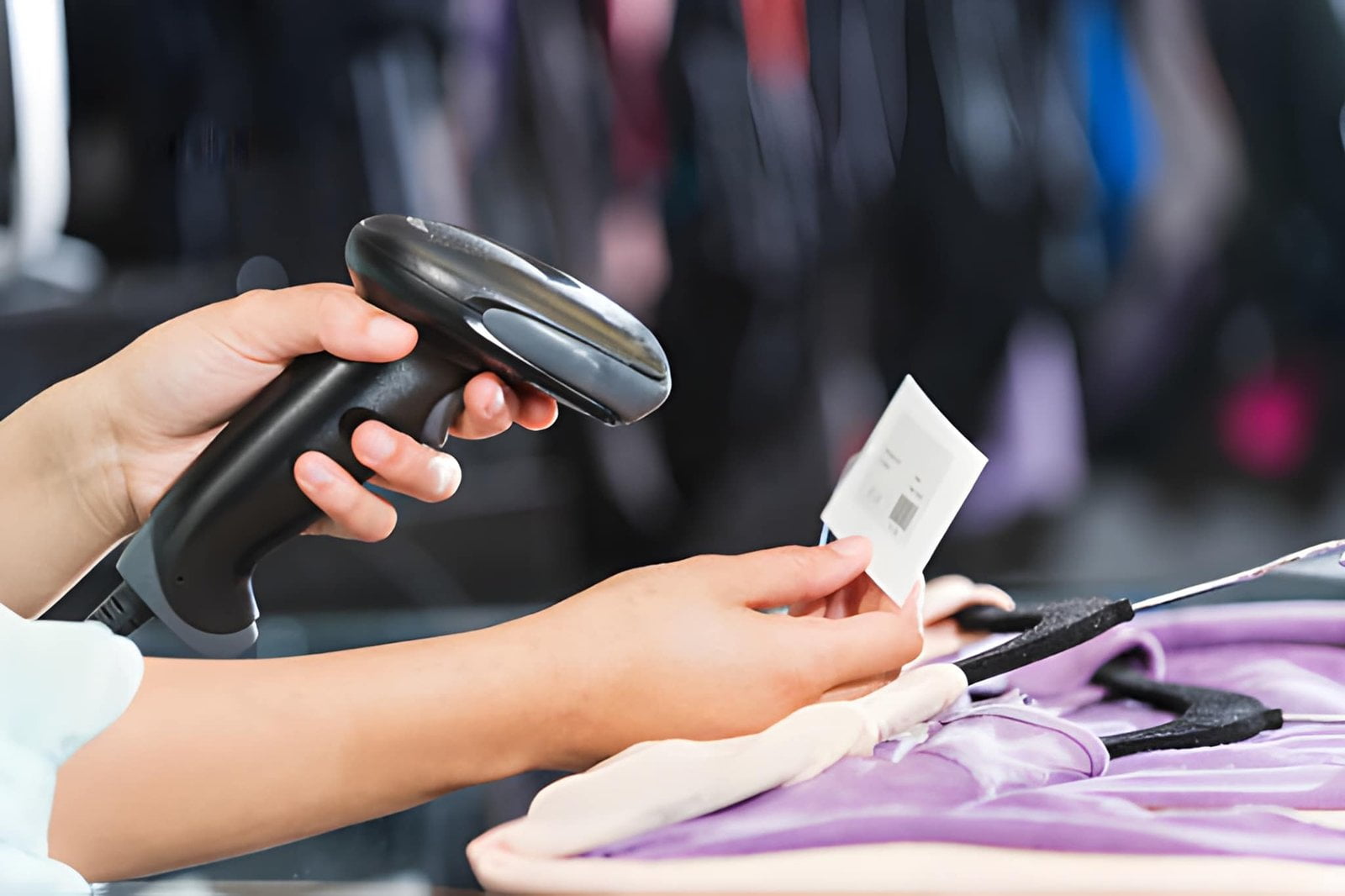
Scanning one code is easy; scanning hundreds in a row is where settings matter. If your question is how to scan barcodes continuously, three settings do most of the work:
- Presentation mode (hands-free). A desktop or in-counter scanner in presentation mode stays active, so an operator presents items to the window instead of triggering each one. It removes the trigger press from every single item — a large time saving at checkout.
- Continuous / auto-sensing mode. Many handheld scanners can be configured to fire repeatedly while the trigger is held, or to switch on automatically when the code comes into view. Good for scanning a stack of labels or a shelf of goods.
- Batch / memory mode. Wireless scanners with a batch mode store scans locally when out of range of the host, then upload them when reconnected. This matters in large warehouses and yards where coverage is patchy — you keep scanning, and nothing is lost.
Configuration of these modes is done by scanning a setup barcode from the scanner's manual, or through the vendor's configuration utility. If you are deploying scanners into an existing system, confirm the interface first — most commercial scanners present as a USB keyboard (HID), which means they work with almost any software with no driver. Our hardware-software integration guide covers the interface options and the integration patterns.
QR Codes and 2D Symbols: How They Differ from a Barcode
A 1D barcode carries its data along a single axis. A 2D symbol carries it across two. Both end in a string handed to the same lookup, but the way they are built — and the way a reader has to see them — differs enough to change which scanner a deployment needs.
How a QR Code Scan Differs from a Line Scan
With a 1D symbol the engine sweeps a line across the bars and measures the light and dark intervals it crosses. A laser or a linear imager samples one axis only, which is why orientation matters: aim that line along the length of the bars and it reads nothing at all. A single red wavelength is enough for this job, which is what makes a laser engine cheap and fast.
A QR code scan inverts the problem. The symbol is a matrix of dark and light cells, captured as a two-dimensional image rather than sampled along a line. Three square finder patterns in the corners let the reader locate and rotate the symbol before it decodes anything, so a qr scan is omnidirectional — upside down, sideways, or at an angle makes no difference to the result. The trade is that the engine must be a true area imager rather than a scanning beam: an imaging sensor, of the kind that replaced the earliest CCD linear arrays, has to see the whole symbol at once.
The structural differences carry practical consequences. A QR code is limited in capacity only by its version, so it can carry a URL, a block of text, or structured data rather than a bare number. Reed–Solomon error correction lets it survive damage that would destroy a line of bars — up to roughly a third of the symbol, depending on the level selected. And where a 1D symbol needs clear quiet zones at each end, a 2D symbol keeps a narrower margin on all four sides, which makes it easier to fit onto a small or awkwardly shaped item.
When to Choose a Barcode and When to Choose a 2D Symbol
For high-volume item scanning — a checkout lane, a picking trolley with a handheld reader, a receiving dock — a 1D barcode remains the sensible default. Labels are cheap, printing is fast, and the installed base of 1D infrastructure is enormous.
Where a tether is impractical, a wireless barcode scanner removes the cable without changing the symbologies in use, which matters when a rollout has to cover a yard, a sales floor and a stockroom with one part number.
2D symbols take over wherever the reader is a person rather than a lane. Anything a customer scans with a phone — a campaign, a payment, an e-ticket, a product-information page — has to be a 2D symbol, because a phone camera reads images rather than laser sweeps. The same logic pushes 2D into industrial work where one label has to carry a serial number, a batch, and a date at the same time, and into any setting where a code must be read off a screen.
Most deployments do not have to choose. A 2D area imager reads both families, which is why it has become the default engine: one part number covers legacy 1D labels, modern 2D labels, and emissive phone displays. If you are specifying scanners now, start with the 1D versus 2D comparison and the wired versus wireless comparison, then match the engine to the workflow. For OEM and private-label projects the same 2D engine is available as an embedded 2D scan module or a Bluetooth reader.
Why Some Barcodes Do Not Scan (And How to Fix It)
Most barcode problems are physical, not electronic. When a code will not read, work through this list — it covers the overwhelming majority of real cases.
| Symptom | Likely cause | Fix |
|---|---|---|
| Reads sometimes, fails often | Low contrast or a colored background | Reprint as black on white; increase size |
| Never reads, even up close | Wrong symbology for the engine | Confirm 1D vs 2D; a laser cannot read a QR code |
| Fails on one product only | Damaged, faded, or wrinkled label | Re-label the item; use the human-readable number in the meantime |
| Fails on glossy or wrapped goods | Specular reflection off the film | Change the scan angle; fit an anti-glare or diffused-light scanner |
| Fails at a distance | Module too small for the range | Increase barcode size or move closer |
| Fails only in bright sun | Ambient light overwhelms the sensor | Use a scanner rated for high ambient light |
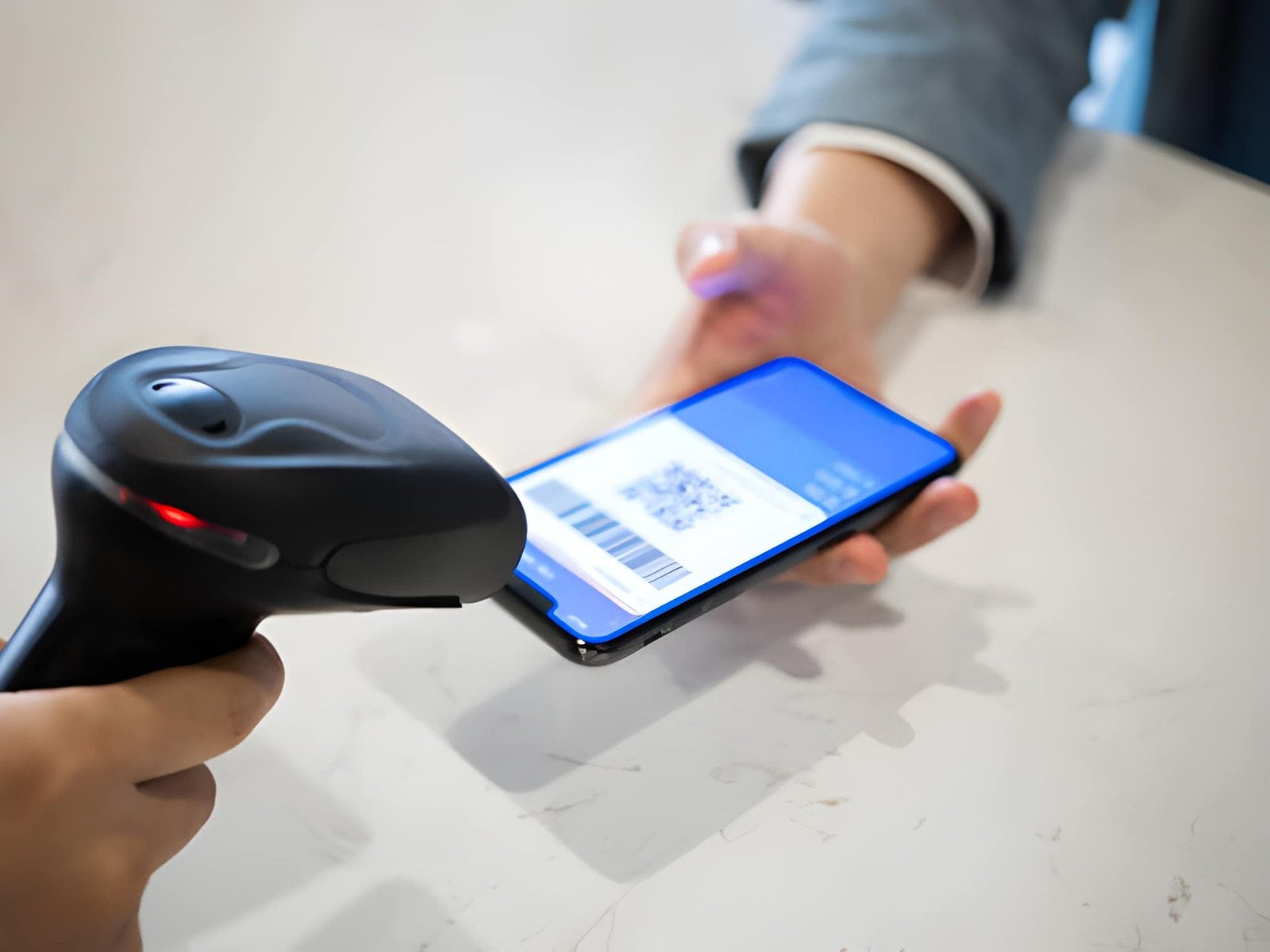
| Fails only on phone screens | 1D-only engine cannot read a screen | Use a 2D imager, which reads emissive displays |
| Intermittent, no pattern | Dirty scanner window or poor cable | Clean the window; swap the cable or check Bluetooth pairing |
Two of these deserve emphasis for B2B deployments. Screen reading is not optional any more — digital coupons, mobile wallets, and e-tickets all live on phone displays, and only a 2D imager can read them. And label quality is the variable most within your control: print quality, contrast, and an intact quiet zone prevent more scan failures than any scanner upgrade.
If you are printing the labels yourself, the printer and the label stock are part of the scanning system, not separate purchases. Our guide to thermal printers covers the labeling side.
How Barcode Scanning Connects to Your Business Systems
A scan is only useful once it lands in a system. That is where the value of barcode technology actually shows up — one scan can update a stock count, generate an invoice line, trigger a reorder, and write an audit record at the same time.
For retail, scanners sit at the point of sale, at self-checkout kiosks, and increasingly at electronic shelf label infrastructure. For warehousing and logistics, they drive receiving, put-away, picking, and shipping. For healthcare, they verify medication and patient identity. In every case the mechanism is identical: a physical movement produces a scan, the scan produces a database event, and the digital record stays aligned with physical reality without manual reconciliation.
That is the real answer to why barcodes matter. They do not just speed up checkout. They make an accurate record of physical goods affordable at a scale that manual entry never could.
FAQ
How does a barcode work in simple terms?
A barcode works by encoding a number as black bars and white spaces. A scanner shines light on it, the black bars absorb the light and the white spaces reflect it, and a sensor reads that pattern of light and dark as binary. The scanner decodes the binary into a number and sends it to a computer, which looks up the product. The bars contain only an ID number — never the price or the product name.
How do you read a barcode?
To read a barcode you need either a scanner or a phone with a camera. A scanner measures reflected light across the bars; a phone camera captures an image and decodes it in software. You can also read a barcode's printed structure by eye: identify the quiet zones, the start and end characters, the data characters, and the check digit — the last digit, which exists to detect reading errors.
How do you scan a barcode?
Point the scanner at the code, get the distance and angle right, and pull the trigger (or let a presentation scanner detect it automatically). The scanner decodes the symbol, confirms the read with a beep and LED, and sends the number to your software. Verify the data landed in the system — a beep confirms a decode, not necessarily a correct one.
How do I scan a barcode with my phone?
Open your phone's Camera app and point it at the barcode; iOS and most Android devices recognize barcodes natively and show a tap-able result. On Windows, use the Camera app's code mode with a webcam. On Mac, install a third-party reader. Keep the phone steady, fill the frame, and avoid glare — and remember that phone scanning is fine for one-off lookups but not for operational volume.
Can a barcode scanner read the numbers printed under the barcode?
No. Scanners read only the bar and space pattern. The printed digits are for humans, so that an operator can key in the number manually if the symbol is damaged or unscannable.
Why can't my scanner read QR codes?
Because it is a 1D-only engine. Laser and linear-imager scanners physically cannot decode 2D symbologies such as QR Code, Data Matrix, or PDF417. Reading 2D codes — and reading any code off a phone screen — requires a 2D area imager.
Do I need a special scanner to read barcodes off a phone screen?
Yes. Phone screens emit light rather than reflect it, and 1D-only scanners depend on reflected light. A 2D imager handles emissive displays, which is why it is required for mobile payments, e-tickets, digital coupons, and loyalty apps.
What is barcode lookup?
Barcode lookup is the step immediately after decoding. The scanner extracts a number from the symbol, and that number is sent to a database — a store's local item file, an ERP or WMS item master, or a public product database — which returns the record behind it. The bars carry the key, not the answer. In a retail system the barcode lookup normally happens locally in the till, which is why the same code can return different prices at different sellers; for a code the store has never carried, the lookup may fall back to an online product database instead.
What is a GTIN, and is it the same as a UPC?
A GTIN is the umbrella identifier behind several representations: GTIN-12 is a UPC-A, GTIN-13 is an EAN-13, and GTIN-14 is the 14-digit carton form of the same number family. A UPC is therefore one representation of a GTIN rather than a separate thing. A GTIN identifies a product type, so every size, flavour and pack count has its own. A pallet or carton label uses a different number entirely — the SSCC — which identifies one physical consignment rather than a product line.
How do you scan a barcode that will not read?
Start by looking at the symbol rather than the scanner, because most failures are physical. If you are working out how to scan a barcode that has faded, wrinkled or been over-labeled, change the angle and move closer first — module size, not distance, is usually what fails. If the symbol genuinely cannot be read, key in the digits printed underneath it, which is exactly what they exist for. Then reprint the label with the same number so the problem does not come back; the troubleshooting guides cover the hardware-side causes when the label is not at fault.
Choosing the Hardware Behind the Scan
Once you understand how a barcode works, hardware selection becomes a set of concrete questions rather than a spec-sheet comparison: which symbologies will you read, at what distance, in what environment, and where does the data need to land. Those four answers determine the engine, the form factor, and the interface.
For most new deployments the answer converges on a 2D imager — it reads 1D and 2D, reads from screens, has no moving parts, and the price premium over a laser has narrowed to the point where the future-proofing is close to free.
Two next steps depending on where you are:
- Comparing scanner classes and form factors in detail? Start with our barcode scanner guide, or the focused comparison of 1D vs 2D scanners and wired vs wireless scanners.
- Specifying scanners into a workflow — retail checkout, warehouse receiving, kiosk, or a product you are building? See the scanning solution overview and the barcode scanner buying guide.