High-Precision Barcode Printers.
Reliable Tracking.
We secure accurate inventory management and product labeling. TillNode engineers high-clarity barcode printing nodes to eliminate scanning errors. From warehouse aisles to bubble tea counters, we execute dynamic label formatting with pinpoint accuracy.
Engineered for Precision and Scale.
Blurry barcodes and misaligned tags cause devastating workflow bottlenecks. We integrate advanced media sensors and high-resolution print heads into our devices for reliable label generation.
Pinpoint Alignment
We utilize smart sensors to auto-calibrate gap and black-mark labels. This completely eliminates misprints and paper waste.
Unmatched Clarity
The terminal generates crisp 1D, 2D, and QR codes immediately. This guarantees simple scanning, optimizing your checkout and inventory processes.
TSPL/CPCL Ready
We fully support core label printing languages. The printers integrate with leading WMS, ERP, and POS systems.
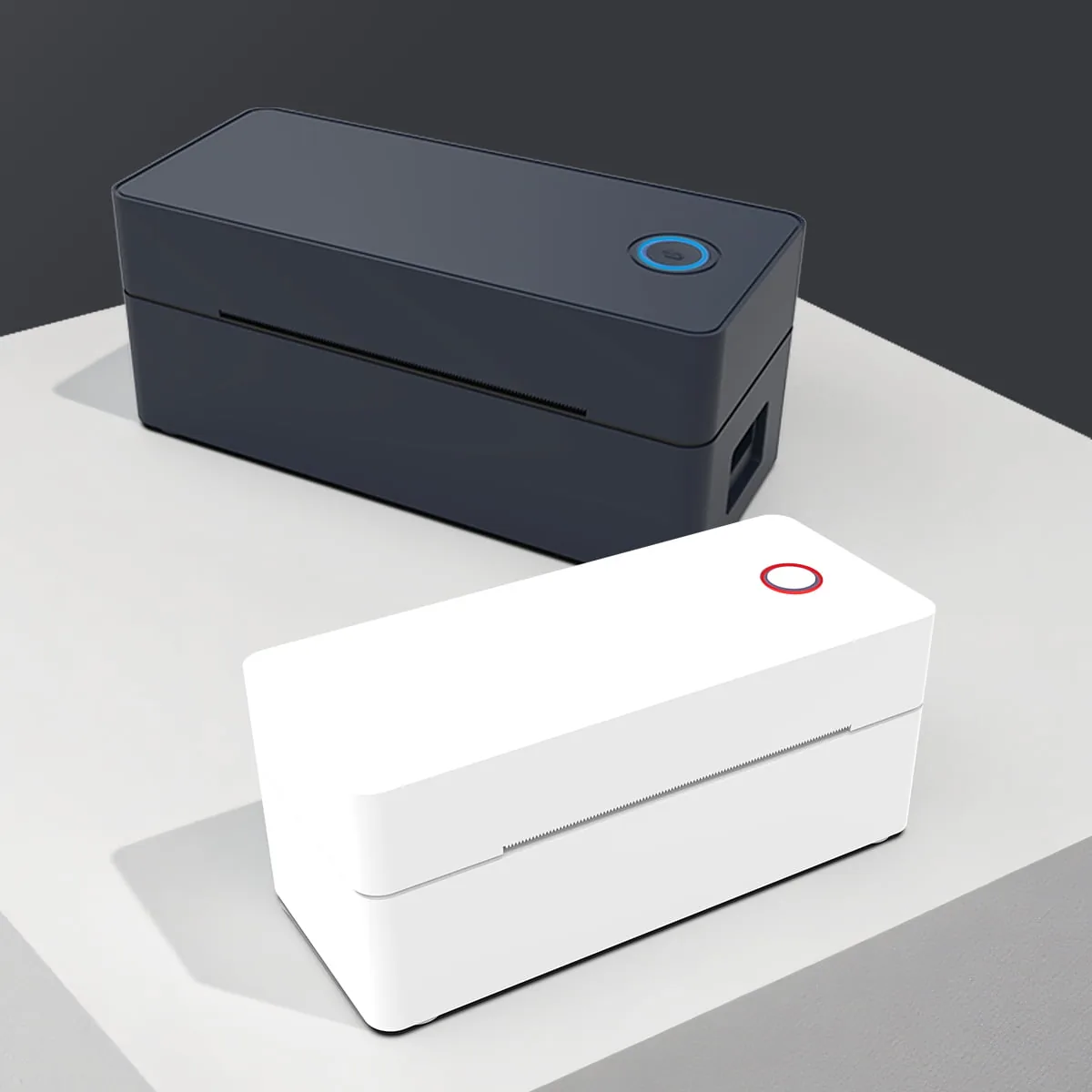
Industrial & Wide-Format
These printers conquer heavy-duty logistics and warehouse tracking tasks.
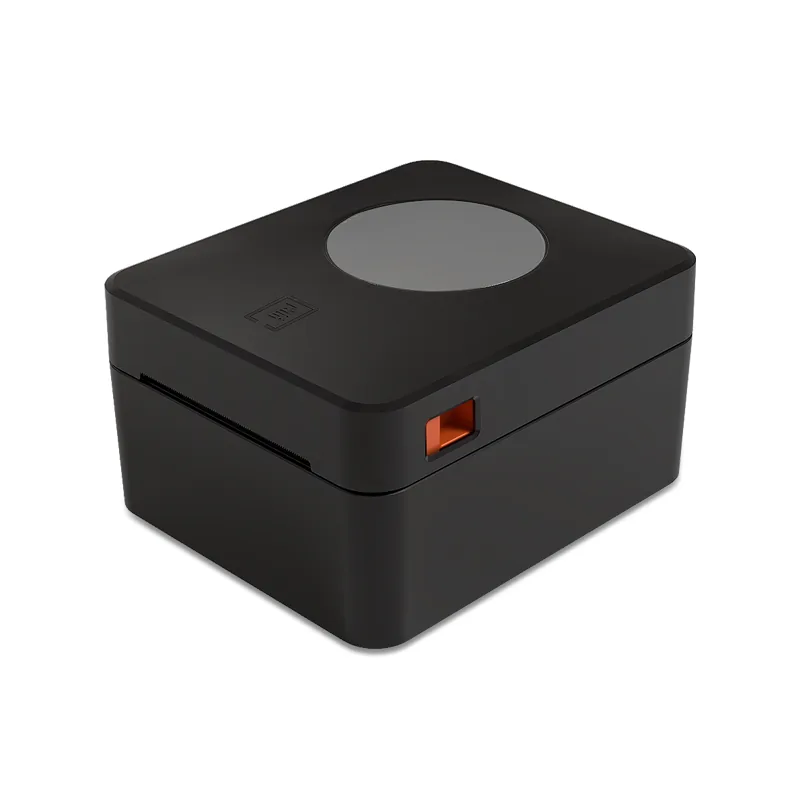
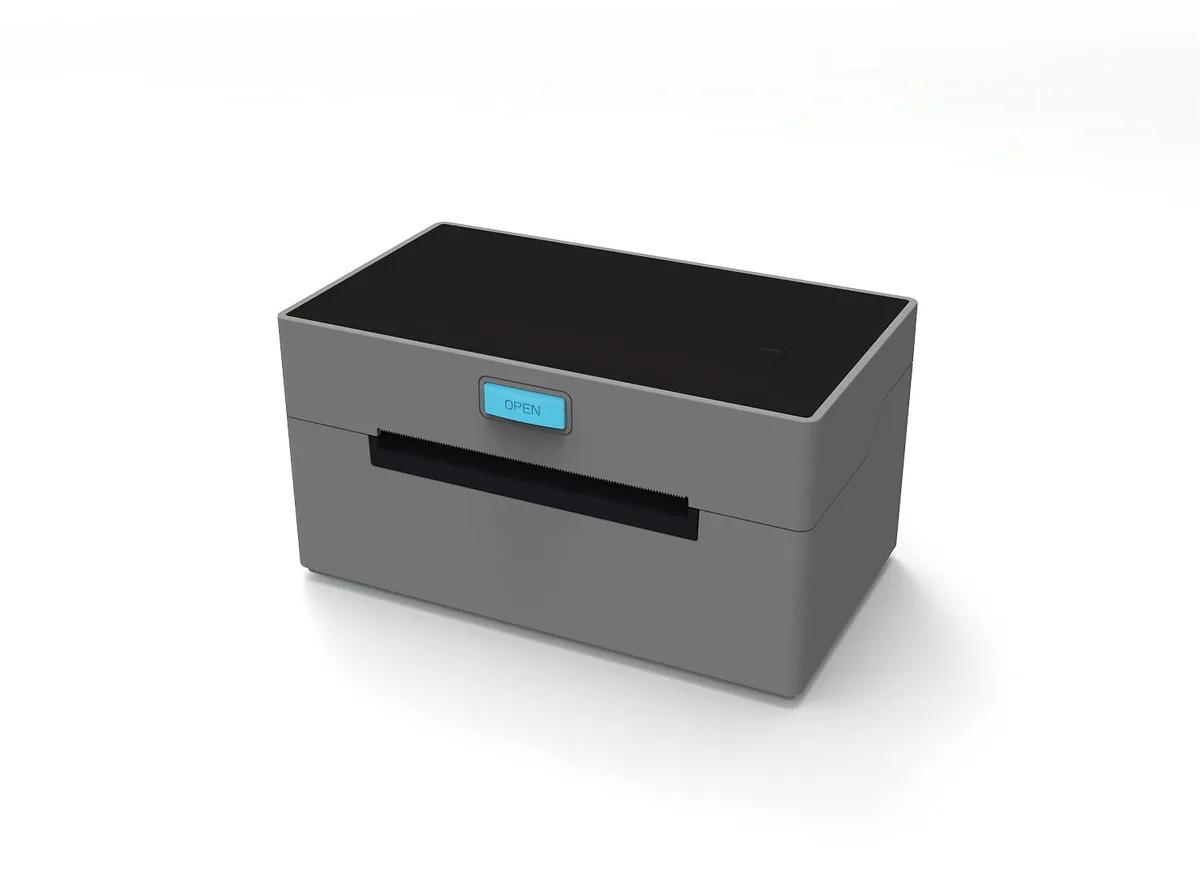
Compact Desktop Retail
You handle shelf pricing and customized product tagging without sacrificing counter space.
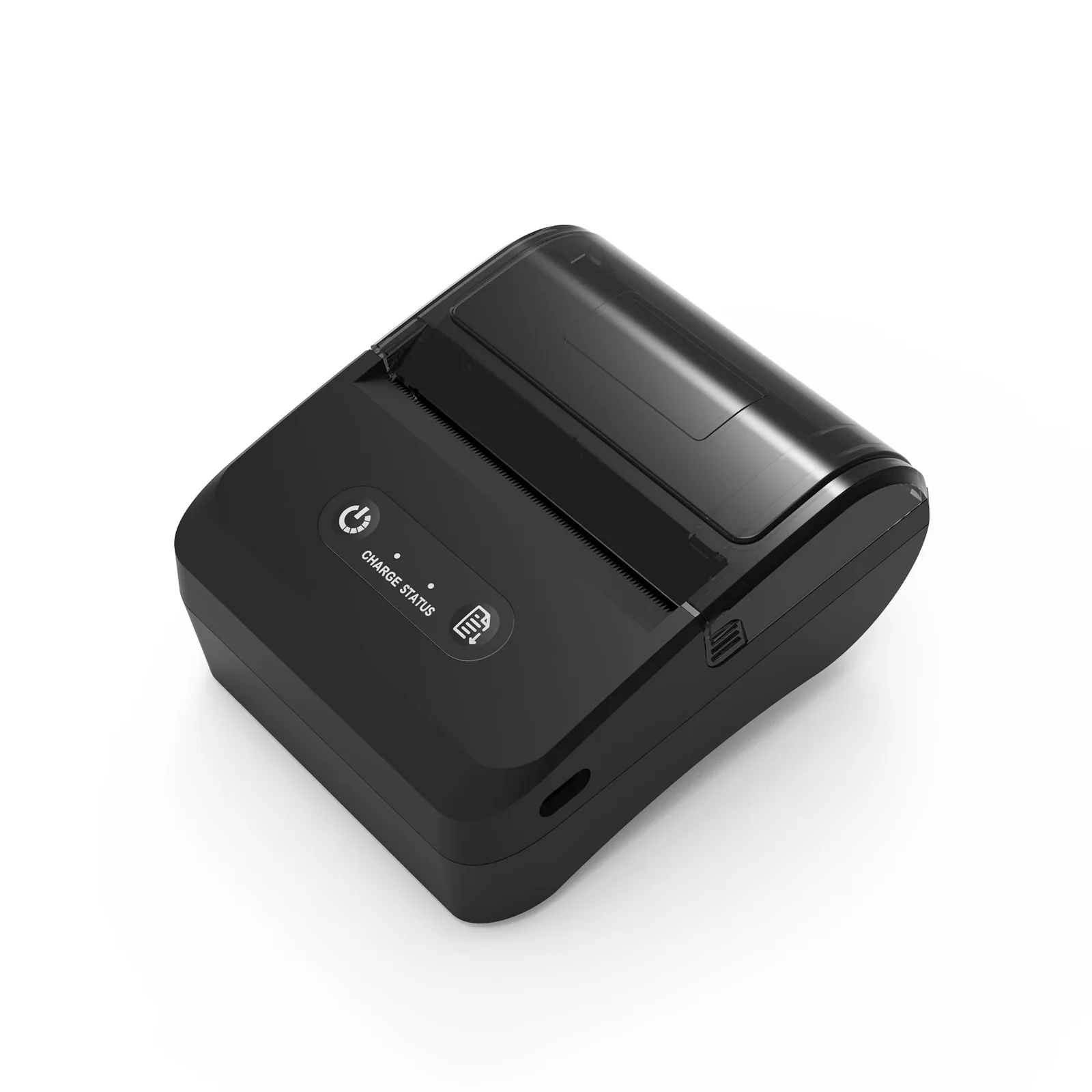
Rugged Mobile Labeling
You execute dynamic pricing and inventory updates directly on the factory floor or retail aisle.
Labeling Solutions for Every Workflow.
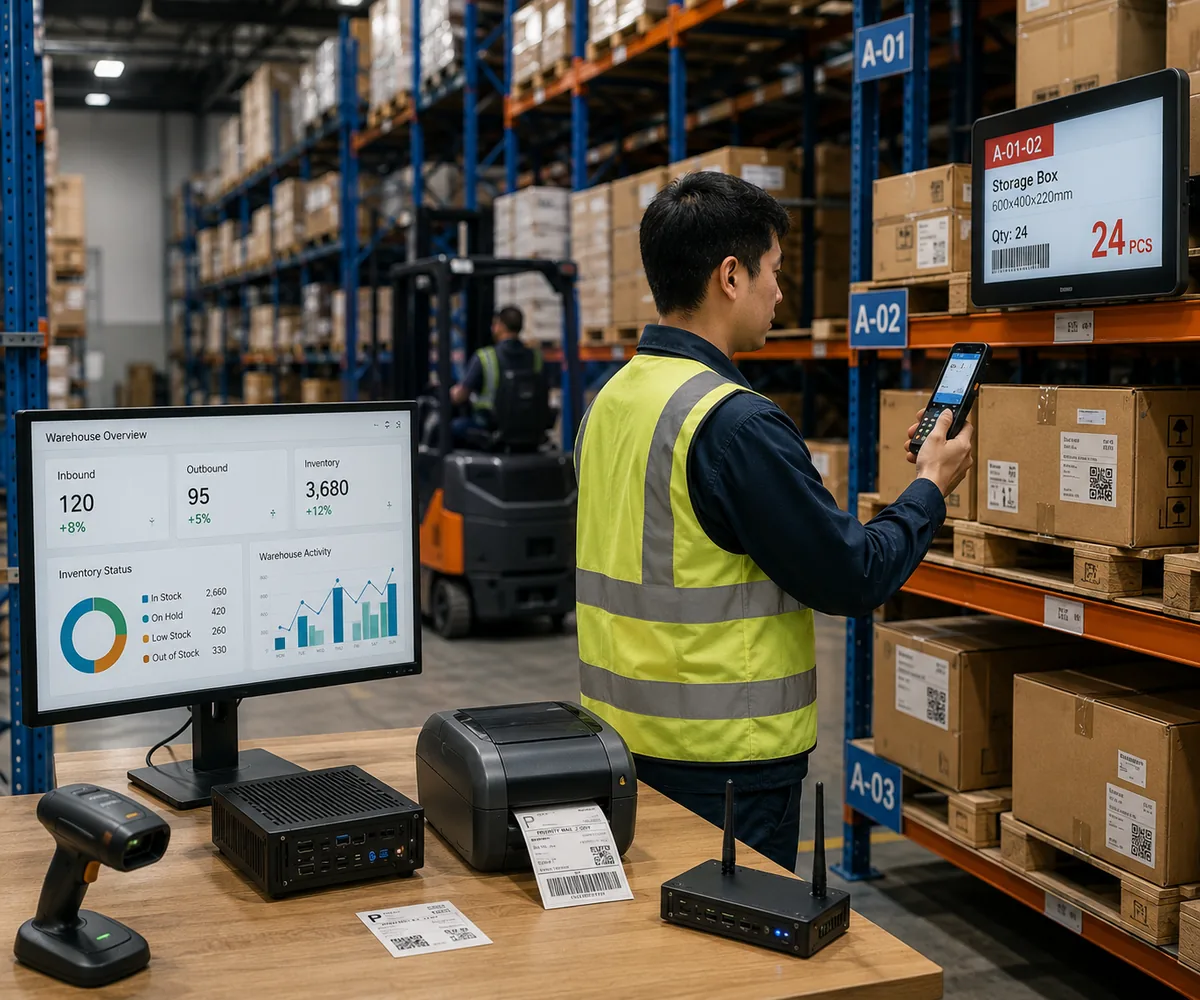
Warehousing & Logistics
We optimize inventory tracking. The printer produces crisp, scannable pallet barcodes on-demand on the forklift or at the packing station.
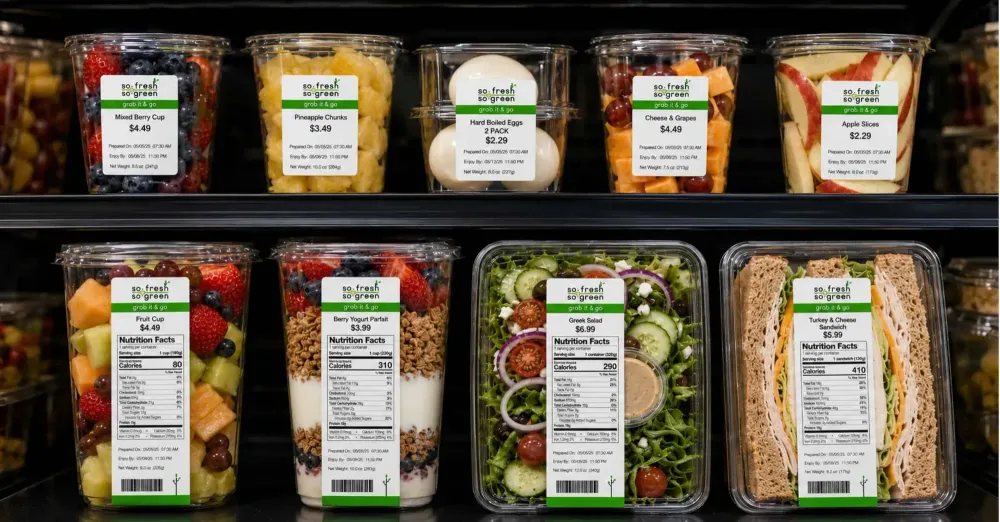
Retail & Supermarkets
You tag shelf edges and fresh food items swiftly. The printer prints dynamic weight and pricing formats.
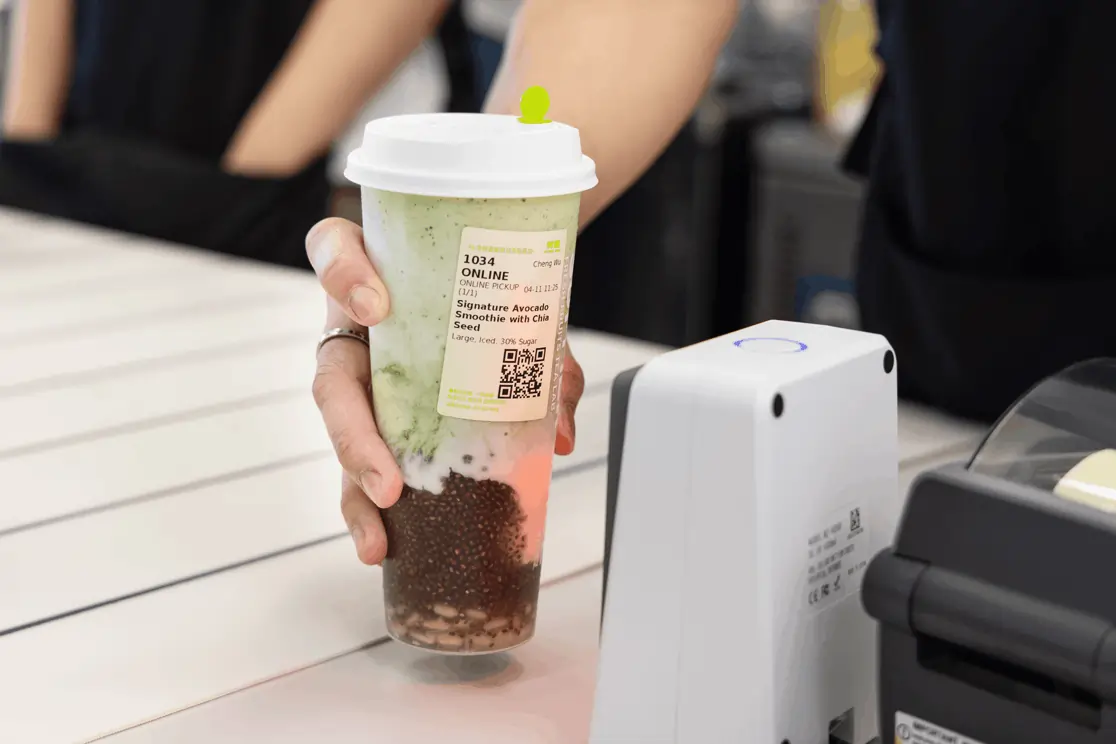
QSR & Bubble Tea
We ensure order accuracy. The printer generates customized cup stickers and delivery sequence tags immediately, keeping kitchens moving.
What a Label Printer Actually Prints: Roll, Sheet, and Die-Cut Media.
The labels a label printer consumes define it as much as the print head inside it. Media shape decides the sensor, media width decides the model class, and the adhesive decides how the label survives the trip from the printer to the shelf.
Continuous Roll Labels
Supplied on a liner and wound on a core, with no gap between labels. The printer feeds a set length and the operator tears or the cutter trims.
Suits log sheets, batch numbers and text tags where the label length changes from job to job.
Die-Cut Roll Labels
The die-cut process punches individual labels onto a liner with a small gap or a printed black mark between them. A gap sensor or black-mark sensor reads every index mark, so each label lands in the same place.
This is the standard format for barcode labels, shelf-edge price tags and shipping labels.
Sheet Labels
Pre-cut A4 or Letter label sheets, normally run on a laser or inkjet device rather than a thermal print head.
Useful for one-off batches, badges and name tags, but slower to handle at volume and less durable than thermal stock.
Round labels for printing are a die-cut variant that most warehouses never need and most food and drink counters cannot operate without: lid seals for takeaway cups, jar caps and bakery box seals. Small labels for printing below roughly 25 mm across are the format used for jewelry tags, cable flags and component marking, and it is the format that punishes a low-resolution print head hardest. A small label carrying a dense 2D symbol — the duty a QR printer or QR code printer serves — needs 300 dpi or better, because below that the module width collapses and fixed-mount scanners start rejecting codes that look readable.
| Media format | Typical width | Roll outside diameter | Core | Face thickness | Typical duty |
|---|---|---|---|---|---|
| Continuous roll | 25–118 mm | 127 mm | 25.4 mm | 60–80 µm | Log sheets, batch tags, variable-length text |
| Die-cut roll (gap) | 25–110 mm | 127 mm | 25.4 / 40 mm | 60–80 µm | Barcode labels, shelf-edge tags, retail price labels |
| Round die-cut | 20–60 mm | 100 mm | 25.4 mm | 70–90 µm | Cup lid seals, jar caps, bakery box seals |
| Small die-cut | 10–25 mm | 76 mm | 12.7 mm | 60–80 µm | Jewelry tags, cable flags, component marking |
| Sheet labels | A4 / Letter | — | — | 100–150 µm | One-off batches, badges, visitor name tags |
Every roll format has to pair with the right index sensor, and that pairing is where most media waste originates. A gap sensor suits gapped die-cut stock; a black-mark sensor suits continuous stock, where a printed mark tells the printer when to stop; continuous mode skips indexing entirely and simply feeds a fixed length. A printer for barcode work and a printer for text tags often share the same chassis but never the same sensor configuration, so you specify media and printer together rather than one after the other. what a thermal printer is, and we cover the roll-fed cousin of this hardware under shipping label printers.
Compact Bluetooth and Battery-Powered Label Printers.
Not every label prints at a desk. Compact Bluetooth printers and battery powered wireless label printer designs move the job to the aisle, the packing bench or the delivery van, which changes what matters: pairing stability, standby battery, and whether the device can print with no host attached.
Pairing and Profiles
Most compact units expose two Bluetooth profiles: SPP for Android and POS applications, and BLE for iOS and newer Android builds. Bluetooth label makers normally pair to one host at a time.
Where several operators need the same device, a Wi-Fi model that sits on the network and accepts jobs from a WMS removes the pairing queue altogether.
Offline Printing
A battery powered wireless label printer that stores templates and resident fonts keeps working when the link drops. The printer composes labels as a command string (TSPL, CPCL, ESC/POS), or references them as a stored template index and renders them inside the printer.
A dropped connection then costs a retry rather than a misprint, which is what makes small Bluetooth printers usable in a freezer or on a loading dock.
Power and Durability
We quote runtime in prints per charge, and the realistic figure depends on darkness setting, label length and standby time.
For aisles, kitchens and yards, a sealed chassis with a gasketed media bay, a dust and splash rating and a drop rating usually matters more than a headline capacity figure.
A USB label maker still earns its place wherever the printer lives on a fixed bench: USB-C carries power and data, there is no pairing step and no charging routine to maintain. Where the unit has to survive condensation, freezer mist or repeated wipe-down, the specification to ask for is a waterproof label maker — sealed housing, gasketed media bay, stated enclosure rating — rather than a claim on a listing page. The same media and resolution rules as any desktop model will still govern print quality, and where you have to read the printed code back reliably, pairing the printer with the right barcode scanner matters as much as the printer itself. Readers who are still choosing between a fixed and a portable unit will find the fixed-format comparison in our direct thermal label printer overview.
Direct Thermal vs Thermal Transfer: Which Label Stock.
Two print methods look identical from the outside and behave very differently after six months on a shelf. Direct thermal is an inkless method that heats chemically coated face stock; thermal transfer printing melts a wax or resin ribbon onto the label.
Direct Thermal
- No ribbon, fewer moving parts to service
- Lowest running cost per label
- Marks fade under heat, UV and surface abrasion
- Short-life duty: shipping labels, cup stickers, day labels, visitor badges
Thermal Transfer
- Consumes a ribbon — wax, wax-resin or resin — matched to the face stock
- Survives abrasion, solvents, cold storage and freeze-thaw cycling
- Higher media and consumable cost, more setup per roll
- Long-life duty: asset tags, compliance and calibration labels, frozen food, chemical drums, pallet license plates
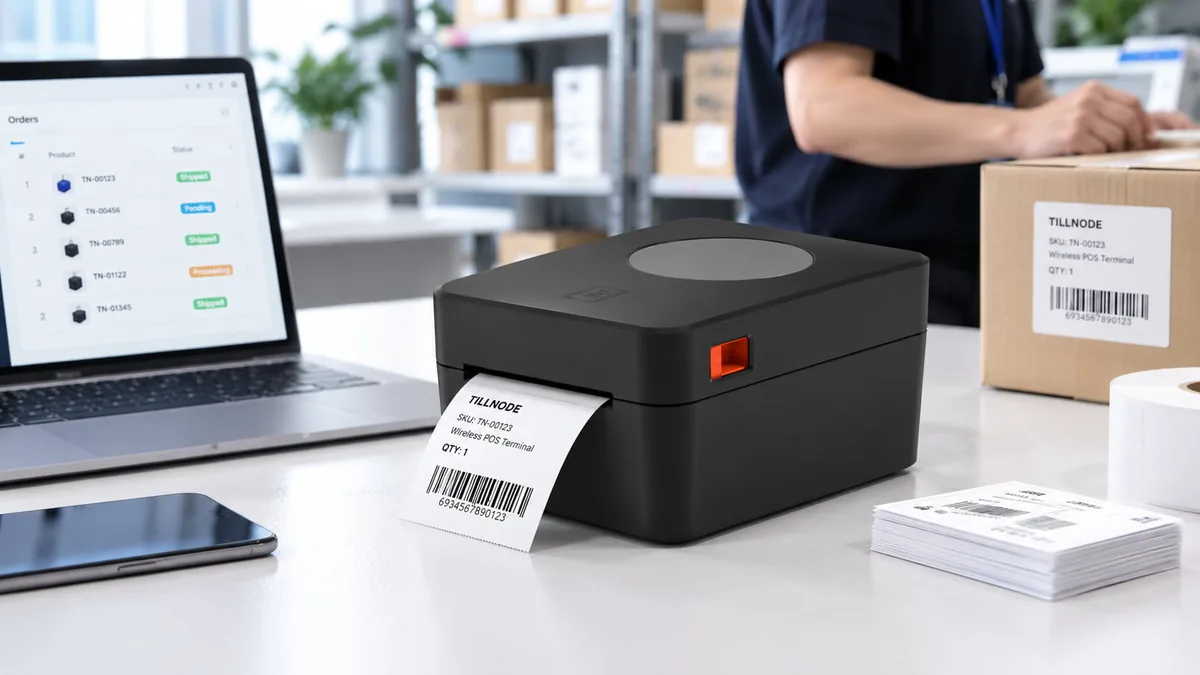
| Class | Resolution | Print speed | Interfaces | Media width | Typical duty |
|---|---|---|---|---|---|
| Desktop | 203 dpi, 300 dpi option | 102–152 mm/s | USB, USB-C, optional Bluetooth or Wi-Fi | Up to 108 mm | Shelf-edge tags, price labels, counter batching |
| Compact mobile | 203 dpi | 50–80 mm/s | Bluetooth, USB-C | Up to 80 mm | Aisle price changes, delivery notes, field tags |
| Industrial wide-format | 203 / 300 / 600 dpi | 152–254 mm/s | USB, Ethernet, RS-232, Bluetooth, Wi-Fi | Up to 118 mm | Pallet license plates, high-volume shipping, asset tagging |
Resolution is the quiet specification. At 203 dpi a dense 2D code on a 15 mm tag can blur into its neighbours; at 300 dpi the same code stays legible. Where labels run small or dense, or where fixed-mount scanners read the labels, fix resolution before print width or speed. We explain the opposite trade-off — a print that fades long before the label peels — in our note on faded thermal prints, and we set out the head-to-head difference between roll and receipt formats in receipt printer versus label printer.
Labels by Industry: Bakery, Jewelry, Retail, and Logistics.
The same print head runs a bakery label, a jewelry tag and a pallet plate — but the media, the resolution and the failure mode are different in each case.
Bakery and Food Counters
A label maker for bakery work prints ingredient statements, date coding, use-by dates and allergen panels, often on round or small die-cut stock for bag seals and cake boxes.
Short print runs and legible date fields matter more than throughput, and grease resistance matters most on anything that touches pastry or fried food. Café counters running the same media alongside a till can see how we configure the front counter in our café POS overview.
Jewelry and Small Goods
A jewelry barcode printer has to place a 2D code plus a readable price field on a tag smaller than a fingernail. That takes 300–600 dpi, a fine-feed media path, and a jewelry tag stock that does not shed fibers into the print head.
Because you scan the code at the counter rather than across a warehouse, module width and print contrast matter more than raw speed.
Retail and Supermarkets
Shelf-edge labels and price tags change weekly. A compact desktop unit at the back counter covers re-pricing runs, and a unit specified as a barcode and price printer can load the price field template so operators never compose a layout by hand.
Where you need promotion cards and aisle signage, a color label printer for small business signage runs alongside the thermal unit rather than replacing it.
Logistics and Warehousing
We print 4 × 6 in shipping labels, pallet license plates and license-plate barcodes in volume, in the aisle, and read them at speed.
Direct thermal suits the short-life shipping label; thermal transfer suits anything that has to survive a yard, a freezer or a return journey. We detail the roll formats under shipping label printers, and we explain the code itself in how a barcode works.
What Drives Label Printer Cost.
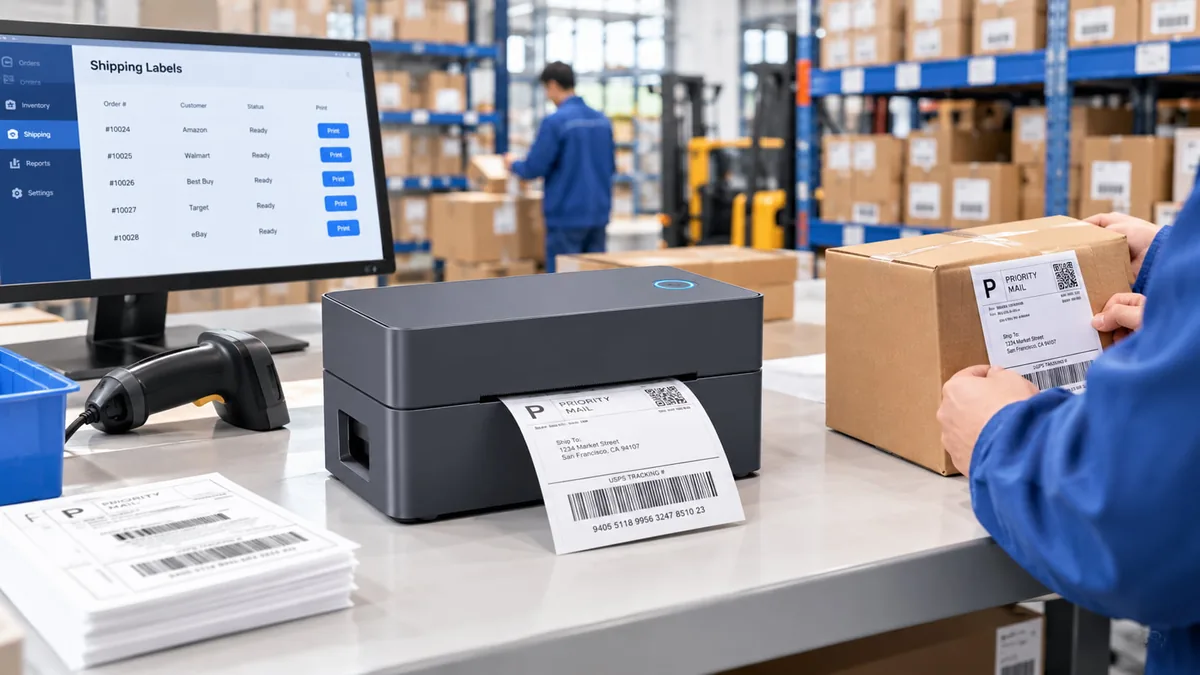
Two barcode label printer configurations can look almost identical and sit in different cost brackets. A barcode printer price list tells you the cost of a chassis; it does not tell you what the unit will cost to run. The gap comes from six engineering decisions.
1. Print Method
Direct thermal removes the ribbon from the bill of materials. Thermal transfer adds a consumable that you have to reorder, store and match to the face stock.
2. Resolution and Width
203 dpi print heads are the volume standard. 300 dpi and 600 dpi heads, and wide-format 108–118 mm mechanisms, carry a step up in both head cost and mechanical tolerance.
3. Media Handling
Sensor count (gap, black mark and continuous), adjustable media guides, and support for more than one core diameter each add tooling and calibration work.
4. Connectivity and Mobility
Bluetooth, Wi-Fi and Ethernet modules move a unit from fixed to networked. A battery pack, charge management and standby logic move it from networked to portable.
5. Ruggedisation
Sealed enclosures, gasketed media bays, drop-rated housings and stated dust and splash protection are mechanical costs, not marketing add-ons.
6. Volume and Certification
Order quantity, housing and badge customization under an OEM or ODM program, warranty length, and the regional compliance scope for safety, EMC and radio all shift unit economics at the batch level rather than the component level.
Because these drivers move together, the reliable way to cost a project is sequential: fix the label, then the resolution the code needs, then the volume and destination market. You then compare barcode printer cost between configurations on identical media rather than between headline speeds. You can quote housing and badge customization as an OEM/ODM program, and you can match a configuration against a sample label and a monthly volume.
Label Printing Frequently Asked Questions.
The questions that come up most often on label and barcode printer projects, answered against the media and specification rules above.
What kinds of labels can a barcode and label printer print?
Roll, die-cut roll, round die-cut, small die-cut and sheet labels. Thermal units handle the roll formats: continuous stock for variable-length text, gapped die-cut labels for barcodes and shelf-edge tags, round die-cut labels for cup lid seals and jar caps, and small labels under roughly 25 mm for jewelry tags and component marking. Sheet labels normally run on laser or inkjet devices instead.
Can a Bluetooth label printer work without a computer?
Yes, provided the unit stores templates and resident fonts. The printer composes the label as a command string or a stored template index and renders it inside the printer, so a dropped link costs a retry rather than a misprint. Pairing is normally one host at a time, through SPP or BLE depending on the operating system.
How long does a battery powered wireless label printer run on one charge?
We quote runtime in prints per charge, and the realistic figure depends on darkness setting, label length and standby time. In an aisle, a freezer or a yard, a sealed chassis with a gasketed media bay, a stated enclosure rating and a drop rating usually matters more than the headline capacity figure.
Direct thermal or thermal transfer — which should I choose?
Direct thermal removes the ribbon and costs less per label, but the print fades under heat, UV and abrasion. Thermal transfer melts a wax or resin ribbon onto the label, so it survives abrasion, solvents and freeze-thaw cycling. Choose direct thermal for short-life labels and thermal transfer for anything that has to stay readable for months, such as asset tags and cold-storage labels.
What do bakeries and jewelry counters need differently?
Bakeries need date coding, use-by dates and allergen text on round or small die-cut stock, with grease resistance on food-contact labels. Jewelry counters need 300–600 dpi to place a dense 2D code and a readable price field on a tag smaller than a fingernail, together with a fine-feed media path and a tag stock that does not shed fibers into the print head.
How should you plan a bulk label printer order?
Fix the label first (format, width, material, adhesive), then the resolution the code needs, then the volume and the compliance scope for the destination market. You can specify housing, badge and label branding as an OEM or ODM project, and you can quote a configuration against a sample label and a monthly volume rather than against a headline speed. Send the sample and the volume through the quote form and the configuration follows from there.
Developer-Ready. Complete OEM Solutions.
Hardware must adapt to your software, not the other way around. Our robust SDKs and comprehensive command language support drive rapid deployment. If you require white-label manufacturing, our experts engineer custom form factors and branded chassis.