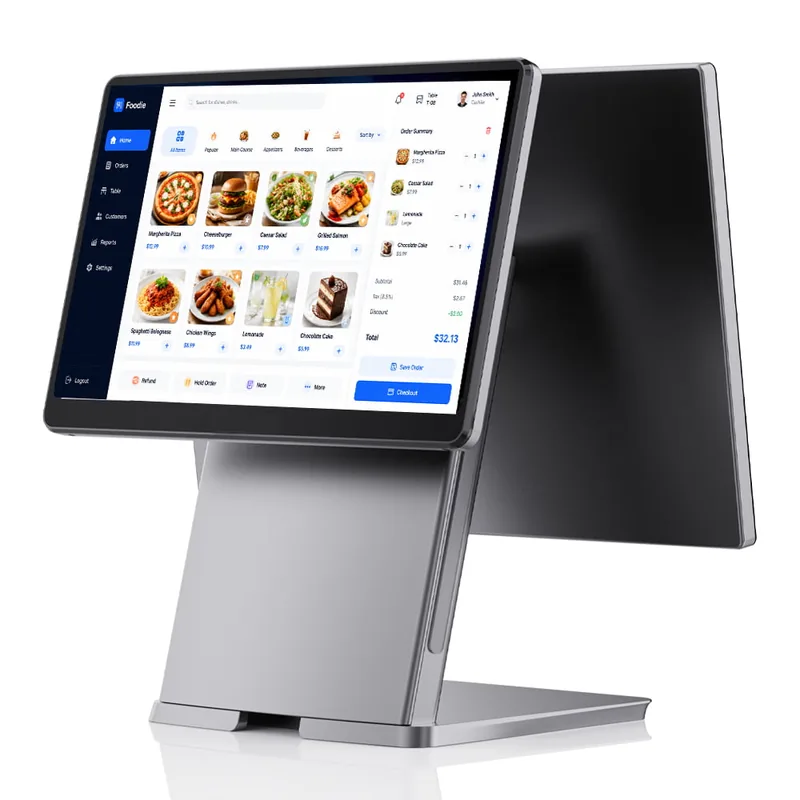
SN-P20: The Premium
All-in-One POS Node.
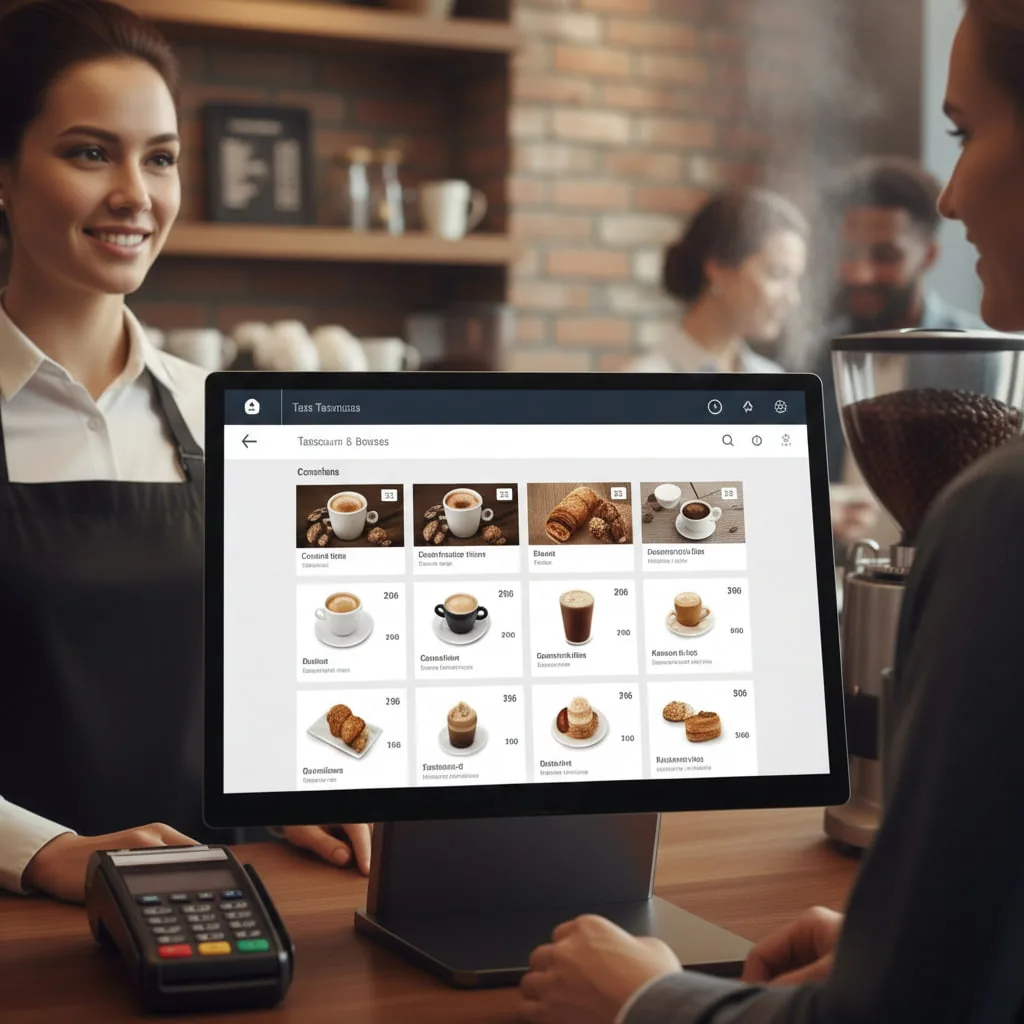
A masterclass in commercial hardware design. Ultra-slim aesthetics meet industrial-grade computing in one body, and your checkout counter steps up to a new visual standard.
Architected for Modern Retail Spaces.
The SN-P20 retires clunky, outdated registers. Its engineering complements high-end hospitality and boutique retail environments, and every customer gets a frictionless, visually stunning checkout.
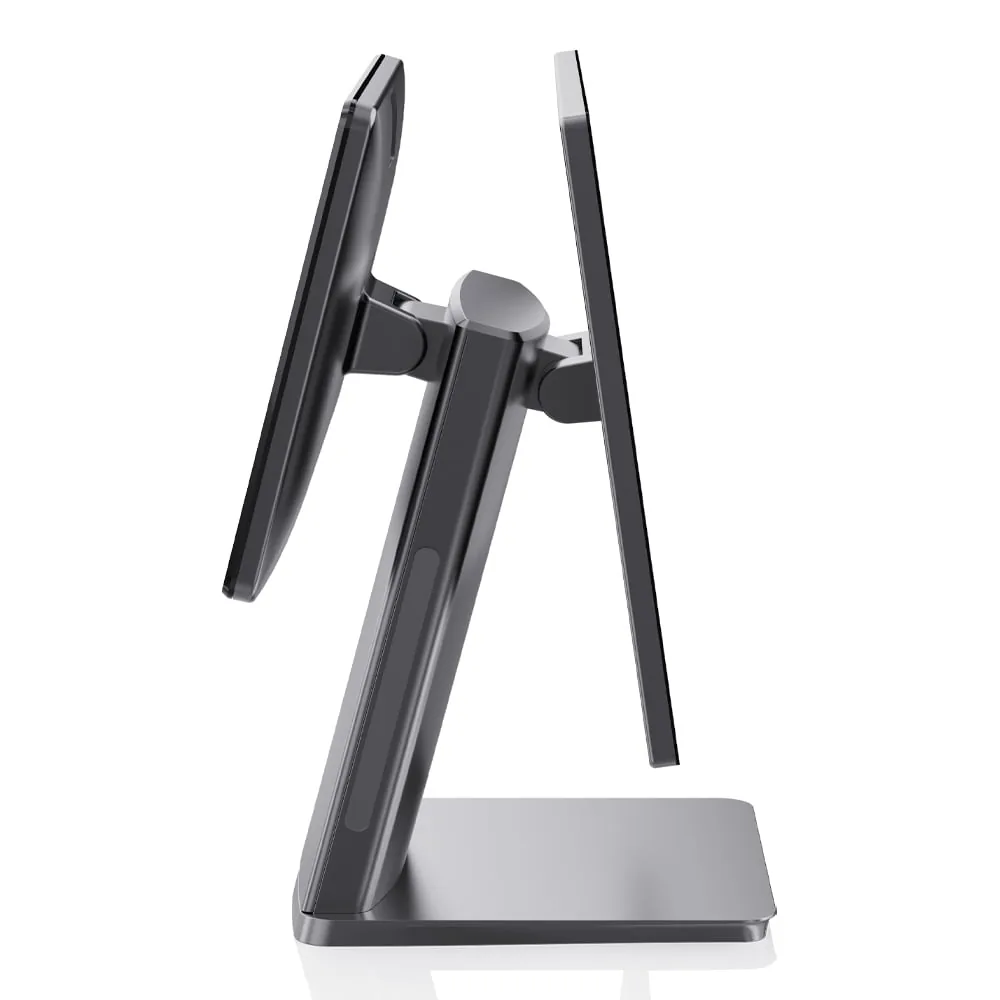
A Remarkable 12mm Profile.
Heavy, bulky designs stay in the past. Advanced internal engineering brings display thickness down to an ultra-slim 12mm. Valuable counter space opens up, and a sleek, futuristic node lands in your store.
Cross-Platform Computing Power.
Our ISV partners get total software freedom. Whatever your proprietary application needs — Windows 11, Linux or Android — the SN-P20 delivers. Architectures ranging from Rockchip to Intel Core i7 keep complex SaaS workflows moving.
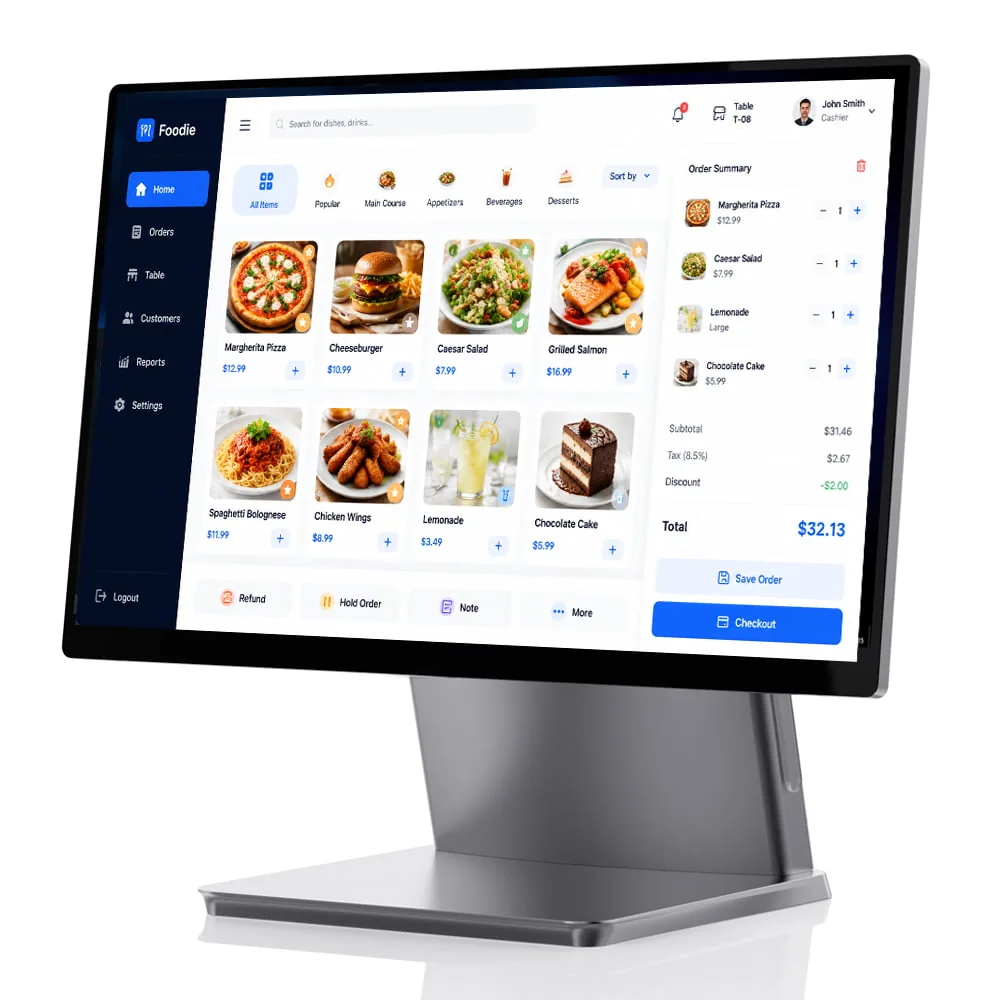
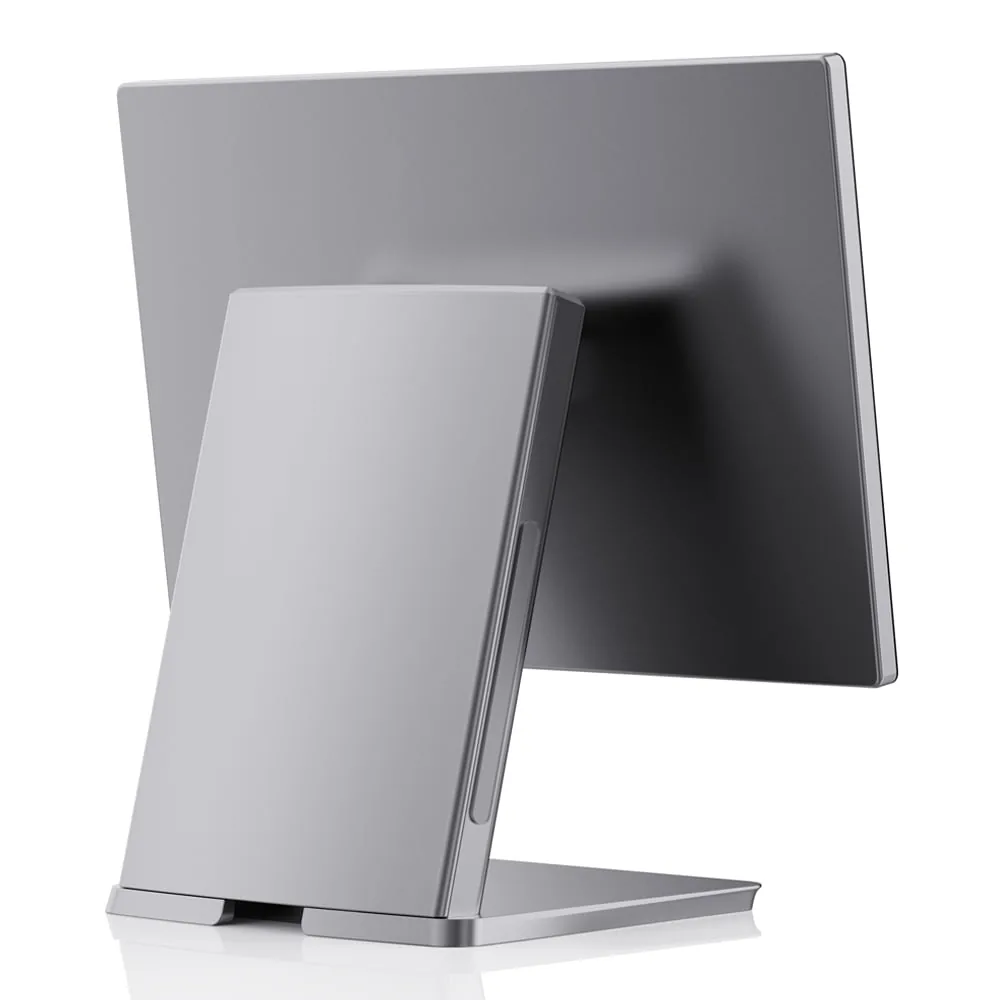
Zero Clutter. Solid Foundation.
Your checkout counter stays pristine. The hidden cable management design routes messy cables and power adapters out of sight. A premium Aluminum Alloy stand brings extreme durability to high-traffic environments.
Engaging Customer Displays.
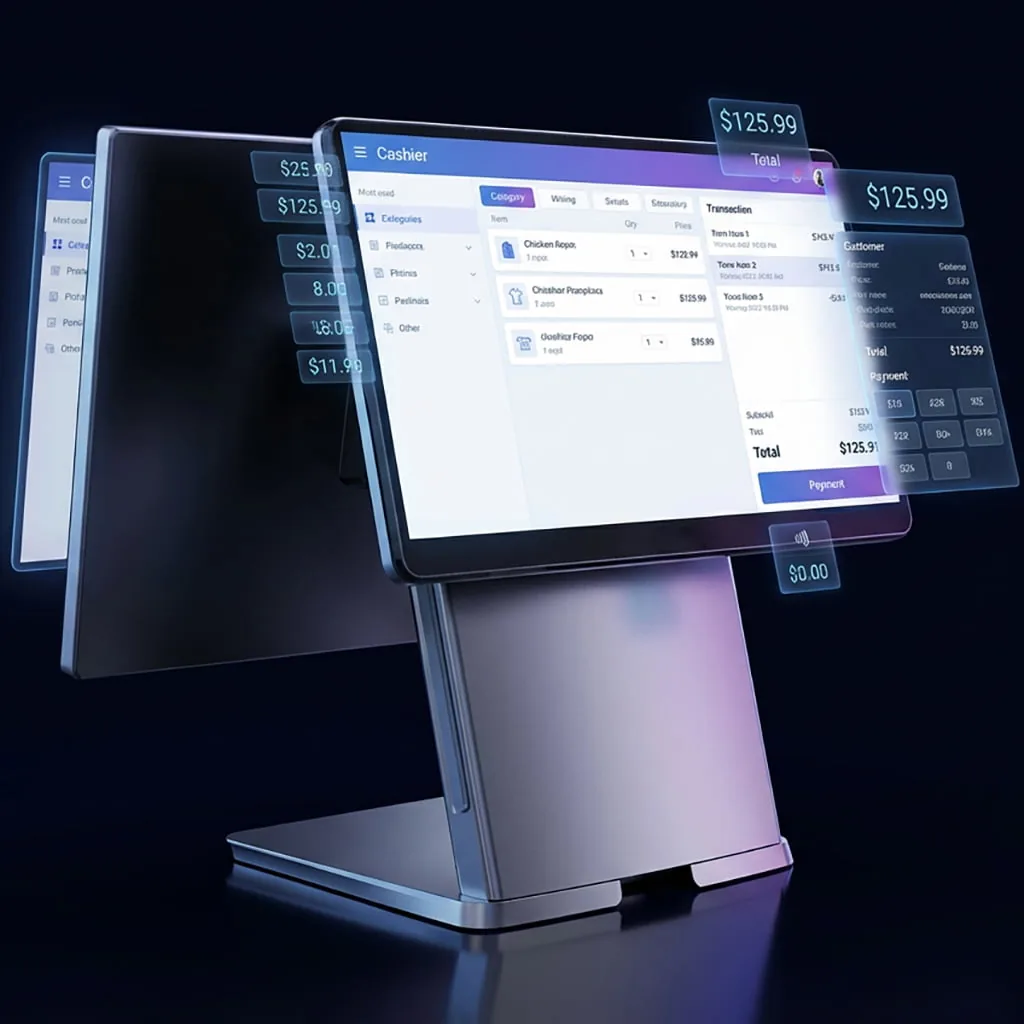
The terminal gives the buyer full transaction transparency. It takes secondary customer-facing screens (11.6" or 15.6"), which show high-resolution promotional visuals, dynamic pricing and QR payment codes.
SN-P20 Technical Specifications.
| Operating System | Windows 10 / 11, Windows 10 IoT, Windows 11 IoT LTSC 2025, Linux Android 11 on the Rockchip platform |
| CPU Options (Windows) | Intel Celeron J6412 / Core i3 / Core i5 (optional) |
| CPU Options (Android) | Rockchip RK3568 / RK3588 / RK3576 |
| Memory (RAM) | 4GB / 8GB / 16GB DDR4 SO-DIMM |
| Storage | 64GB / 128GB / 256GB M.2 NVMe SSD |
| Main Display | 15.6" TFT LCD, 1920 × 1080, 16:9 aspect ratio |
| Touch Screen | True-flat projected capacitive, 10-point |
| Second Display | 11.6" or 15.6" LCD, optional Independent dual-display output |
| Serial Ports | 1 × COM (RS232), expandable |
| USB Ports | 2 × USB 3.0 + 4 × USB 2.0 |
| LAN | 1 × RJ45 Gigabit Ethernet (10/100/1000 Mbps) |
| Cash Drawer Port | 1 × RJ11 (on supported motherboards) |
| Audio / Video | 1 × line-out audio, 1 × HDMI / VGA (internal output) |
| Power Supply | Input AC 100–240V, 50/60Hz; output DC 12V 5A |
| Enclosure & Cooling | Full aluminum alloy housing, stand and screen bezel The aluminum body spreads heat; cables route inside the desktop dock, fully hidden |
| Chassis Design | Mainboard integrated in the base stand with a concealed interface cover |
| BIOS | Custom BIOS / DMI parameter injection supported |
| Package Dimensions | 425 × 235 × 370 mm |
| Gross Weight | 5.5 kg |
| Certifications | CE, FCC, RoHS |
| Reliability | 48-hour stress test on every unit before shipment |
Which desktop terminal fits the counter?
Six counter units on one product line, split by silicon, printer and panel rather than by price tier. The two closest alternatives to this page:
Planning the deployment? See how these units work in the field, or read the buying and comparison material.
SN-P20 FAQ
6 questions buyers ask before ordering.
What does a 15.6-inch main screen plus a second customer display change at the counter?
+
The customer stops leaning over the till to read a total. The main panel runs 1920 × 1080 and the customer-facing panel takes either a 15.6-inch or an 11.6-inch unit, so a narrow counter can drop to the smaller one without changing the base.
Which operating system should I specify?
+
Three paths ship on the same chassis: Windows 10/11, Linux, and Android. The processor list divides accordingly — Intel Celeron J6412, Core i3 or Core i5 on the Windows build, Rockchip RK3568, RK3588 or RK3576 on the Android build. Name the software stack first and the platform follows.
How much memory and storage can the build carry?
+
4GB, 8GB or 16GB of DDR4 SO-DIMM, and a 64GB, 128GB or 256GB M.2 NVMe SSD. A terminal that only drives a POS app sits comfortably at 4GB; the top of the range exists for sites that keep a local catalog or run analytics on the till itself. The NVMe drive is the part that keeps a cold boot short.
Does the stand hide the cabling?
+
Yes. The table lists a hidden cable design on a premium aluminum alloy stand, so the runs drop inside the column instead of looping behind the counter. That matters most on an open island till where the back of the unit faces the queue.
What connects at the back?
+
USB, RS232, HDMI, VGA, LAN and RJ11. HDMI and VGA together cover both a modern second monitor and the legacy display a site already owns; RS232 takes a scale or a pin pad; RJ11 drives the cash drawer.
How does it compare with the ultra-thin and high-performance models?
+
The SN-P60 is the fanless ultra-thin build, and the SN-P90W moves to Intel 12th-generation or N150 silicon, M.2 NVMe storage and an IP65 front bezel. On the P20 the mainboard sits in the base stand behind a concealed interface cover, so every cable routes inside the stand and the board sheds heat from the stand instead of from behind the panel. Pick the P20 where cable concealment and thermal headroom outweigh depth.
Something not covered here? Ask our engineering team.
Deploy the SN-P20 in Your Next Project.
We guarantee hardware reliability. Whether you run an ISV hunting a stable hardware platform or a retail chain upgrading hundreds of stores, our engineering team stands ready to support your rollout.