Café POS Solutions for the Rush, the Counter, and the Kitchen.
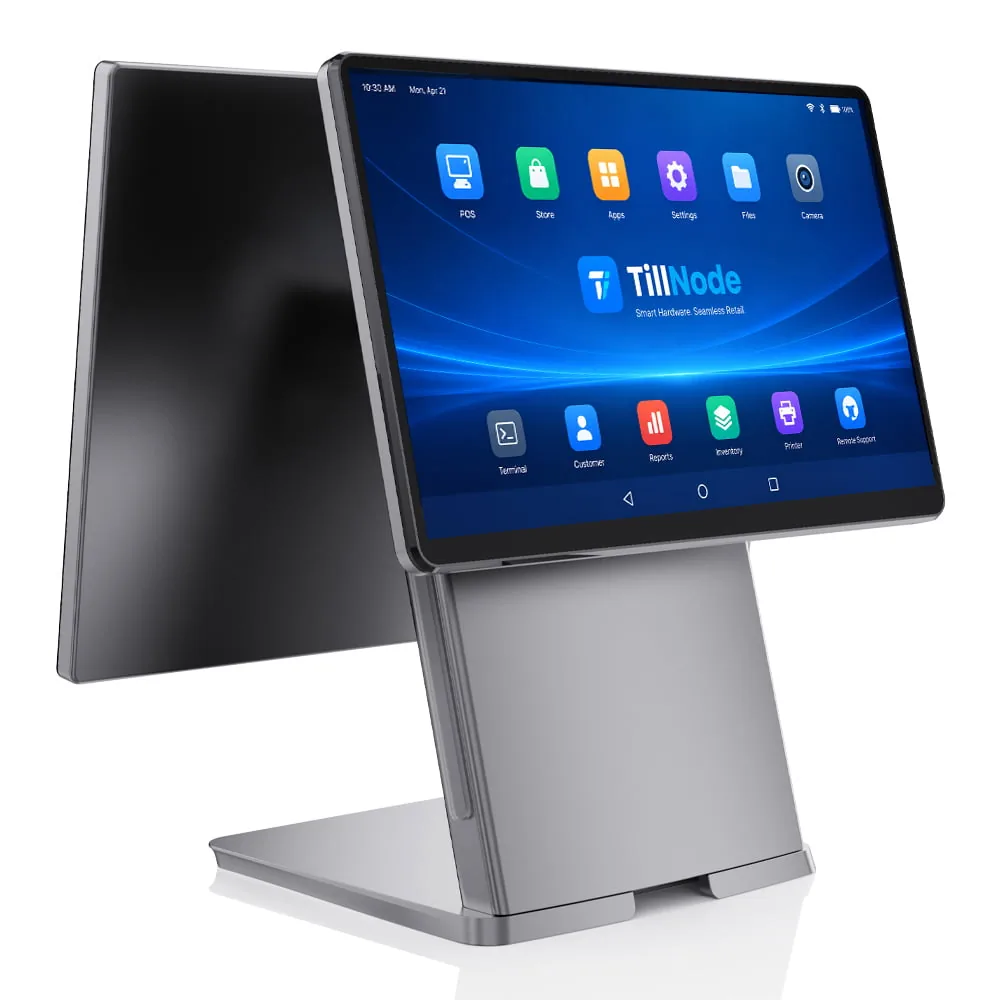
A café POS is judged by three things: how fast the morning line moves, how cleanly orders reach the bar and the kitchen, and how little counter the hardware takes to do it. TillNode supplies the hardware layer — dual-screen terminals, kitchen printers and KDS, compact cash drawers, 2D scanners, and self-order kiosks — configured to fit the café POS software and the counter space already in place.
A Café POS Is Not a Back-Office Decision.
In a café, the point of sale sits between the customer and the coffee. It is touched every forty seconds at peak, sprayed with milk steam, wiped down at closing, and asked to grow with the business. When it is chosen like an office computer, the cost shows up where the café earns — at the counter, during the rush.
The Line Moves at the Speed of the Slowest Tap
Every extra tap, relay, or card-device handoff multiplies across a peak hour. Queue length is a hardware decision before it is a staffing one.
Orders Cross the Room by Voice
Modifier-heavy orders shouted to the kitchen arrive as remakes and refunds. The handoff from counter to prep needs a wire or a screen, not memory.
Consumer Tablets Are Not Built for Steam
A shop-floor environment of steam, spills, and nightly cleaning wipes is where consumer hardware dies — cracked charge ports first, screens second.
A Small Counter Eats a Big Register
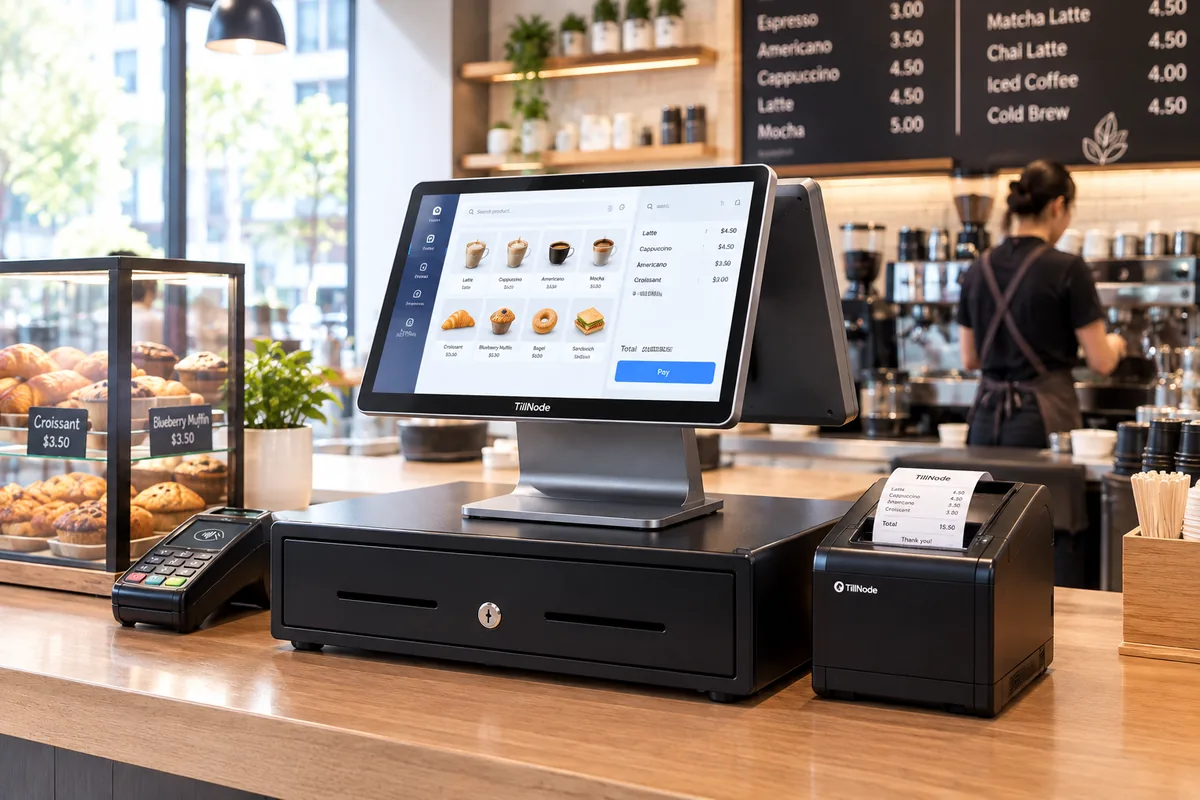
Terminal, printer, drawer, and reader each claim counter space. Footprint and cabling decide how much of it is left for the pastry case.
Four Moments Decide a Café POS Setup.
Almost every hardware requirement in a café traces back to one of four moments. You can plan the setup around them instead of buying device by device.
The Rush Moment
The line at 8 AM. Throughput is decided per transaction.
The Handoff Moment
The order crossing to the bar and the kitchen, without being re-said.
The Counter Moment
Steam, wipes, and square centimeters. The environment picks the hardware.
The Growth Moment
The kiosk, the handheld, and the second store.
The Morning Rush Is Won per Transaction, Not per Staff Member.
A coffee shop POS is measured by what happens between "hi" and "next": capture, modifiers, payment, receipt. The hardware sets the ceiling — how fast the screen answers, whether payment is one motion or two, and whether the customer can see and confirm the order while it is built.
Order Capture: Modifier-Heavy Menus Need a Screen That Keeps Up
Size, milk, syrup, extra shot — a drink build can run four taps before payment. We pick capacitive screens and quick-key layouts so the order wraps up before the customer finishes paying attention.
Explore all-in-one terminals →Payment: One Motion, Not Two
The terminal carries an integrated reader, so it takes contactless cards and phone wallets without passing a second device across the counter. The same 2D scan window reads loyalty codes glowing on phone screens.
Explore 2D barcode scanners →The Customer Display Earns Its Place in Tips and Accuracy
A second screen facing the customer confirms the order as it is built, prompts tips, and settles "was that oat milk?" before the cup is pulled.
Read dual-screen POS value →All-in-one or modular is a counter-space decision. Compare All-in-One vs Modular POS Hardware →
Every Order Crosses the Counter Once — Without Being Re-Said.
The handoff from counter to preparation is where cafés lose accuracy. Two paths exist: printed tickets routed by station, or kitchen displays that queue orders with timestamps. Menu width and station count drive the choice, not the budget.
Kitchen Printers: Thermal at the Pass, Impact Near the Heat
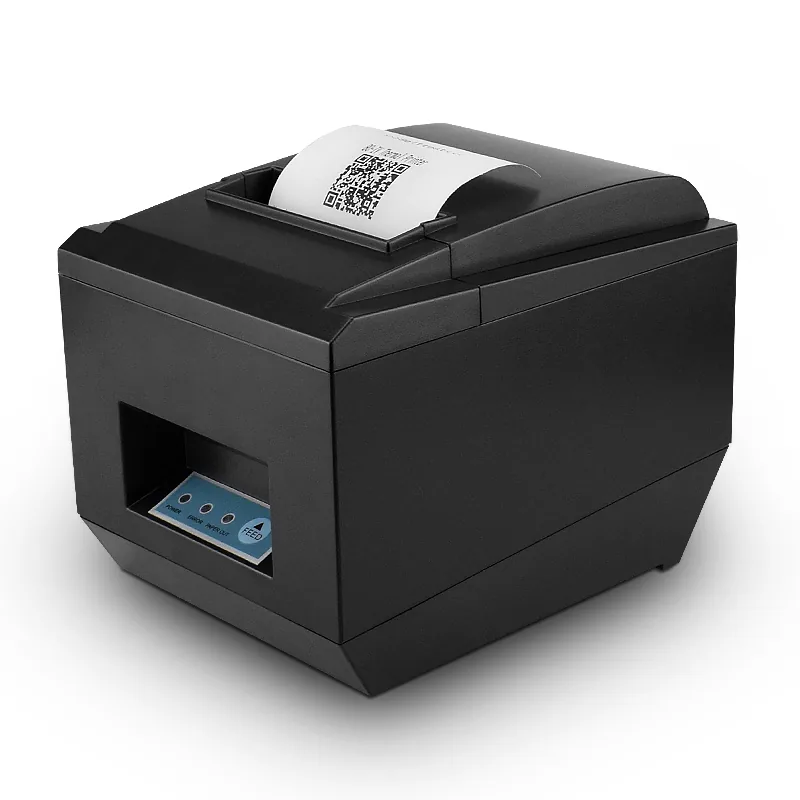
Thermal tickets print fast and quietly — 80 mm is the café standard — but thermal paper darkens near heat. Where the printer hangs close to ovens or steam, impact printing keeps tickets readable through the whole shift.
Explore kitchen printers →KDS When the Café Runs More Than Drinks
A food program with more than one prep station is where a kitchen display outperforms paper: queued orders, timestamps, no reprinting, and screens rated IP65 that survive steam and wipe-downs.
Explore KDS hardware →Set Routing Once, Then Leave It Alone
Drinks route to the bar printer, food to the kitchen — assigned during setup and then left alone. We map out the station-by-station checklist carefully.
Read the restaurant hardware setup checklist →A Café Counter Is Measured in Centimeters.
The third constraint is space. Terminal, printer, drawer, and reader all want a place on a counter that mostly belongs to the espresso machine. The right hardware gives most of that counter back.
All-in-One Terminals Replace Three Boxes
A terminal with a built-in receipt printer runs the till, prints, and triggers the drawer through one device and one cable run.
POS terminal with built-in printer →Mini Terminals for Single-Till Cafés
Compact Android terminals fit where the register shares the counter with a grinder and a pastry case, and the menu stays simple.
Mini POS terminals →The Drawer Shrinks, Not the Duty Cycle
Compact under-counter drawers keep cash control on a small footprint and open through the printer or terminal as usual.
Compact cash drawer →Built for Steam, Spills, and Nightly Wipes
We choose sealed front panels and fanless cooling for exactly this environment — fans pull milk-steam air through the board until they fail.
Fanless vs fan-cooled POS →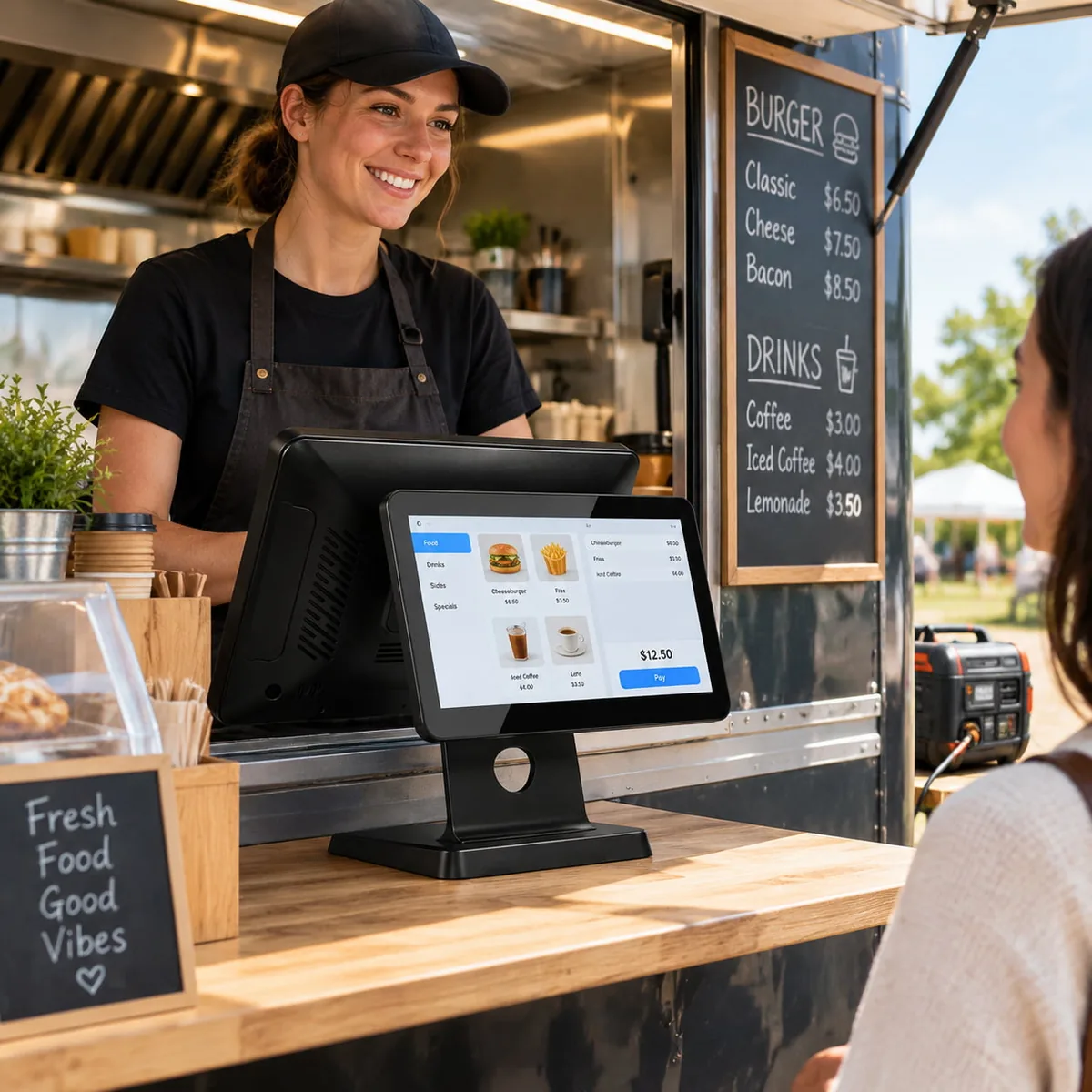
The Second Store Starts with the First Standard Setup.
Growth in a café rarely means a bigger shop — it means the queue at 8:30, a few tables added out front, and then the second location. Each step has a hardware answer that keeps the first store's setup intact.
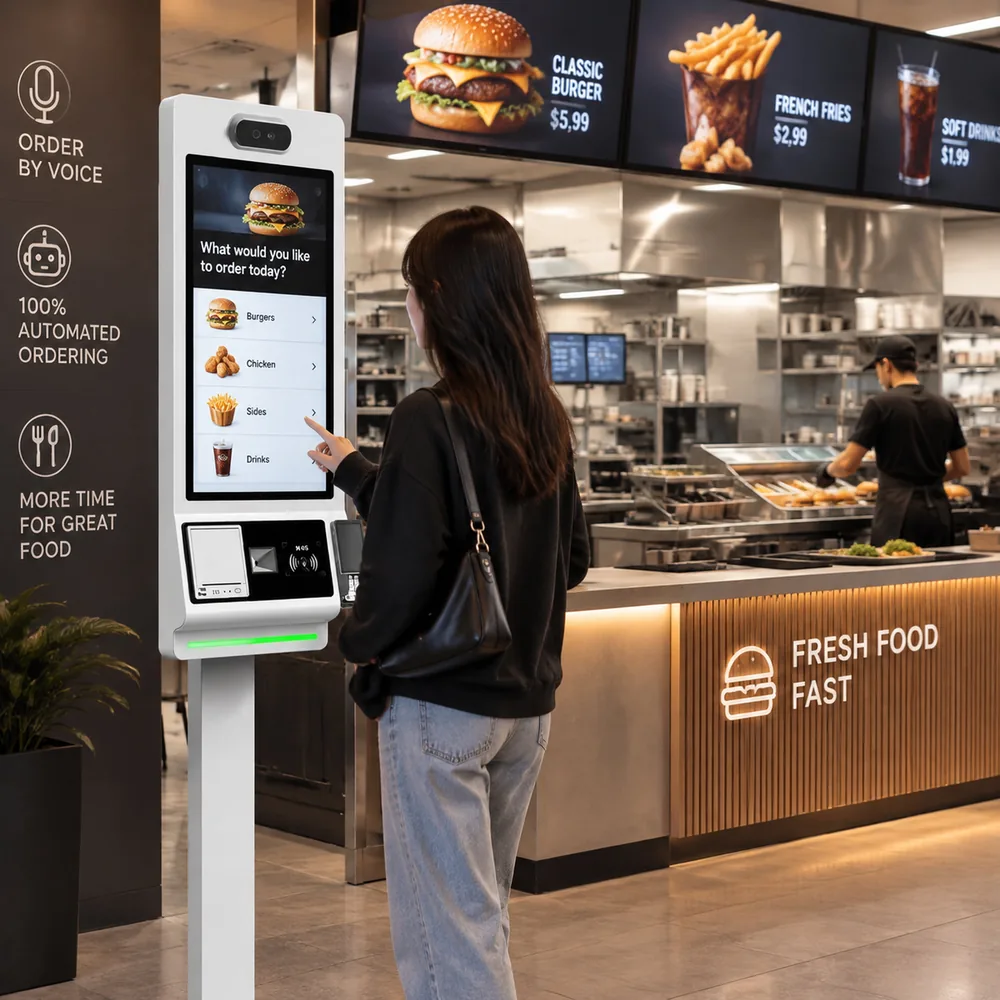
Self-Order Kiosks Take the Overflow Line
Regulars order and pay without joining the till queue, and average tickets tend upward when the whole menu is on screen.
Handhelds for the Café That Grew Tables
Order and pay at the table on the same menu and the same stock records — one device, no relay to the counter.
One Configuration, Cloned Across Stores
Terminals can be pre-configured to one profile and serial-registered before shipment, so opening the second café is an unboxing step, not a setup project.
Multi-store rollout planning →Counter-service formats from bakeries to convenience stores run on the same hardware pattern — the differences are covered on the Convenience Store Solutions page.
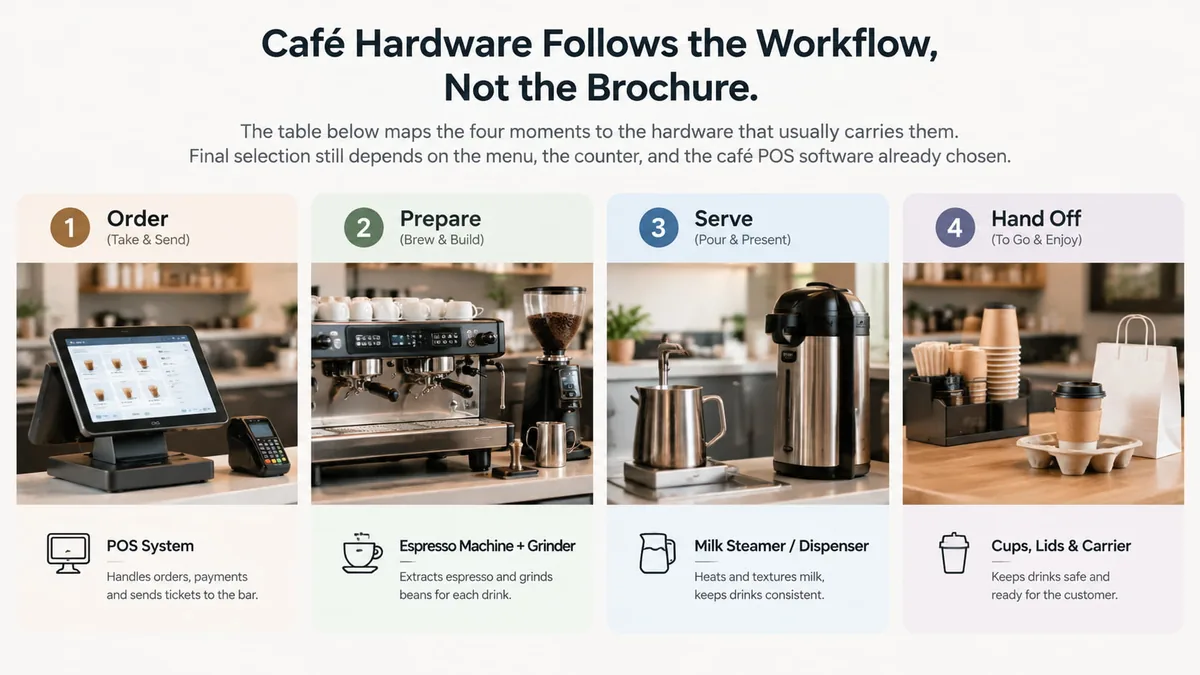
Café Hardware Follows the Workflow, Not the Brochure.
The table below maps the four moments to the hardware that usually carries them. Final selection still depends on the menu, the counter, and the café POS software already chosen.
| Moment | What it decides | Hardware that fits | Details |
|---|---|---|---|
| Order & pay at the till | speed per transaction, tips, accuracy | Dual-screen all-in-one terminal | all-in-one POS terminals |
| Loyalty & phone-screen QR | reads glass at an angle | 2D imager | 2D barcode scanners |
| Drinks to the bar | ticket legibility under steam | 80 mm kitchen printer | POS / kitchen printers |
| Food to the kitchen | order queue, timestamps | Kitchen display (KDS) | KDS hardware |
| Cash handling | footprint, trigger reliability | Compact drawer | compact cash drawer |
| Receipts at the counter | print speed, auto-cutter | Thermal receipt printer | thermal receipt printers |
| Queue overflow | self-service ordering | Ordering kiosk | ordering kiosks |
| Table service | order & pay anywhere | Handheld POS | mobile POS terminals |
Model ranges and interfaces are on the model range page.
The Hardware Layer Works with the Café POS Software You Choose.
A cafe pos system is software and hardware together — this page covers the hardware half. Interface standards decide whether the two halves need help meeting.
ESC/POS: Printers and Drawers That Just Work
Receipt and kitchen printing and drawer triggering follow the ESC/POS standard, so most café POS software drives the hardware without custom drivers or per-device setup.
Android or Windows Hosts
We choose the terminal platform to match the software: Android POS systems for app-first café platforms, Windows terminals for legacy or hardware-heavy setups.
Android vs Windows POS →Cloud POS Hardware Requirements
Cloud-hosted software moves some requirements to the network: wired LAN for printers and KDS, stable Wi-Fi for handhelds, and hardware that keeps selling through brief outages.
Cloud POS hardware requirements →Matching Is a Checklist, Not a Leap of Faith
We confirm ports, drivers, drawer triggers, and printer routing on paper before anything is ordered.
Match hardware with POS software →Pilot Café Hardware During a Real Rush, Not a Sales Demo.
A demo transaction is one tap and silence. A café morning is a hundred of them with steam in the air. The difference is where hardware problems surface — a pilot makes them surface before the order is placed, not after.
Test at 8 AM, Not in a Sales Call
Run the actual pilot during a real rush: modifier sequences, split payments, loyalty scans, and back-to-back tickets.
Print Tickets Where They Will Actually Hang
We test printer placement at the pass with real heat and steam, not on the demo bench — paper and screens behave differently there.
Wipe It Down Like Closing Staff Will
Cleaning chemicals and nightly wipes are part of the environment. We check sealed front panels against the actual routine.
Count the Cables Before Ordering
We plan power, LAN, and drawer cable runs against the real counter — cable sprawl is what turns a small register into a big one.
Pre-Configure for the Second Store While Ordering the First
We can profile and serial-register units from day one, so the rollout pattern is set before it is needed.
Why Café Projects Are Built with TillNode.
Café hardware works best when terminal, printing, cash, and self-service are planned together.
The Whole Counter from One Supplier
You can source terminal, printer, drawer, scanner, KDS, and kiosk in one configuration discussion — one project, one hardware source.
Formats for Every Counter Size
From 15.6-inch dual-screen terminals to mini Android units, we match formats to the counter instead of the other way around. See range.
Software-Friendly Hardware
We select ESC/POS printing, Android and Windows hosts, and cloud-ready connectivity to fit the cloud-based POS hardware already chosen.
Pilot to Rollout Support
We handle real-rush pilots, batch pre-configuration, and serial registration before shipment for multi-store openings.
OEM / ODM Configuration
We adapt housing, branding, packaging, and firmware profiles for café chains and private-label projects. Learn more.
Global B2B Supply
We manage volume supply, documentation, and export handling for café chains, integrators, and distributors.
Café POS Solutions FAQ
What hardware does a café POS need?
Should a café use a kitchen printer or a kitchen display?
Android or Windows for a café terminal?
Can one terminal run a small café on its own?
Is this the same setup as a pos system for coffee shops and POS for restaurants?
We also sell beans and merchandise — do we need a scanner?
Build a Counter That Keeps Up with Your Morning.
Tell us the counter, the menu, and the café POS software you already chose. We will map the terminals, printers, drawers, and kiosks to that setup, and pre-configure units before shipment for multi-store openings.
- Terminal, printing, cash, and self-service from one supplier
- Pre-configured and serial-registered before shipment
- Pilot units tested during a real rush
Discuss Your Setup
Direct factory supply for ISVs and Chains.