POS Systems, Built from the Hardware Up.
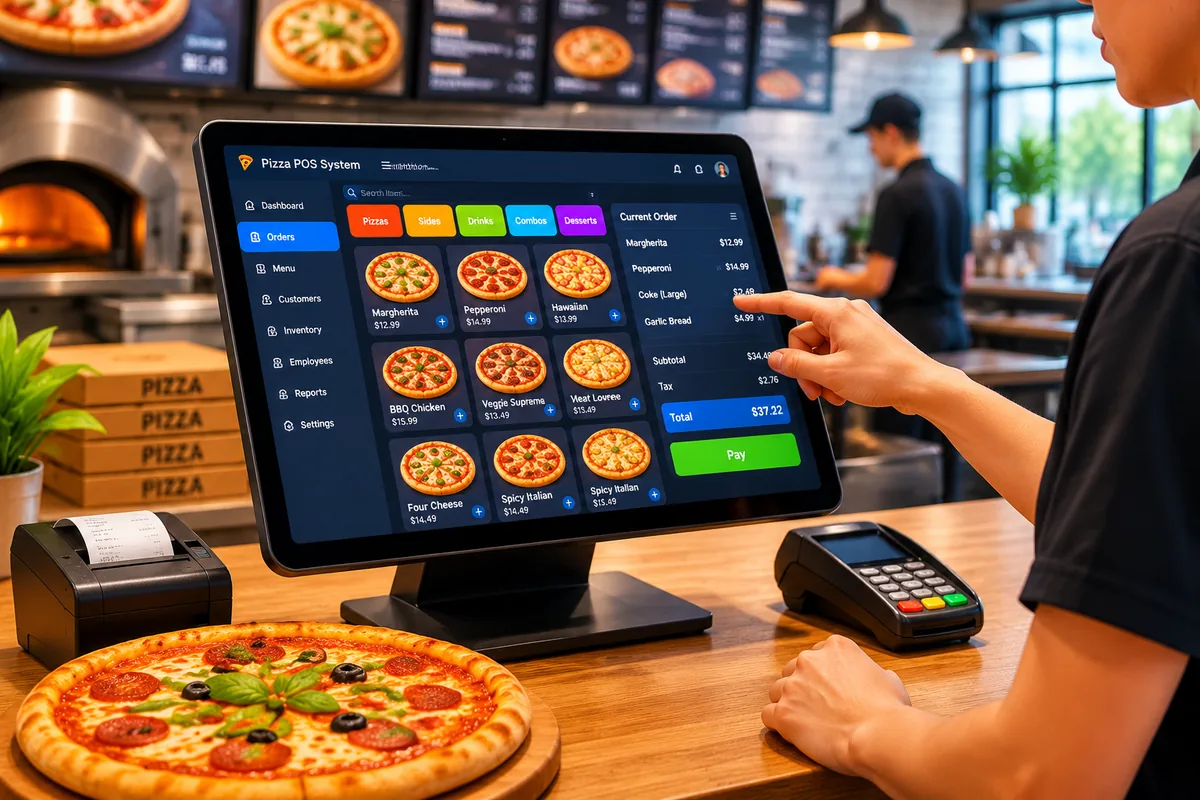
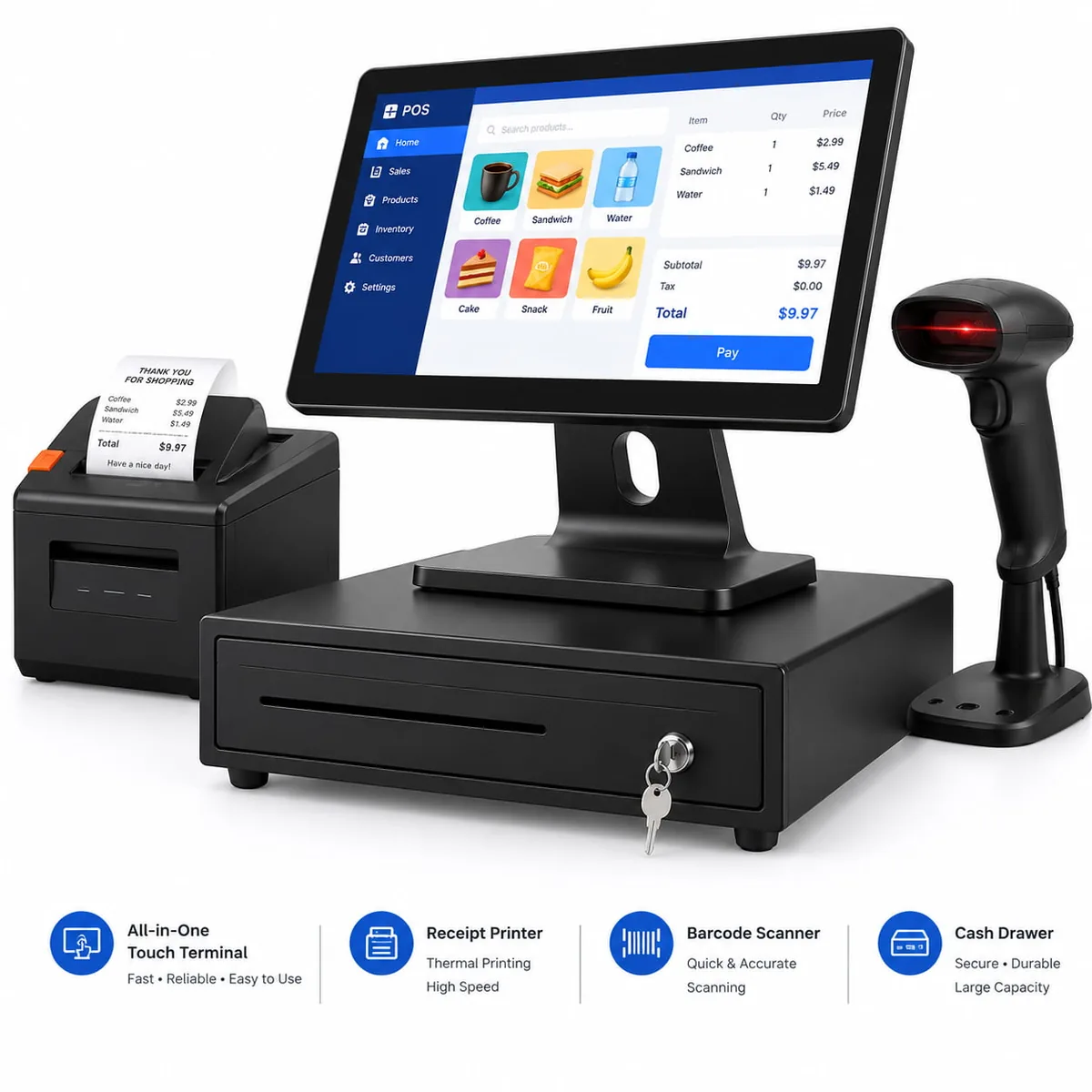
Complete point of sales systems require more than just a screen. A physical stack of touch terminals, receipt printers, cash drawers, and barcode scanners powers retail and hospitality operations. Our commercial-grade hardware matrix handles high-traffic environments, delivering zero-latency transactions day after day.
A POS System Is Only as Fast as the Hardware Under It.
Software crashes are rarely the cause of checkout lines out the door. The friction usually lies in the physical layer: unresponsive touch panels covered in grease, receipt printers jamming mid-order, or consumer tablets overheating in a busy kitchen environment.
When fragile consumer electronics bottleneck retail workflows, operational efficiency plummets. Commercial environments demand purpose-built nodes that execute transactions, shift after shift.
The Seven Pillars of Point of Sales.
The term "point of sales" (or point of sale) refers to the entire ecosystem where a customer completes a transaction. We divide our hardware architecture into seven specific modules, allowing integrators to select the exact peripherals their software layer requires.
All-in-One Terminals
The primary compute and touch interface for fixed checkout counters.
POS Tablets
Mobile nodes with magnetic docks for line-busting and tableside ordering.
Thermal Printers
High-speed 58mm/80mm receipt and kitchen ticket generation.
Cash Drawers
Secure, RJ11-triggered steel chassis for physical currency management.
Barcode Scanners
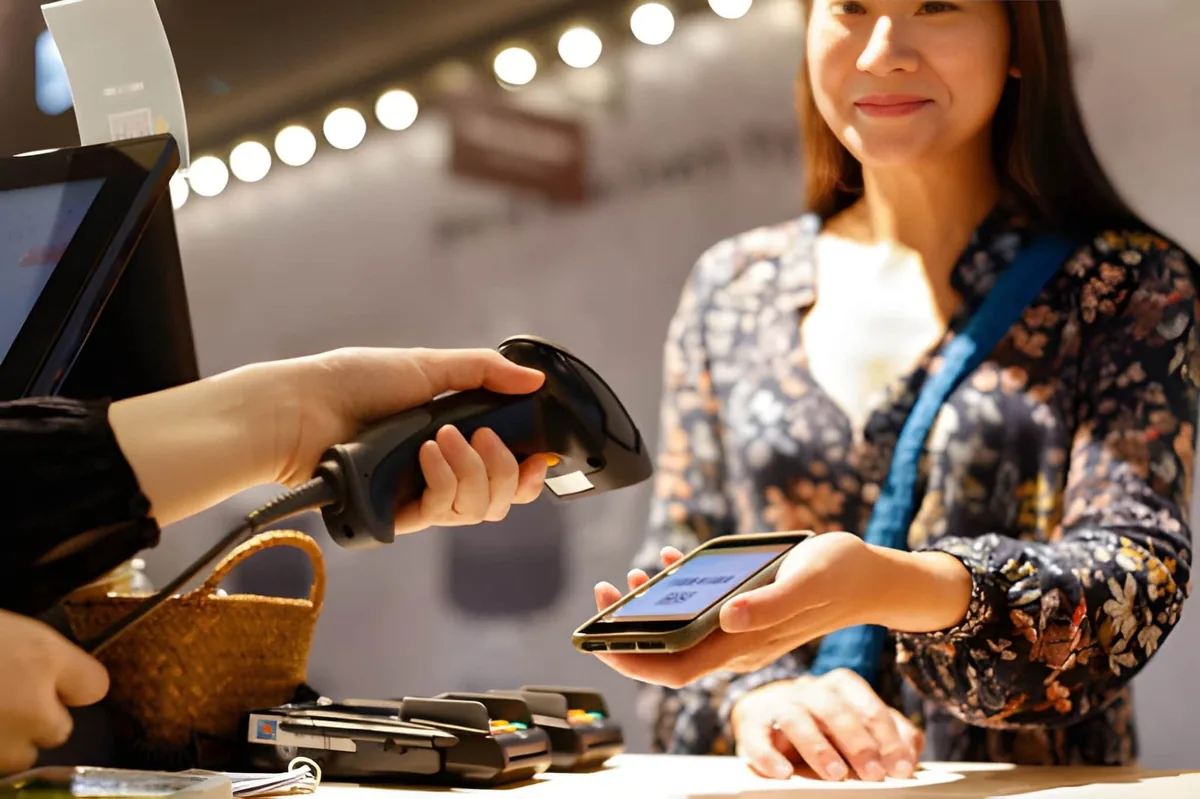
Omnidirectional 1D/2D image capture for inventory and digital wallets.
Customer Displays
Secondary screens for cart visibility and digital signage.
Industrial Mini PCs
Fanless computing engines for backend servers and KDS displays.
Matched to the Environment.
Counter space, foot traffic, and operator workflow dictate hardware deployment. You can select terminals based on these specific physical constraints, ensuring the hardware disappears into the background of the operation.
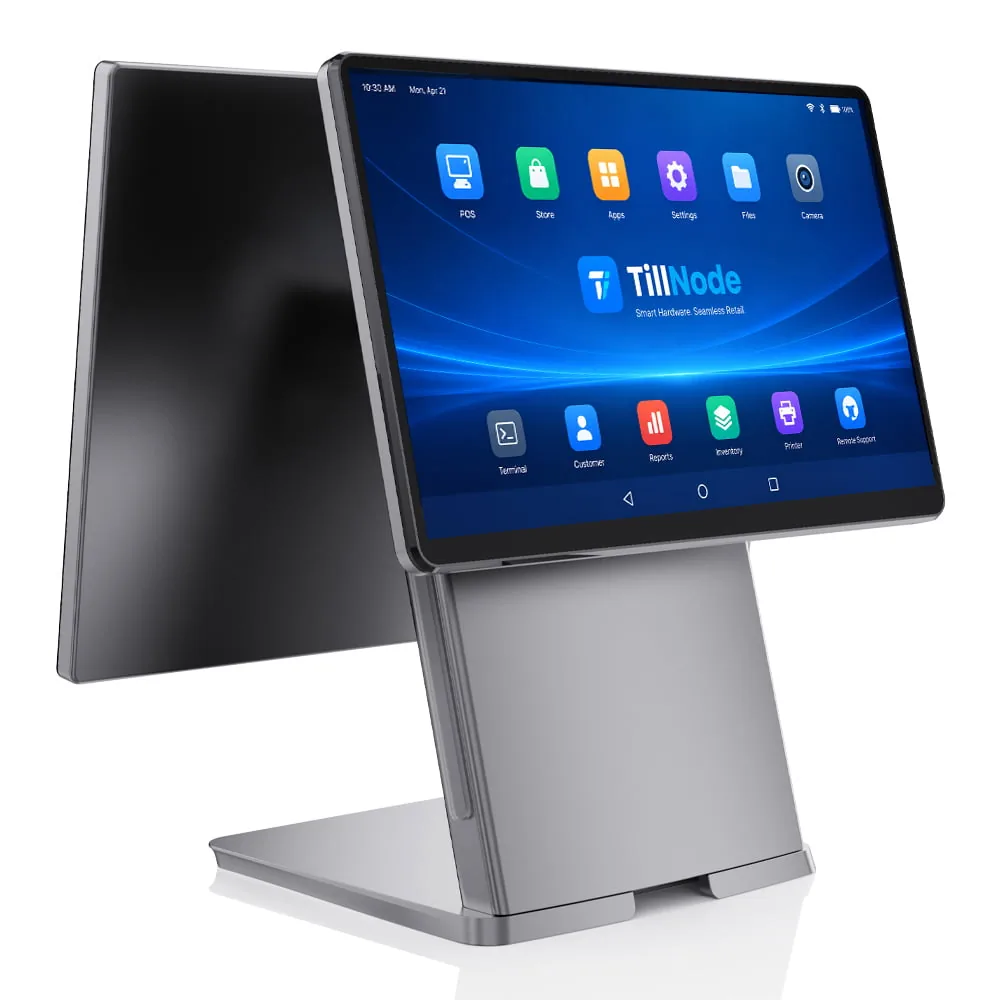
The Desktop All-in-One
The traditional high-volume workhorse. Screen, compute, and printer integrated into a single, heavily weighted base. Required when continuous scanning and cash management occur in one fixed location.
View models →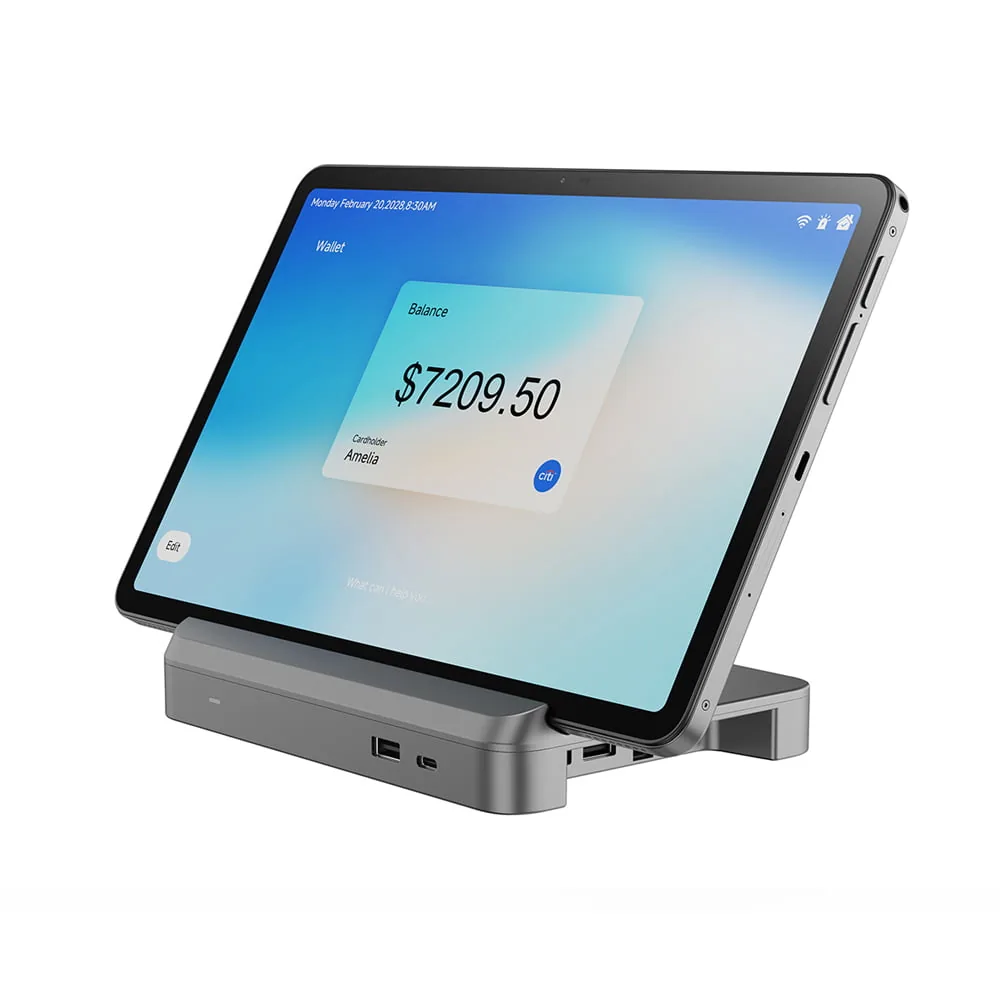
The Magnetic Tablet Dock
Mobility with desktop stability. Commercial tablets lock into powered Pogo-pin bases for standard checkout, and immediately detach for aisle-side clienteling or drive-thru order taking.
View models →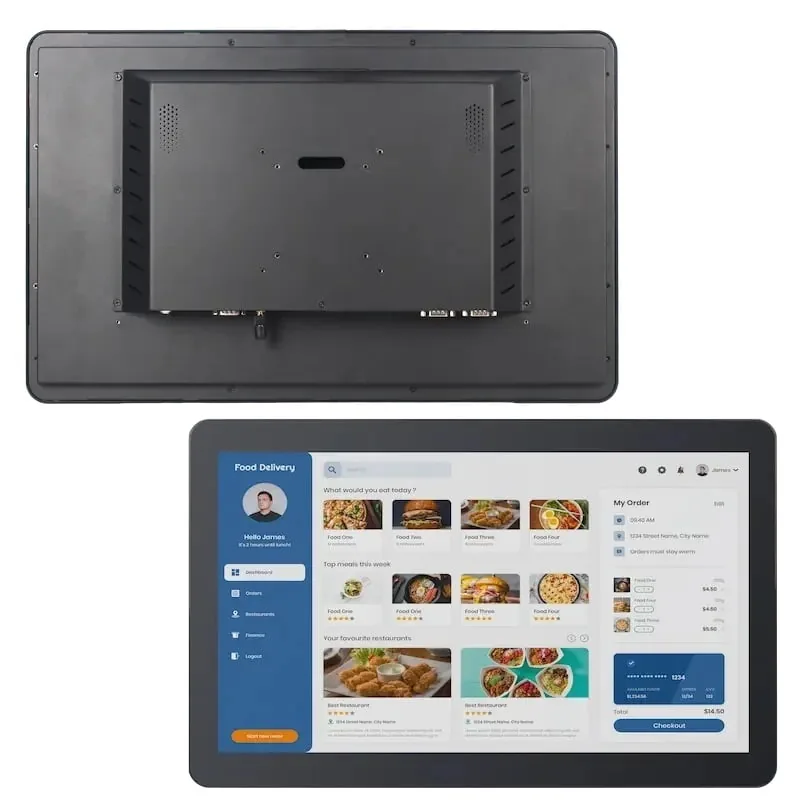
Wall-Mounted Displays
Zero footprint. VESA-mounted touch monitors paired with hidden Mini PCs. The architecture required for Kitchen Display Systems (KDS) and warehouse packing stations.
View models →Pick by counter, not by spec sheet.
Hardware Engineered for the Sector.
Different industries punish hardware in different ways. We specify our models to withstand the unique environmental stressors of their deployment locations.
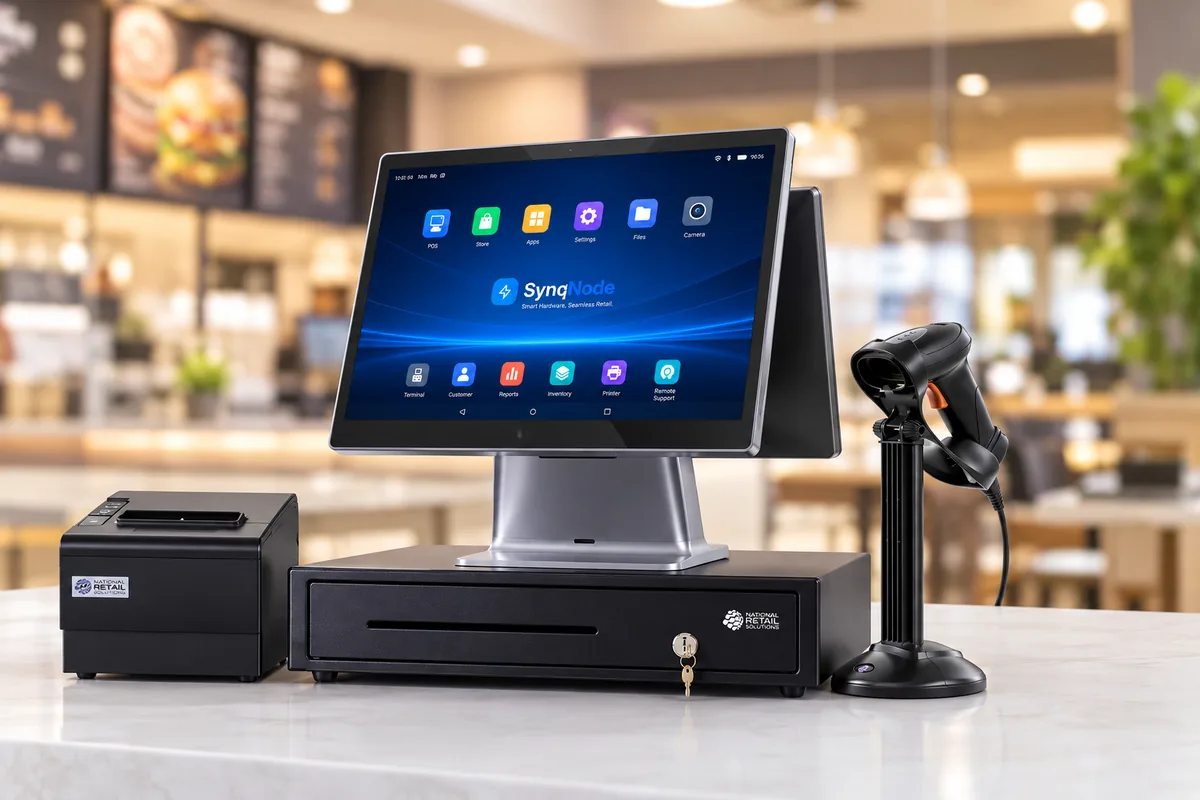
Retail Environments
Requires abundant I/O ports for barcode scanners and dual screens. High emphasis on cable management and rapid receipt printing speed to clear queues.
Retail Solutions →
Hospitality POS
A hospitality pos must survive grease, heat, and flour. Fanless cooling prevents debris intake, while you can operate sealed capacitive touch screens with wet hands in busy kitchens.
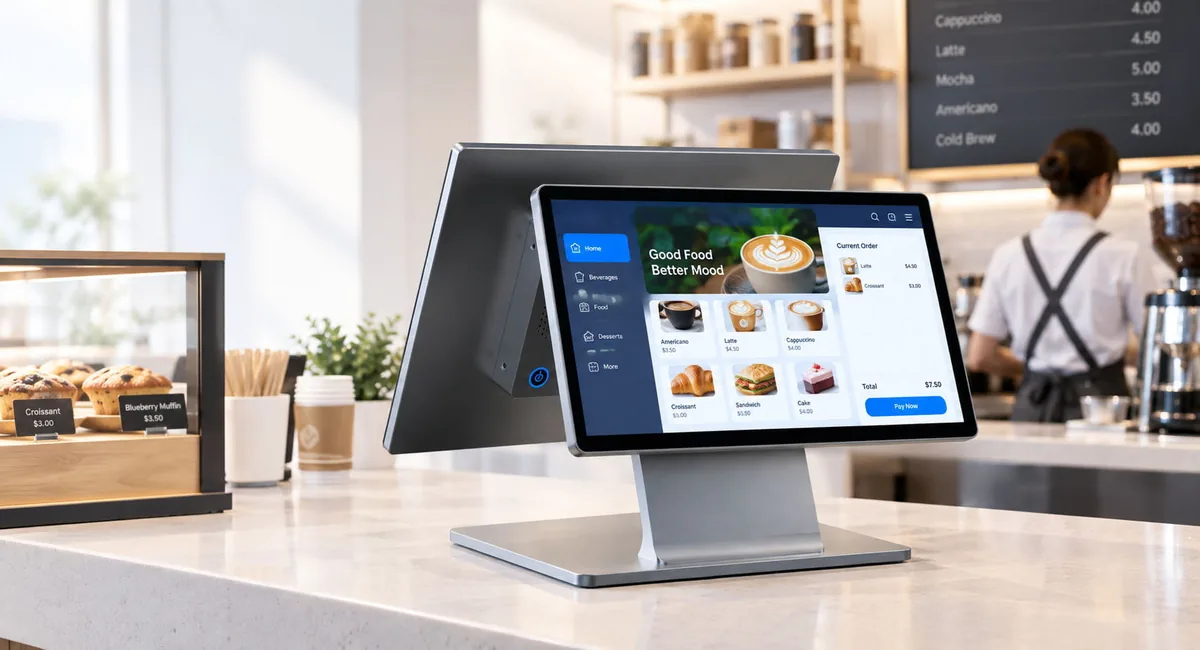
Bar POS
Liquid spills are inevitable. A bar pos requires liquid-resistant chassis design, high-contrast screens for low-light environments, and rapid card-swipe module integrations for fast tab management.
Point of Sale Systems: The Complete Hardware Stack.
A point of sale system is never one box. It is a stack: one computing node at the center and a set of peripherals that hang off it. When buyers compare point of sales systems on price alone, they usually compare the terminal and forget the ports that decide what you can attach to it.
The terminal sets the ceiling. Port count, power budget and driver support determine how many peripherals a counter can carry — which is why you specify the hardware layer before you choose the software layer.
What a Complete Point of Sale System Includes.
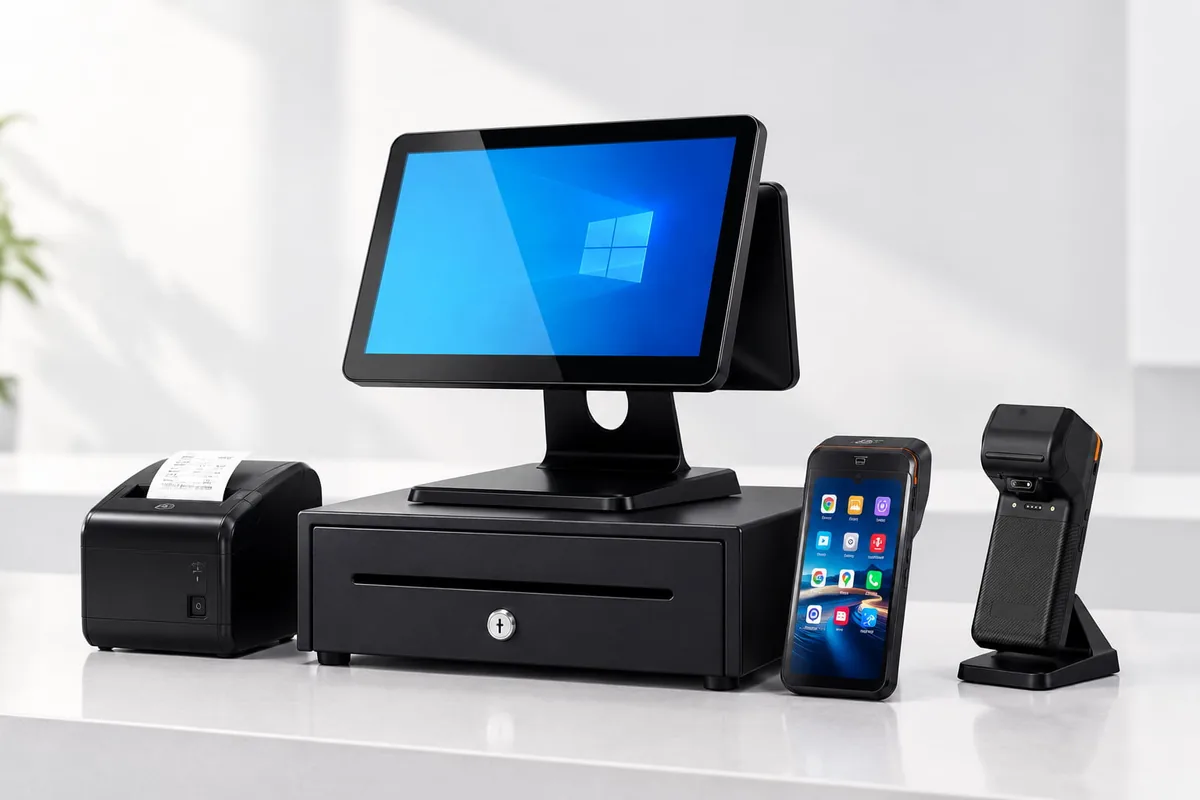
The Six Layers of a Counter
| Layer | What it does in the stack |
|---|---|
| POS terminal | The hub: compute, touchscreen and the port bank every other device attaches to. |
| Receipt printer | Transaction output; also drives the cash drawer through its kick-out port. |
| Cash drawer | Cash handling on the same trigger line as the receipt, so both open together. |
| Barcode scanner | Item capture: 1D for grocery, 2D and QR for loyalty and wallet codes. |
| Customer display | The second screen — itemised totals facing the customer at the counter. |
| Router and network | The layer that carries cloud sync and card authorisation, wired or Wi-Fi. |
Specified as a set, these six layers are what buyers mean by a complete point of sale system — and what our point of sale system kits contain.
Hardware Agnostic by Design.
We manufacture the physical layer; you own the software. We engineer our terminals and peripherals to integrate cleanly with any modern or legacy point of sale software stack.
| Your Software Environment | Our Hardware Interface |
|---|---|
| Cloud-Based Web POS (Browser) | USB Virtual COM, HID Scanners, LAN Printers |
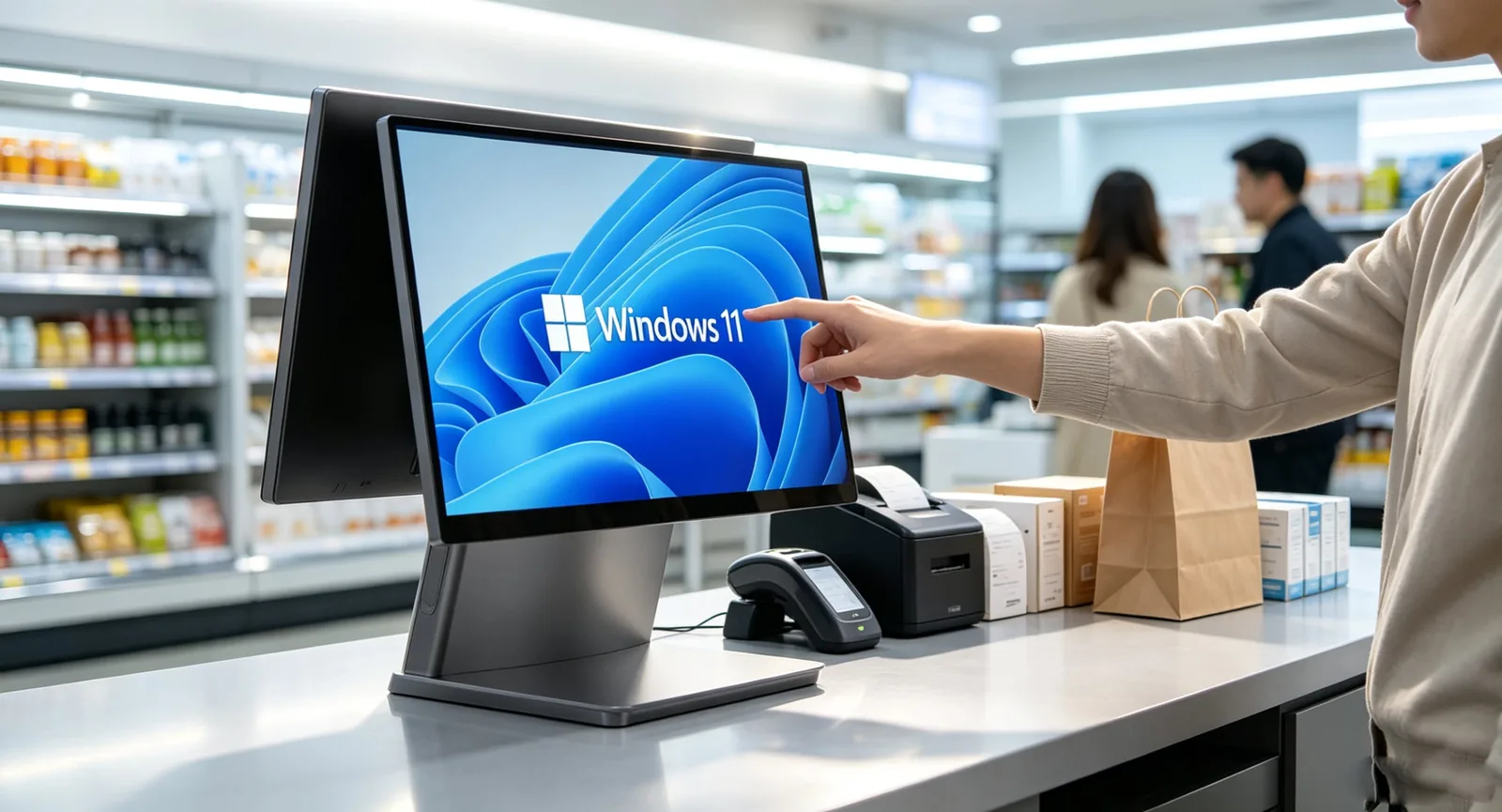
| Native Windows Application | Windows 10/11 IoT, OPOS Drivers, Serial COM |
| Native Android App (APK) | Android 11-13, Direct SDKs for Cash Drawer & Printer |
Whether deploying a legacy thick-client application or a modern cloud architecture, the hardware bridge is standard.
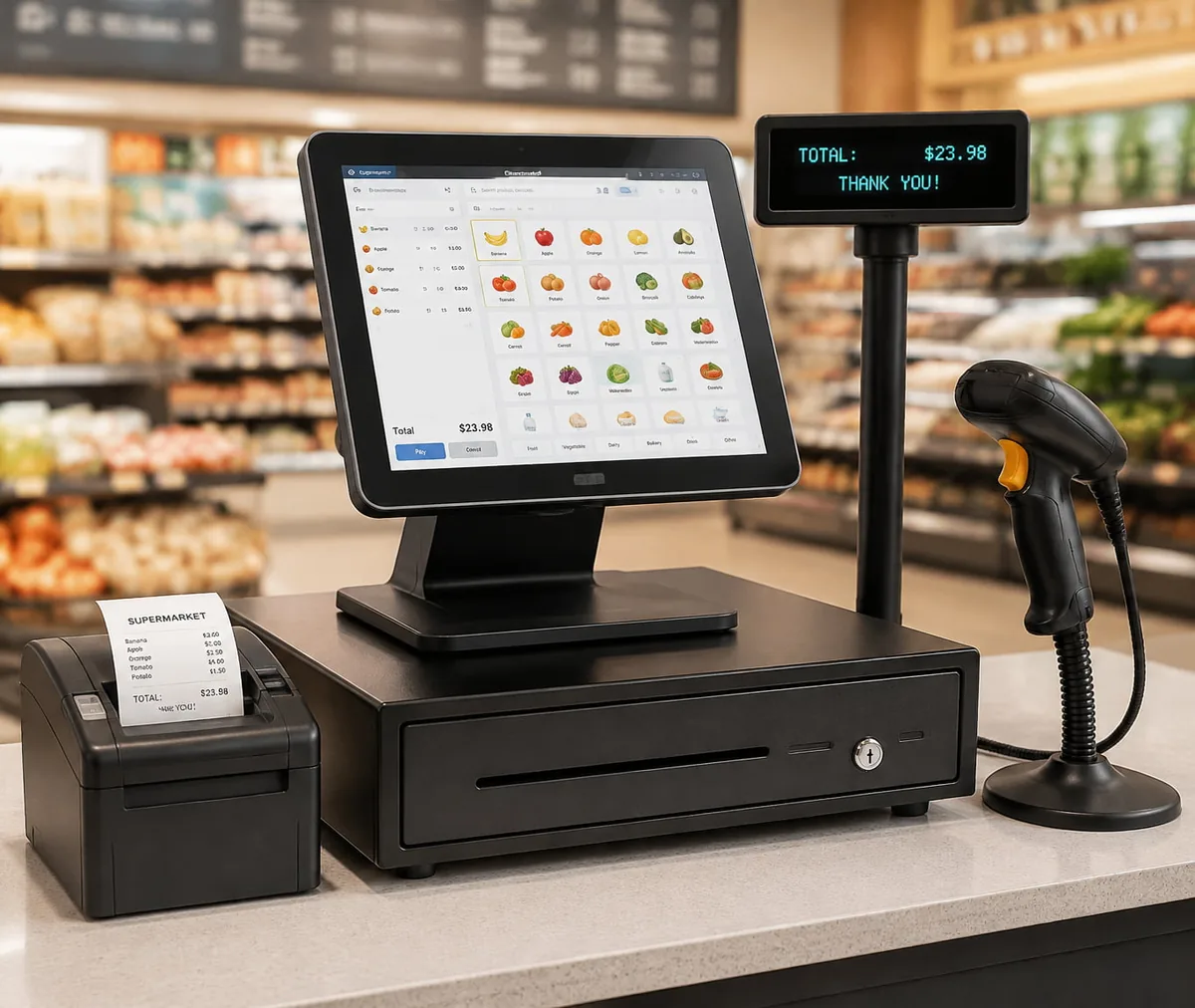
The Physical Subsystem.
Fanless Architecture
Passive heat dissipation eliminates moving parts and prevents dust intake.
Die-Cast Aluminum
Chassis provides physical stability during aggressive touch inputs.
Concealed Cable Routing
Ports sit within the base to prevent accidental unplugs and tampering.
Industrial Storage
Solid-state drives (SSD/eMMC) deliver zero-latency database writes.
POS Hardware by Venue: Retail, Restaurant, Bar, and Café.
The same port bank behaves differently depending on where the counter sits. A bar wants a spill-resistant front panel and a short cable run; a café wants a footprint small enough to leave room for a second barista. Below is the hardware shape each venue type tends to settle on.
What Changes Between Venues.
| Venue | Front of house device | Peripherals that matter | Durability priority |
|---|---|---|---|
| Retail | Desktop all-in-one, or a tablet on a dock when counter space is tight. | Barcode scanner, cash drawer, receipt printer, customer display. | Continuous scan duty and a touch panel that survives constant use. |
| Restaurant and QSR | All-in-one terminal at the till, tablets for table service. | Kitchen display, receipt printer, card and wallet reader. | Grease and splash resistance, plus heat tolerance near the pass. |
| Bar and pub | Compact terminal with a shielded front panel and short cable runs. | Payment terminal, receipt printer, low-profile scanner. | Spill exposure and vibration from constant service traffic. |
| Café and coffee shop | Tablet on a powered dock, or a small-footprint all-in-one. | Receipt printer, card reader, and often a second display at the pick-up point. | Footprint first — the terminal must not take counter space from the bar. |
Because the venue decides the peripheral set rather than the other way round, you usually specify hardware per site type and then reuse it across a rollout. That is the pattern behind our smart retail, restaurant and QSR, café point of sale and hospitality solution builds.
A bar installation and a coffee shop installation can share the same terminal, the same printer and the same SDK — what changes is the enclosure sealing, the mounting and the number of powered ports left free for growth.
What a POS System Costs at Each Tier.
The screen rarely sets the hardware price. The six drivers below set it — which is why two POS terminals that look identical on a spec sheet can land in different bands once we assemble and certify the kit for a target market.
The Six Cost Drivers.
| Cost driver | What moves it |
|---|---|
| Terminal class and compute | Windows versus Android, industrial versus consumer-grade boards, and the RAM and storage that the software stack expects. |
| Port count and power budget | Every powered USB or RS232 port raises the peripheral ceiling — and the bill of materials with it. |
| Chassis and sealing | Die-cast aluminum, spill-resistant front panels and fanless thermal design cost more than consumer plastics. |
| Peripheral set | Each printer, drawer, scanner or display in the kit is a separate line, so kit size moves the total more than any single device. |
| Configuration and volume | A catalog build and a configured OEM or ODM build follow different price curves, and volume changes both. |
| Certification scope | We charge CE, FCC and RoHS coverage per market, so a multi-region rollout costs more to certify than a single-market one. |
Our POS system cost breakdown walks through the same six drivers in more detail.
Hardware Sourced Direct.
Software vendors and system integrators scale faster when the hardware layer is reliable and cost-effective. By partnering with the manufacturer, you eliminate distributor margins and receive direct technical support.
View OEM Services →Direct Pricing
Factory-level pricing models for high-volume rollouts.
OEM Branding
Your logo printed on the chassis and embedded in the BIOS/boot screen.
Component Stability
Long-lifecycle motherboards guarantee hardware consistency over years.
No Software Lock-in
Hardware ships clean. We do not force proprietary cloud subscriptions.
Global Certification
CE, FCC, and RoHS compliant systems ready for international deployment.
Sample Evaluation
Single units available for immediate software integration testing.
Point of Sale Inquiries.
An FAQ for buyers specifying a POS hardware stack: the questions our engineering team answers most often before a rollout.
What is the difference between POS and Point of Sale? ▼
What is the difference between point of sales and POS sales? ▼
Do these POS systems come with software? ▼
What makes a POS system "industrial grade"? ▼
Tablet POS vs Touch Screen POS: Which is better? ▼
What are the specific hardware requirements for a hospitality POS? ▼
What are the specific hardware requirements for a bar POS? ▼
Can I order evaluation units before a rollout? ▼
What hardware does a complete POS system include? ▼
Which POS hardware suits bars and hospitality venues? ▼
How much does a full POS hardware stack cost? ▼
Do you supply POS hardware wholesale for resellers and integrators? ▼
Specify Your Hardware Layer.
Send us your target OS, software requirements, and estimated deployment volume. Our engineering team will return a matched hardware configuration.
Request Manufacturer Pricing