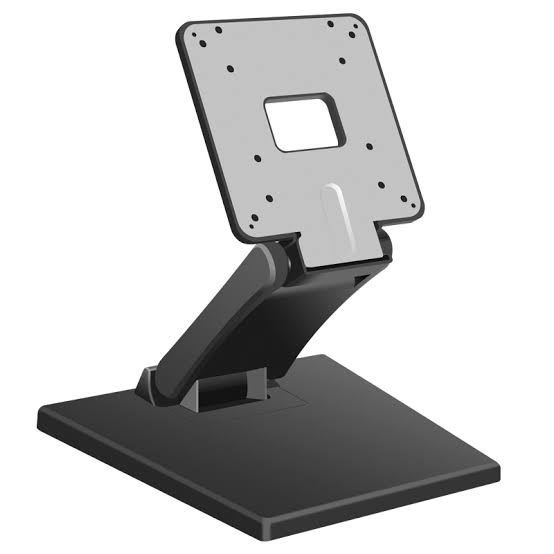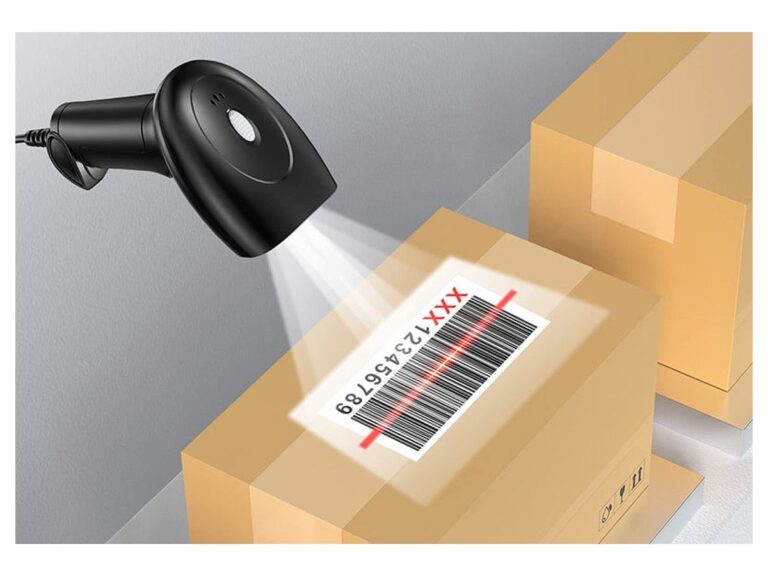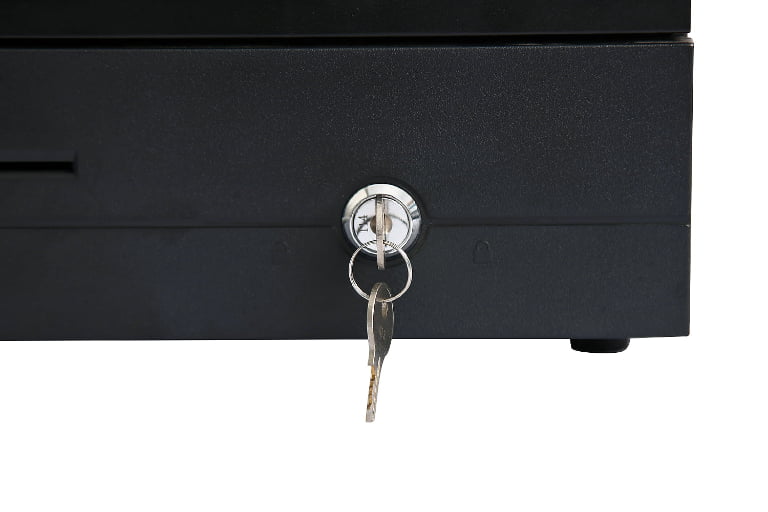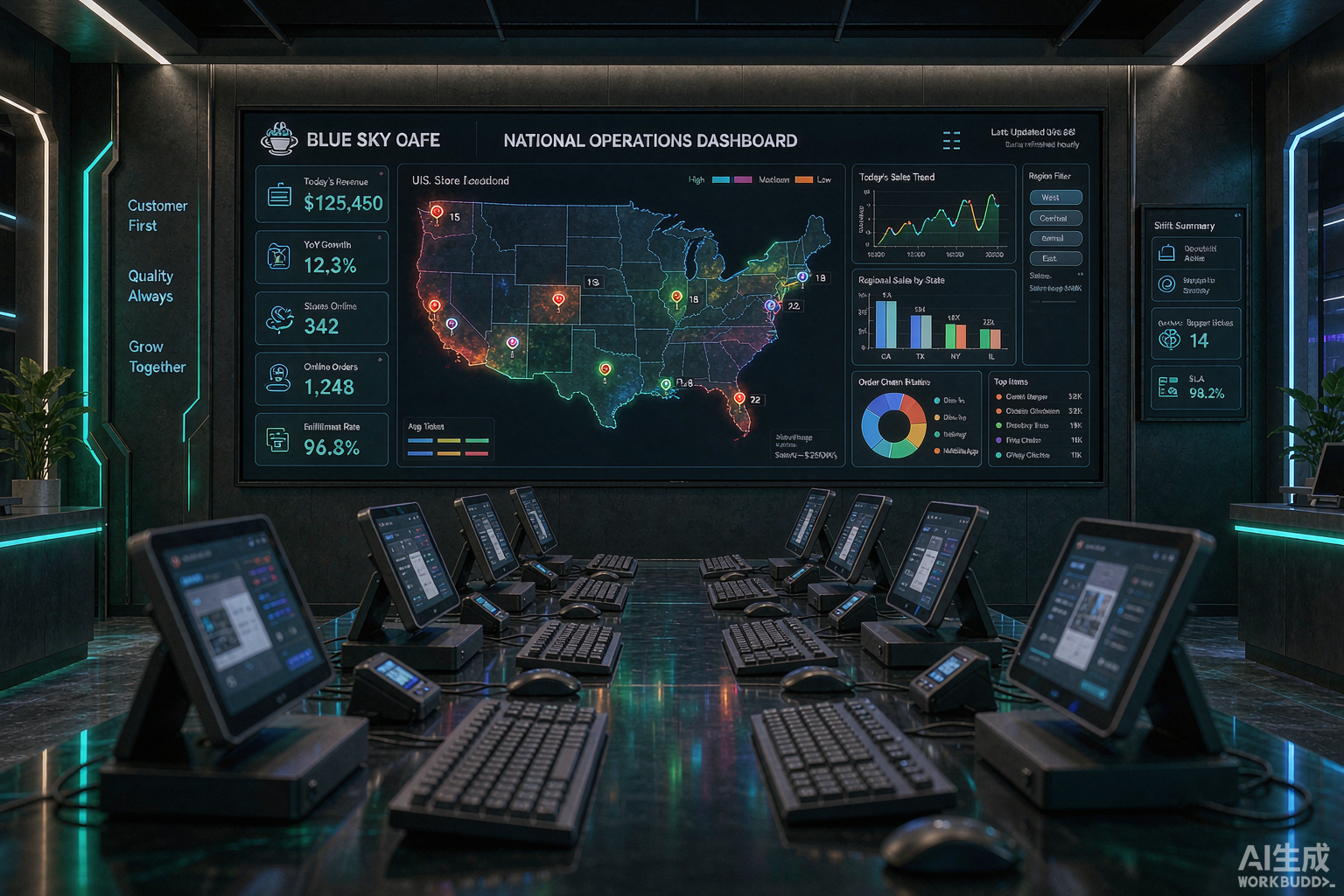
A franchise POS system is the point-of-sale platform a brand uses to run many independently owned locations under one identity — one master catalog, one reporting view, one set of brand rules — while each franchisee still runs their own store day to day. Most of the buying conversation stays on the software, which is the wrong place to start. A franchise network lives or dies on the hardware layer underneath the software: the terminals, scanners, printers, cash drawers and customer displays that a franchisee buys, mounts and keeps running long after head office has moved on to the next opening.
This guide is written from the hardware side of that problem. It covers what makes a franchise POS different from a single-store till, the six capabilities head office cannot run a network without, the two ways franchises actually buy POS hardware, how to roll a standard out across a growing estate, what it costs in 2026, and how to choose. If you have already decided you need a hardware standard and only want the shortlist, start with our restaurant and QSR hardware kits.
Two housekeeping notes. First, this article treats "franchise POS", "franchise point of sale" and "franchise POS system" as the same thing — they are. Second, the multi-location and multi-store terms you will also see in this space describe a related but looser problem, and the difference matters enough that it gets its own section below.
What Is a Franchise POS System?
A franchise POS system is a point-of-sale platform built to run an entire brand from a central account rather than a single shop in isolation. Headquarters maintains the master catalog, the pricing rules, the promotions and the receipt branding; each location processes its own transactions locally and syncs sales, inventory and labor data back to the center in near real time. The phrase overlaps with multi-store and multi-location POS, but a franchise is the stricter case, and the reason is ownership, not the number of locations.
The practical definition matters because "POS that works in more than one store" is not the same as a franchise platform. A standard POS handles one legal entity with one bank account and one person allowed to change a price. A franchise platform has to serve two businesses at once: the franchisor, which owns the brand and needs the network’s numbers, and the franchisee, which owns the profit-and-loss statement for their own store and needs real autonomy within the brand rules. A system that forces a choice between those two fails one of them.
| Dimension | Single-store POS | Franchise POS system |
|---|---|---|
| Entities served | One business, one owner | Franchisor plus every independent franchisee |
| Catalog | Edited by the store | Master catalog at HQ, pushed to all sites |
| Pricing | Local decision | Brand standard, with approved regional variation |
| Reporting | That store only | Network-wide rolled up, plus per-site drill-down |
| Fees and royalties | Not applicable | Calculated from gross sales and reconciled continuously |
| New location setup | Start over each time | Clone the master configuration to a new site |
| Hardware | Whatever is cheap this month | A specified model, or a small set of approved models |
| Failure mode | A store is offline | A store is offline and head office cannot see it |
That last row in the table is the one operators underestimate. In a single store, a failed terminal is a local emergency. In a network it is also a reporting blind spot: the center sees a gap where a site’s revenue should be, and cannot tell whether the store is down, disconnected or simply slow to close out. The hardware and the connectivity choices decide how often that happens.
Franchise POS vs Multi-Location POS: The Difference Is Ownership
Search for a franchise POS system and most of what comes back is generic multi-location marketing that never addresses what actually makes a franchise different. You are not managing multiple locations. You are managing multiple businesses — each independently owned, each needing real autonomy, all operating under one brand agreement. A company-owned multi-unit group can look almost identical on a site visit and be a completely different procurement problem.
In a company-owned group, one entity signs the POS contract, sets the menu, picks the payment processor, absorbs the cost and schedules the cutover. In a franchise network, those decisions split across two parties whose interests only partly overlap, and the split runs all the way down to the hardware.
| Decision | Company-owned multi-location group | Franchise network |
|---|---|---|
| Who signs the POS contract | One entity, one signature, one renewal date | Corporate signs a master agreement; each franchisee signs underneath it, often on their own timeline |
| Who pays for hardware | Corporate, centrally | Usually the franchisee, sometimes with a rebate from HQ |
| Who picks the payment processor | Corporate, for everyone | Often contested — corporate wants consistency, the franchisee owns the processing cost |
| Who owns the sales data | Corporate, entirely | The franchisee owns their store’s data; corporate needs a network-wide view of it |
| How the vendor gets paid | One invoice to corporate | Per-location billing, with royalties flowing the other way |
| What a rollout looks like | A cutover corporate controls end to end | A phased conversion as each franchisee’s existing contract allows |
| Hardware standard | Mandated and usually uniform | Set by brand standards, executed differently at every site unless you make it easy to follow |
The practical consequence is that a franchise cannot issue an edict and expect uniform hardware. It can define a standard, but the standard only holds if buying to it is the path of least resistance for a franchisee who is spending their own money and signing their own installation invoice. That is a hardware-supplier problem before it is a software problem, and it is where most franchise POS programs quietly come apart.
The Six Capabilities a Franchisor’s POS Must Provide
Strip away the marketing and a franchise POS has to do six jobs that a store-level till does not. Every vendor claims all six; the differences show up in how completely each one is implemented and how much of it depends on hardware behaving consistently across the estate.
- 1. Central catalog and price control. Headquarters builds the master catalog once and pushes products, prices and promotions to every site, or to a region, in a single action. Franchisees can be locked out of core items while keeping approved local flexibility, which is the balance most brands actually want.
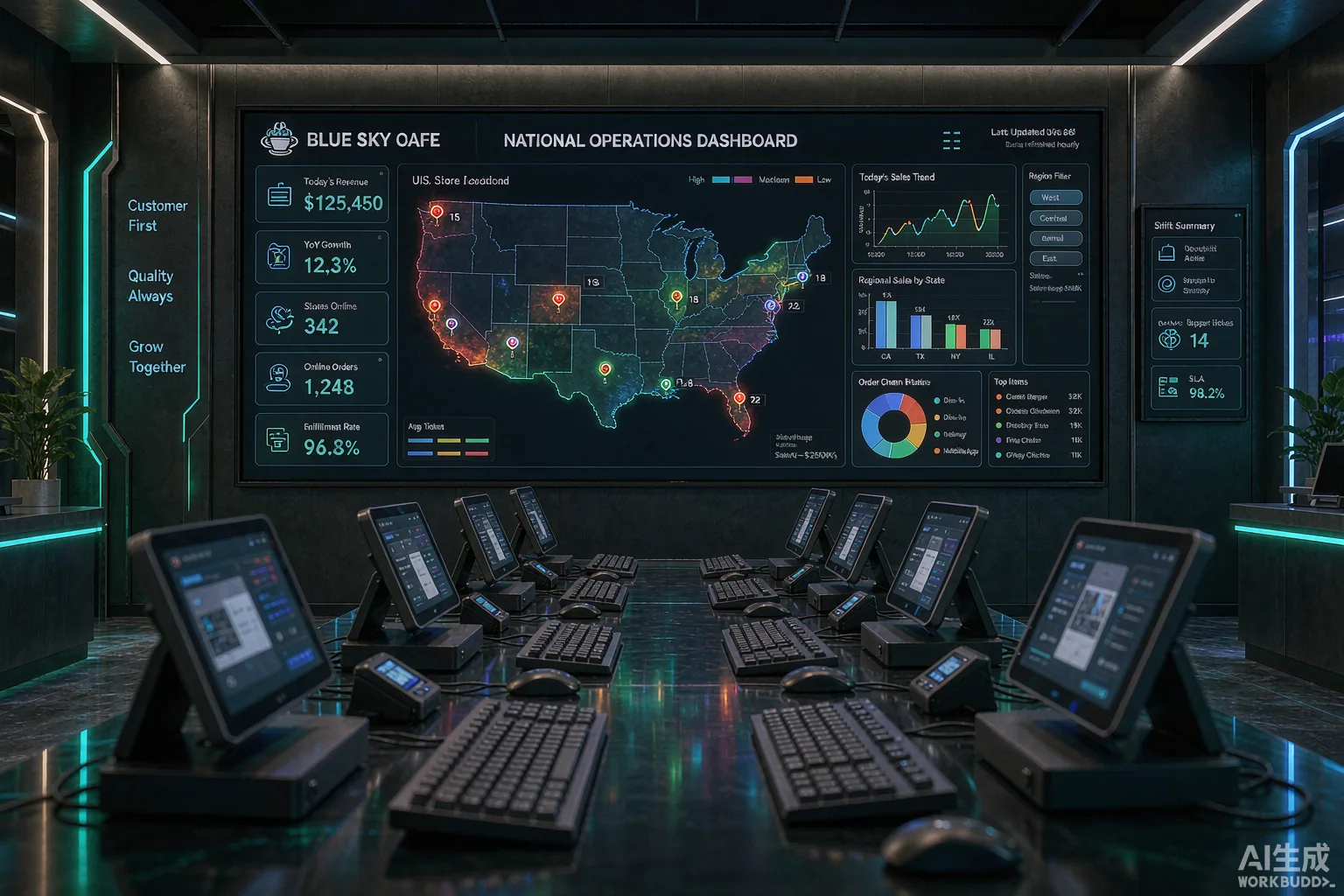
- 2. Consolidated sales dashboards. One view of the whole network, rollable down to region, city and individual store, so leadership can see a problem before the monthly report lands.
- 3. Royalty and turnover reporting. Gross sales captured at the transaction level and turned into an auditable royalty calculation, rather than a spreadsheet each franchisee fills in and emails in at month end.
- 4. Fast onboarding of new franchisees. A new site should inherit the master menu, pricing, branding and settings from a template, not rebuild the catalog from scratch.
- 5. A consistent customer experience. The same receipt layout, the same loyalty rules, the same prompts and the same look at the counter, whether the customer is in the flagship or the newest opening. For restaurant brands that includes the back of house: a standard kitchen display system is part of the same brand promise.
- 6. Network resilience. Orders keep flowing when the connection drops, and the store re-syncs cleanly when it returns, so neither the franchisee nor head office is blind.
| Capability | What headquarters needs | What the franchisee needs | Hardware dependency |
|---|---|---|---|
| Central catalog and pricing | One place to change a price for the network | Approved local items and market pricing | Terminals that accept pushed configuration without a manual rebuild |
| Consolidated dashboards | Network roll-up and per-site comparison | Their own store in detail, nobody else’s | Reliable data capture at the till, including offline capture |
| Royalty reporting | Gross sales that cannot be under-reported | A clear, verifiable fee statement | Every sale, including cash and offline sales, recorded at the source |
| Fast onboarding | A repeatable template for every new site | To open on time without IT archaeology | Pre-configurable, standard hardware SKUs a supplier can pre-stage |
| Brand consistency | Uniform receipt, prompts and counter presentation | A working till that fits their store layout | Standardized printers, displays and their paper sizes |
| Resilience | To know a site is trading even when the link is down | To keep selling when the link is down | Local buffering, cellular failover, hot-spare hardware |
Why royalty reporting draws the attention it does
Of the six, royalty and turnover reporting is the one that most often decides the purchase. In most franchise agreements the royalty is a percentage of gross sales, so the point-of-sale system is the machine that defines the number. When royalty figures come from manual store reports, the center is always reconciling and always slightly suspicious, and franchisees resent a bill that arrives a month after the sales it covers. Modern franchise platforms either report gross sales daily for corporate invoicing or deduct the fee incrementally as sales happen. Either model is defensible; what is not defensible is a system where the only royalty record is a spreadsheet a franchisee could have edited.
The hardware requirement hiding inside that is unglamorous but real: every sale, including cash transactions and sales rung while the internet was down, has to land back in the central system. A terminal that silently drops offline sales corrupts the royalty base, and no amount of dashboard polish fixes it after the fact.
Head Office View vs Franchisee View: The Permission Model
In a company-owned group there is one data owner, so visibility is a simple question. In a franchise there are two, looking at the same network from opposite directions, and the permission model becomes a buying criterion rather than an implementation detail. Corporate needs a consolidated view or it cannot enforce a brand standard it cannot measure; the franchisee needs to run their own store without wading through data from locations they do not own, and without corporate seeing more of their business than the agreement allows.
| Data | What headquarters needs | What the franchisee needs |
|---|---|---|
| Net sales by location | Every location, compared side by side | Their own store, in full detail |
| Royalty and fee calculation | Network-wide and auditable | Their own line items, verifiable against sales |
| Menu and pricing | Brand standards enforced | Local promotions within those standards |
| Labor and scheduling | Usually none of corporate’s business | Full control of their own rota and costs |
| Guest and loyalty data | Brand-level, aggregated | Their own customers and loyalty balances |
| Payment processing | Consistency across the network | Visibility into the fees they are actually paying |
| Terminal configuration | The locked brand settings | The local settings they are allowed to change |
This is also where shared hardware matters. If several staff share one terminal, the system needs fast, role-based sign-in at the till — a manager override that is quick at a busy counter rather than a three-screen login. On the hardware side that means terminals and PIN entry that support individual credentials without turning a rush-hour transaction into an authentication exercise.
Two Ways to Buy a Franchise POS: Central vs Franchisee-Chosen
Because the franchisee usually pays, a franchise has to choose a procurement model before it chooses any hardware. There are two common answers, and a third hybrid that most mature networks end up at.
Model A — centrally procured. Headquarters selects the POS software and a single hardware standard, negotiates group pricing and often ships pre-configured units to new sites. Franchisees buy into the standard as a condition of the agreement or through a rebate that makes compliance the cheaper option.
Model B — franchisee-chosen within brand guidelines. Headquarters sets functional requirements and lets each franchisee source their own equipment. It lowers the barrier to opening and respects franchisee capital, but it produces a mixed estate that is expensive to support.
Model C — the hybrid most brands land on. Headquarters defines a short list of certified hardware SKUs and compatible peripherals, the franchisee buys at an agreed price from an approved supplier, and HQ keeps the configuration locked so the software experience stays identical no matter which approved terminal shows up.
| Dimension | Model A: central procurement | Model B: franchisee-chosen | Model C: certified short list |
|---|---|---|---|
| Who chooses the hardware | HQ, one standard | Each franchisee | HQ certifies, franchisee picks within it |
| Hardware consistency | Very high | Low — every site is a surprise | High, across a known set of models |
| Price to the franchisee | Best — group pricing | Variable, often retail | Good — negotiated approved pricing |
| Support and spares | Simple: one model, one spare pool | Hard: every failure is a new model | Manageable: a few models, grouped spares |
| Speed of opening | Fast if supply is planned | Depends on each franchisee | Fast, with pre-staging at the supplier |
| Franchisee goodwill | Can feel imposed | High, at first | Usually accepted if the short list is broad enough |
| Upgrade discipline | Easy to refresh the whole estate | Almost impossible to coordinate | Practical, in waves by model |
| Best for | Newer brands building a standard | Very small or very loose networks | Networks past ten sites that want scale without dictating a single box |
The temptation is to read Model B as the flexible, franchisee-friendly choice and Model A as the disciplined one. In practice Model B is the expensive one, because it pushes the cost of variety onto the support desk: every mismatch between models is a driver to package, a training slide to redo, and a spare part you do not have when a site goes down on a Saturday. Model C exists because it keeps the franchisee’s freedom where it is harmless and removes it where it is not.
Why Hardware Consistency Decides Your Support Cost
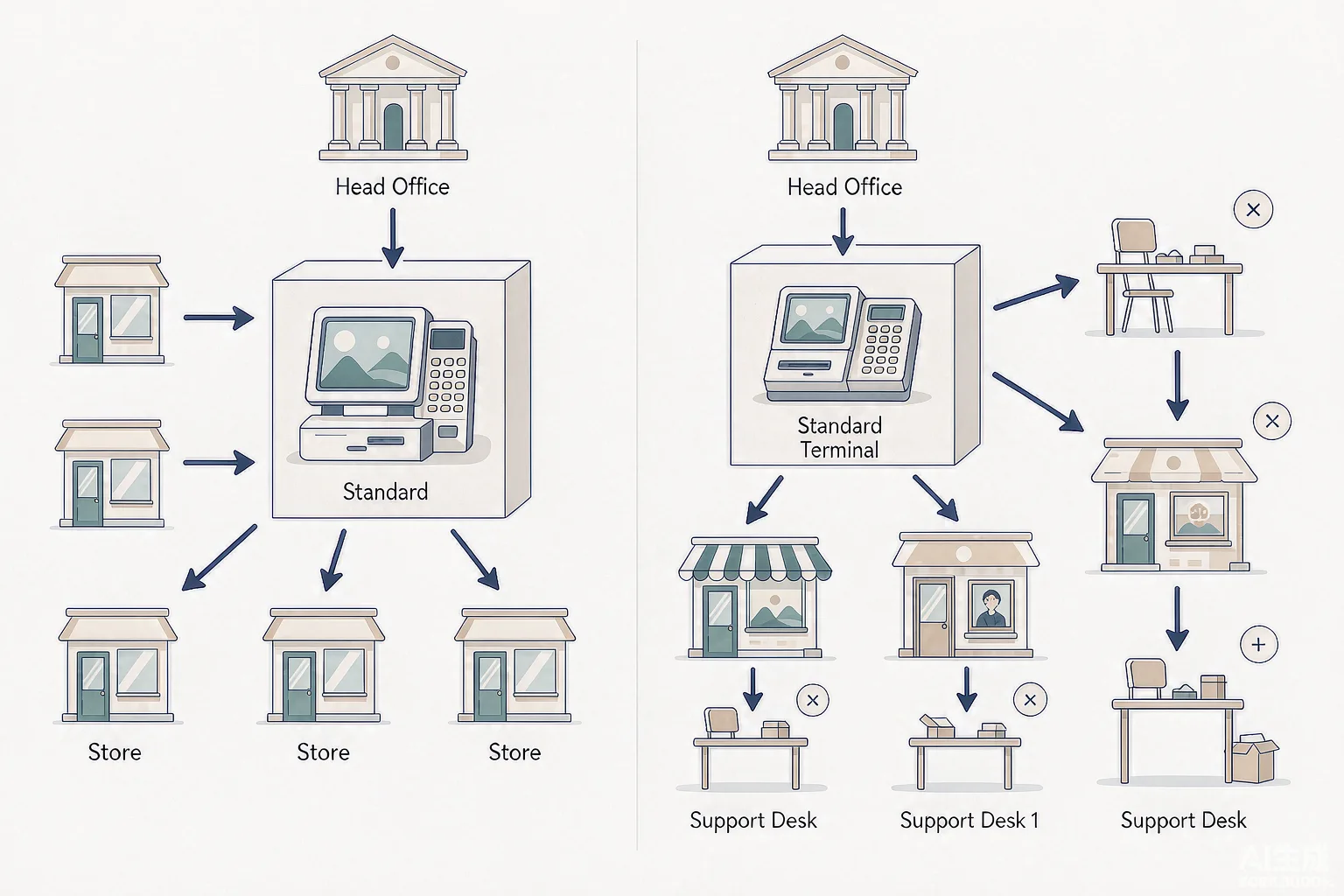
A franchise can standardize software in a week. Hardware is the slow, physical layer, and it is where a decade of mixed decisions accumulates. The network that looks tidy on a spreadsheet is usually running three generations of terminal, two scanner models, two receipt printer widths and a collection of cash drawers nobody can reconcile. That variety is the real cost driver, and it is almost invisible until a support incident lands.
What mixed hardware actually costs
- Spares you cannot reuse. One model means one hot spare covers the network. Five models means five of everything, and a failed terminal at a small site waits on a part nobody stocked.
- Peripherals that almost fit. A receipt printer that prints a different roll width, a scanner that needs a different cable, a customer display whose bracket does not match the counter — each is a small install-day surprise that adds up across a rollout.
- Training that never converges. Staff move between franchise sites more than people expect. Identical counters mean a shift at one store is a shift at any store; mixed ones mean re-onboarding.
- Consumables chaos. Two paper widths means two purchase orders, two stock counts, and a store that runs out of the wrong roll.
- Refresh waves that never end. If every site bought at a different time, the estate never reaches a refresh point together, so procurement is permanent.
Specifying hardware by store format
Within a single brand, the store formats rarely match, so "one standard" usually means one certified set rather than literally one model. The useful split is by environment and transaction mix, not by who owns the site.
| Store format | Typical terminals | Hardware priorities |
|---|---|---|
| Counter-service and small format | 1–2 terminals plus one customer display | Compact footprint, one receipt roll width across the brand, easy wipe surfaces |
| Full-service restaurant | 3–5 terminals plus handhelds | Handheld durability, battery life across a full shift, drop protection |
| High-volume and drive-thru | Multiple lanes plus outdoor positions | Brightness for daylight, IP-rated sealed fronts, fanless cooling where grease is heavy |
| Kiosk and self-service sites | Kiosk plus back-of-house terminal | Industrial-grade panel, 24/7 duty cycle, secure mounting |
| Back office, all formats | One management terminal per site | Same OS image as the estate, so remote support works identically |
Two specifications punch above their weight in a franchise context. The first is fanless, sealed hardware: fewer moving parts means fewer failures, and at network scale a single percentage point of failure rate is a stream of support tickets. Our comparison of fanless versus fan-cooled POS terminals covers the reliability maths. The second is connectivity with a fallback: a terminal that loses its link mid-transaction should buffer locally and re-sync, not stop selling. In a franchise the requirement is stricter than in a single store, because a disconnected site is also a hole in the center’s dashboard.
How to Roll Out a Franchise POS: Pilot, Template, Scale
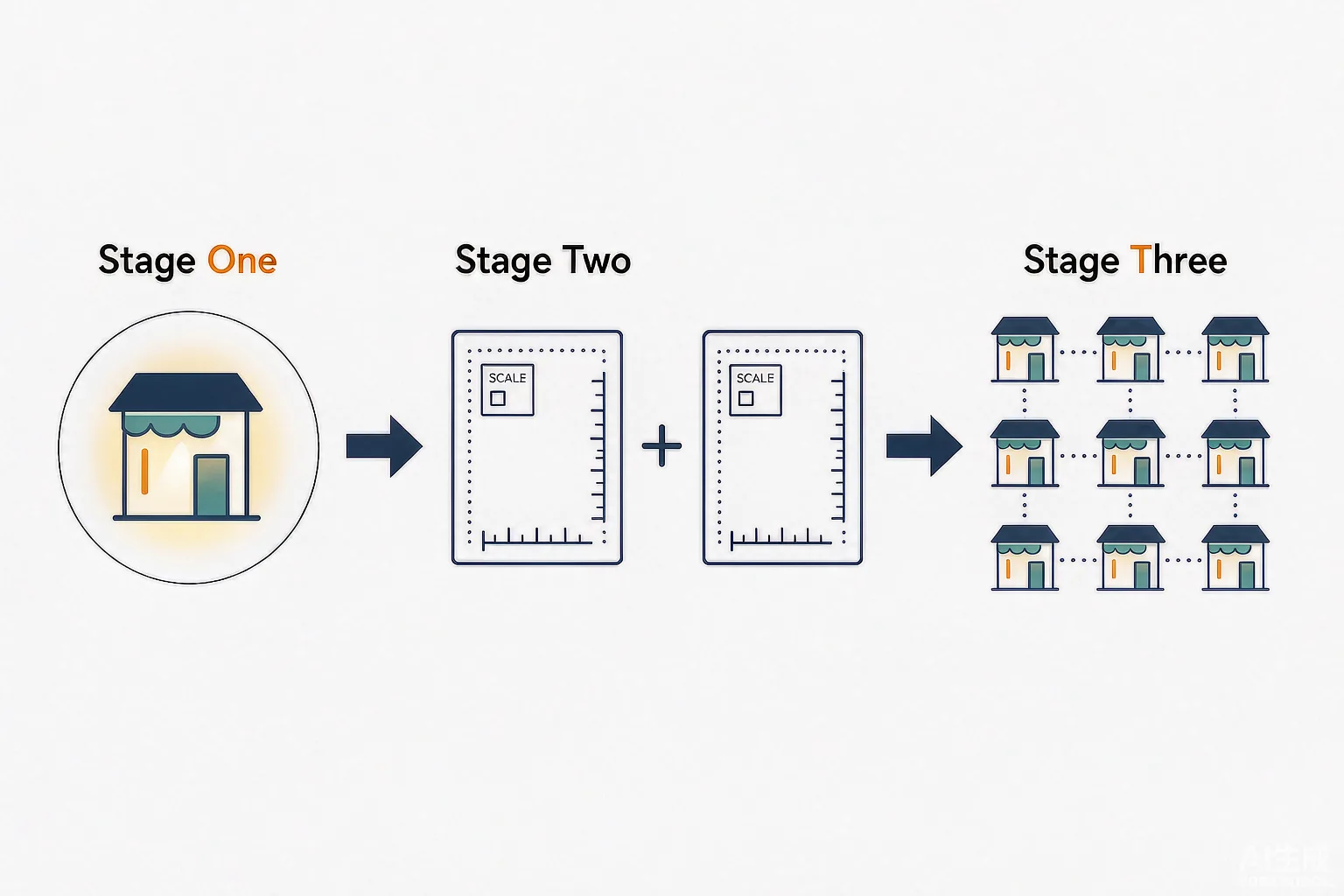
Franchise POS rollouts fail in the same way most of the time: the brand tries to convert the whole network at once, on a date chosen for a board announcement rather than for readiness. A staged rollout that proves the setup on a few stores and then replicates it is slower for the first month and far faster for the next two years.
- Pilot on one to three representative stores. Pick sites that cover the formats you run — ideally one busy, one small, one awkward — so the configuration meets your real range rather than your best-case store. Convert them fully, including live trading.
- Freeze the template. Once the pilot is stable, lock the master catalog, pricing rules, receipt layouts, permissions and hardware configuration as a versioned template. This is the artefact every new site will inherit.
- Pre-stage and pre-configure the hardware. Have the supplier build, image and test each site’s kit before it ships, so install day is a swap rather than a build. This is where approved hardware pays for itself.
- Onboard sites in waves, not all at once. Convert a wave, stabilize it, then start the next. Each wave should be small enough to support and large enough to reveal template gaps.
- Train by template, not by store. Because the counter is identical everywhere, one training pack and one laminated cheat sheet work across the network, with refreshers only where a store format genuinely differs.
- Govern the standard afterwards. Publish which hardware is approved, what the replacement path is, and who owns an exception, or the estate will drift back toward variety within a couple of years.
The logistics of a multi-site hardware rollout — categorising stores, staging kit, scheduling installation teams and auditing the network before go-live — are covered in more depth in our multi-store hardware rollout guide, which sits alongside this article. For a franchise specifically, add one extra pilot criterion: convert at least one store that is deliberately difficult, whether that is an old building, a weak network or a franchisee with strong opinions. The template that survives that store will survive the network.
What a Franchise POS Costs in 2026
Franchise POS pricing is quoted in four different ways, which is why two quotes for apparently the same rollout can differ by tens of thousands across a network. Normalize everything to a per-location view before comparing, and expect the following components.
| Cost component | How it is charged | Typical 2026 range |
|---|---|---|
| POS hardware per terminal | Per unit, once | $400 – $1,800 depending on tier and duty cycle |
| Peripherals | Per unit, once | Scanner $80 – $400, receipt printer $150 – $400, cash drawer $80 – $250 |
| Customer display | Per counter, once | $120 – $400 |
| Software subscription | Per location or per terminal, per month | $25 – $120 per location per month |
| Franchise and royalty module | Often a tier upgrade | Frequently bundled above a location threshold |
| HW management or MDM | Per device, per month | $2 – $8 per terminal per month |
| Installation and configuration | Per site, once | $300 – $1,500 per location |
| Spare pool and hot spares | Per network | Roughly 5 – 10% of terminal count held as spares |
| Integration and data migration | Per network, once | $500 – $5,000 depending on the legacy estate |
Per-location economics
The headline per-location number depends almost entirely on store format and whether the site is a new build or a conversion. A small counter-service unit running one terminal and a customer display lands far below a full-service restaurant running five terminals and handhelds, and neither number means much until the software line is added for five years. The terminal count behind each of those figures is a capacity calculation rather than a format label, and sizing a store from peak-hour transactions and service time returns a number you can defend to a franchisee.
| Site profile | Terminals and peripherals | Year-one hardware and install | Software per year |
|---|---|---|---|
| Small counter-service unit | 1 terminal, display, printer, drawer, scanner | ~$1,600 – $3,200 | $300 – $1,440 per location |
| Standard retail site | 2 terminals plus peripherals | $2,400 – $5,000 | $300 – $1,440 per location |
| Full-service restaurant | 4–5 terminals plus 2–3 handhelds | $6,000 – $14,000 | $600 – $2,400 per location |
| Kiosk or self-service site | Kiosk plus back-office terminal | $4,000 – $9,000 | $400 – $1,800 per location |
Add it up and a ten-location network of standard sites typically invests roughly $35,000 to $60,000 in year one across hardware, peripherals, installation and the first year of software, against $3,000 to $15,000 a year thereafter. Over five years the recurring software line usually overtakes the hardware, which is why software pricing per location deserves as much scrutiny as the terminal price. It is also why hardware choice pays back twice: a terminal that lasts five years instead of failing at eighteen months does not just save its own replacement cost, it keeps a site’s sales data flowing into the royalty base without a gap.
Where the money is quietly lost
Three costs never appear in a vendor quote and are the reason franchise budgets overshoot. The first is the extra hardware a mixed estate forces you to hold as spares. The second is unproductive install days: a kit that arrives un-built means a technician at a site for hours rather than minutes, and that labor multiplies by every location. The third is a labor and administration every month reconciling royalties from stores whose data does not arrive cleanly. A software-only view rarely prices that in; it is real, recurring and entirely avoidable with a consistent hardware standard.
Choosing a Franchise POS: A Buyer’s Checklist
Work through the software questions first, then the hardware, then the commercial model. Buying hardware before confirming that your platform can push configuration, split permissions and report gross sales the way your agreement requires is the most expensive mistake in this category.
Before you buy anything
- Confirm the franchise features exist. Ask specifically for central catalog push, approved local overrides, network-wide reporting with per-site drill-down, and a royalty or turnover report that ties back to transaction data.
- Walk the permission model in a demo. Have the vendor show a head-office view and a single franchisee view side by side, and confirm where the boundary sits.
- Test the offline path. Disconnect the network mid-order, ring a few sales, reconnect, and confirm nothing is lost and everything re-syncs. Then ask what would happen at a site with no cellular fallback.
- Decide the procurement model. Central, franchisee-chosen or a certified short list. Choose deliberately rather than discovering the model by accident after the tenth contract.
- Draw the store-format map. Which formats do you run, and what hardware does each need? One certified set, split by format, beats a single model imposed everywhere.
- Check the supply and spares story. Who ships pre-configured kit, who holds spares, and what the replacement path is when a terminal fails mid-service.
Hardware and platform criteria
| Criterion | What to specify | Why it matters at network scale |
|---|---|---|
| Central configuration | Remote push of settings to approved terminals | One change reaches every site instead of a manual visit |
| Offline capture | Local buffering with clean re-sync | Offline sales still count toward gross sales and the royalty base |
| Connectivity | Ethernet plus Wi-Fi, with cellular failover where possible | A disconnected site is also a blind spot for head office |
| Durability | Fanless, sealed, IP-rated where the environment is harsh | Failure rate scales with location count, not with store size |
| Peripheral standard | One receipt roll width and interchangeable accessories | Consumables, spares and install-day surprises all shrink |
| Serviceability | Front-serviceable parts and a defined RMA path | A site can be back up in hours, not days |
| Software pricing | Per-location pricing, not only per-terminal | Terminal count grows; per-location caps the surprise |
| Upgrade path | A certified model refresh cycle | The estate can be refreshed in waves instead of never |
Compare quotes on the same rows
Put every quote on one page with identical rows: terminal model and tier, peripherals, installation per site, software per location per month, the franchise or royalty module, hardware management, spares, and contract length. Fill every row for every vendor, and where a vendor will not give you a number, write "unknown" rather than zero. Total at twelve months and at sixty. The franchise line that most often decides the winner is not the terminal price — it is whether the software is priced per location or per terminal, because that is the line that grows as the network does. For a fuller view of what deployment involves, our guide to what POS installation really involves covers the phases a franchise should budget for, and cloud POS hardware requirements covers the connectivity and offline spec in detail.
Frequently Asked Questions
What is a franchise POS system?
A franchise POS system is a point-of-sale platform built to run a whole brand from a central account rather than a single store. Headquarters controls the master catalog, pricing and branding, while each independently owned location processes its own transactions and syncs sales, inventory and labor data back to the center. It differs from a standard POS because it serves two businesses at once: the franchisor, which owns the brand and needs the network’s numbers, and the franchisee, which owns their own store and needs local autonomy.
How is a franchise POS different from a multi-location POS?
The difference is ownership, and it changes almost every downstream decision. In a company-owned multi-location group, one entity signs the contract, picks the processor and pays for everything. In a franchise network those decisions split between corporate and independently owned sites, each paying for their own hardware and often on their own timeline. The result is that the franchisee owns their store’s data while corporate needs a network-wide view of it, and the hardware standard has to be easy for a franchisee to follow rather than simply mandated.
How do franchise royalties get calculated from a POS system?
Most agreements set the royalty as a percentage of gross sales, so the POS is the machine that defines the number. The best systems capture every sale at the transaction level — including cash and sales rung while the store was offline — and either report gross sales daily for corporate invoicing or deduct the fee incrementally as sales happen. A system where the only royalty record is a spreadsheet a franchisee fills in manually is the one to avoid, because it cannot be audited against the register.
Should a franchise mandate one POS hardware model?
Not necessarily one model, but one certified standard. Most networks end up with a short list of approved terminals and peripherals rather than a single box, because store formats differ: a small counter-service unit and a full-service restaurant do not need the same device. What matters is that the set is small, closed and pre-configurable, so spares, consumables and training stay shared across the estate. A wide-open hardware policy pushes the cost of variety onto the support desk.
Who pays for POS hardware in a franchise?
Usually the franchisee, since they own the store and its profit and loss statement. Franchisors frequently negotiate group pricing or offer a rebate that makes buying to the approved standard cheaper than going elsewhere, and many include the POS requirement in the franchise agreement. The key design choice is making compliance the easy option, because a standard a franchisee cannot afford or cannot source will not hold.
Can a franchise POS work when a store loses its internet connection?
It should. Look for local buffering so transactions keep going when the link drops, and a clean re-sync when it returns, ideally with cellular failover at the site. In a franchise the stakes are higher than in a single store, because a disconnected site is also a gap in head office’s reporting and a hole in the royalty base until it reconnects.
How long does it take to onboard a new franchise location?
With a frozen template and pre-staged hardware, a new site can go live in days rather than weeks. The site inherits the master catalog, pricing, branding and permissions, so the work is cloning the configuration, shipping a pre-built kit and training staff on the standard counter. The long pole is usually installation logistics and any site-specific network work, not the software setup.
How much does a franchise POS cost per location?
As a rough 2026 guide, a small counter-service unit lands around $1,600 to $3,200 in year-one hardware and installation plus $25 to $120 per location per month for software. A full-service restaurant runs roughly $6,000 to $14,000 in year one. Across a ten-location network, plan for about $35,000 to $60,000 in year one and $3,000 to $15,000 a year thereafter, with software usually overtaking hardware over five years.
What is the biggest mistake in a franchise POS rollout?
Converting the whole network at once, on a date chosen before the configuration is proven. A staged rollout — pilot a few representative stores, freeze the template, pre-stage the hardware, then onboard in waves — is slower for the first month and far faster for the next two years. The second most common mistake is letting hardware drift, which quietly turns one supportable standard into a dozen unsupportable one-offs.
Does a franchise POS need different hardware for different store formats?
Yes, within one certified set. A counter-service site needs a compact terminal and a customer display; a full-service restaurant needs durable handhelds with all-day battery; high-volume and drive-thru sites need daylight-bright, sealed, fanless units built for heat and grease. Splitting the approved standard by format keeps consistency where it matters without forcing an unsuitable device onto every store.