What Is a Smart POS?
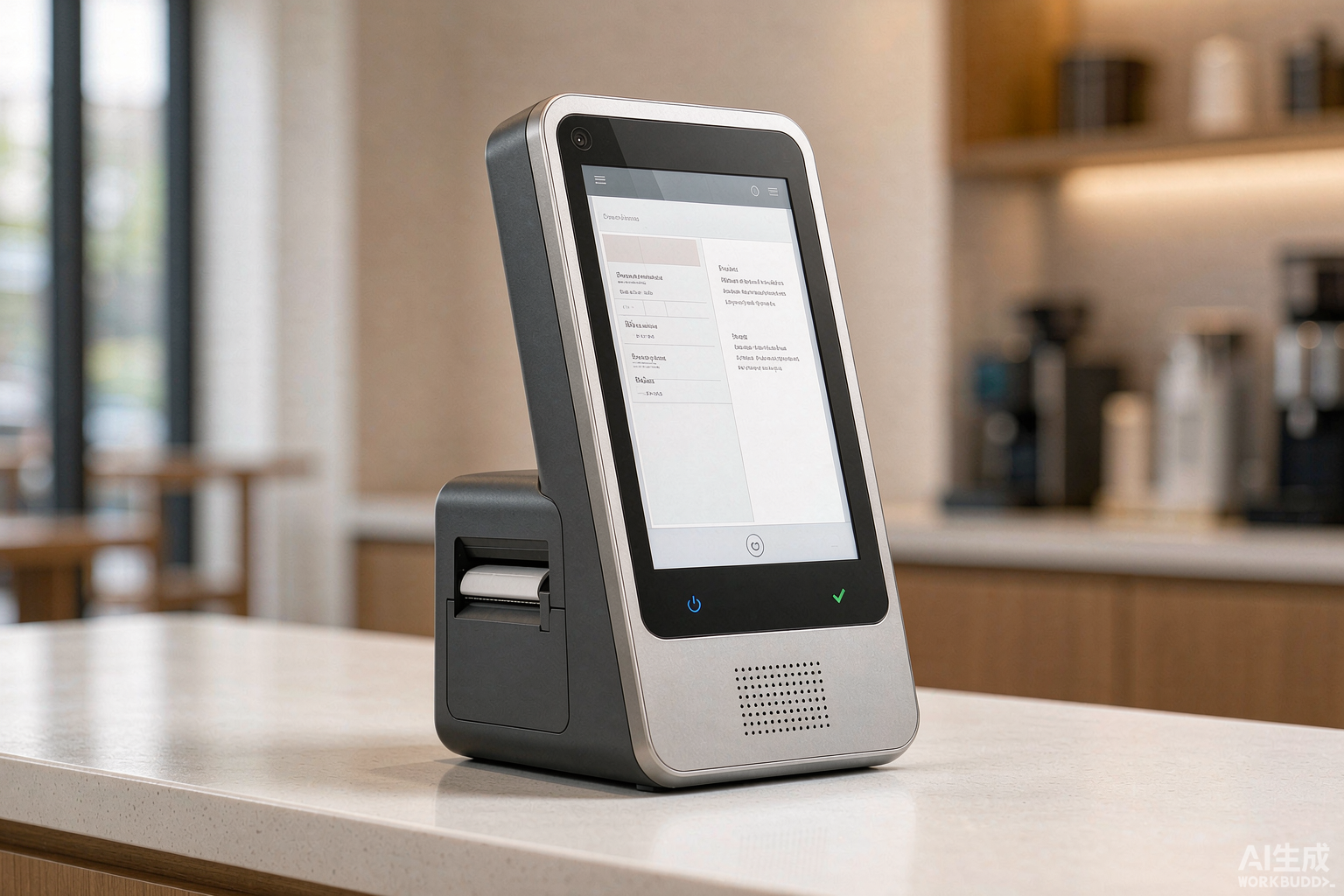
A smart POS is a point-of-sale terminal that runs on an open operating system — most commonly Android, and in some deployments Windows or Linux — instead of the closed firmware used by traditional card terminals. That single architectural difference is the source of everything else a smart POS can do.
Because the operating system is open, the device can run third-party applications. A retailer can install a loyalty app alongside the payment application. A restaurant can run kitchen display software on the same screen that takes the order. A courier company can load a proof-of-delivery application onto the same handheld that accepts the card. None of this is possible on a terminal whose firmware is locked by the manufacturer.
The second consequence is connectivity. A smart POS terminal is designed to reach the cloud directly, over Wi-Fi, Ethernet or a cellular SIM, rather than reporting to a local server at the end of the day. Sales data, stock levels and staff activity can be read from anywhere, in real time, on the same device that processed the transaction.
Three hardware characteristics define the category:
- Open operating system. Applications can be installed, updated or removed over the life of the device, so the terminal is not limited to the software it shipped with.
- Direct cloud connection. Data reaches the cloud over Wi-Fi, Ethernet or cellular, so reporting is live rather than end-of-day, and remote sites need no local server.
- Integrated payment hardware. The card reader, NFC antenna, camera and often the receipt printer sit in the same housing, so the device can take a payment without extra peripherals.
Smart POS vs Traditional POS: Seven Differences That Matter
The comparison below is written from a hardware perspective, because that is where the two categories actually diverge. Software differences follow from the hardware architecture, not the other way around.
| Dimension |
Traditional POS / Card Terminal |
Smart POS |
| Operating system |
Closed, vendor-specific firmware |
Open OS — usually Android, sometimes Windows or Linux |
| Applications |
Only the payment application installed by the vendor |
Third-party apps can be installed alongside the payment app |
| Data & reporting |
Stored locally, read at end of day or batch settlement |
Synced to the cloud in real time; readable remotely |
| Connectivity |
Usually a fixed line — Ethernet or telephone cable |
Wi-Fi, Ethernet and cellular (4G/LTE via SIM) in one device |
| Mobility |
Tied to a counter and a cable |
Battery-powered handheld units can be carried to the customer |
| Payment methods |
Magstripe and EMV chip; contactless often needs an add-on |
Chip, contactless/NFC and QR in the same housing |
| Lifecycle |
Replaced when the network changes protocol; no upgrade path |
OS and firmware updates extend service life; apps are swappable |
The lifecycle row is the one buyers most often overlook. A closed-firmware terminal has no upgrade path: when the payment network changes its protocol, the hardware is replaced, not updated. An open-OS terminal receives operating system and firmware updates, so the same physical unit can stay in service through several software generations. On a multi-site rollout, that difference changes what the depreciation schedule looks like.
The application row is where the cost model also shifts. A closed terminal costs less upfront but cannot absorb new requirements, so unmet needs are solved by buying a second device. An open terminal costs more initially but can take on inventory, loyalty or delivery functions as applications rather than as additional hardware.
The data row changes the operating rhythm rather than the transaction itself. End-of-day batch reading means decisions wait until the batch is read; continuous cloud sync means stock and sales position are visible while the store is still open. This is also why the
layers of POS payment hardware are worth understanding separately from the software that sits on top.
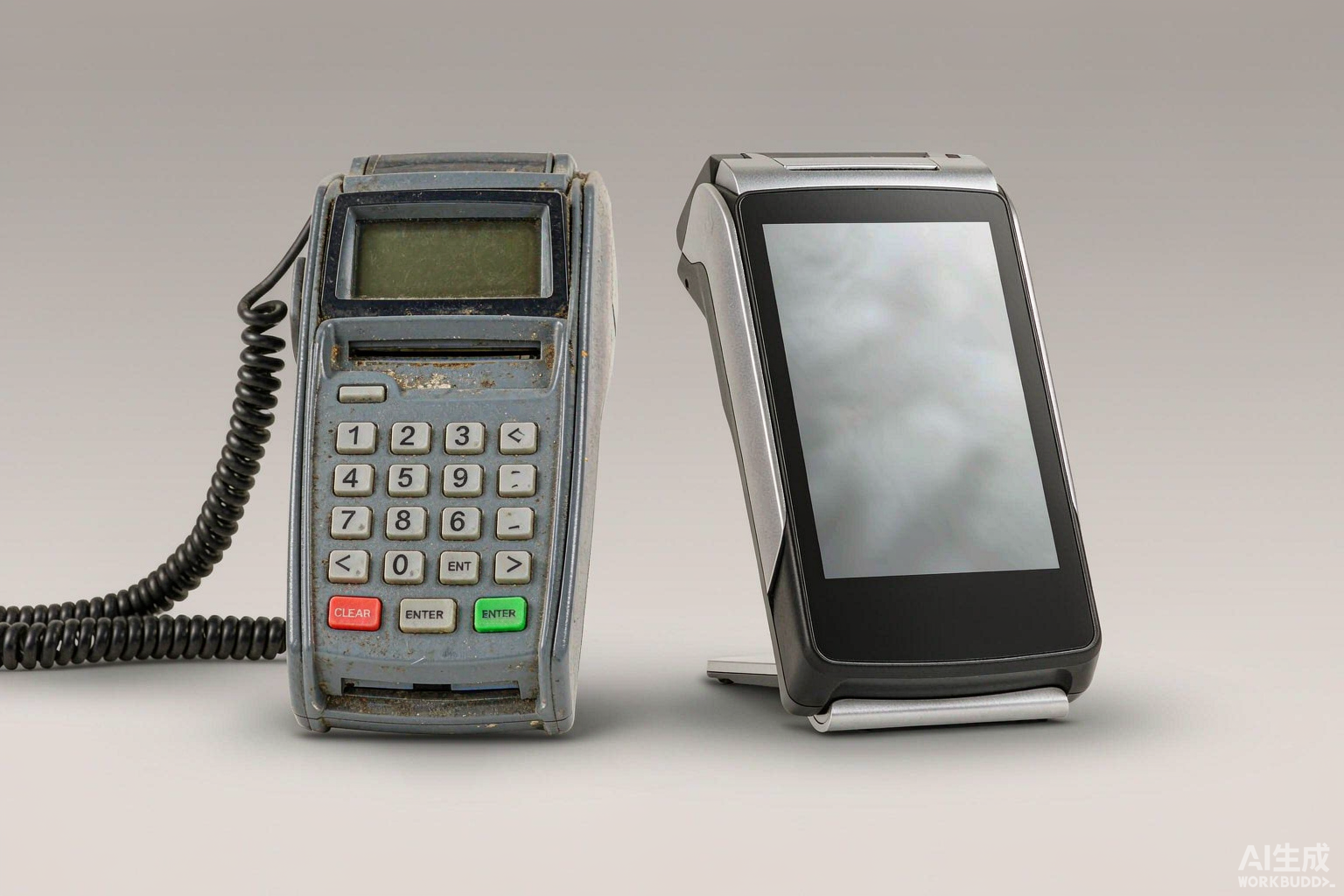
The Four Hardware Blocks That Make a Terminal Smart
A smart POS is not one invention. It is four hardware decisions made at the design stage, each of which removes a limitation the previous generation of terminals could not work around.
- A general-purpose processor. A smart POS carries the same class of application processor used in a tablet or phone, not a purpose-built payment controller. This is what allows a full sales interface, a browser and a third-party application to run on the same chip. Best for: retail floors that need one device to take orders, look up stock and accept payment.
- An open operating system. Android, Windows or Linux sits between the processor and the applications. Because the OS is a known platform, software vendors can develop against it, and an integrator can sideload an in-house application without manufacturer approval. Best for: system integrators building a vertical application on standard hardware.
- A multi-mode card reader. An EMV chip slot, an NFC antenna for contactless and mobile wallets, and often a barcode camera share the housing. The terminal does not need a separate contactless accessory. Best for: merchants whose customers mix cards, phones and QR payments in the same queue.
- Built-in connectivity and power. Wi-Fi, Ethernet and a cellular radio, plus a battery on handheld models, are designed in rather than added on. A terminal can be moved to a pop-up stand, a market stall or a table-side position without a cable run. Best for: hospitality, events, pop-up retail and any site without fixed infrastructure.
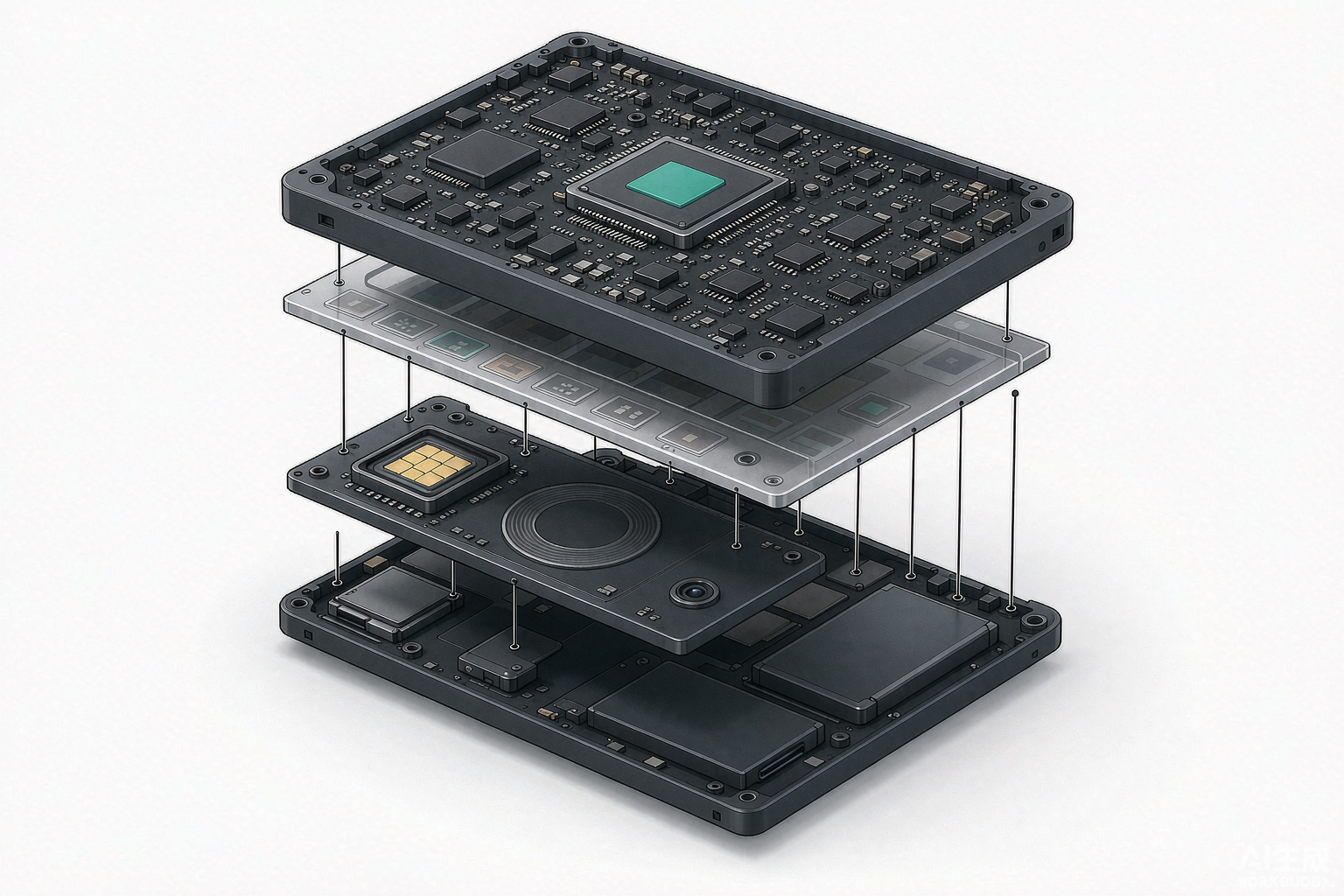
SmartPOS, mPOS, SoftPOS, POS: Clearing Up the Terms
These four labels are used loosely, sometimes interchangeably, and the confusion makes it harder to specify hardware correctly. They describe different things: one is a category of device, two are deployment models, and one is a type of software.
- SmartPOS — a category of terminal, defined by hardware. An open-OS device with an integrated card reader, usually with a touchscreen and sometimes a built-in printer. This article is about this category.
- mPOS (mobile POS) — a deployment model rather than a hardware class. It describes a terminal that is carried rather than fixed, which may be a dedicated handheld smart POS or a phone paired with a small reader.
- SoftPOS / tap to pay on phone — a software approach where a general-purpose phone or tablet becomes the card reader, with no dedicated payment hardware. It suits very low volumes and is usually unsuitable for continuous commercial use, because it has no purpose-built reader, no printer and no serviceable parts.
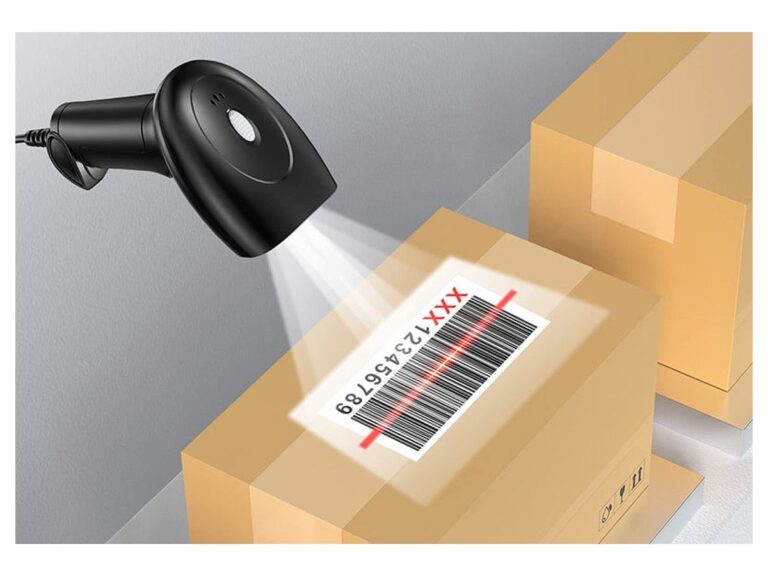
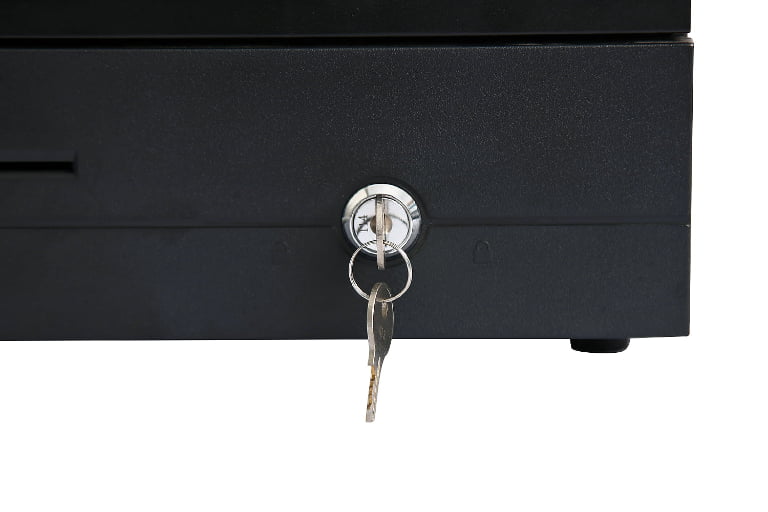
- POS (point of sale) — the widest term, covering the whole system: terminals, printers, cash drawers, scanners, displays and the software that ties them together. A smart POS is one component inside a POS. See what a complete POS includes and the hardware components of a POS.
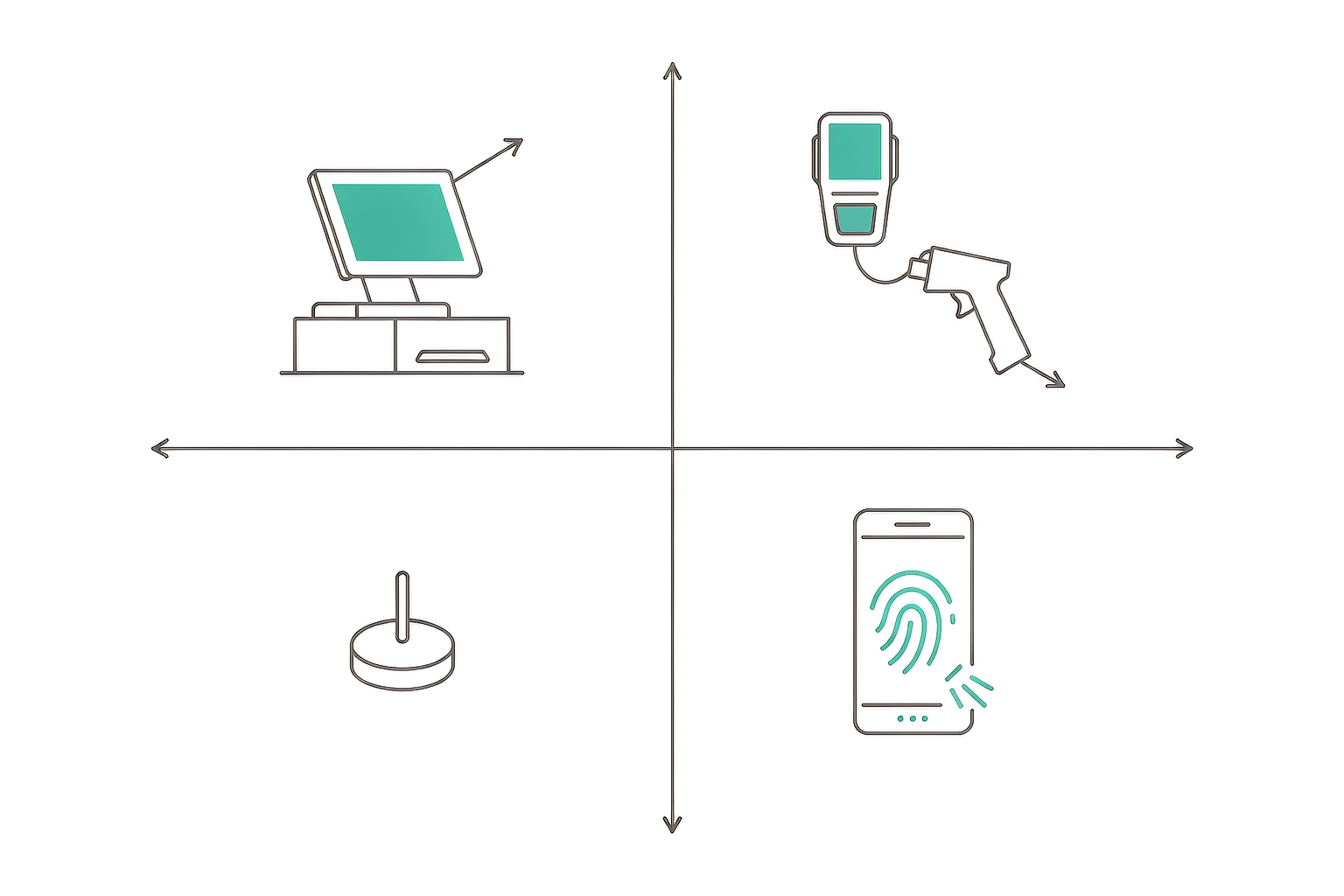
When a Smart POS Is the Right Choice — and When It Is Not
An open-OS terminal costs more than a basic card machine and asks more of the software vendor. It is worth the difference in some situations and not in others. Being clear about which is which saves a procurement cycle.
Smart POS is the right fit when:
- You need more than payment on one device. If the same screen has to take the order, check stock and accept the card, a general-purpose terminal is the only way to do it without adding hardware.
- You are deploying across several sites. Cloud-connected terminals let head office read sales and stock without visiting each store or waiting for a batch.
- Your payment mix is changing. Cards, phone wallets and QR codes in the same queue all work on one integrated reader.
- You want to run your own application. Integrators and chains with in-house software need an OS they can develop against.
A simpler terminal may be enough when:
- Your volume is very low. A market stall or occasional event may be served by a phone-based reader with no dedicated hardware.
- Connectivity is unreliable and fixed. A terminal that stores data locally and settles in batch is simpler where there is no usable network.
- You only ever take cards. If no application will ever be added, the openness of the platform is paid for and not used.
- Your software vendor does not support it. An open OS only helps if the POS software you run is built for it.
What to Check Before You Specify One
This is a list of what to verify, not a decision procedure — the full selection walkthrough is covered in our
POS terminal selection guide. Four of these five items are hardware questions, and they are the ones that cannot be changed after delivery.
- OS version and update policy. Ask which Android version ships and how long the manufacturer commits to firmware updates — this dates the hardware more than any specification.
- Payment certification for your market. Certification is region-specific; a terminal approved in one market is not automatically accepted in another. What certification actually covers is worth reading before you write it into a tender.
- Printer and peripheral integration. Check whether the printer, cash drawer and scanner connect natively or through adapters — adapters fail first in the field.
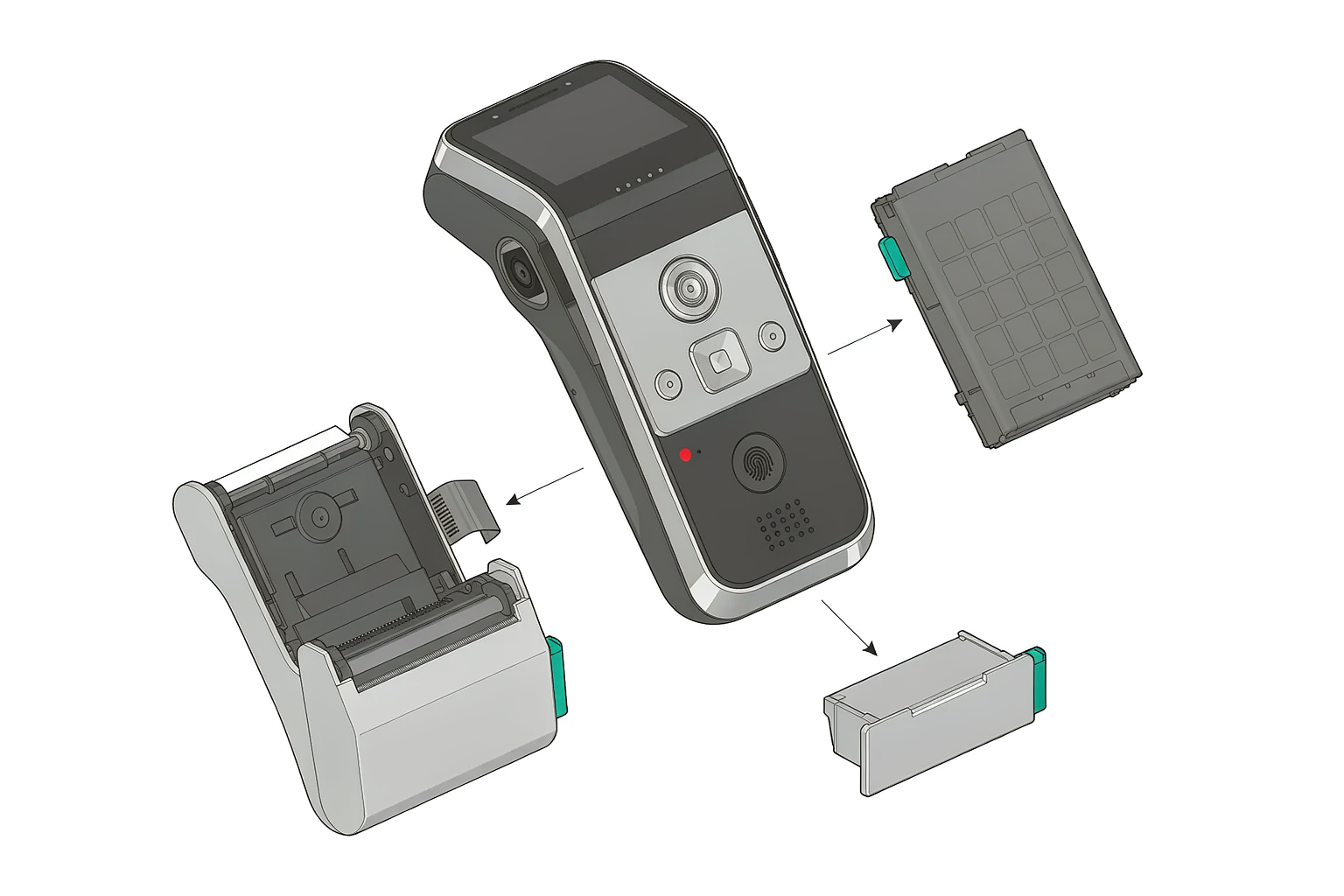
- Serviceability. Ask which parts are field-replaceable. On a smart POS, the printer mechanism and the battery are the two components most likely to need replacement before the rest of the unit.
- Supply continuity. Confirm how long the model will stay in production, so a multi-site rollout is not cut short by a discontinued device.
Cost and Lifespan, Seen from the Manufacturing Side
Most comparisons of smart and traditional POS weigh software subscription against hardware price. From the manufacturing side, the more useful question is which parts of the cost are fixed at design time and which can be deferred.
The parts that are fixed at tooling. The enclosure, the display size, the processor class and the reader module are decided once and cannot be changed per customer without a new production run. These are the decisions that determine the unit's ceiling — what it will still be capable of three years after installation.
The parts that can be deferred. Memory, storage, the printer mechanism and the battery sit on the serviceable side. On a modular design, a printer can be replaced without retiring the terminal, and a battery swap extends a handheld by a full shift cycle. These are the components to ask about, because they set the real cost of ownership. A
modular chassis built for field replacement is the clearest example of this approach in practice.
Where lifespan actually separates the two categories. A closed terminal's service life ends when the payment network, the acquirer or the software vendor moves on, regardless of how well the hardware is built. An open-OS terminal ends its life when the hardware fails — and the software keeps being updated until that point. For a chain buying in volume, that difference is usually larger than the price gap between the two devices.
Frequently Asked Questions
What is a smart POS system?
A smart POS system is a point-of-sale terminal built on an open operating system, usually Android, that can run third-party applications and connect directly to the cloud. The term covers both the device and the software stack around it; the defining hardware characteristic is that the operating system is open rather than a closed vendor firmware.
What is the difference between a smart POS and a traditional POS?
Traditional POS terminals run closed firmware, are usually tied to a counter by a cable, and can only carry the application their vendor installed. A smart POS runs an open OS, connects over Wi-Fi, Ethernet or cellular, and can accept new applications over its service life. Reporting is continuous rather than end-of-day on a smart POS, because data is synced to the cloud as transactions happen.
Is a smart POS the same as an Android POS?
Not exactly. Android is the most common operating system for smart POS terminals, which is why the two terms are often used interchangeably, but smart POS describes the architectural category while Android describes one platform within it. Windows and Linux terminals can also be smart POS devices.
Android terminals with GMS support make up the larger share of new deployments in retail and hospitality.
What is the difference between smart POS and SoftPOS?
SoftPOS turns a general-purpose phone or tablet into a card reader through software, with no dedicated payment hardware. A smart POS is a purpose-built device with an integrated reader, usually a touchscreen, often a printer, and serviceable parts. SoftPOS suits very low volumes; a smart POS is built for continuous commercial use.
Does a smart POS need an internet connection to work?
It needs a connection to reach cloud services, but it does not stop working without one. Offline mode queues transactions locally and syncs them when the connection returns. The practical requirement is that some form of connectivity — Wi-Fi, Ethernet or cellular — is available at least intermittently, which is why many handheld models carry a SIM slot. The
hardware requirements for cloud POS are covered in more detail in our separate guide.
How long does a smart POS terminal last?
Service life is usually limited by software support rather than by hardware failure. A terminal that continues to receive operating system and firmware updates stays in service longer than one whose platform has stopped being maintained. For planning purposes, ask the manufacturer how long the model will remain in production and how long updates are committed.
Can a smart POS run my existing POS software?
Only if that software is built for the platform the terminal runs. Software written for Windows will not run on an Android terminal without a compatible version. This is the first compatibility question to settle with your software vendor, because it constrains the hardware options before price is considered.
Need Help Choosing?
TillNode manufactures smart POS terminals, kiosks, electronic shelf labels and POS peripherals for retail and hospitality, and supplies them either as standard models or as
OEM/ODM manufacturing programs. If you are specifying terminals for a rollout, we can tell you which platform suits your software environment before you commit to a form factor. Browse
smart POS models or request a quote.